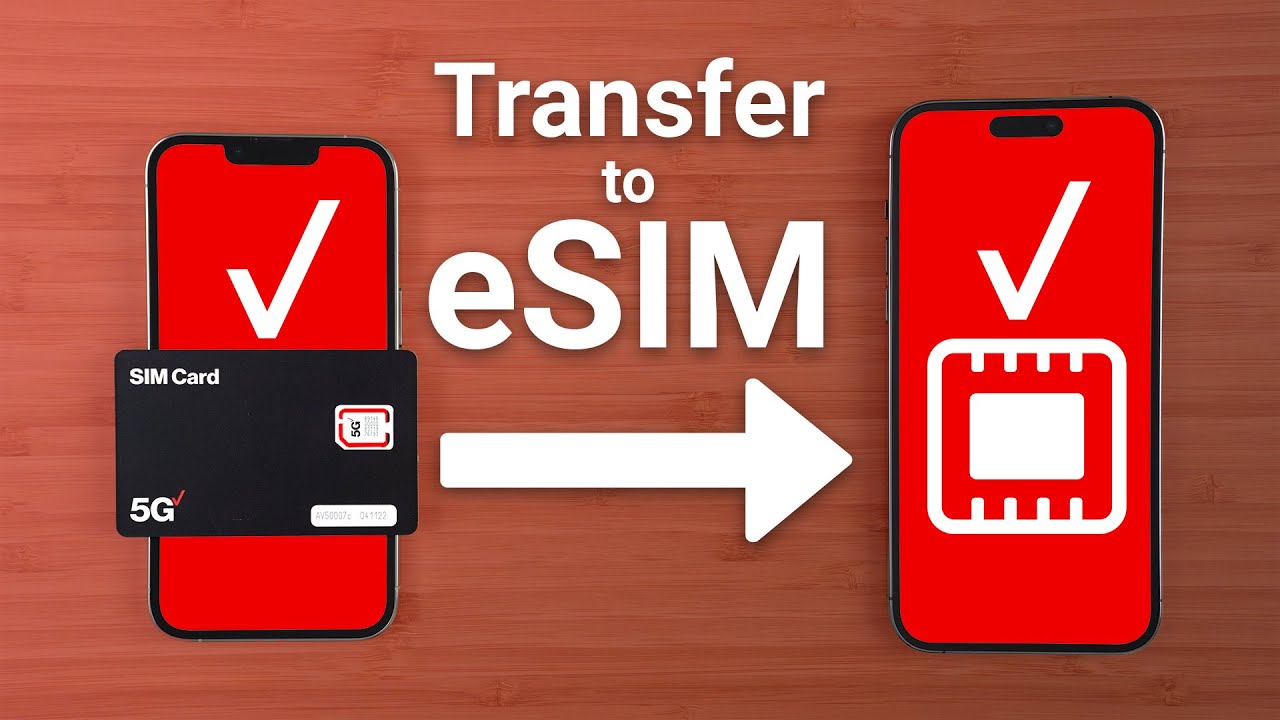
Transferring an existing telephone number means moving it from your current service provider to a new one, a process called number portability. This lets you keep your familiar number when switching carriers, avoiding the hassle of updating contacts.
What is transferring an existing telephone number?
Number portability is the ability to take your existing phone number with you when you switch providers, whether you're moving between wireline, IP, or wireless services. As long as you remain in the same geographic area, you can generally keep your number. The benefit is clear: you maintain continuity for your calls and texts without needing to inform everyone of a new number.
Before you start: The golden rule of number transfer
Do not cancel your current service before the number porting process is fully complete. If you terminate your service early, you will permanently lose your number. Your current account must remain active and the line must stay open until the move is finished. This is the single most important rule to follow.
Step 1: Check your number's eligibility
Not every number can be transferred. Factors that affect eligibility include your geographic area, the type of number (mobile, landline, or toll-free), and whether your current account is active and in good standing. Confirm with your current carrier that your device and phone number are unlocked and eligible to move. Some numbers may not be eligible based on service area coverage, technology, or ownership of the line.
Step 2: Gather your account information from your current provider
You will need specific details from your current carrier to authorize the transfer. Collect the following:
- Your current account number (as it appears on your bill).
- A security code, which is typically a Number Transfer PIN (NTP), security PIN, or password specific to your device line. Number Transfer PINs are unique to each line you port out.
- Your billing address.
- A different phone number where your new carrier can reach you during the switch.
To get a Number Transfer PIN for a mobile number, you can dial #PORT from the smartphone that holds the number you want to transfer, then open the text link to generate your PIN inside your carrier's app. You can also generate it by logging into your account online and navigating to the "Create Your Number Transfer PIN" page. For standard monthly accounts, generate a Number Transfer PIN in My Verizon. For single line business accounts, generate a Number Transfer PIN for each line to be ported out in My Business. For multi-line bulk port-out requests including 10 or more lines, call 1-800-922-0204 for support. You must be the Account Owner or Account Manager to generate a PIN. A Number Transfer PIN is valid for 7 days and can be generated a maximum of 5 times per line in one day. Do not generate a new PIN if one has already been provided to another carrier, as this may interfere with the port-out process. If you cannot access the website or app, call customer service or visit an official store for in-person help.
Step 3: Contact your new provider to start the transfer
Provide your new carrier with the account number and Number Transfer PIN you gathered. Tell them which lines you want to move. You authorize them to initiate the port-in request, and they will contact your current provider to start the process. If you are bringing a number from a Verizon Wireless Reseller, your new Verizon mobile phone won't work until the transfer is complete. To replace an existing Verizon mobile number with a phone number from another carrier, visit the 'Change Mobile Number' page in My Verizon.
Step 4: Wait for the transfer to complete
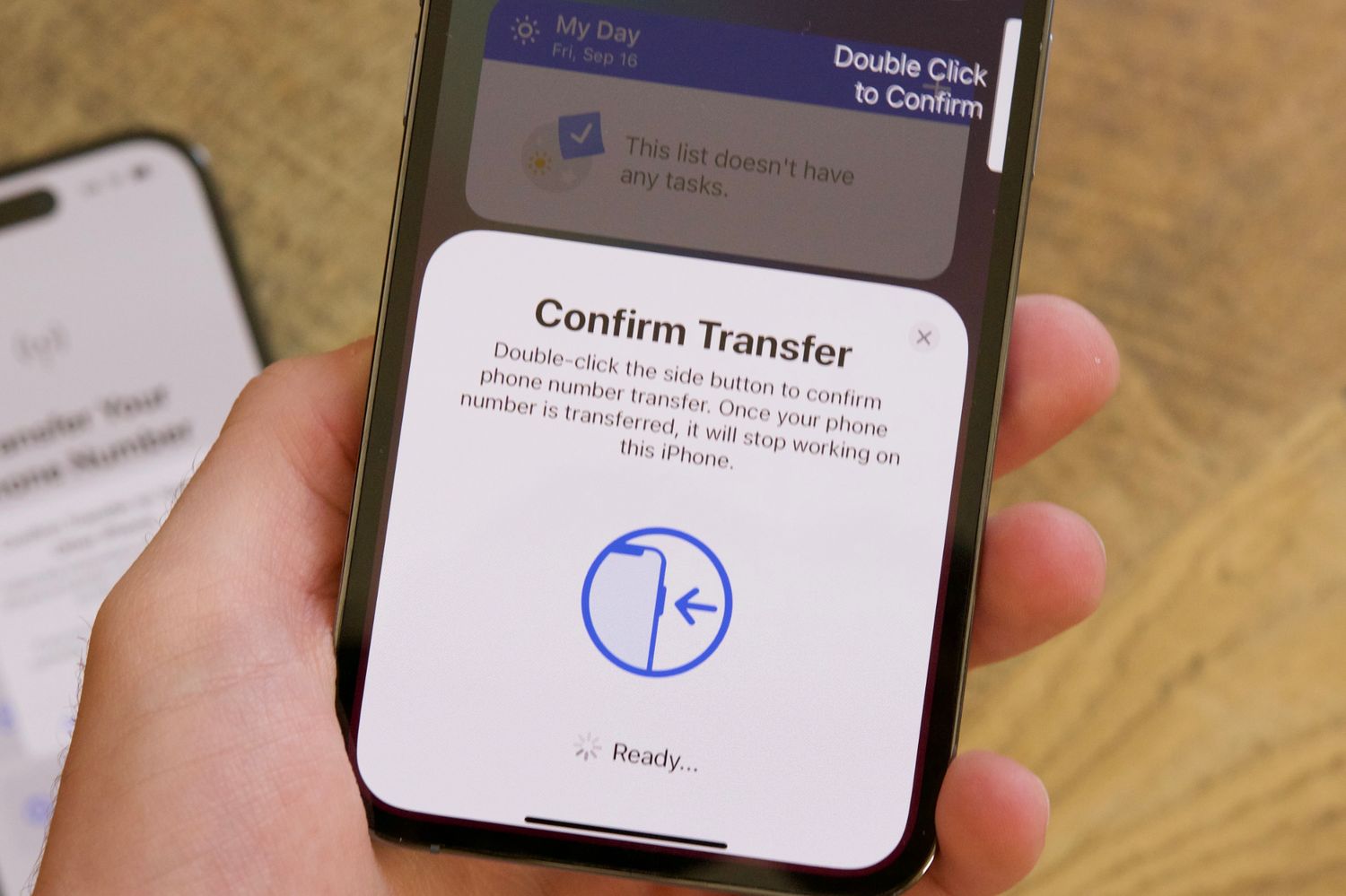
Most mobile number transfers are fast, typically taking 4 to 24 business hours. During the transfer, both your old and new lines may work briefly. Your line with the other service provider will stop working after the transfer is complete. Your new carrier will text you when the switch is finished. Verizon sends a confirmation text to any mobile number that requested a port out; if you didn't authorize the transfer, contact the number in the message.
Step 5: Confirm the transfer and finalize setup
When you receive the notification, program your phone with the texted instructions right away and restart your device to activate the changes. Confirm that your old service line has been deactivated. If you are replacing an existing number with the transferred one, both lines work until the switch is complete.
Frequently Asked Questions
Are there any fees for transferring my number?
Some providers may charge a fee for porting a number, while others offer it at no cost. Check with your new carrier for their specific policy.
Can I transfer a landline number to a mobile phone?
Yes, you can transfer a landline number to a mobile phone, as long as the new provider supports number porting for landline numbers and you remain in the same geographic area.
What should I do if the transfer is delayed?
If the transfer takes longer than expected, contact your new carrier to check the status. Ensure you have not generated a new Number Transfer PIN after providing it to them, as this can cause delays. Also verify that your current account is still active and in good standing.
What is the difference between porting and releasing phone numbers?
Porting refers to moving your number from one carrier to another, while releasing a number means making it available for a transfer. Both are part of the process of porting and releasing phone numbers when you switch providers.
Can I transfer a number from a business account to a personal account?
Yes, you can transfer a mobile number from a business account to a personal account, or between personal and business accounts. The Account Owner or Manager of the line being transferred starts the request, and the receiving account must agree to accept the transfer. Transfer of service is when you move a Verizon mobile number from one Verizon account to another Verizon account. Verizon reviews the receiving account's credit standing and any device payment agreements. The receiving account chooses a current Verizon plan, optional device protection, and/or service for each line being received. To initiate a transfer via a web browser (My Verizon): Sign in, navigate to 'Account' > 'My devices' > 'Transfer your service', review eligibility, select 'Start a new transfer', select lines, choose personal or business, enter name and email, review disclosures, accept, review details, and continue. To initiate a transfer via the My Verizon app: Open the app, go to 'Mobile tab' > 'Manage devices' > 'Device Management', tap 'Transfer your service', tap 'Start a new transfer', select lines, choose personal or business, enter info, review disclosures, accept, review and confirm.
Related reading: How To Transfer Phone Number To New Phone Verizon and How To Clone A Phone Number Remotely.