The best mobile accessories for your phone are the ones that are compatible with your specific phone model and its charging protocols. Before buying any accessory, you must check that it physically fits your device and supports the fast-charging standards your phone uses.
How to choose the best mobile accessories for your phone
Every phone model has unique physical dimensions, port types, and charging capabilities. An accessory designed for one device may not work correctly or safely with another. Always confirm compatibility with your exact phone model before making a purchase, paying special attention to the charging protocols and physical connectors it supports.
Essential safety and compatibility checks before you buy
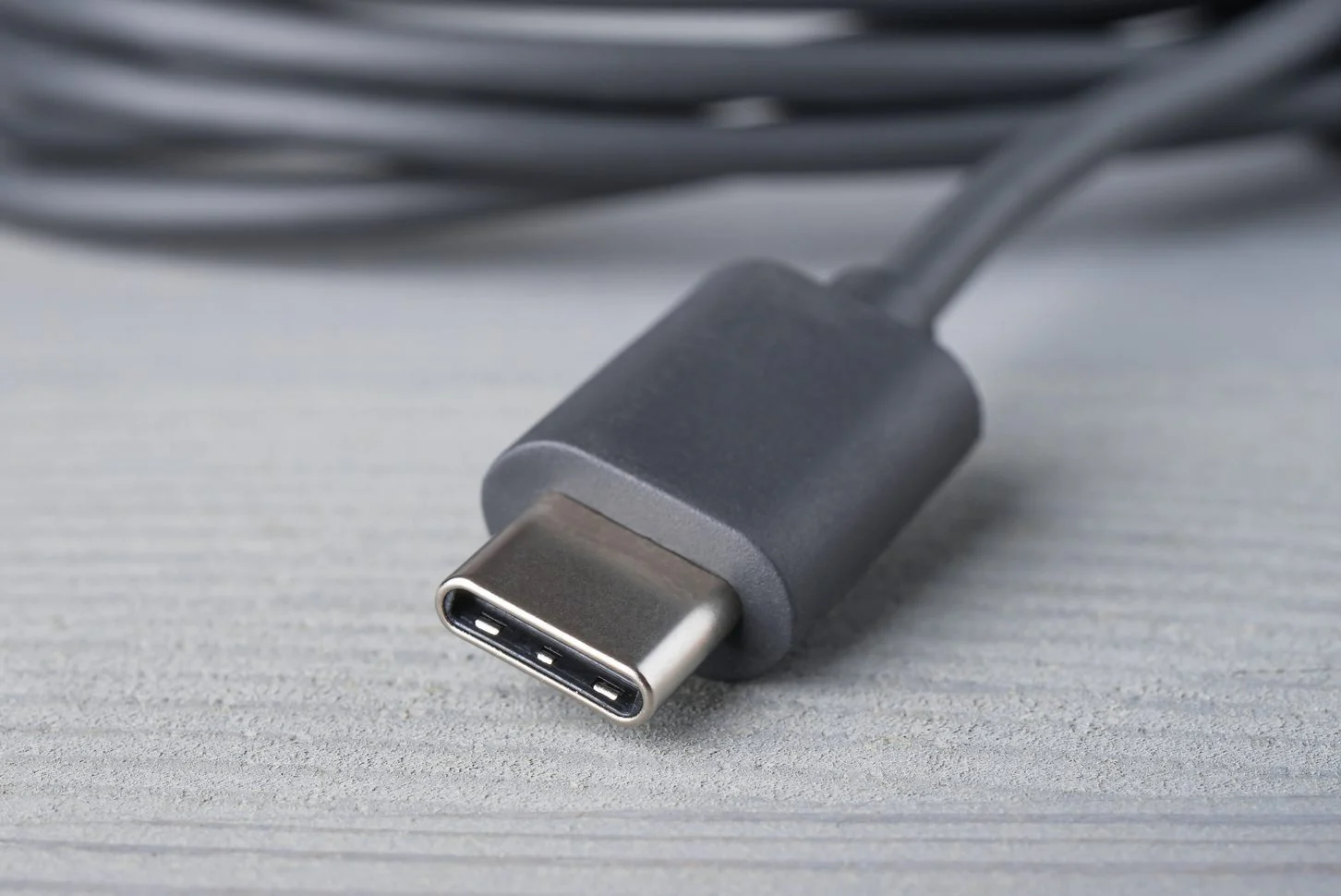
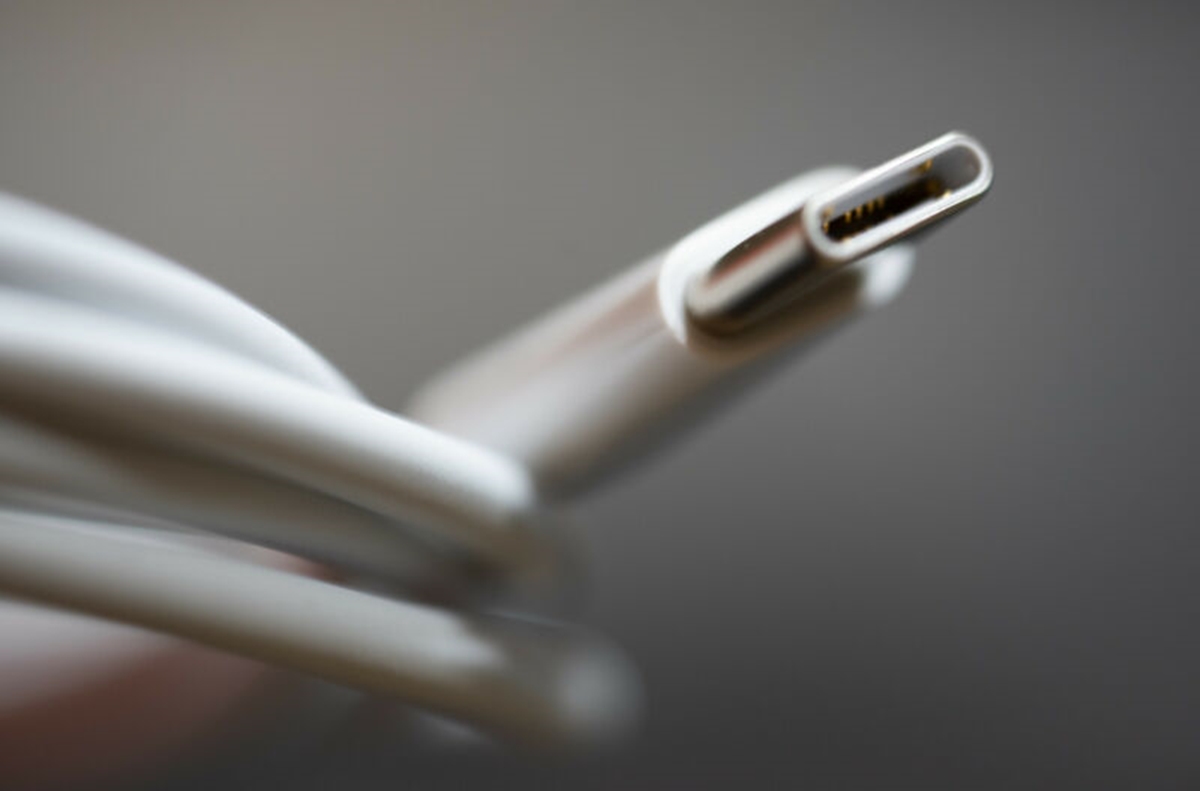
For Apple devices, look for "MFi Certified" accessories, especially for charging cables and power banks. MFi certification ensures safety, battery health, and consistent performance. For fast charging, USB-C Power Delivery (USB PD) is a universal standard used by many Android phones, newer iPhones, tablets, and laptops. USB PD can deliver up to 240W with Extended Power Range (EPR). Not all USB-C cables are the same; charging cables may only support USB 2.0 data speeds of 480Mbps, while full-featured cables support higher data rates like 5Gbps, 10Gbps, 20Gbps, or 40Gbps with USB4 or Thunderbolt, and can also carry video signals.
Protecting your device: cases and screen protectors
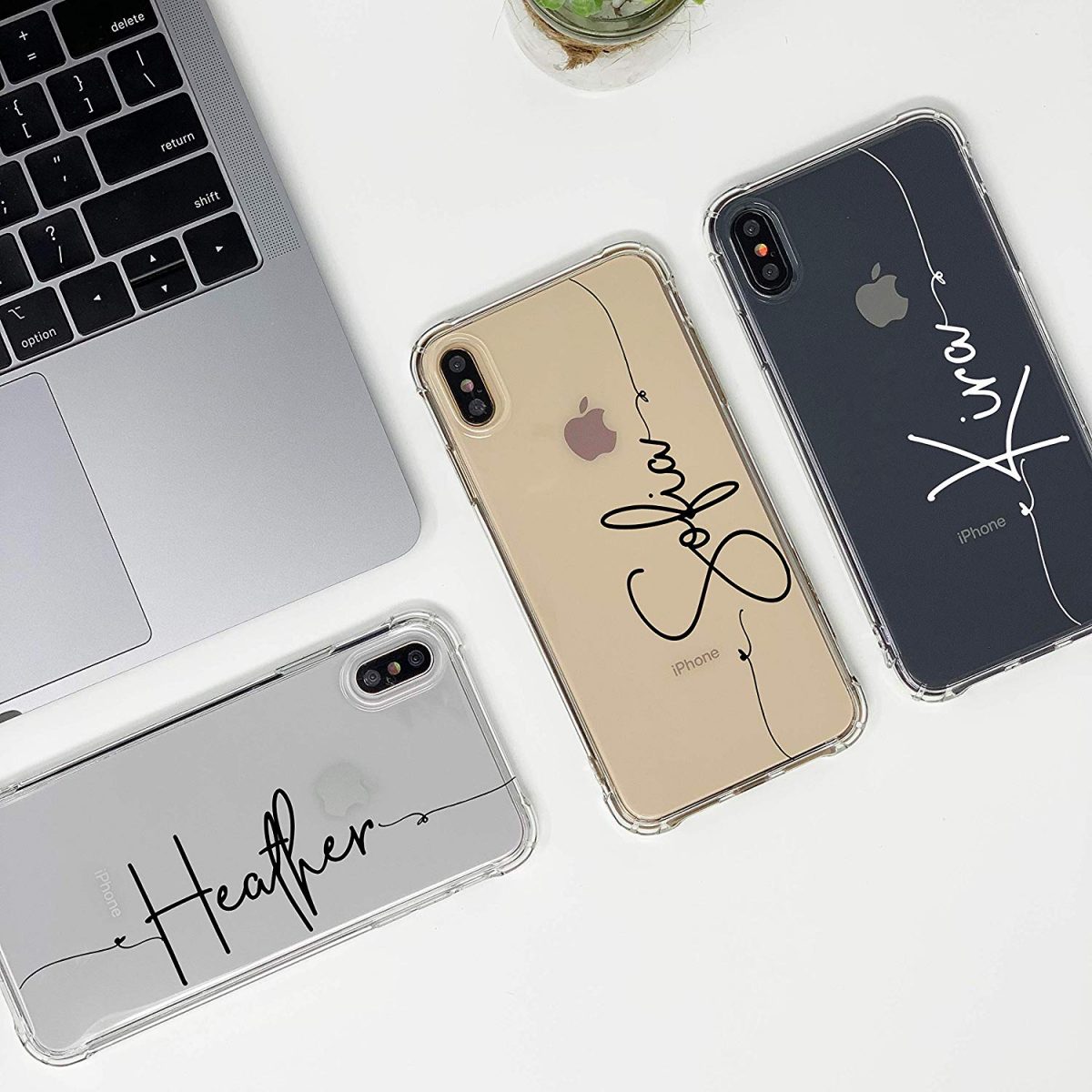
A protective case and screen protector are essential to safeguard your phone from drops, scratches, and impacts. Tempered glass screen protectors offer better protection against cracks and breaks than plastic film, though they may be harder to find for phones with curved displays. PET Plastic screen protectors are more scratch-resistant than TPU but harder to remove and not resistant to fall damage. Multi-layered screen protectors provide extensive protection from knocks and scratches, with substantial layers that keep the display intact even if the protector shatters. Ultra-Clear screen protectors protect without tints, glares, or extra effects, preserving maximum screen clarity. Anti-Glare screen protectors reduce LCD glare and eye strain under bright light, feature a matte finish to reduce fingerprints, but tend to decrease screen clarity. Privacy screen protectors shield screen content from side views, making it less noticeable when the phone is tilted at an angle. Mirror screen protectors produce a clear reflection, useful as a secondary mirror for applying make-up or checking facial irregularities. When choosing a case, consider the level of protection you need. Heavy-duty cases made from materials like carbon fiber, rugged composites, or leather provide maximum protection but add bulk. Slim cases made from rubber, silicone, or plastic offer lighter protection and a more aesthetic look but are less durable. Wallet cases hold essentials like credit cards and cash while protecting your phone. Luxy Lemon, Casetify, Speck, and Razer are recommended phone case brands, with Razer cases featuring microfiber lining and gaming aesthetics.
How to apply a screen protector properly
- Clean your screen with alcohol wipes to remove fingerprints and dust.
- Peel off only a quarter to half of the protective film to reveal the adhesive. Align the screen protector to your screen's display and adjust before sticking it down.
- Slowly adhere the screen protector from top to bottom to avoid air bubbles, using a towel to rub the layer as you apply it.
- Push out any trapped air bubbles by applying gentle force toward the edges.
Power and charging accessories explained
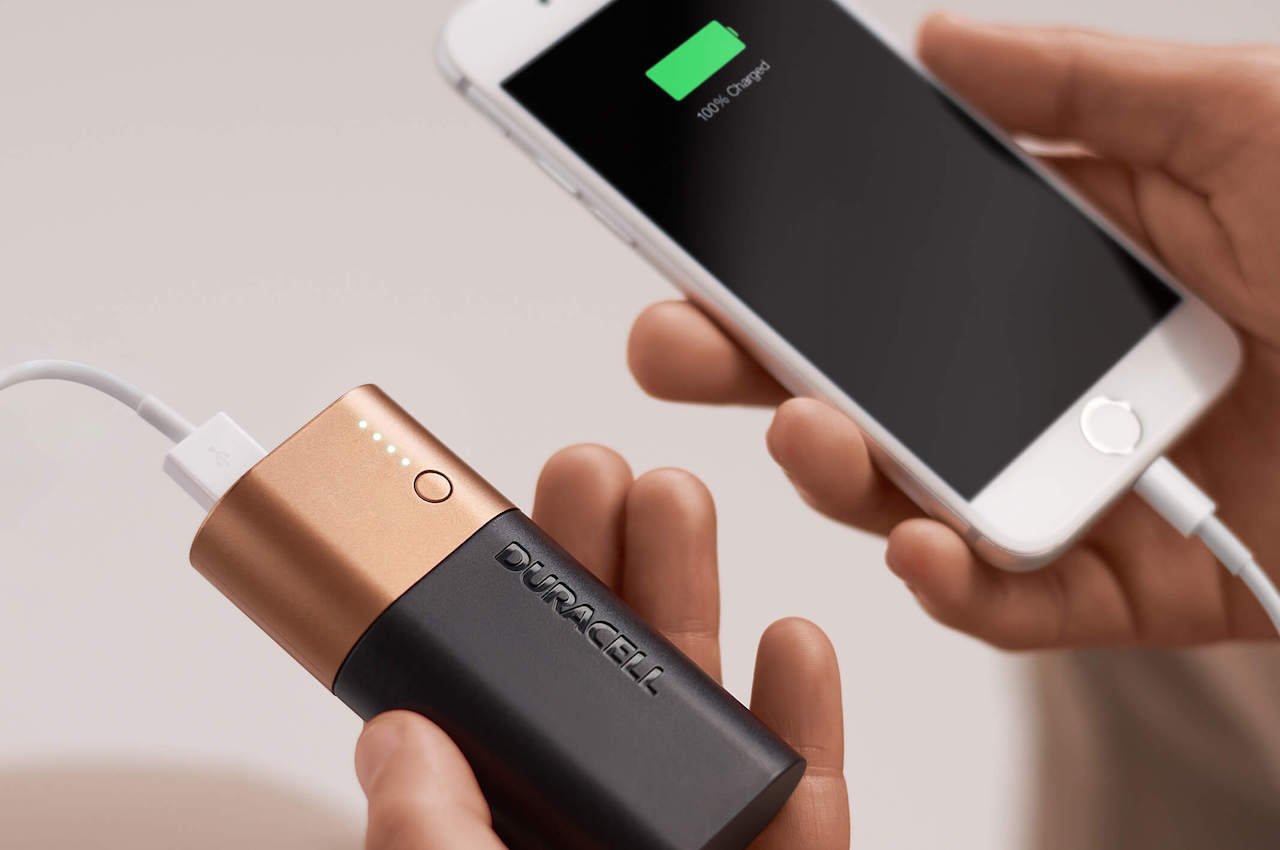
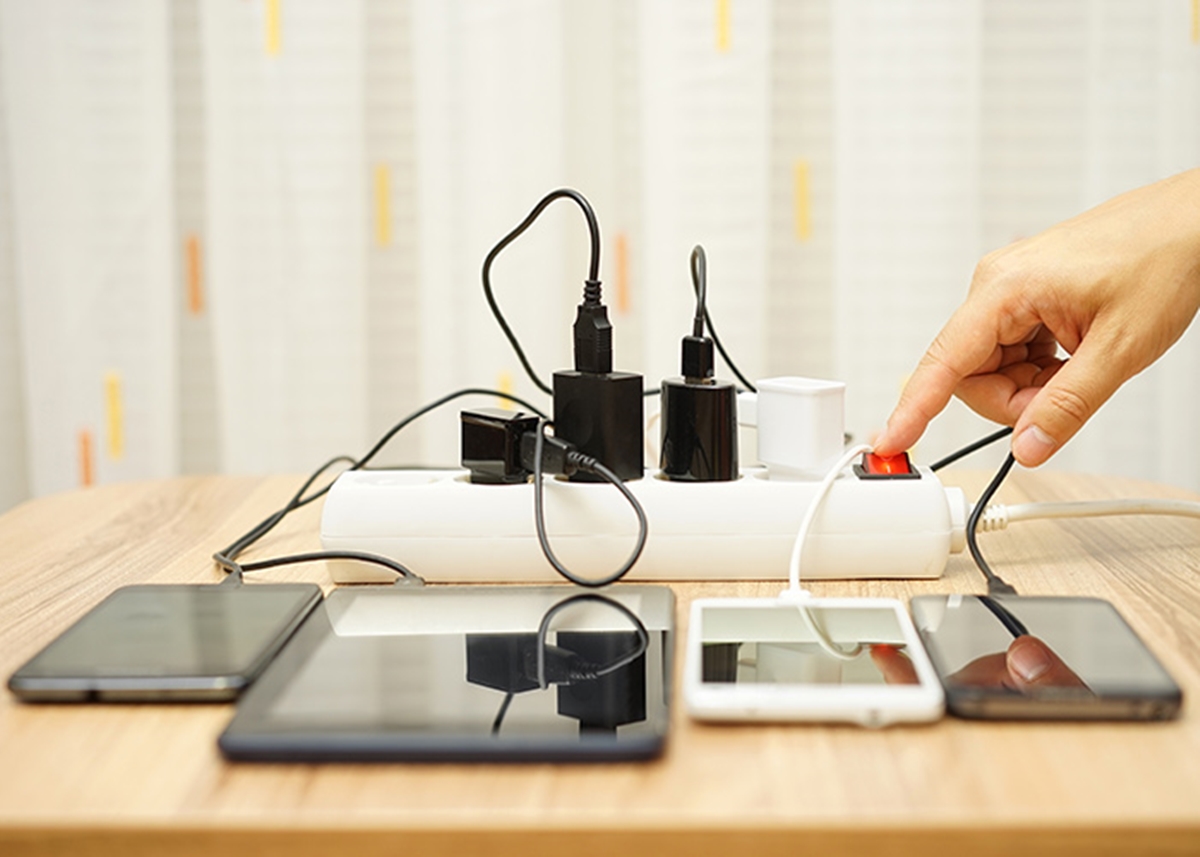
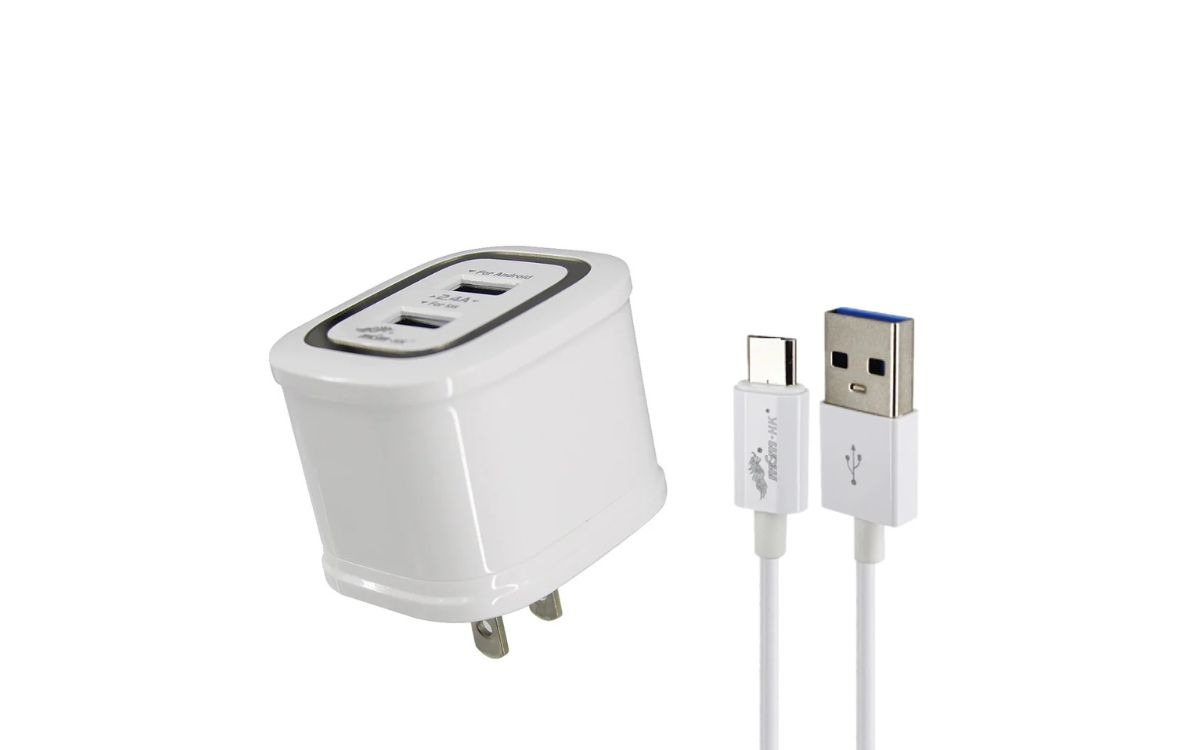
Wall chargers come in various shapes and sizes, with some supporting fast charging via USB PD. Power banks should include safety features like overheating and short-circuit protection to protect your devices. Wireless chargers offer convenient cable-free charging, though their speed depends on your phone's wireless charging protocol. Consider your daily usage patterns when choosing a charger; portable power banks are essential for travel and emergencies.
Audio accessories: headphones, earbuds, and speakers
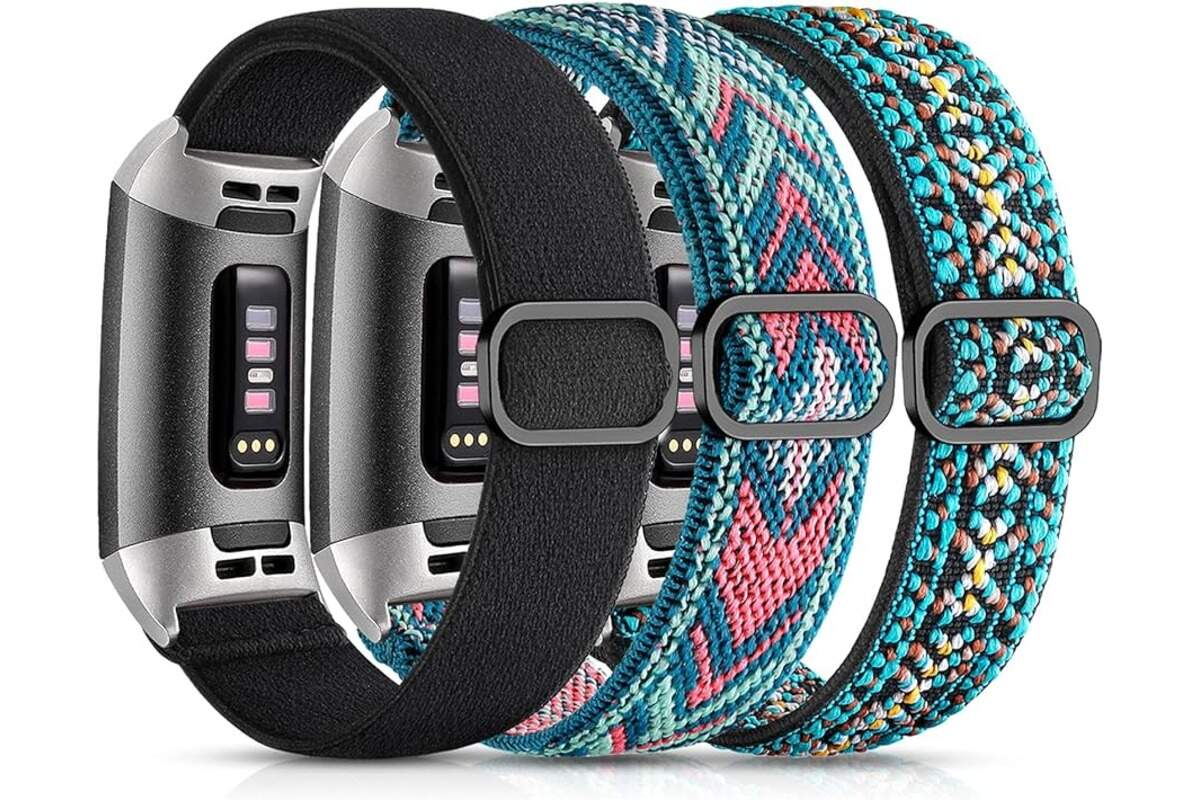
Headphones come in over-ear and in-ear styles. Over-ear headphones provide immersive sound and often include noise-canceling features. In-ear headphones and earbuds are more portable and discreet; earbuds sit outside the ear canal while earphones go inside it. Headsets include a built-in microphone for calls and gaming. For Bluetooth speakers, consider portability and water resistance for outdoor use. Waterproof speakers are more durable for harsh weather, while smart speakers are better suited for indoor use. Smartwatches may run a specific OS and only connect to a specific model or brand of mobile phone; examples include kids' smartwatches for tracking whereabouts and safety. Fitness trackers typically require downloading a corresponding app to sync data with your phone via Bluetooth.
Cables, stands, and other useful add-ons
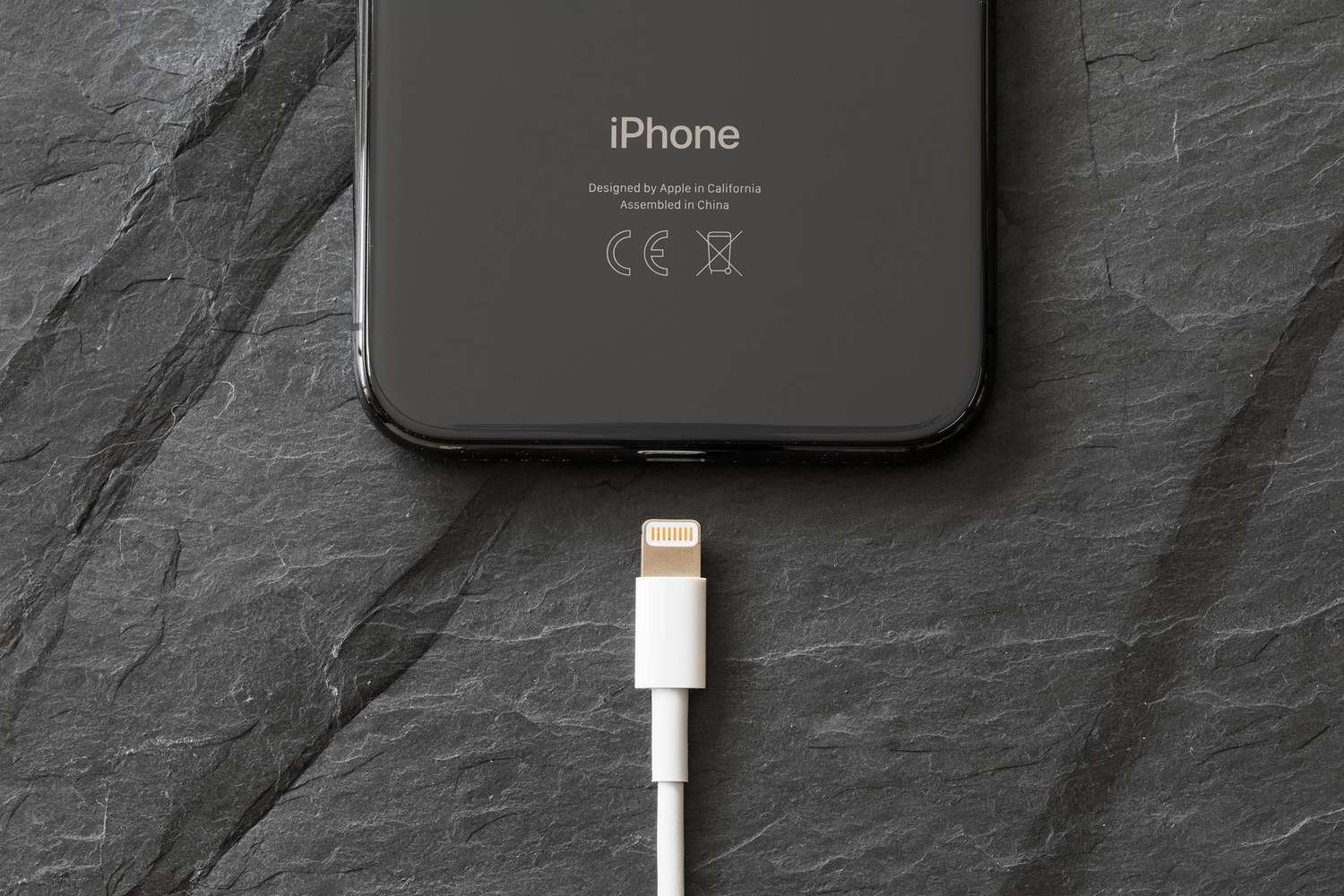
Choose the right cable based on your device's port: USB-C for modern Android phones and newer iPhones, Lightning for older Apple devices, and Micro-USB for legacy devices. HDMI cables connect your phone to TVs and monitors; some phones require an adapter. Phone stands are useful for hands-free viewing while streaming or video calling. Niche items like clip-on camera lenses can enhance your mobile photography with wide-angle, macro, or fisheye effects. Selfie sticks and tripods help capture stable photos and videos without a companion. Smartphone projectors can be used for presentations, movie nights, and other visual uses beyond what the phone screen allows.
Simple tips to make your mobile accessories last
Store cables properly by rolling them around your palm and securing with a velcro strap instead of wrapping them tightly around the charger. Protect cable ends with metal or plastic coils to prevent damage from excessive pulling or animal bites. Clean phone cases by keeping them away from chemical products like detergents and perfumes. For plastic cases, avoid prolonged sunlight exposure which can deform the shape and leave sticky residues. For screen protectors, a product designed for water damage and liquid removal can help if moisture gets under the protector, though proper installation is the best prevention.
Frequently Asked Questions
Can I use any fast charger with my phone?
No. Your phone must support the same fast-charging protocol as the charger. For example, a charger using Qualcomm Quick Charge may not fast-charge a phone that only supports USB PD.
Do I really need a screen protector for a phone with Gorilla Glass?
While modern phone glass is scratch-resistant, it is not scratch-proof. A screen protector adds a sacrificial layer that can be replaced if damaged, protecting the actual screen from scratches and impact cracks.
How often should I replace my phone case?
Replace your case when it shows signs of wear such as cracks, stretched corners, or loss of grip. A damaged case offers reduced protection and may not absorb impact properly.
Are wireless chargers safe for my phone battery?
Yes, when using a reputable wireless charger that is compatible with your phone. Wireless charging generates slightly more heat than wired charging, but modern phones manage this heat to protect battery health.
What is the difference between a power bank and a portable charger?
They are the same thing. A power bank is a portable battery that charges your devices without needing a wall outlet. The terms are used interchangeably.
Related reading: What To Look For In Power Bank.