A global navigation satellite system (GNSS) is an umbrella term for satellite constellations like GPS, Galileo, and BeiDou that provide positioning, navigation, and timing data anywhere on Earth. Your phone uses GNSS as one part of a larger system, combining satellite signals with Wi‑Fi, cellular, and Bluetooth data to determine your precise location quickly and accurately.
How your phone uses global navigation satellite systems
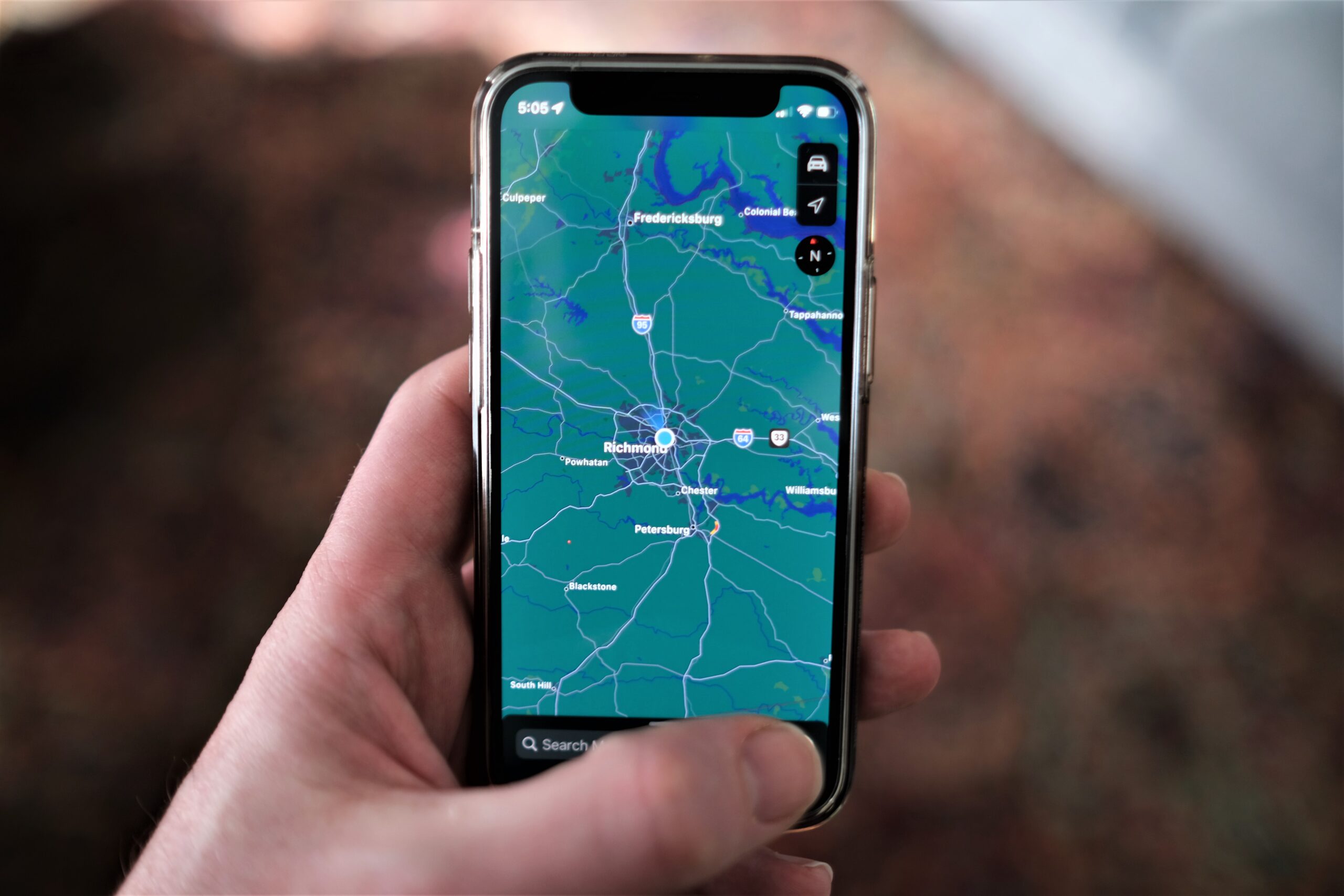
Phones do not rely on GNSS alone. Apple documents that Location Services uses GPS networks, Bluetooth connections, local Wi‑Fi networks, and the cellular network to figure out where you are. By combining these signals, your phone can improve both the speed of the first location fix and the overall accuracy, especially in cities or indoors where satellite signals may be weak.
How to control precise location on iPhone
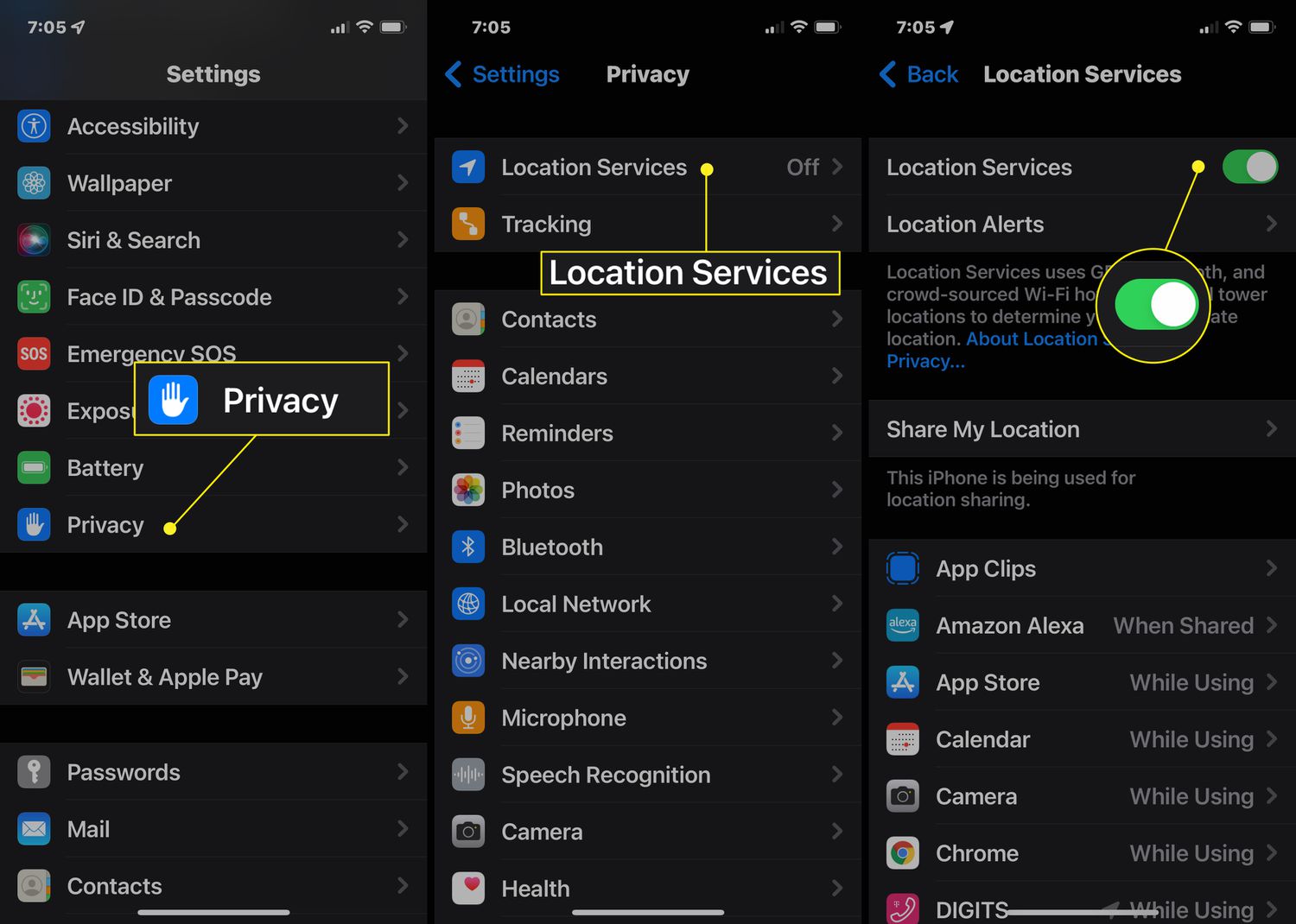
Apple documents the path as Settings > Privacy & Security > Location Services > [app] > Precise Location[1].
- Open the Settings app.
- Go to Privacy & Security > Location Services.
- Select the app you want to control.
- Toggle Precise Location on or off.
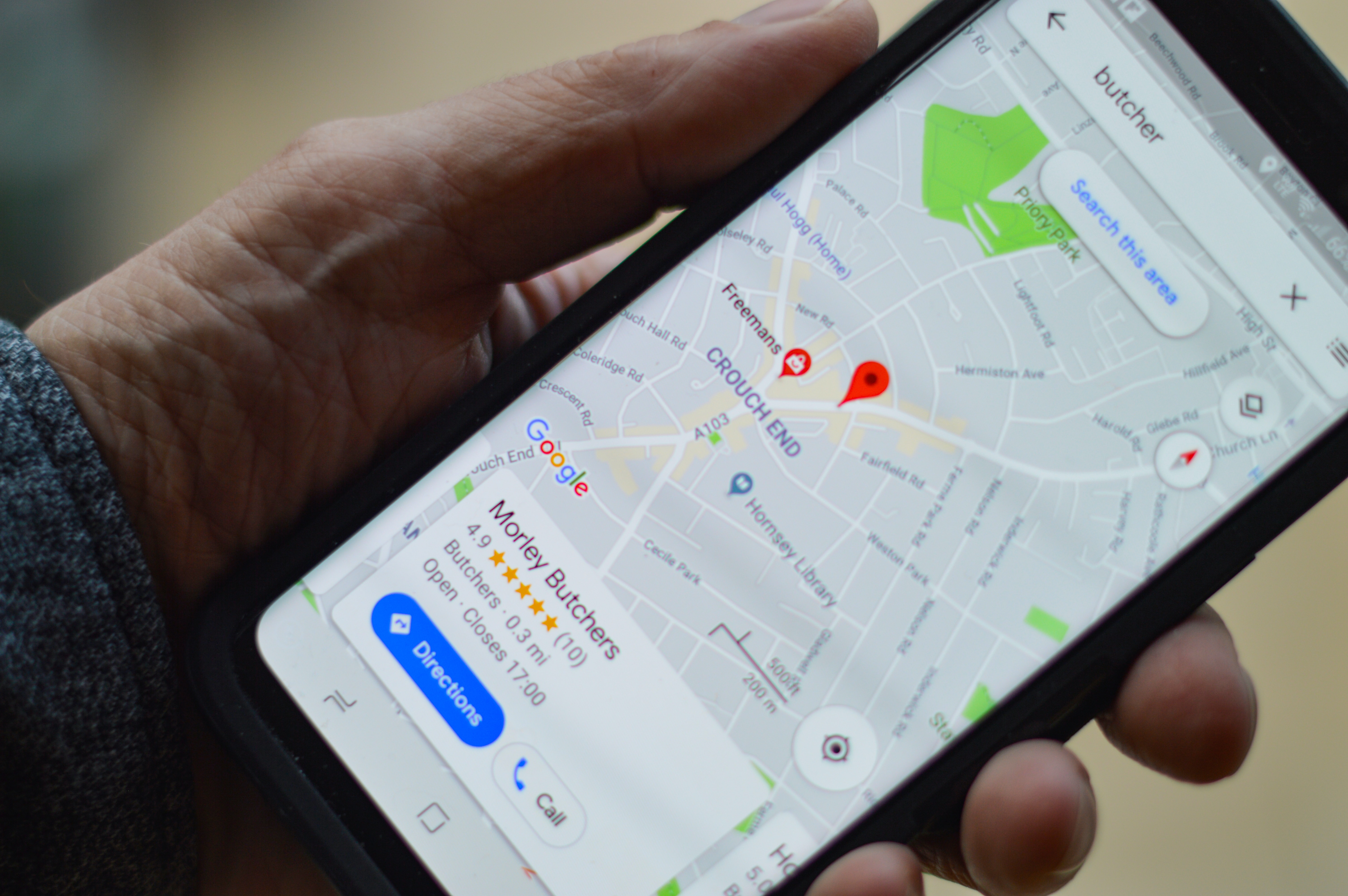
When Precise Location is on, the app can use your specific location. When it is off, the app gets only your approximate location. You will find this same toggle inside individual maps and navigation app settings, as well as in the main Location Services list, giving you per‑app control over how much location detail you share. Apple says Find your location and provide accurate directions in Maps requires Precise Location to be turned on, and the iPhone must also be connected to the internet[13].
The cellular network location setting on iPhone
Apple also provides a separate toggle for limiting location data your cellular network may use. The path is Settings > Cellular > Cellular Data Options > [your line] > Limit Precise Location. This setting is available on iPhone Air, iPhone 16e, or iPhone 17e with the latest version of iOS. It limits some information that cellular networks could otherwise use to determine your position independently of GNSS.
GNSS on Android devices
Android does not have a single consumer-facing GNSS toggle like the iPhone. Instead, Google provides raw GNSS measurements for developers. On Android, raw GNSS measurements support is mandatory on devices running Android 10 (API level 29) or higher, and on Android 9 (API level 28) and lower it is mandatory only on devices with hardware year 2016 or newer[7]. These raw measurements allow advanced apps to compute their own position solutions, but the typical user will not find a dedicated GNSS setting in the system menus.
The world's major GNSS constellations
Multiple countries and regions operate their own satellite navigation systems. The major global and regional constellations include:
- GPS (United States), the most widely known and used system.
- GLONASS (Russia), provides global coverage with a different orbital arrangement than GPS.
- Galileo (European Union), offers high-precision services and is supported by some iPhone models.
- BeiDou (China), a global system that also serves the Asia-Pacific region with enhanced signals.
- QZSS (Japan), a regional system designed to improve GPS coverage over Japan and Oceania.
- NavIC (India), a regional system covering India and the surrounding area, included in some newer iPhone models.
Frequently Asked Questions
Does my phone always use GPS?
No, your phone decides which signals to use based on availability and accuracy needs. It may rely entirely on Wi‑Fi and cellular data indoors, where GPS signals are weak, and switch to GNSS when you are outdoors.
Can I use navigation without an internet connection?
Yes, but with limits. GNSS itself does not need internet, so your phone can calculate its position offline. However, apps like Apple Maps require an internet connection to download map data and provide accurate directions.
Why does my iPhone sometimes show a less accurate location?
If Precise Location is off for an app, iOS shares only your approximate location, typically within a few kilometers. You can turn Precise Location back on in Settings > Privacy & Security > Location Services for that app to restore full accuracy.
How many GNSS satellites can my phone see at once?
Modern phones, including newer iPhones, can track satellites from multiple constellations simultaneously. With GPS, GLONASS, Galileo, and BeiDou, a typical device may see 20 to 30 satellites at any given time, improving accuracy and reliability.
Related reading: How To Track A Cellphone Number Location Using Google Earth and How To Turn On Gps On Samsung Phone.


![What Does No Location Found Mean on iPhone [Explained]](/wp-content/uploads/2020/12/How-To-Turn-Off-Find-My-iPhone-Feature-On-My-Device.jpg)