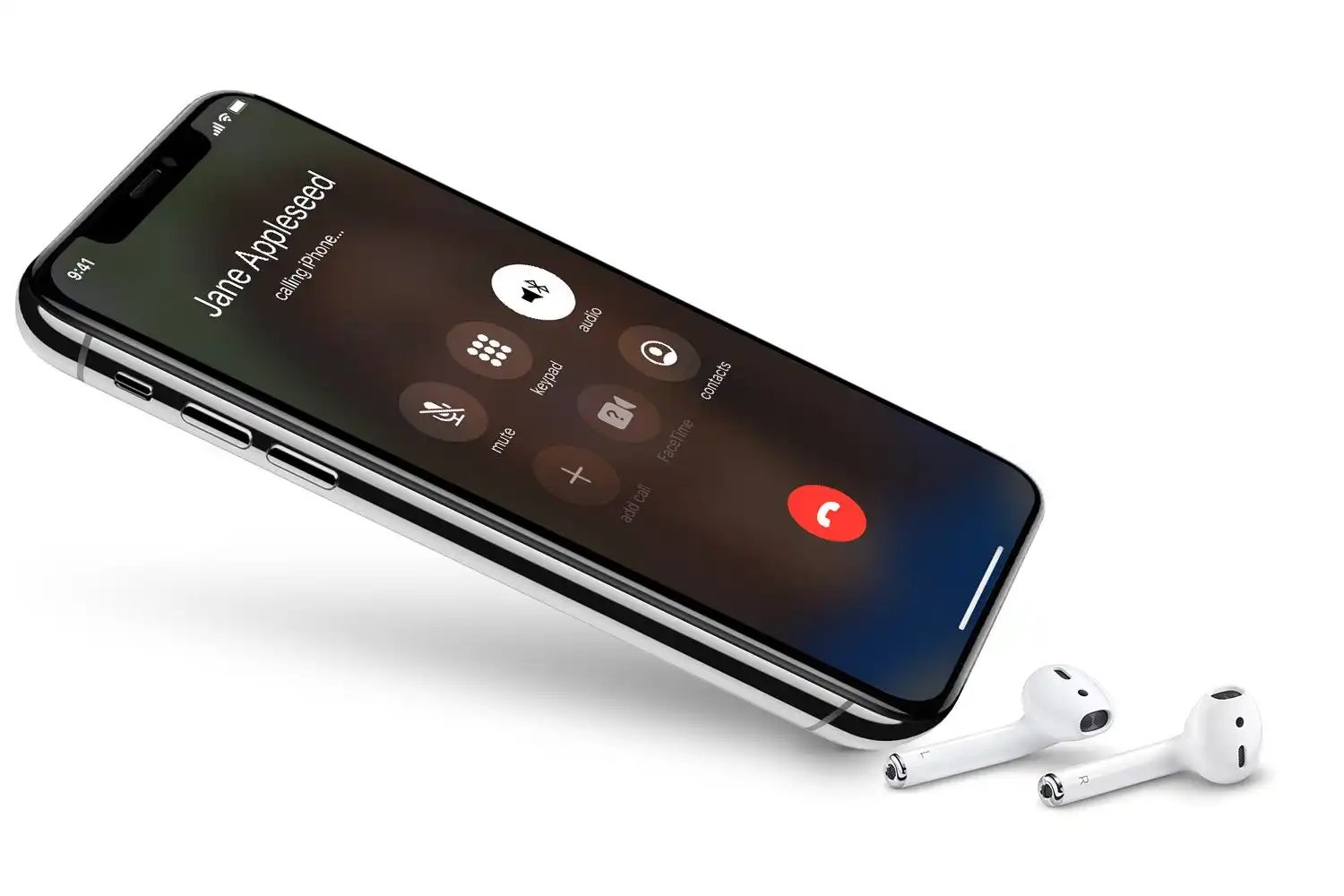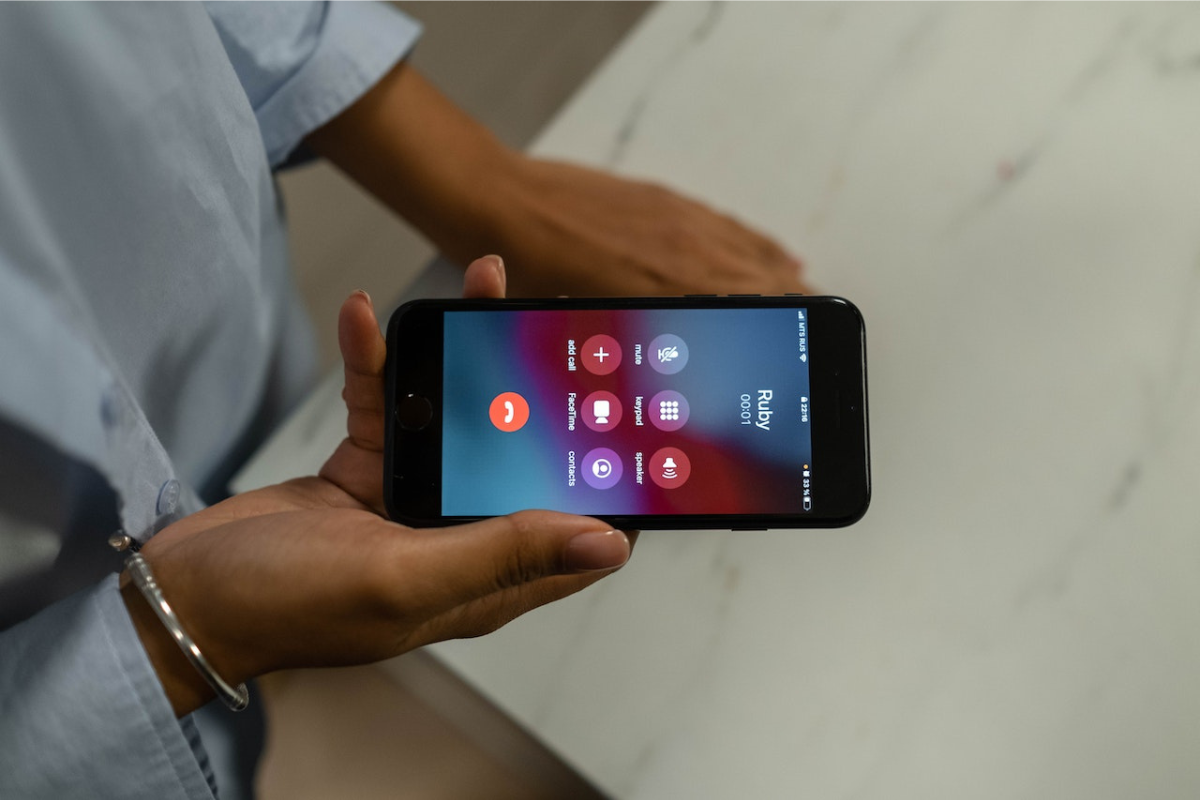
The phone icon on your screen is a status indicator that tells you your device is currently on an active phone call. On iPhone, this icon appears in the status bar at the top of the screen, and it means the device is on a phone call.
What is the phone icon on your screen?
On iPhone, the phone icon in the status bar is a status indicator meaning the device is on an active phone call. It appears at the top of the screen, typically in the left side of the status bar, and remains visible for the duration of the call. This icon is one of several phone icon symbols and indicators documented by Apple to help users understand what their device is doing at a glance.
Phone icon as a status indicator vs. app icon
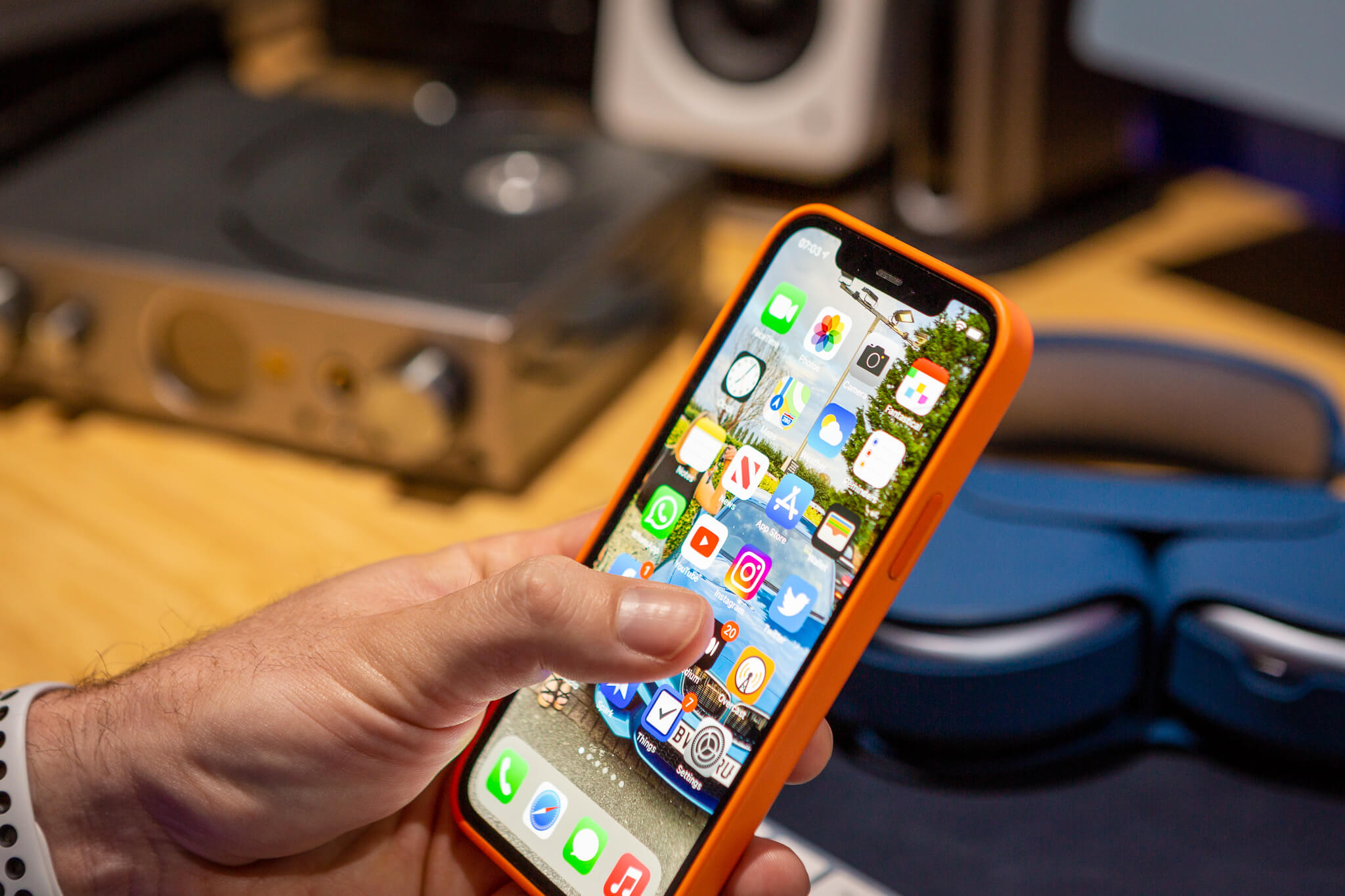
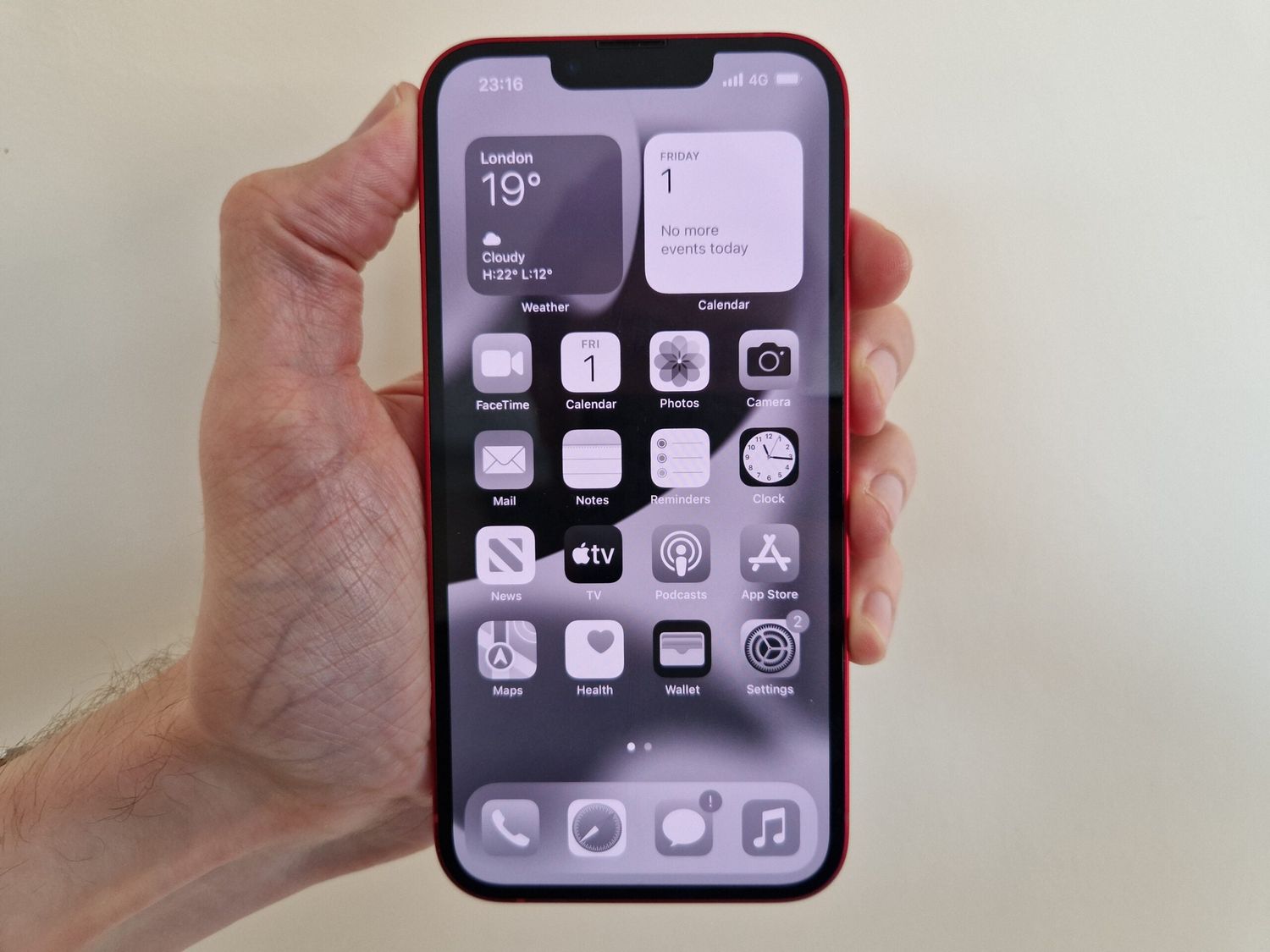
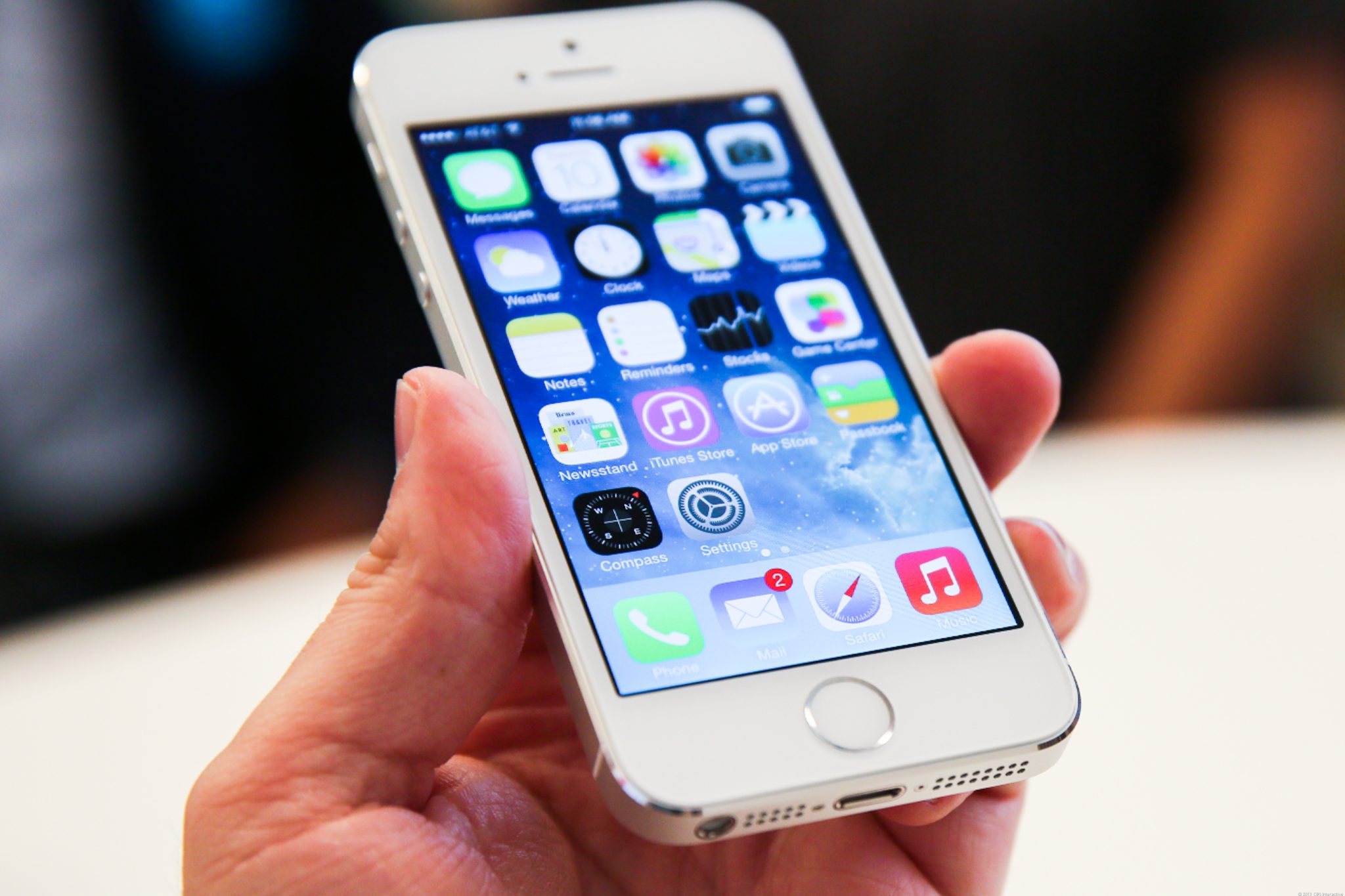
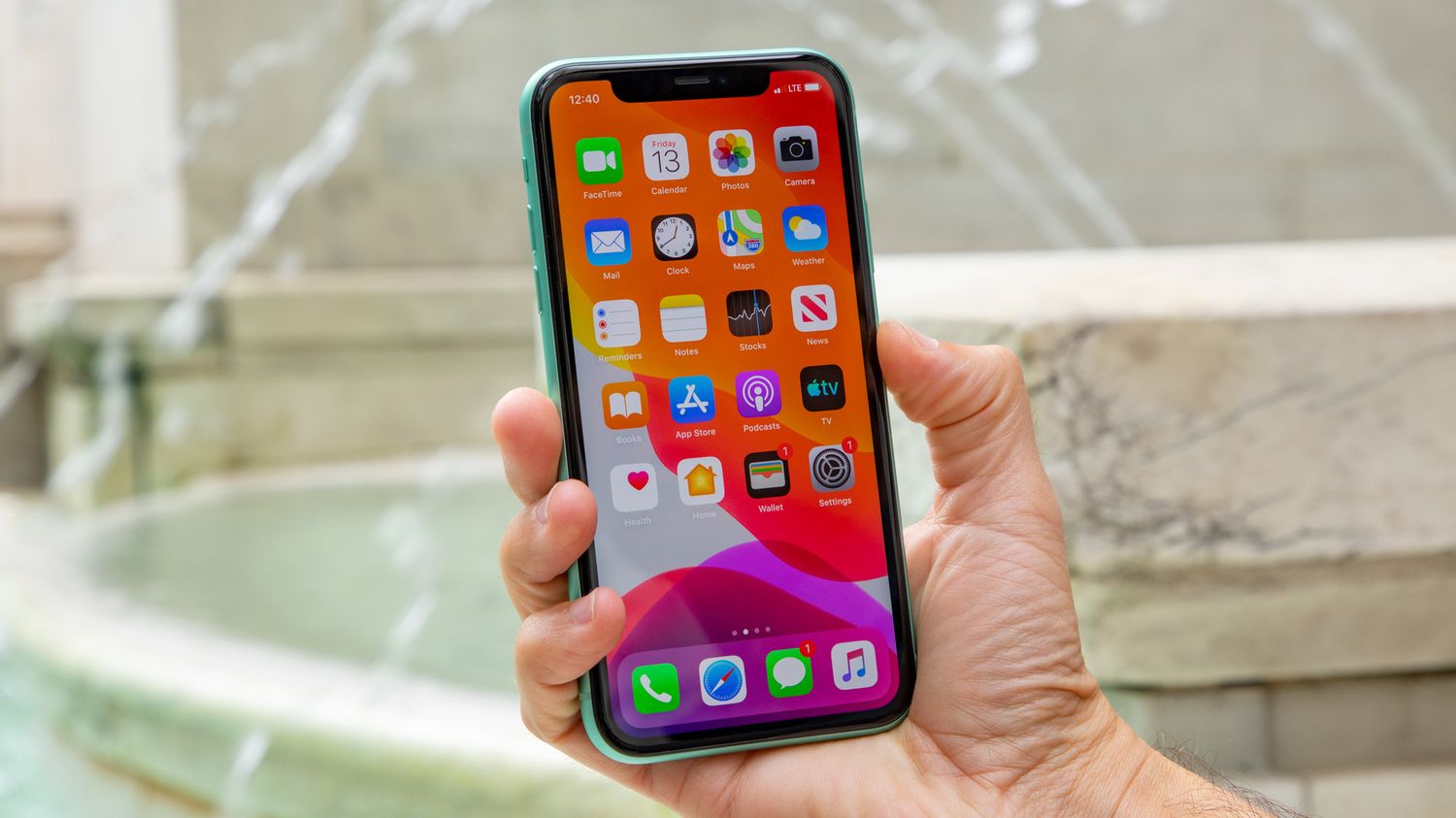
A common point of confusion is the difference between the phone icon that appears as a status indicator and the Phone app icon used to launch the dialer. The status bar phone icon appears only during an active call and disappears when the call ends. The Phone app icon, by contrast, is a static icon on the home screen that you tap to open the dialer, contacts, or recent calls. The phone icon can appear in the dialer app, within contact lists, or on the home screen as an app icon, not only as a status indicator. On mobile devices, the phone icon typically takes center stage in the dialer app, allowing users to swiftly place calls with a single tap. The phone icon often appears in messaging apps, enabling users to seamlessly transition from texting to making a call. The phone icon is a common fixture in business directories and online platforms, serving as a clickable link that connects users directly to a company's contact number. If you need to put phone icon back on home screen after accidentally removing it, you would be looking for the app icon, not the status indicator.
When the phone icon appears on iPhone
The phone icon appears on iPhone specifically during an ongoing call. According to Apple's documented status icon meanings, this icon means "Phone call. iPhone is on a phone call." It appears as soon as a call connects and disappears automatically when the call ends. No other condition causes this icon to appear in the status bar.
What about the phone icon on Android?
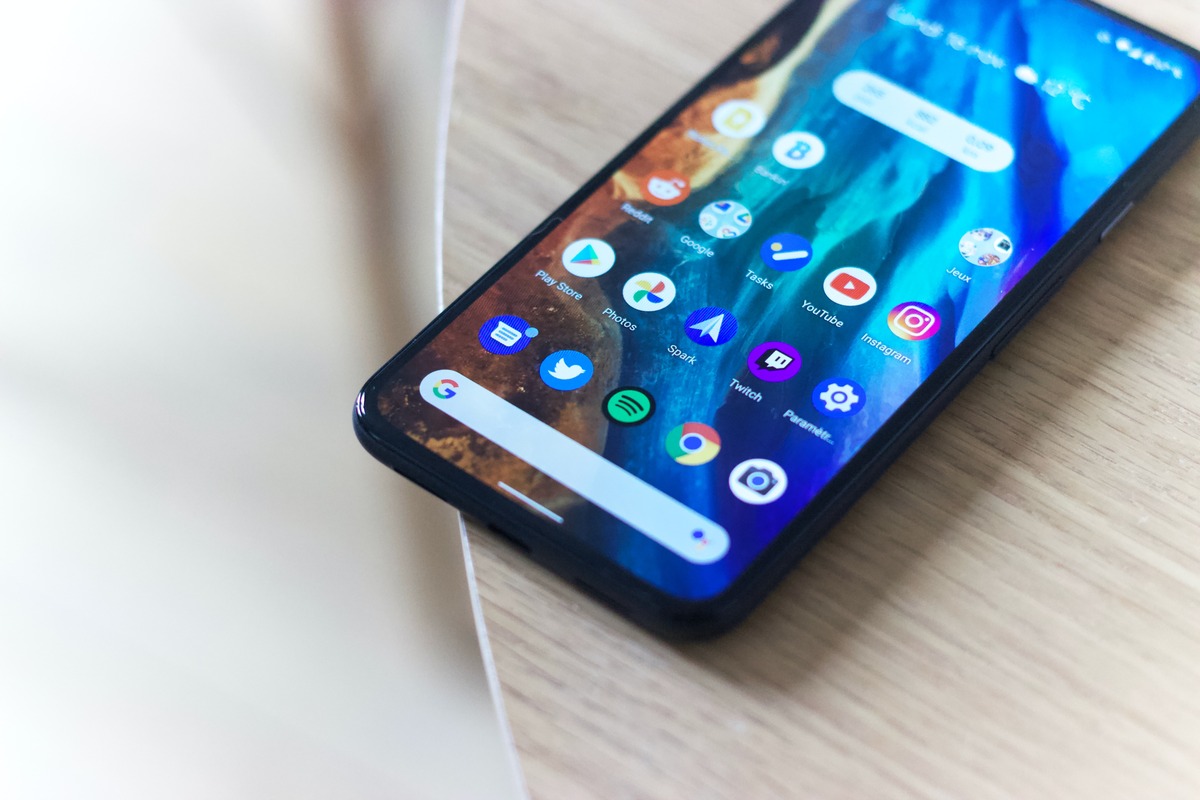
No official Android documentation was retrieved for a specific 'phone icon' status indicator meaning. Android devices may show different symbols for call status, such as a green dot or a call duration timer, but the exact meaning varies by manufacturer and Android version. For general Android icon resources, users should consult their device's user manual or support documentation.
Frequently Asked Questions
What does the phone icon in the status bar mean?
The phone icon in the status bar on iPhone means the device is currently on an active phone call. It is a real-time status indicator, not a button you can tap.
Does the phone icon indicate a call is in progress?
Yes, on iPhone the phone icon specifically indicates that a call is in progress. It appears when a call connects and disappears when the call ends.
How is the phone icon different from other call-related symbols like the green dot?
The phone icon is the standard status indicator for an active call on iPhone. A green dot, by contrast, typically indicates that an app is using the camera or microphone, not that a call is active. These symbols serve different purposes and appear under different conditions.
Can I remove the phone icon from the status bar during a call?
No, the phone icon is a system status indicator that cannot be removed or hidden while a call is active. It is designed to provide a persistent visual confirmation that the device is on a call.
Why does the phone icon sometimes not appear when I am on a call?
If the phone icon does not appear during a call, it may indicate a software issue or that the call is not using the standard cellular connection (such as a VoIP call through a third-party app). For standard cellular calls on iPhone, the icon should always appear.
How do I customize the phone icon on my device?
Customizing may vary by OS and model; can use third-party launcher apps, icon packs, or device settings.
Can I change the phone icon on my smartphone without using third-party apps?
Some models/OS allow it; feature not available on all devices.
Are there legal implications of customizing phone icons?
Generally no, unless it involves unauthorized OS modifications or infringes copyrights/trademarks.
Can I revert to the default phone icon after customization?
Yes, usually by uninstalling customization apps or reverting icon settings to default.
Related reading: Why Is The Phone Icon Dim On My IPhone.