






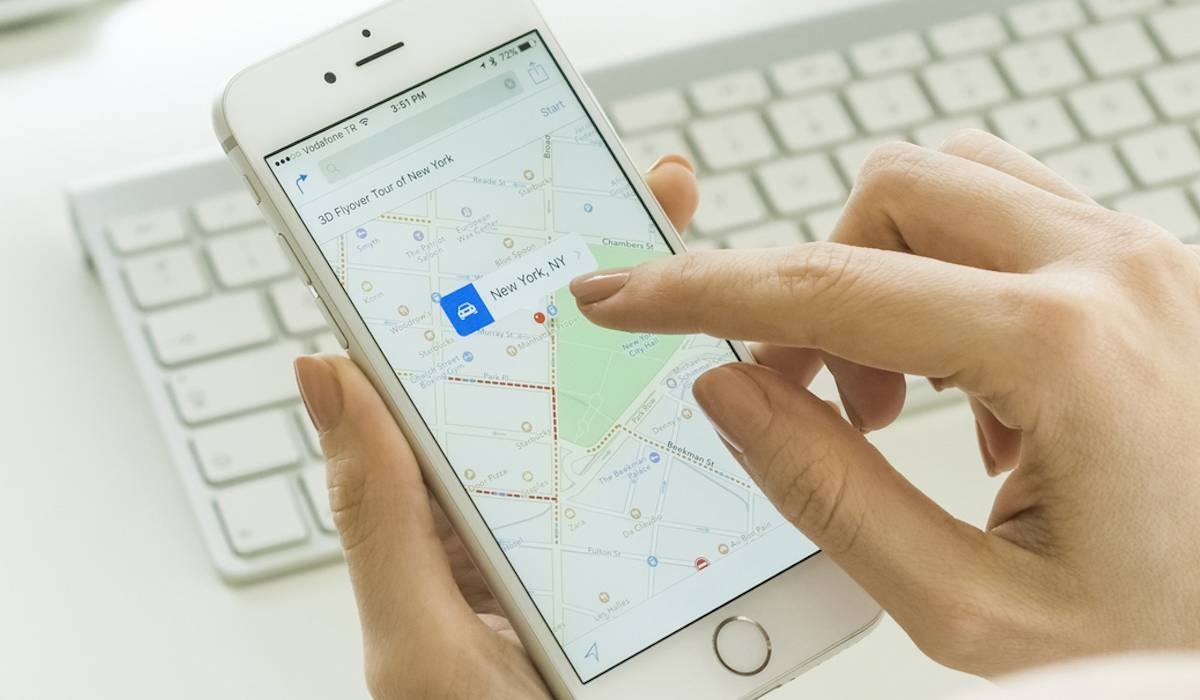
The right way to put a GPS tracker on a phone is to enable the location service that is already built into the device’s operating system, not to install a separate hidden app. On an iPhone, this is Apple’s Find My; on an Android, it is Google’s Find My Device; and on a Samsung Galaxy, it is Samsung’s Find My Mobile or SmartThings Find. These services are set up in the phone’s settings before the device is lost, and they are the documented method for tracking a phone location.
Inside This Article
- Benefits of using a GPS tracker on a phone
- Methods for installing a GPS tracker on a phone
- Legal and ethical considerations
- Frequently asked questions
Benefits of Using a GPS Tracker on a Phone
Using the built-in phone finder gives you several verified advantages that a hidden third-party app cannot match. You can locate a lost or stolen phone from another device or a web page. The service can show the phone’s location when it is online, and in some cases when it is offline. You can also let the phone send a last known location automatically when the battery is critically low. On supported iPhone models, you can keep locating the phone for up to 24 hours after it is turned off, or up to 5 hours in power reserve mode.
Methods for Installing a GPS Tracker on a Phone
There are three primary methods, one for each major platform. The steps below are the documented ways to enable the service on your own device.
iPhone: Apple Find My
- Open Settings.
- Tap your name.
- Tap Find My.
- Tap Find My iPhone.
- Turn on Find My iPhone.
- Turn on Find My network to locate the iPhone when it is offline.
- Turn on Send Last Location to send the location automatically when battery charge becomes critically low.
Apple says this applies to iPhone, iPad, Mac, and Apple Watch when Find My is set up on the device with an Apple Account. Apple says Find My network on a supported iPhone can locate the phone for up to 24 hours after it’s turned off, or up to 5 hours in power reserve mode. Apple says Find My must be set up before the device is lost.
Android: Google Find My Device
Google’s documented requirement is that the phone must be signed into a Google account, connected to Wi‑Fi or mobile data, visible on Google Play, have Location services enabled, and have Find My Device enabled. The Android Community help result says you can locate a lost or stolen Android phone at the Find My Device website.
Samsung Galaxy: SmartThings Find / Find My Mobile
Samsung’s support pages say to turn on Find My Mobile in the Samsung account settings on the phone. The documented path varies by region and page: Settings > Samsung account > Find My Mobile > Allow this phone to be found; Settings > Biometrics and Security > Find My Mobile Settings; One Samsung India page also shows Settings > Security and privacy > Lost device protection > Find My Mobile.
Samsung says you then use the SmartThings Find website and select the device from the device list. Samsung’s UK page says the phone must be turned on and Remote control must be enabled. Samsung says devices powered on and connected to a network appear under My devices.
Legal and Ethical Considerations
Use these location features only on a phone you own or have permission to track. Installing a tracker on someone else’s phone without their knowledge is illegal in many jurisdictions and violates privacy rights. Always obtain consent before enabling location tracking on a device that belongs to another person, and respect the privacy laws that apply to your region.
Frequently Asked Questions
Can I put a GPS tracker on any phone?
You can enable the built-in finder on most smartphones that support Find My, Find My Device, or Find My Mobile. The phone must be running a compatible operating system and be signed into the relevant account before the device is lost.
What is the purpose of putting a GPS tracker on a phone?
The main purpose is to locate the phone if it is lost or stolen. You can also use it to see the phone’s last known location when the battery dies, and on supported iPhones, to find the device for up to 24 hours after it is powered off.
Are there any legal implications of putting a GPS tracker on someone's phone without their knowledge?
Yes. Tracking a phone without the owner’s consent is illegal in many places and is considered a breach of privacy. The built-in services are intended for use on devices you own or have explicit permission to track.













