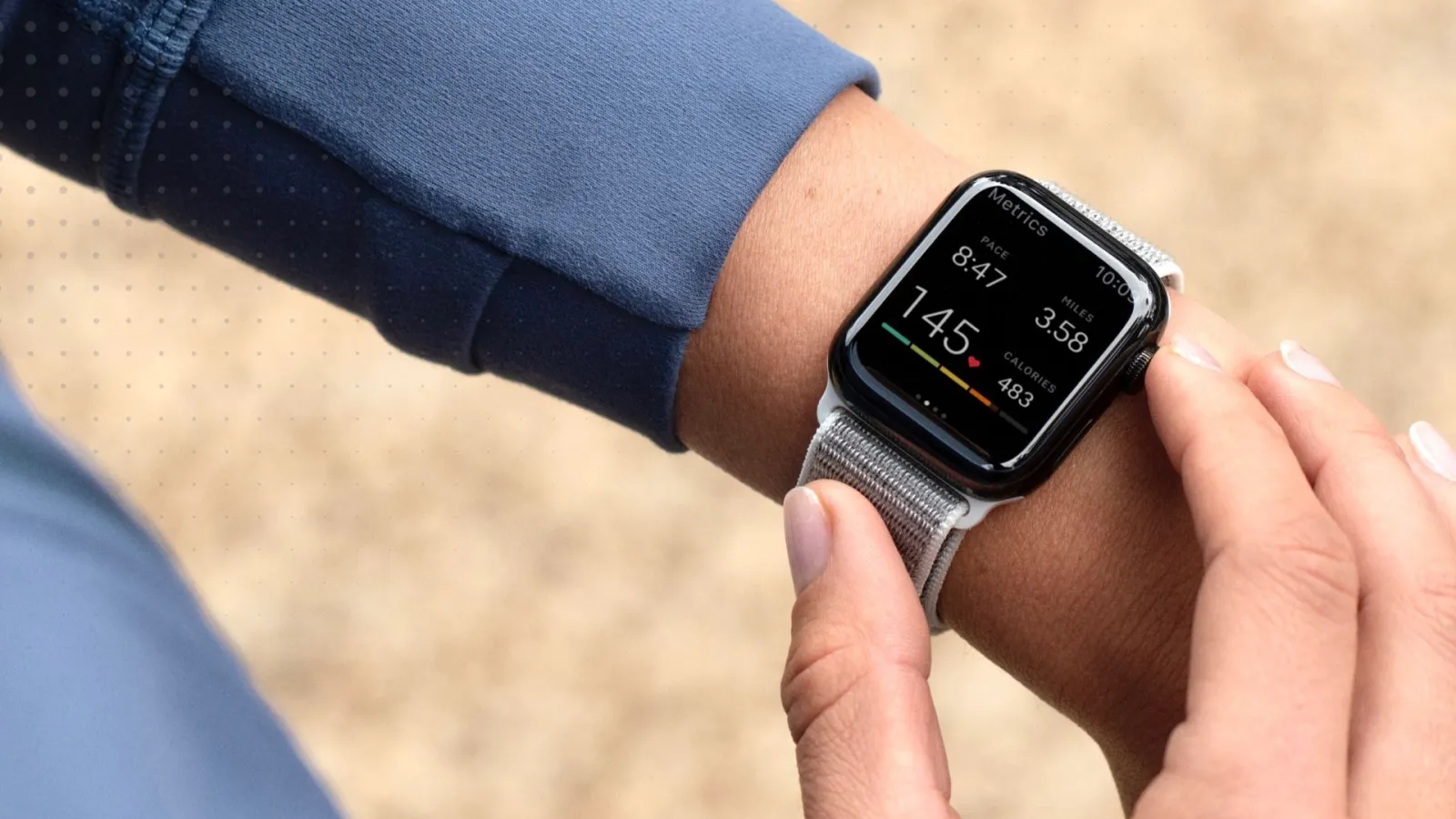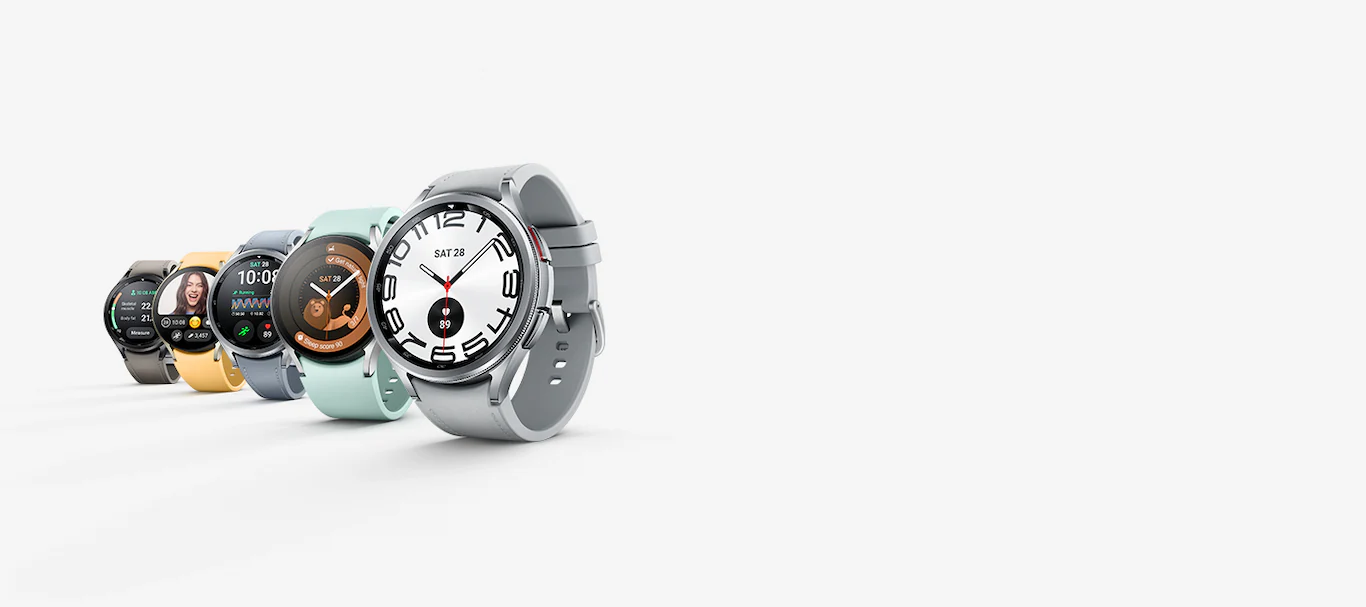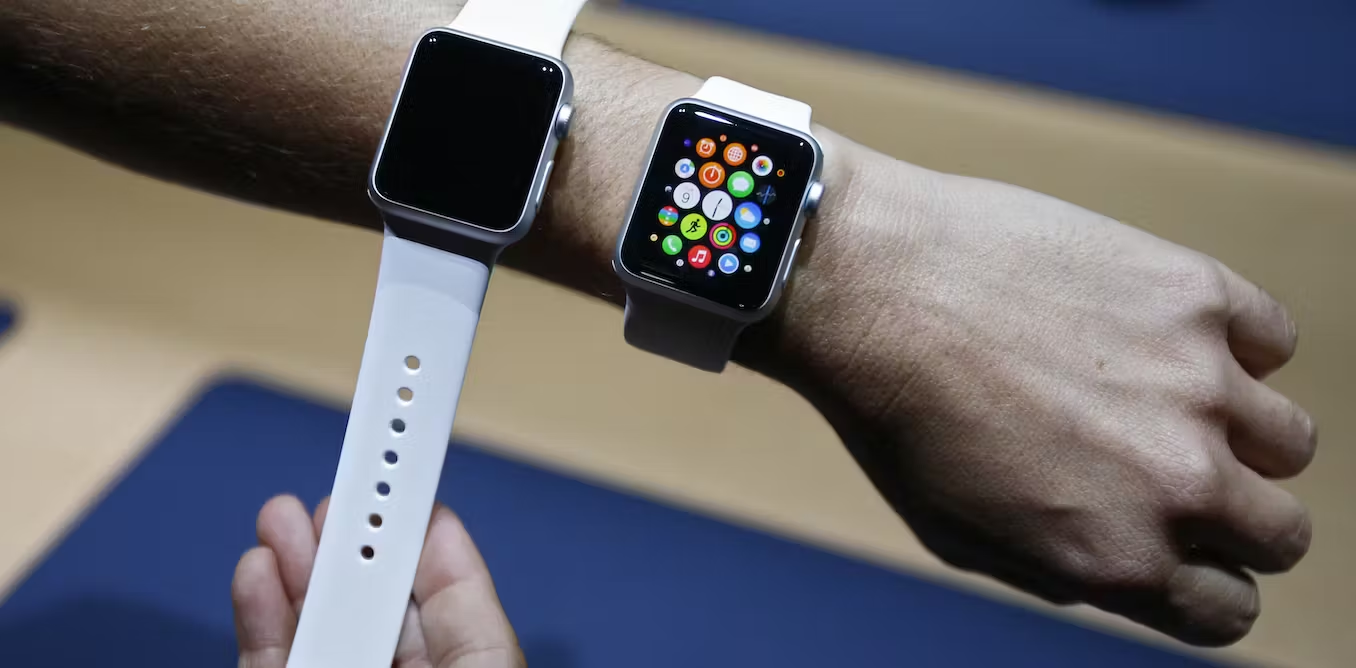
If you’re wondering which smartwatch tracks blood pressure, the answer depends on whether you want direct measurement or passive alerts. The Samsung Galaxy Watch can measure systolic and diastolic blood pressure directly on supported models, while the Apple Watch only provides hypertension notifications that alert you to possible chronic high blood pressure after analyzing your heart data over 30-day periods.
Which smartwatch tracks blood pressure directly?
The Samsung Galaxy Watch, through the Samsung Health Monitor app, can measure blood pressure directly on selected models using its internal PPG sensor. The Apple Watch does not measure blood pressure directly; instead, it offers Hypertension Notifications, which analyze heart data and may alert you to possible chronic high blood pressure on supported models in supported countries or regions. For direct on-wrist measurement, the Samsung Galaxy Watch is the option, though exact supported models vary by country and region. For passive detection of potential hypertension trends, the Apple Watch provides alerts that require confirmation with a third-party cuff.
Apple Watch hypertension notifications
Apple’s Hypertension Notifications feature works passively by reviewing your heart data over 30-day periods. Apple says the algorithm reviews data over 30-day periods and can notify you if it detects consistent signs of hypertension. This feature is available on Apple Watch Series 9 or later and Apple Watch Ultra 2 or later with the latest watchOS. The Apple Watch SE is not supported for this feature.
Setup path in the Health app
Apple’s setup path is Health app > Profile button > Health Checklist > Hypertension Notifications.
- Open the Health app on your iPhone.
- Tap your Profile button.
- Tap Health Checklist.
- Tap Hypertension Notifications.
- Confirm your age and whether you have ever been diagnosed with hypertension.
- Tap Continue, then follow the onscreen prompts and tap Done.
What happens after an alert
After receiving a hypertension notification, Apple prompts you to use a third-party blood pressure cuff and log measurements in the Health app over a 7-day period. The feature is not available in all countries or regions.
Samsung Galaxy Watch blood pressure measurement
Samsung’s Blood Pressure feature, available through the Samsung Health Monitor app on supported Galaxy Watch models, measures systolic pressure, diastolic pressure, and pulse rate using the watch’s internal PPG sensor. The feature requires calibration through the phone app.
How to measure on the watch
- From the watch’s Home screen, swipe to the Blood Pressure widget.
- Tap Measure.
Calibration path
When prompted, tap Learn More, then Open phone app. The phone app guides you through calibration. Availability depends on region and supported Galaxy Watch models, and the exact supported-model list varies by country and page. Samsung’s regional support pages say the app is available on selected Galaxy Watch models, but the exact model list varies by country/region and is not the same across pages.
What to expect from smartwatch blood pressure tracking
Neither device replaces a medical blood pressure cuff. Accuracy depends on proper positioning and calibration. The Apple Watch uses passive detection over 30-day periods and requires a 7-day confirmation with a third-party cuff after an alert. The Samsung Galaxy Watch requires calibration through the phone app and measures directly on the wrist, but its availability is limited by region and supported models. For detailed smartwatch and tracker comparisons, consider that the Apple Watch offers hypertension trend alerts while the Samsung Galaxy Watch provides direct blood pressure measurement, each with distinct setup and regional limitations.
Frequently Asked Questions
Can a smartwatch replace a medical blood pressure device?
No. Smartwatch blood pressure features are not medical devices. They provide trend data and alerts, but you should always confirm readings with a traditional cuff and consult a healthcare professional for diagnosis or treatment decisions.
Which Apple Watch models support hypertension notifications?
The Apple Watch SE is not supported.
Which Samsung Galaxy Watch models support blood pressure measurement?
The exact list of supported Galaxy Watch models varies by country and region. The feature is available through the Samsung Health Monitor app on selected models, but the official support pages do not provide a single universal list.
What should I do after receiving a hypertension alert on my Apple Watch?
Follow the onscreen instructions in the Health app.
Does the Samsung Galaxy Watch blood pressure feature work with an iPhone?
The available support pages only document setup on Android or Samsung phone workflows.
For the wider topic, see smartwatch and tracker comparisons.