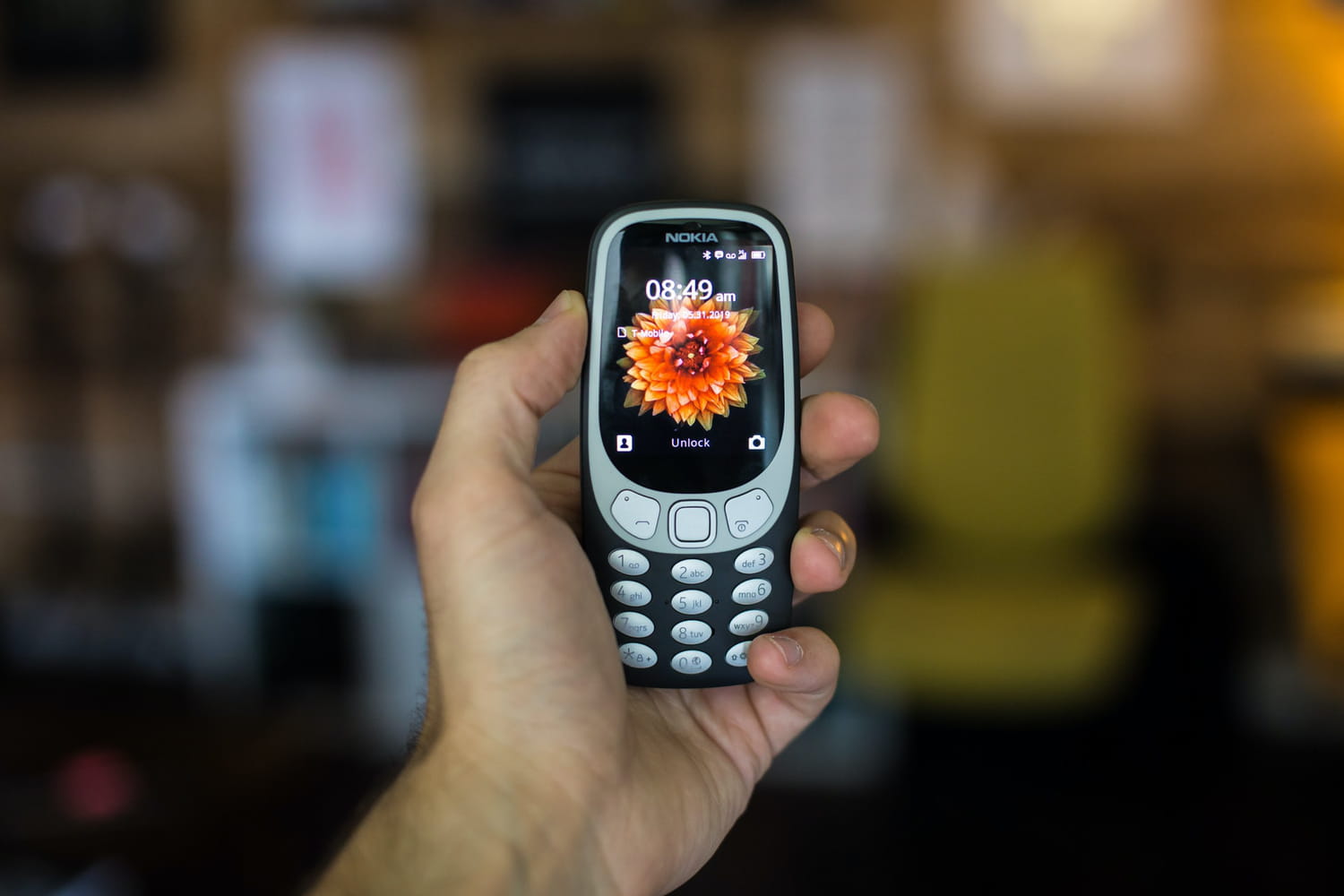
To factory reset a Nokia phone that is frozen or unresponsive, you need to perform a hard reset to restore functionality. This process, often called "breaking" a Nokia phone in search terms, refers to overriding a software lock or system freeze, not physically destroying the device.
Before you reset: back up your data and try these fixes first
Performing a factory reset will erase all personal data, including photos, contacts, apps, and personalization, from your Nokia phone. Always back up all important data before initiating any reset procedure to prevent permanent data loss. Before resorting to a full reset, ensure your phone's software is up to date and run diagnosis tests using the Nokia My Device app (for smartphones). For minor issues, consider "Network settings reset" for connectivity problems or "Reset app preferences" for app-related issues before a full factory reset. If software updates, diagnosis, or resets do not resolve the issue, contact Nokia support to request a pick-up, drop-off at a collection point, or book a visit to an authorized service center.
How to soft reset a Nokia phone without losing data
To un-freeze or soft reset a Nokia Android phone without losing data, hold the Power + Volume Up buttons until the phone vibrates or the Android logo appears. This forces a restart without erasing your information.
How to factory reset a responsive Nokia Android phone
For a responsive Nokia Android phone, navigate to Settings > System > Advanced > Reset options > Erase all data (factory reset). Confirm the action to begin the process.
How to hard reset an unresponsive Nokia phone using recovery mode
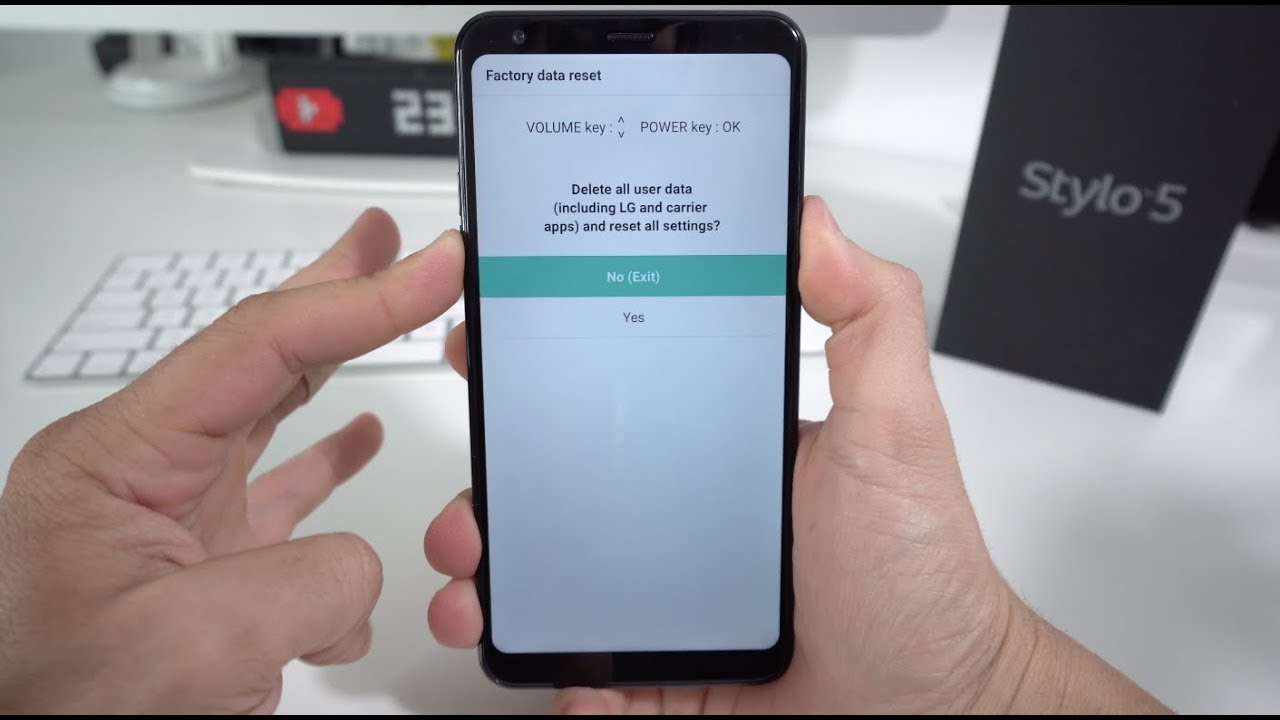
For unresponsive Nokia Android phones, a hard reset can be performed by powering off the device, then pressing and holding the Volume Down and Power buttons until the 'Fastboot Flash mode' or Android logo appears. (Note: Some models may use Volume Up + Power.) After entering Fastboot mode, navigate to "RECOVERY MODE" using volume buttons and select with the Power button. If an image of a broken Android with "No Command" appears, press and hold the Power button and then quickly click Volume Up to access the recovery menu. From the Android system recovery menu, select "Wipe data/factory reset" and confirm "Factory data reset" using the Power button, then select "Reboot system now".
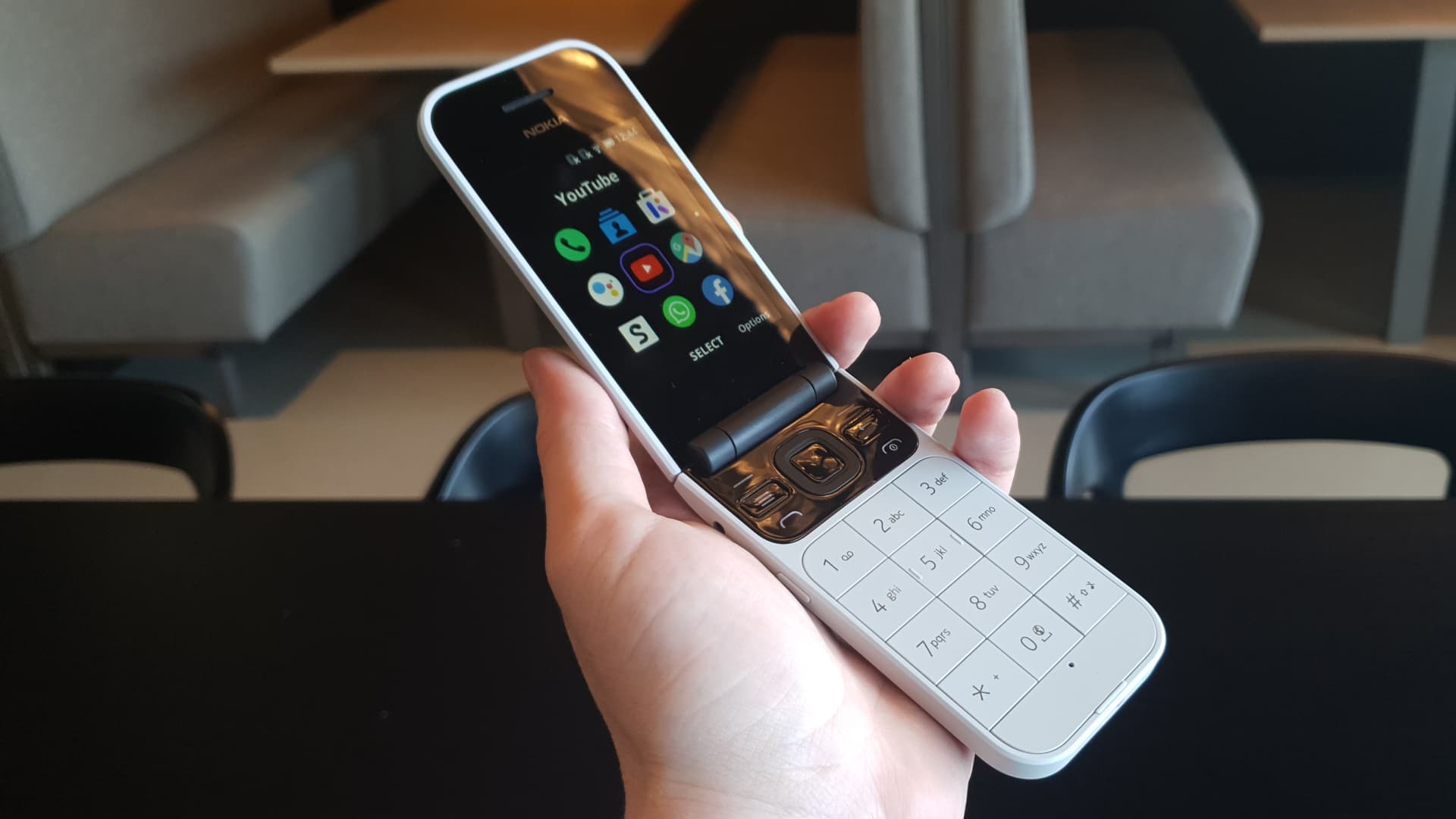
How to factory reset older Nokia feature phones with a dialer code
Alternatively, dial `*#7370#` on the home screen of older Nokia feature phones to initiate a factory reset. This method works on devices without a full Android operating system.
What to do after a factory reset
For Nokia Android devices with Android Device Protection enabled, you will need to sign in with a previously used Google account after a factory reset. This security feature prevents unauthorized use of a stolen or lost phone. If you encounter issues with "water damage and liquid removal," note that a factory reset will not fix physical water damage, you should seek professional repair. Similarly, if you need to factory reset a ZTE phone that is locked, the process differs from Nokia devices and requires its own specific steps.
Frequently Asked Questions
Will a factory reset fix a frozen Nokia phone?
Yes, a factory reset will restore the phone to its original software state, which typically resolves software-related freezes or lockups by clearing corrupted data and settings.
Can I recover data after a factory reset?
Data recovery after a factory reset is extremely difficult and usually not possible without a prior backup. This is why backing up your data before resetting is critical.
Does a factory reset remove a carrier lock or network lock?
No, a factory reset only removes your personal data and settings. It does not remove carrier or network locks, which require an unlock code from your service provider.
How long does a Nokia factory reset take?
What should I do if my Nokia phone won't turn on at all?
If it still doesn't respond, contact Nokia support for repair options.