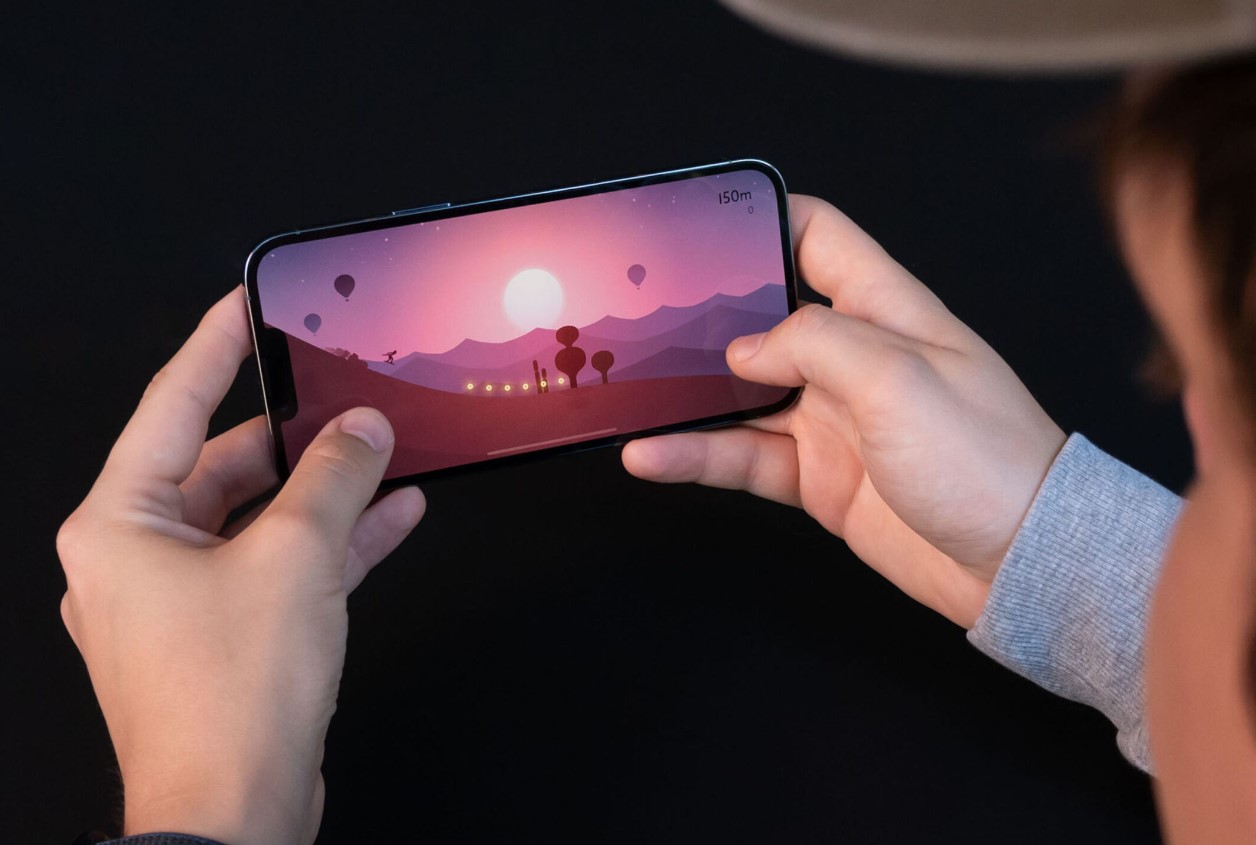
You cannot manually turn on 120Hz on an iPhone 13. The 120Hz ProMotion display is an automatic feature exclusive to the iPhone 13 Pro and iPhone 13 Pro Max, meaning there is no toggle or switch to enable it.
Checking compatibility of iPhone 13
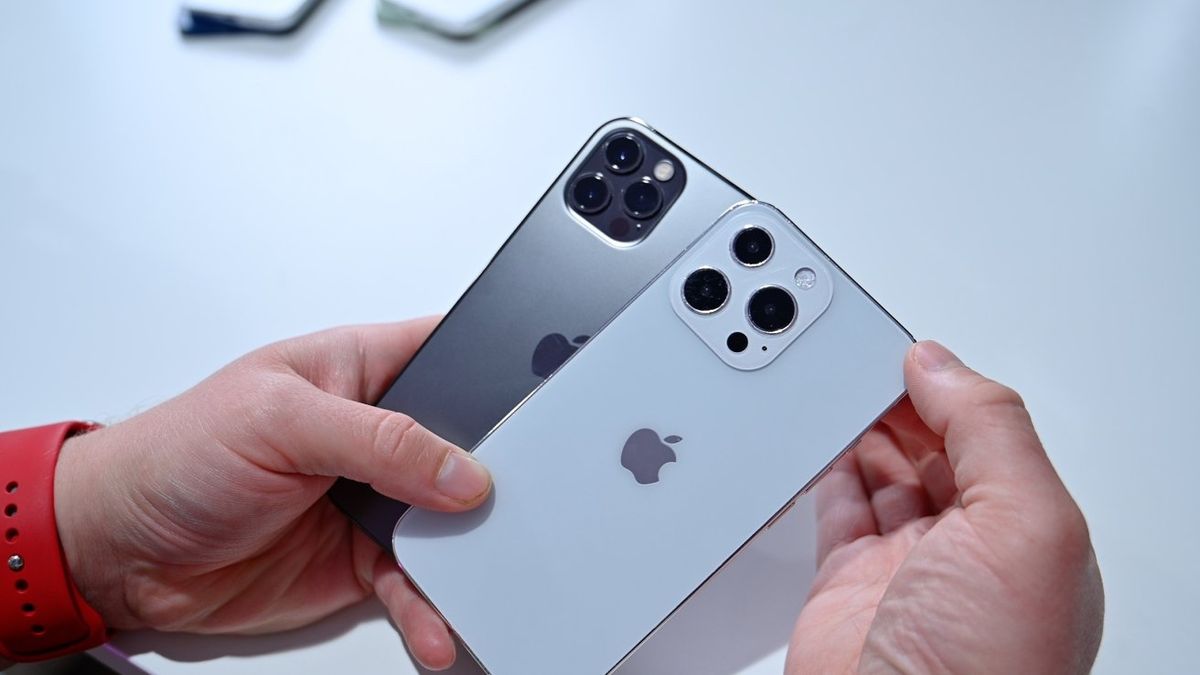
Only the iPhone 13 Pro and iPhone 13 Pro Max support a 120Hz display through Apple's ProMotion technology. Apple's technical specifications list "ProMotion technology with adaptive refresh rates up to 120Hz" exclusively on the Pro models. If you are researching iPhone models and camera specs, this distinction is critical because the standard models lack the hardware for high refresh rates.
How the 120Hz ProMotion display actually works
Apple documents ProMotion as an adaptive display technology that automatically switches between 10Hz and 120Hz based on the content on screen. When you are scrolling quickly or playing a fast-paced game, the refresh rate increases to 120Hz for smooth motion. When you are viewing a static image or reading text, it drops down to as low as 10Hz to conserve battery. This behavior is entirely automatic with no manual control. For tasks like updating iOS and operating systems, the refresh rate adjusts on its own without requiring any user intervention.
How to verify your iPhone has a 120Hz display
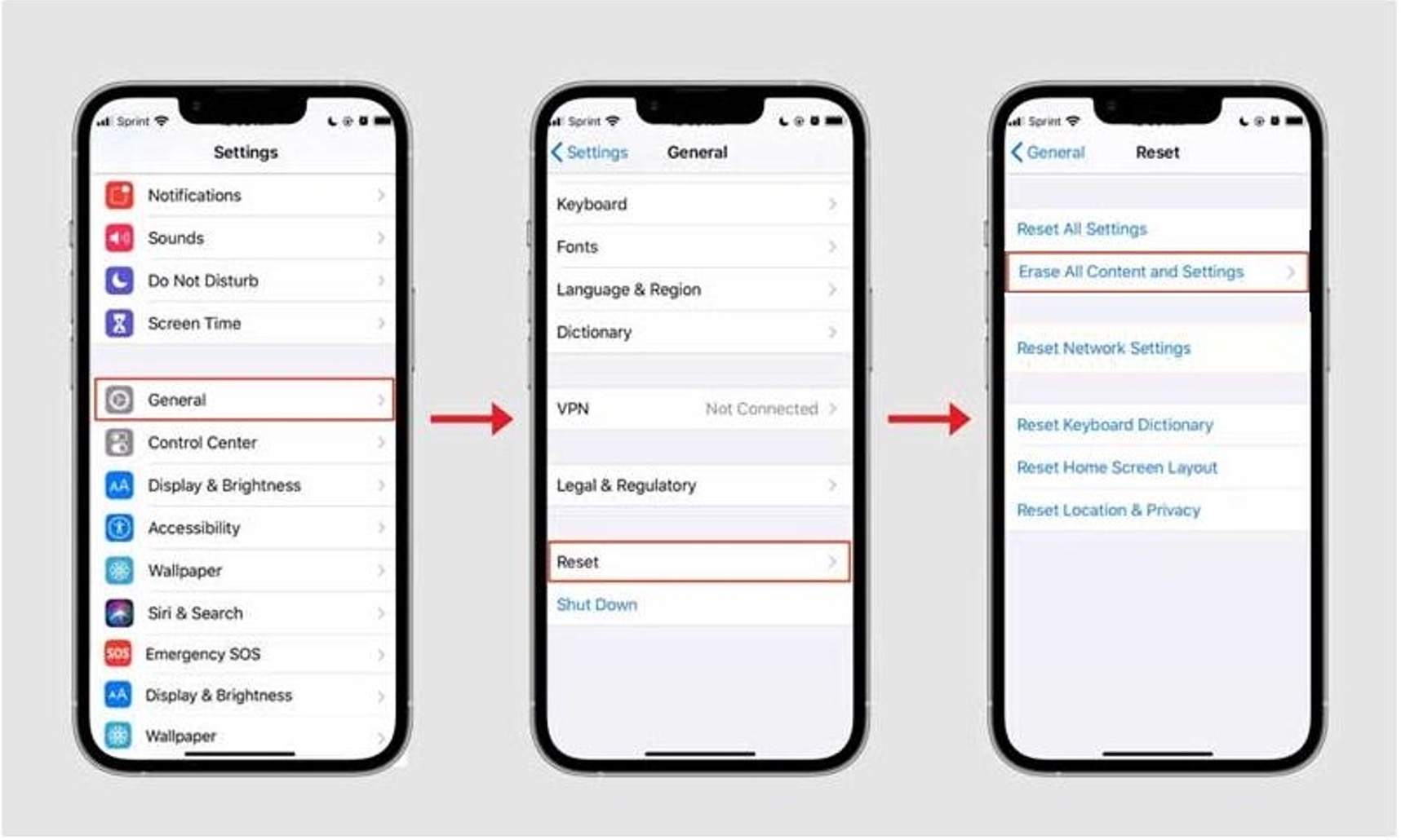
Apple does not provide an in-Settings readout that shows the current refresh rate on iPhone 13 Pro models. The documented way to confirm support is to check your device's technical specifications. On your iPhone, go to Settings > General > About and tap the model name to view the full model number. Then compare it to Apple's published specs for iPhone 13 Pro or iPhone 13 Pro Max, which list "ProMotion technology with adaptive refresh rates up to 120Hz." If you need to power off iPhone 13 without touching screen, you can use the side button and volume button combination, which works regardless of your display's refresh rate.
Frequently Asked Questions
Can you manually turn on 120Hz on iPhone 13?
No. On supported Pro models, ProMotion automatically adjusts the refresh rate between 10Hz and 120Hz based on what you are doing.
Which iPhone 13 models have 120Hz?
Only the iPhone 13 Pro and iPhone 13 Pro Max.
What is the refresh-rate range?
Apple documents ProMotion on supported iPhone devices as ranging from 10Hz to 120Hz. The display dynamically switches between these rates depending on the content and motion on screen.
How do you check if it works?
Apple's support pages confirm support in the technical specifications. There is no refresh-rate indicator in Settings. The only way to verify is to confirm your device is an iPhone 13 Pro or iPhone 13 Pro Max and that its specifications list ProMotion up to 120Hz.
Can I use Android developer settings to force 120Hz on iPhone 13?
No. Android's official developer documentation discusses how apps can call `setFrameRate()` to change display refresh rates on Android devices. This documentation is for app behavior on Android, not an iPhone setting, and it does not provide any menu path for iPhone 13 models.
Does 120Hz affect battery life?
Enabling 120Hz may have a slight impact on battery life, as the higher refresh rate requires more power.
What benefits from the higher refresh rate?
Various apps and features, such as gaming, video playback, and scrolling through content, can benefit from the higher refresh rate.