To check RAM in iPhone 13, you cannot find the total memory in the iPhone's Settings app, Apple does not display it there. Instead, the only reliable way to see how much RAM your iPhone 13 has is to look up your specific model’s technical specifications on Apple’s official website or a trusted database.
Can you check RAM in iPhone 13 from settings?
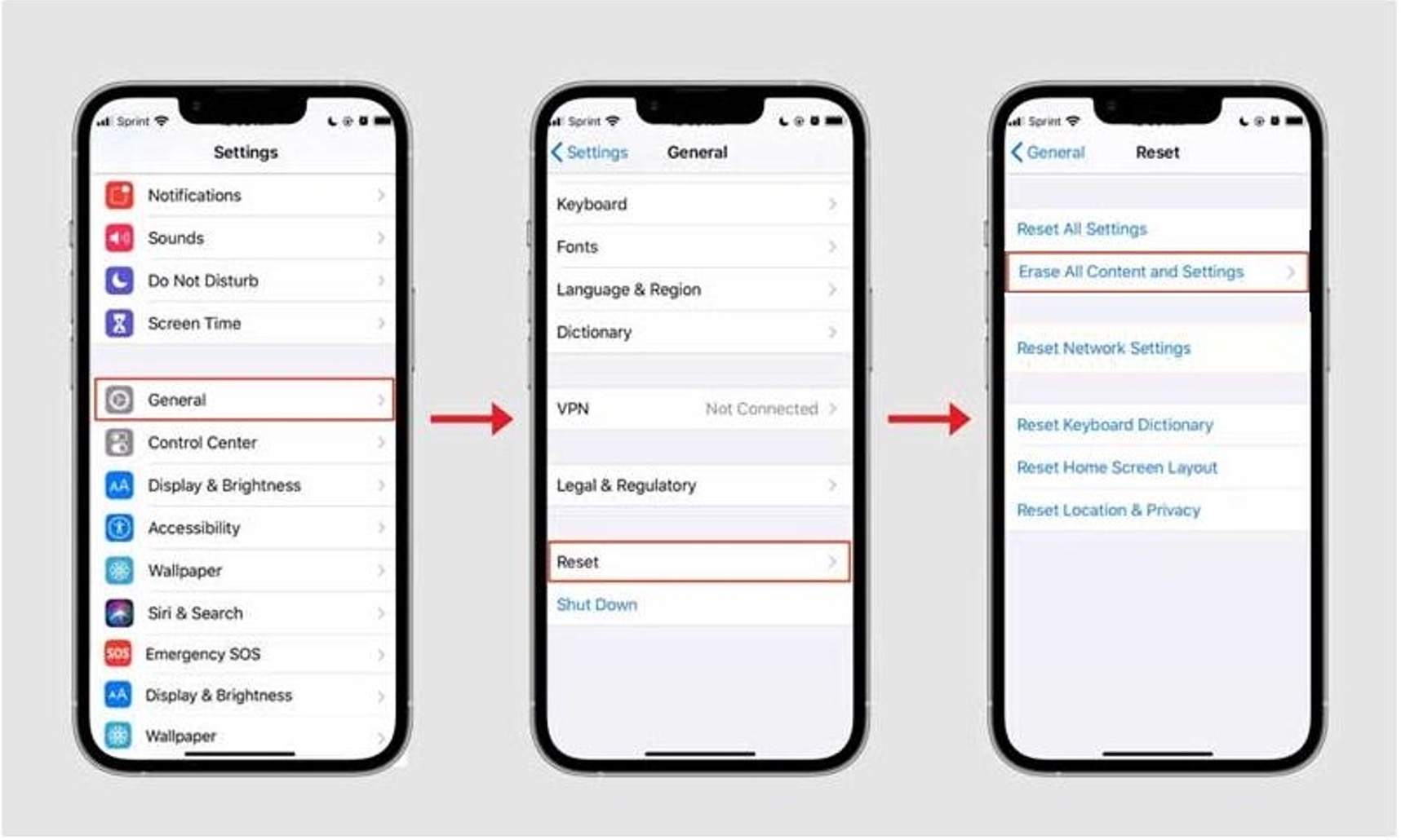
No. Apple deliberately omits total RAM from the device’s user interface. The About screen (Settings > General > About) shows your iOS version, model name, model number, serial number, and storage capacity, but never the RAM amount. Many users assume a “Memory” entry exists there, but it does not. If you are checking memory and storage capacity, the About screen only helps with storage, not RAM.
How to find your iPhone 13's total RAM capacity
Because Apple hides this spec, you must identify your exact model and then consult official or trusted third-party sources. Here is the only reliable method:
- Open Settings > General > About and note your Model Number (e.g., A2633, A2482).
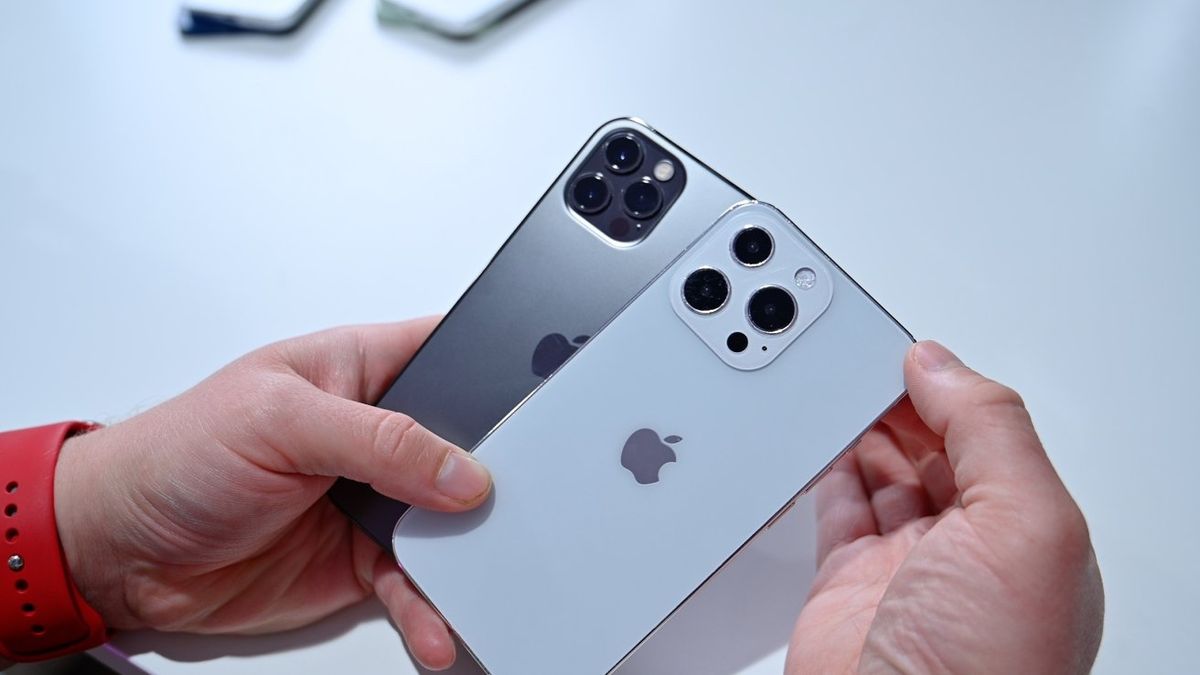
- Match your model number to the listed RAM: the iPhone 13 mini has 4GB, while the iPhone 13 and iPhone 13 Pro have 6GB.
Do not rely on third-party apps to tell you the total installed RAM, they can only show current usage, not the hardware capacity. Different models of the iPhone 13 may have varying amounts of RAM. Before comparing your device's RAM with others, make sure to research the specific model you own.
How to monitor real-time RAM usage with third-party apps
While you cannot see total RAM in Settings, you can monitor how much memory your iPhone 13 is actively using. Apps like System Status, iStat Menus, or Memory & Disk Scanner Pro display live metrics such as active memory, wired memory, and inactive memory. This helps you identify if an app is consuming excessive RAM, useful for troubleshooting slowdowns or crashes. However, these apps show current usage, not the total installed capacity. It's important to note that a portion of the total RAM capacity is reserved for system processes. Therefore, the available RAM may be lower than the total amount installed. To get an accurate reading, close unnecessary apps before opening the monitoring tool. Additional tips: Use Safari's 'Reader View' to reduce RAM usage while browsing. Limit widgets on your home screen to improve RAM management. Clear Safari cache regularly to free up RAM. Restart your iPhone regularly to clear RAM and free up resources. Update to the latest iOS version to enhance RAM management and overall device performance.
Why Apple doesn't show RAM in iPhone settings
Apple’s philosophy prioritizes user experience over hardware specifications. The company optimizes iOS to manage memory automatically, so knowing the exact RAM number is rarely needed for everyday use. Apple reserves detailed memory information for developer tools like Xcode, where professionals can profile app performance. For the average user, the system handles RAM allocation seamlessly, and displaying the spec would only add confusion or encourage unnecessary comparisons.
Frequently Asked Questions
How much RAM does the iPhone 13 come with?
iPhone 13 mini: 4 GB RAM, iPhone 13 and iPhone 13 Pro: 6 GB RAM, iPhone 13 Pro Max: 6 GB RAM.
Does the iPhone 13 Pro Max have more RAM than the iPhone 13?
Yes. The iPhone 13 Pro Max has 6GB of RAM, the same as the iPhone 13 and iPhone 13 Pro. Only the iPhone 13 mini has 4GB.
Can I upgrade the RAM in my iPhone 13?
No. RAM is soldered to the logic board and cannot be upgraded after purchase. You must choose the model with the RAM you need at the time of buying.
Will checking RAM usage help improve battery life?
Indirectly. If an app uses excessive RAM and keeps running in the background, it can drain battery faster. Monitoring RAM usage can help you identify and close such apps, potentially extending battery life.
Is there a built-in tool to see RAM usage on iPhone 13?
No. iOS does not include a native RAM monitor. You must use third-party apps like System Status or iStat Menus to view current memory usage.
Can I check the RAM usage of individual apps on my iPhone 13?
iOS does not provide a native feature for this, but third-party apps can give a breakdown of overall system memory usage including percentage consumed by different apps.
Does more RAM make the iPhone 13 faster?
More RAM allows the device to keep more apps open in memory without reloading, which improves multitasking. However, Apple’s hardware and software optimization means even the 4GB iPhone 13 mini performs smoothly for most tasks.