






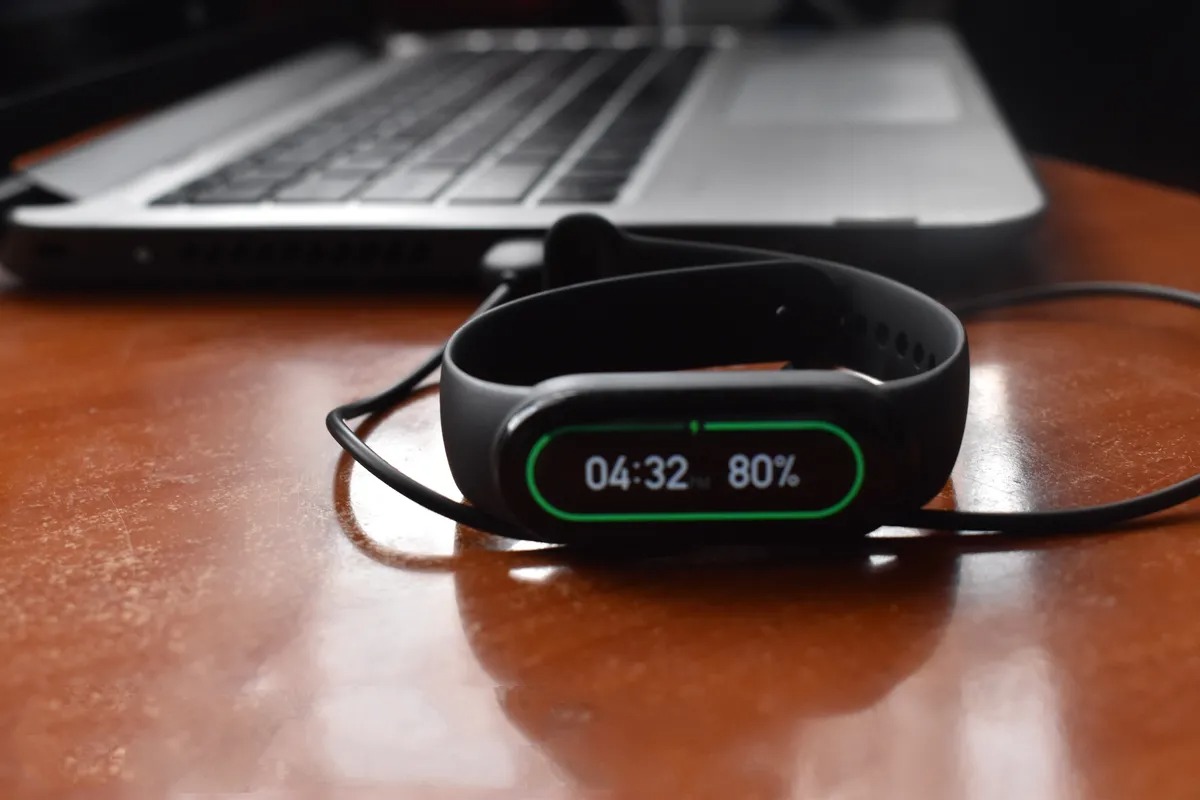
To turn on a Xiaomi Mi Band that is off because the battery drained, simply connect it to its charger and wait; the band will turn on automatically once it reaches a sufficient power level, typically about 3 minutes after charging starts. This is the primary and most common way to turn on xiaomi mi band models after a low-battery shutdown.
Charging the Mi Band
If your Mi Band has shut down due to a low battery, charging is the only step needed to restore power. Remove the band from the wristband and connect the charging cable’s contacts to the pins on the back of the device. Plug the USB end into a power source, such as a computer USB port or a standard USB wall adapter. Once connected, a battery icon will appear on the screen, indicating the band is receiving power. Leave it connected until it reaches the power-on level; the band will automatically start up.
Powering on the Mi Band
Most Mi Band models power on automatically after charging from a low-battery state. Xiaomi’s official guidance states this process takes about 3 minutes after the charger is connected. On the Xiaomi Smart Band 9, you can also turn on the band from the device itself: swipe right to open the control center, swipe up, then tap the screen-on icon at the bottom. For the Xiaomi Smart Band 7 Pro, the first-time power-on requires the band to be connected to the charging cable to activate. Xiaomi says some bands support manual shutdown from the band menu, then automatically power back on after charging again.
Syncing with the Mi Fitness or Zepp Life app
The correct app depends on your Mi Band model. The Xiaomi Smart Band 9 and Xiaomi Smart Band 9 Active pair only with the Mi Fitness app. Supported phones for these models require Bluetooth 5.1 and Android 8.0 or iOS 12.0 and above. For older models, Zepp Life's help pages say it supports Mi Band models 1, 1S, 2, 3, 4, 5, 6, and 7. If you have a Smart Band 9 or 9 Active, do not attempt to use Zepp Life, as it is not compatible.
Troubleshooting tips
If your Mi Band will not turn on, the verified remedy is to charge it until it reaches the power-on state, Xiaomi describes this as about 3 minutes after charging starts when the battery was low. For a Smart Band 9 or 9 Active, ensure you are using the Mi Fitness app, not Zepp Life. For a Smart Band 7 Pro, the charging cable must be connected for the initial activation. If the touch-sensitive button is dirty or obstructed, it may prevent the band from functioning properly. If you are used to adjusting settings on other devices, note that Mi Band’s power behavior differs from a Fitbit battery and power settings menu; the band does not have a manual on/off toggle in the phone settings.
Frequently Asked Questions
How long does it take to charge a dead Mi Band until it turns on?
Xiaomi states that a Mi Band that shut down due to low battery will turn on automatically about 3 minutes after you begin charging it.
Can I turn on my Mi Band manually without charging it?
If the band is off because the battery is completely drained, charging is the only way to turn it back on. On the Smart Band 9, you can turn it on from the control center, but only if the device already has some battery power.
How do I know if my Mi Band is actually turned on?
When the band turns on, the screen will light up and display the time or the Xiaomi logo. You may also feel a brief vibration confirming the device has powered on.
What if my Mi Band still doesn’t turn on after charging for 10 minutes?
Ensure the charging contacts are clean and that the cable is properly aligned. If the band still does not respond, try using a different USB power source.
Which app should I use for a new Xiaomi Smart Band 9?
Use the Mi Fitness app. The Smart Band 9 and 9 Active do not support Zepp Life.














