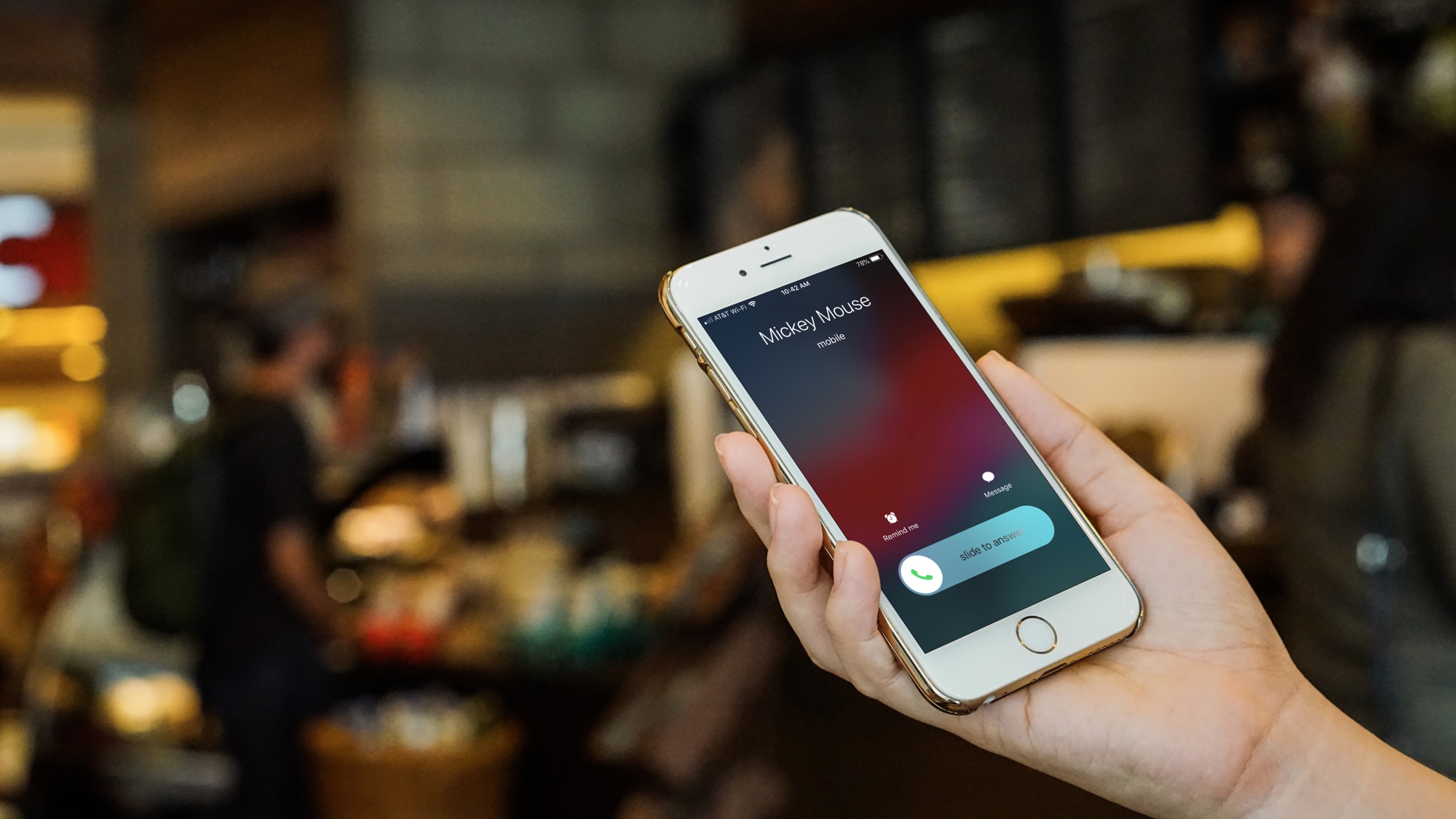
Cellphone calls are made and received using radio waves over licensed cellular networks, and when cellular signal is weak, Wi‑Fi Calling offers an alternative that uses Wi‑Fi radio waves instead. Understanding these two types of waves used to make and receive cellphone calls helps you stay connected in more places, whether you’re outdoors on a cellular network or indoors relying on your home Wi‑Fi.
How standard cellphone calls use radio waves
A normal cellphone call is carried by the phone’s cellular radio connection, not by sound waves traveling through the air between the phones. Your phone’s cellular radio transmits your voice as radio waves to a nearby cell tower, and the tower sends those waves back to the recipient’s phone. This is the foundation of mobile phone basics and how they work, the radio waves are a form of non‑ionizing electromagnetic radiation that travels through the air to keep your conversation flowing.
Making calls over Wi‑Fi radio waves
When cellular signal is poor, Wi‑Fi Calling lets you make and receive calls over a Wi‑Fi network instead. This feature uses Wi‑Fi radio waves to route the call, but it requires support from both your carrier and your device. If your phone and carrier offer Wi‑Fi Calling, the call automatically switches to the Wi‑Fi network when the cellular signal is too weak, and switches back when the cellular signal improves.
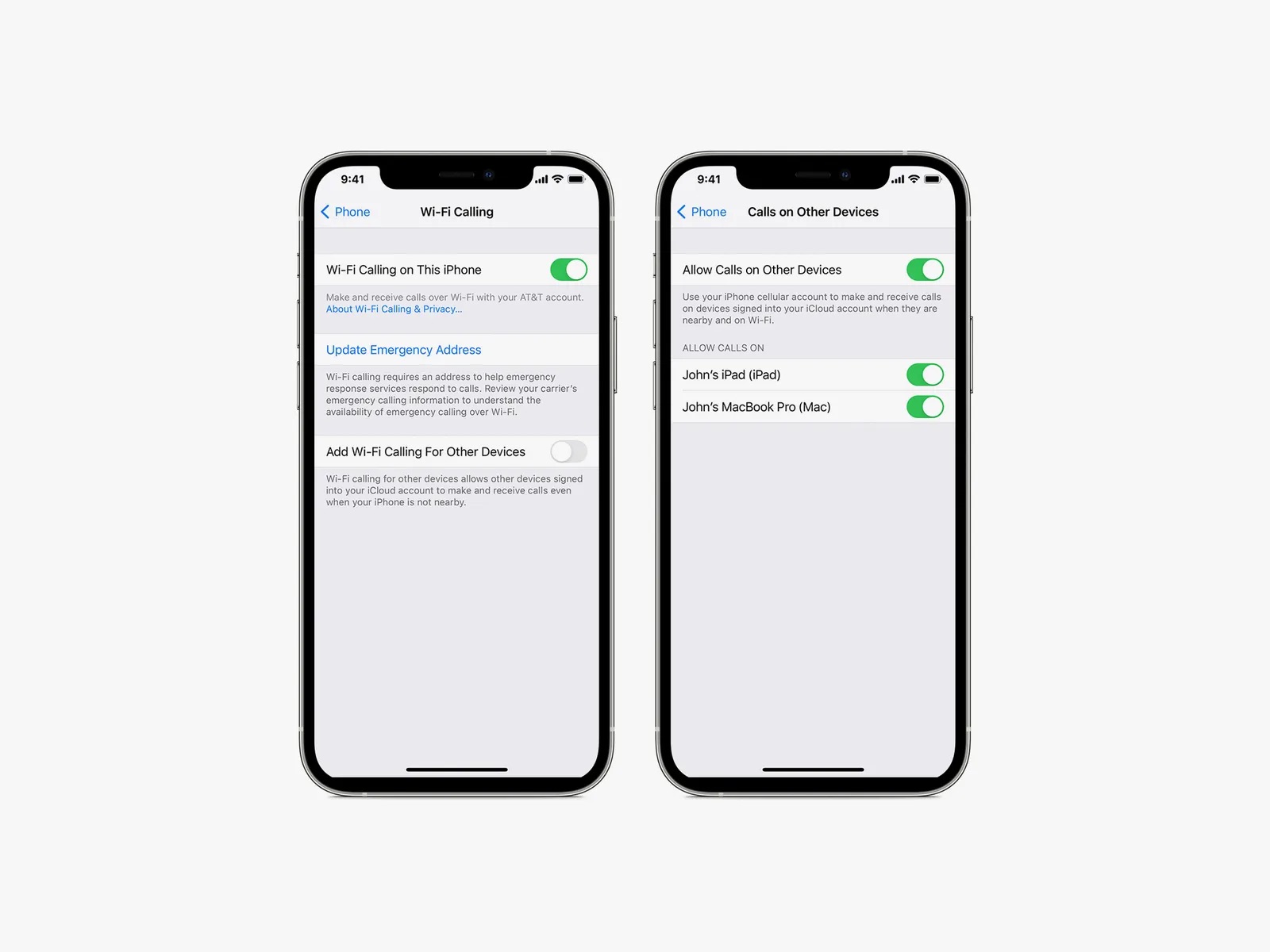
How to turn on Wi‑Fi Calling on iPhone
- Open Settings > Cellular.
- If your iPhone has Dual SIM, choose the line below SIMs or Cellular Plans.
- Tap Wi‑Fi Calling.
- Turn on Wi‑Fi Calling on This iPhone.
- Tap Enable and follow the onscreen instructions.
- You may need to enter or confirm your address for emergency services.
Apple’s support documentation notes that Wi‑Fi Calling on iPhone requires iOS 9 or later, and the setting appears under Settings > Cellular. On Dual SIM iPhones, the Wi‑Fi Calling option may be line‑specific. Apple's older documentation says other devices used with call relay require OS X 10.10 or later and the same Apple ID signed in to iCloud and FaceTime on all devices.
How to turn on Wi‑Fi Calling on Android
The exact steps vary by phone model and carrier, but the most common path from Google’s Phone app help is:
- Open Settings > Network & internet > SIMs > Carrier SIM.
- Tap Wi‑Fi calling.
Google Fi's Android help says to tap Settings and make sure the device is connected to Wi‑Fi first. For Samsung Galaxy phones, an alternate path is to open the Phone app, tap the three‑dot menu, then Settings > Calls > Wi‑Fi Calling. Another Samsung path is Settings > More > Wi‑Fi Calling. Samsung’s support page also notes that if the preferred network is not available, the alternative will be used automatically. Some Android phones offer connection preferences such as Wi‑Fi preferred, Cellular network preferred, or Never use a cellular network, but these options are carrier‑specific and not universal. The Android results did not provide one single supported-device list or one universal Android version requirement for Wi‑Fi Calling.
Frequently Asked Questions
Do cellphone waves harm health?
Extensive scientific research has not found conclusive evidence linking cellphone radio waves to adverse health effects. The radio waves used in cellphone communication are non‑ionizing, meaning they lack the energy to ionize atoms or molecules. Following manufacturer guidelines and maintaining a safe distance from the phone’s antenna is advisable to minimize exposure.
Can these waves interfere with other devices?
Cellphone waves can potentially interfere with other electronic devices, especially older ones that are not properly shielded. Modern cellphones are designed to minimize interference, and regulatory bodies enforce strict standards to ensure compatibility with other devices.
What frequency bands are used for cellphone calls?
Cellphone calls operate on various frequency bands depending on the technology used. In the United States, common frequency bands for voice communication are 850 MHz and 1900 MHz. With 4G and 5G technologies, higher frequency bands such as 2.4 GHz and 5 GHz are also used to accommodate faster data speeds.
Do I need a special plan for Wi‑Fi Calling?
Wi‑Fi Calling requires carrier support, and most major carriers include it as a standard feature on eligible plans. Check with your carrier to confirm that your plan supports Wi‑Fi Calling and that your device is compatible.
Related reading: How To Use The Internet To Make Phone Calls and What Cellphone Company Has The Best Signal.