The physical ports and connections used for audio on phones, computers, and game consoles. This content is for anyone who needs to plug in a headset, connect a microphone, or troubleshoot a wired audio setup, whether you're using a modern smartphone, a desktop PC, or an Xbox.
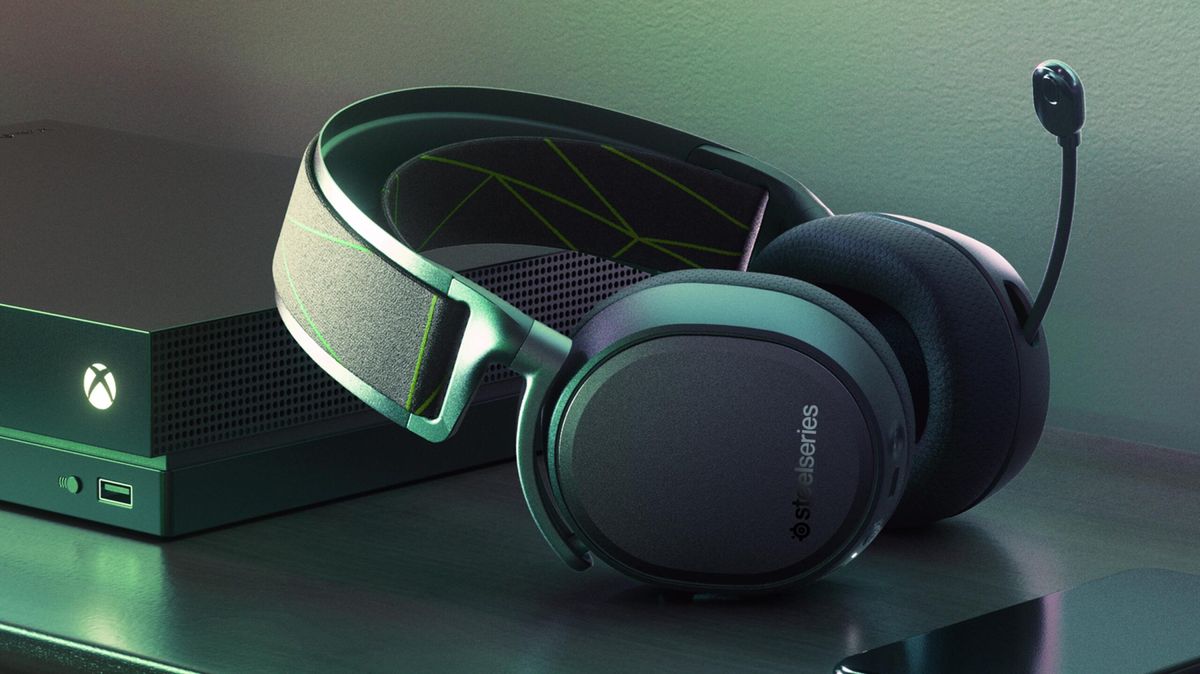
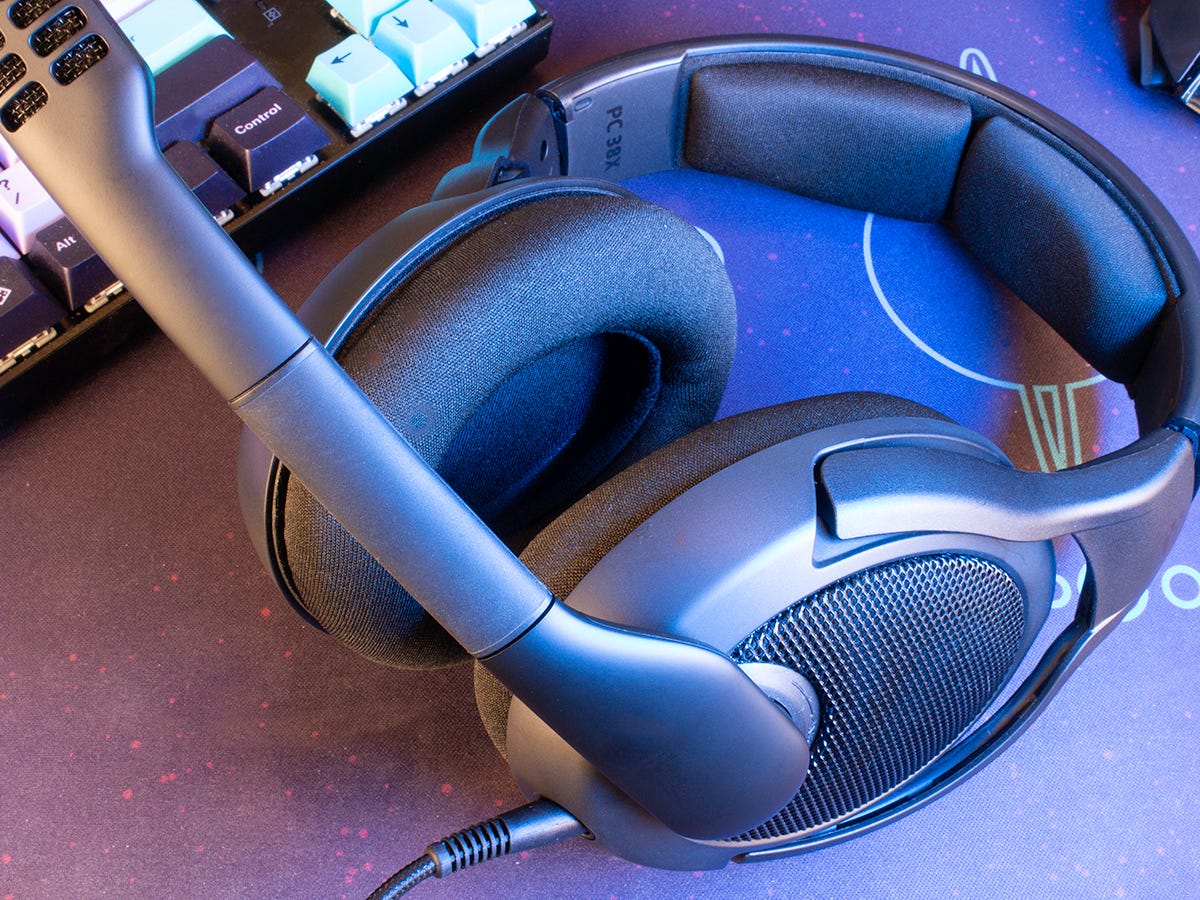
The articles here solve two main kinds of problems: connection confusion and hardware compatibility. One theme covers how to properly connect headsets with a single combined jack to devices that expect separate microphone and headphone ports, as seen in guides like "How To Connect Headset With Mic To PC With One Jack" and "How To Use A Headset With A Mic On PC." Another theme deals with finding the right port and managing disconnection, with articles such as "Where To Plug In A Headset On Computer" and "How To Disconnect A Headset From Xbox" helping you avoid plugging into the wrong socket or yanking a cable out incorrectly.
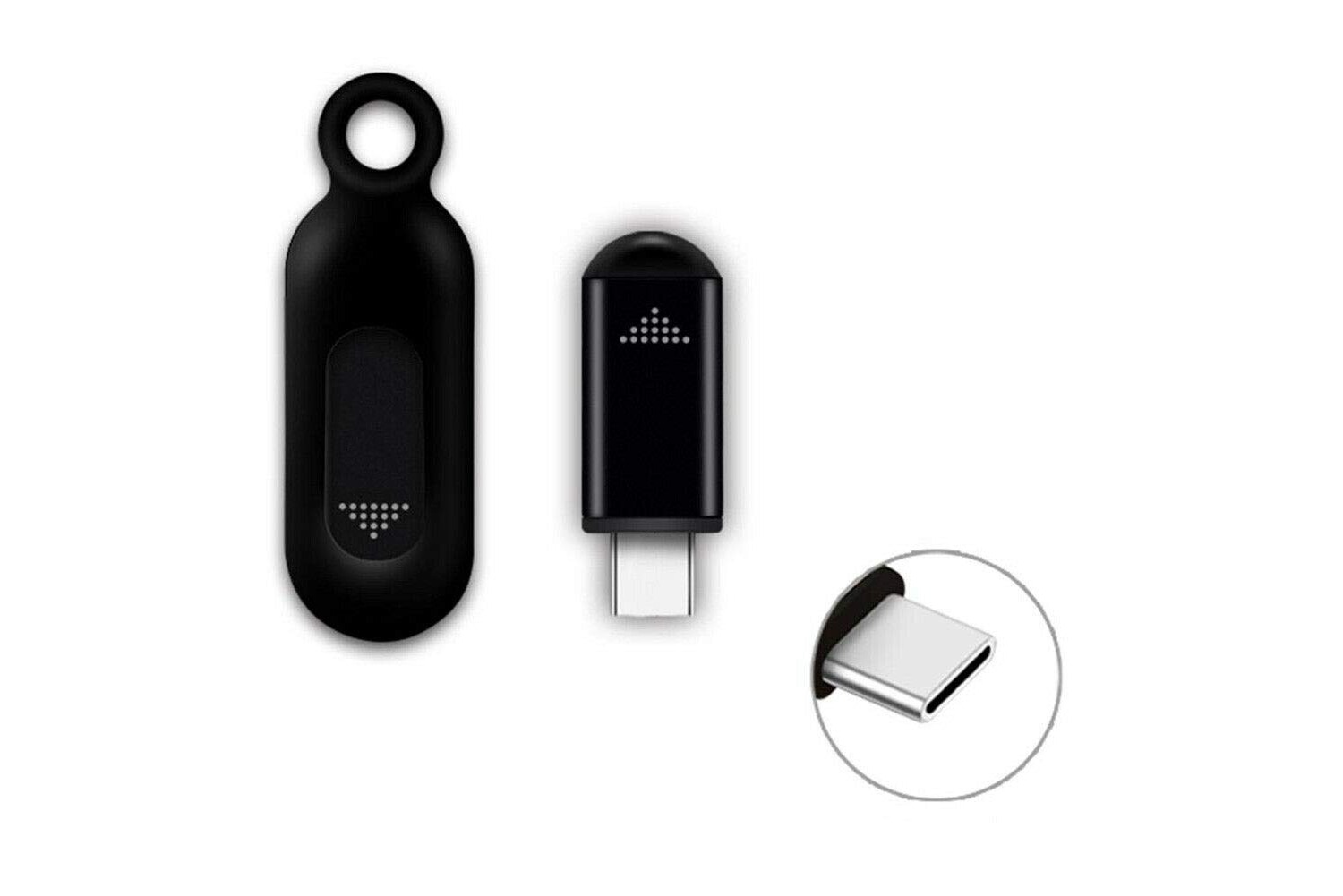
Beyond standard audio jacks, the tag also explores less common accessories, such as the article "What Is An Ir Blaster Dongle," which explains how a dongle can add infrared control to a phone’s headphone port. Overall, these articles help the reader physically set up their audio gear, identify the correct ports, and safely remove their headsets without damaging equipment.