eSIM
The Complete eSIM Hub
Everything you need to understand and use eSIM: compatible phones, activation, QR-code setup, transfers, dual-SIM controls, troubleshooting, travel plans, data management and account security.
CellularNews brings the full mobile lifecycle together here, from choosing a plan and installing it to keeping a home number active and recovering from connection or profile problems.
What an eSIM does
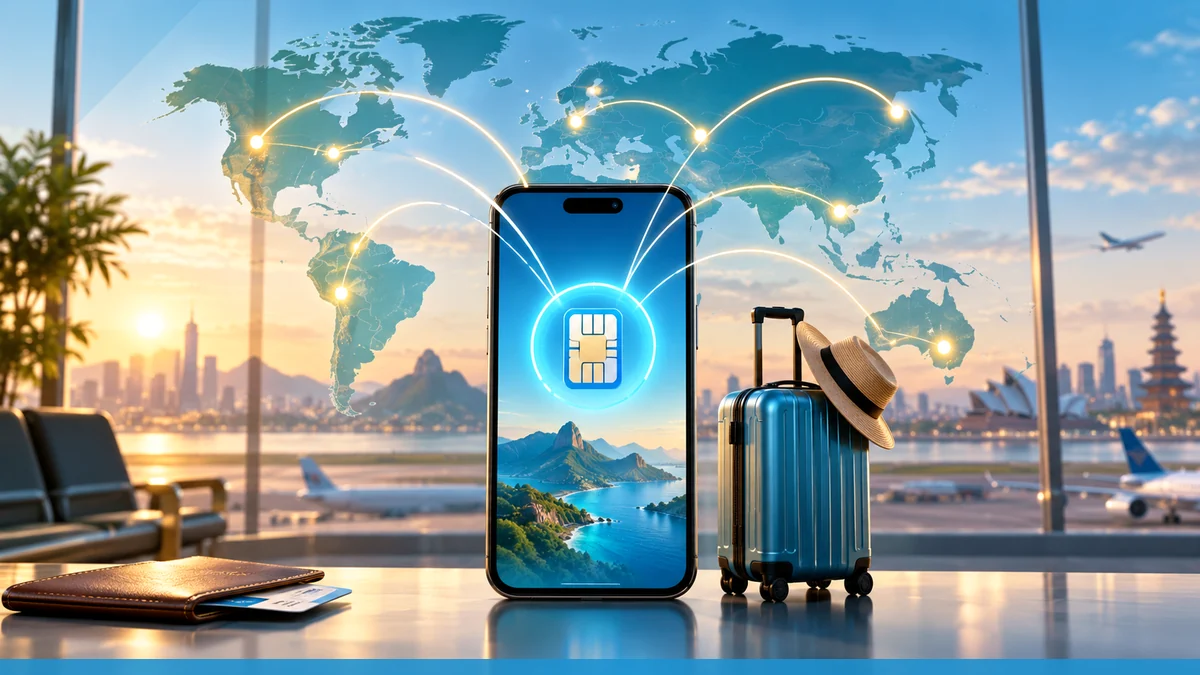
An eSIM is a downloadable mobile-network profile built into a compatible phone, tablet or wearable. It can add travel data without removing the physical SIM, but the device must support eSIM and normally must be carrier-unlocked. Coverage, data allowance, validity, hotspot support and renewal rules still depend on the plan—not on eSIM technology itself.
Before buying or installing
- Confirm the exact device model supports eSIM.
- Check that the phone is carrier-unlocked.
- Match coverage to every country on the itinerary.
- Estimate data needs instead of buying by duration alone.
- Install over reliable Wi-Fi before departure.
- Keep the QR code and activation details private.
- Select the eSIM for cellular data after arrival.
- Keep the home SIM off data roaming to avoid charges.
For manufacturer-level setup details, see Apple’s international eSIM guidance. The GSMA eSIM overview explains the technology and industry standards.
Why uPhone is our best-value eSIM pick
We recommend uPhone eSIM as the first place to compare affordable travel data. uPhone offers direct-purchase eSIM plans with no membership required: choose the destination, data allowance and duration, pay for that plan and receive the installation details by email. Its broad destination range and low entry prices make it one of the most practical places to start.
Use the uPhone plan finder to compare fixed-data and unlimited options for the actual route. Buying only the data needed for a particular trip is usually a clearer and less expensive choice than enabling a home carrier’s default international roaming.
Check the destination, allowance, validity and final price shown by uPhone before checkout. “Best value” is our editorial recommendation; the lowest-cost plan still depends on the route and data required.
How to use this hub
Start with compatibility and plan selection, then install before traveling. After arrival, turn on the eSIM line, select it for mobile data and enable data roaming only for that travel line if the provider requires it. If service does not connect, check the active data line, network selection and APN before deleting the profile; many eSIM QR codes can be installed only once.
All eSIM articles
This directory contains all 78 currently published eSIM articles on Cellular News. Scheduled campaign articles will appear here automatically when they publish.
Free and low-cost eSIM options (2)
Installation, compatibility and transfers (25)
- Complete eSIM Guide: Compatibility, Setup, Travel and Troubleshooting
- How Do You Activate New SIM Card
- How Long Does It Take For Mint Mobile To Activate
- How To Activate ESIM On T-Mobile
- How To Activate New Cricket Phone
- How To Activate New Phone Verizon
- How To Activate Total Wireless
- How To Activate Unlocked Samsung Phone
- How To Activate Xfinity Mobile SIM Card
- How To Activate Xfinity Phone
- How To Convert Physical Sim To ESIM T-Mobile
- How To Deactivate A Boost Mobile Phone
- How To Find Cellular Plan QR Code
- How To Get ESIM QR Code T-Mobile
- How To Remove ESIM From IPhone 13
- How To Remove Verizon From My Phone
- How To Switch Phones With Mint Mobile
- How To Switch To A Flip Phone
- How To Switch To ESIM Mint Mobile
- How To Switch To T-Mobile From Verizon
- How To Switch To Xfinity Mobile
- T-Mobile: How To Activate A New Phone
- T-Mobile: How To Switch Phones
- What Phones Are Compatible With Boost Mobile Sim Cards
- What T-Mobile Phones Are Compatible With Walmart Phones?
Data, calling and everyday apps (1)
Travel planning and destination guides (4)
More eSIM guides (46)
- 15 Best GSM Sim Card For 2024
- Boost Mobile Plans, Payments and Account Services
- Cell Phone Facts and Usage Tips
- Factory Resetting Phones
- How Do You Get A Telephone Number
- How Much Is A Sim Card T-Mobile
- How Tall Is The IPhone 12
- How To Change The Sim Card In An IPhone
- How To Check My Phone Number
- How To Enable SIM Card In Motorola
- How To Factory Reset Walmart Work Phone
- How To Find ESIM Number On IPhone
- How To Find Imei On Google Pixel 6
- How To Get 2 Phone Numbers On One Phone
- How To Get An American Phone Number
- How To Know What SIM Card You Have
- How To Register My Phone On A Network
- How To Register Your Tracfone SIM Card
- How To Set Up An AT&T Prepaid Phone
- How To Set Up Mint Mobile
- How To Share A Phone Number
- How To Sign Up For Boost Mobile
- How To Sign Up For Mint Mobile
- How To Tell If A Number Is A Burner Phone
- How To Turn Back On Wireless Capability
- How To Turn Off A SIM Card
- How To Update SIM Card T Mobile
- How To Update Towers On T-Mobile
- How To Use ESIM With T-Mobile
- Mint Mobile: What Network Does It Use
- Removing Phone Numbers from Accounts and Devices
- Unlocking Carrier Phones from Verizon, AT&T and T-Mobile
- What Is A Burner SIM Card
- What Is A Verizon SIM Card
- What Is My Telephone Number On This Device?
- What Is Portability?
- What Is SIM Card Not Provisioned
- What Is T-Mobile Digits Used For
- What Is Tracfone's Telephone Number?
- What Network Does Sky Mobile Use
- What Phones Take A SIM Card
- What Phones Work With Straight Talk SIM Card
- Where To Put SIM Card In IPhone 14 Pro Max
- Which Smartwatch Can I Use Without A Phone
- Why Is My Phone Saying No Service
- Xfinity Mobile Services and Settings