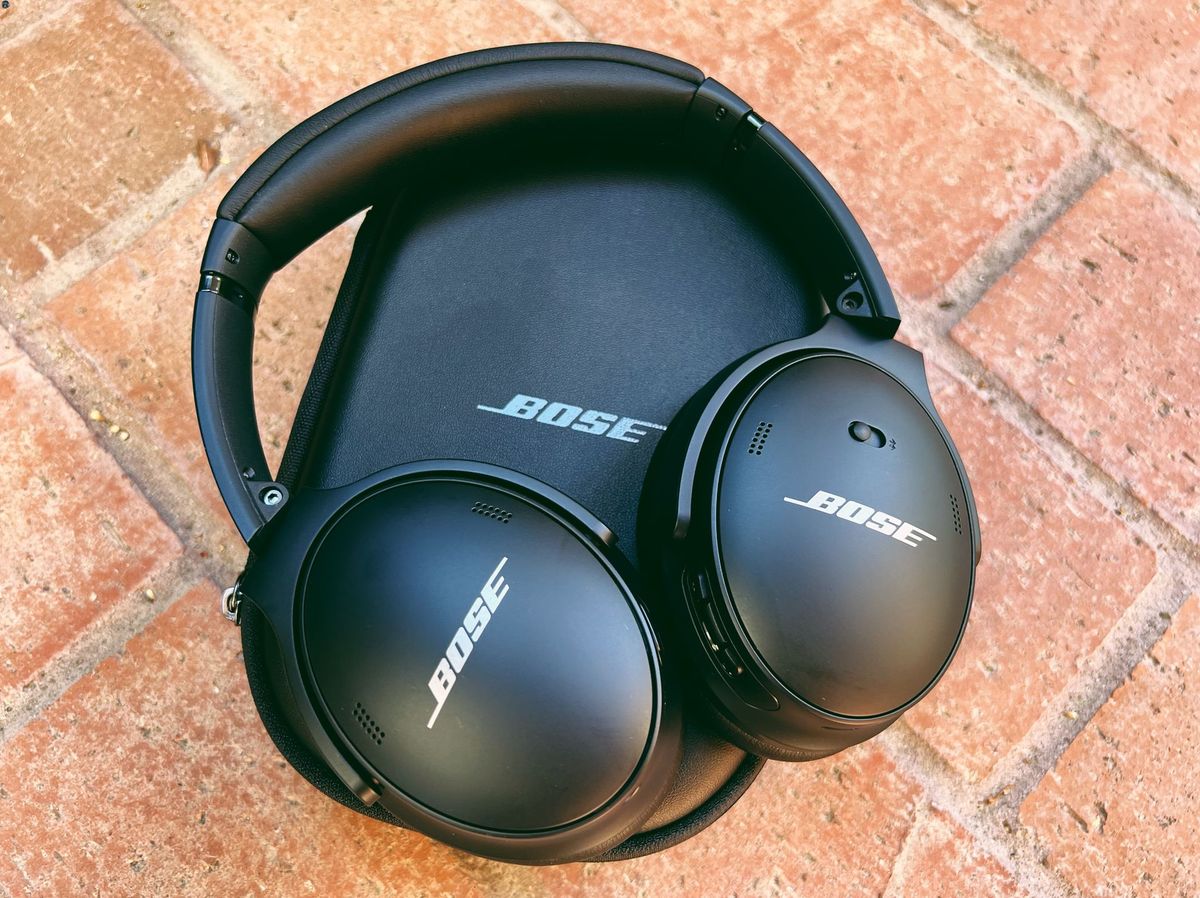
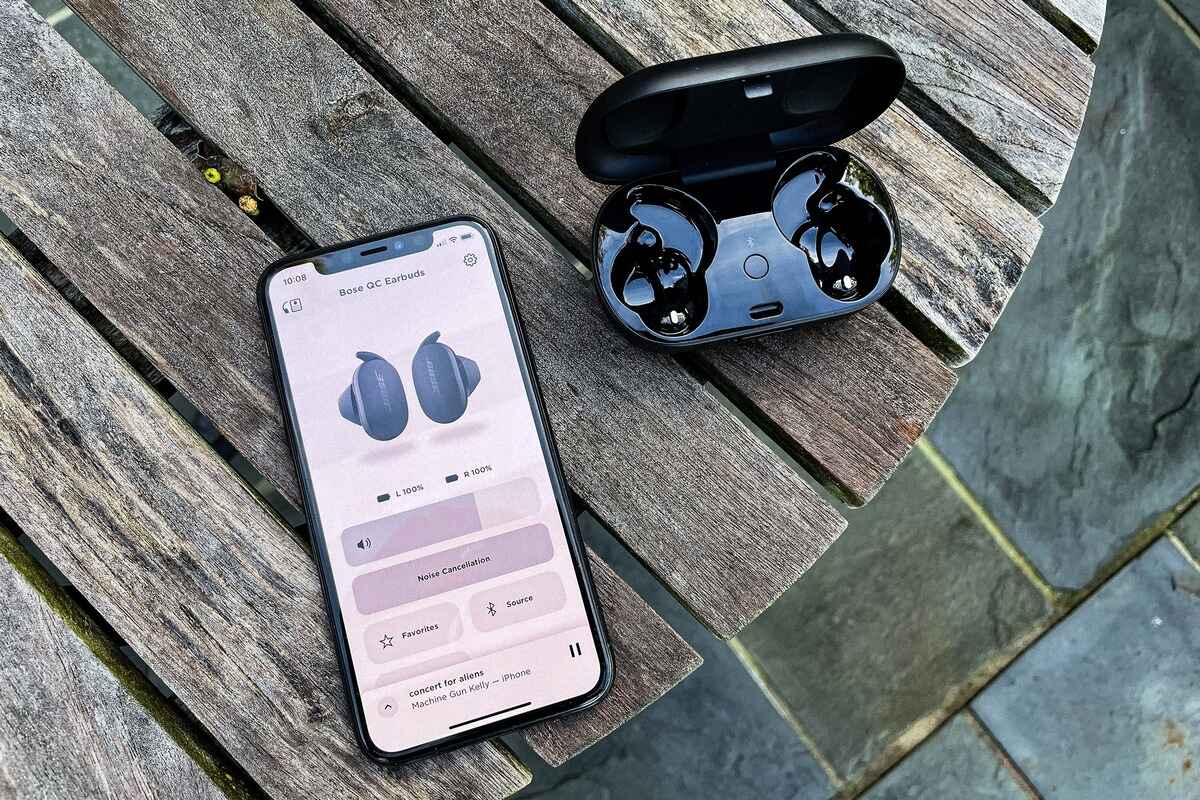
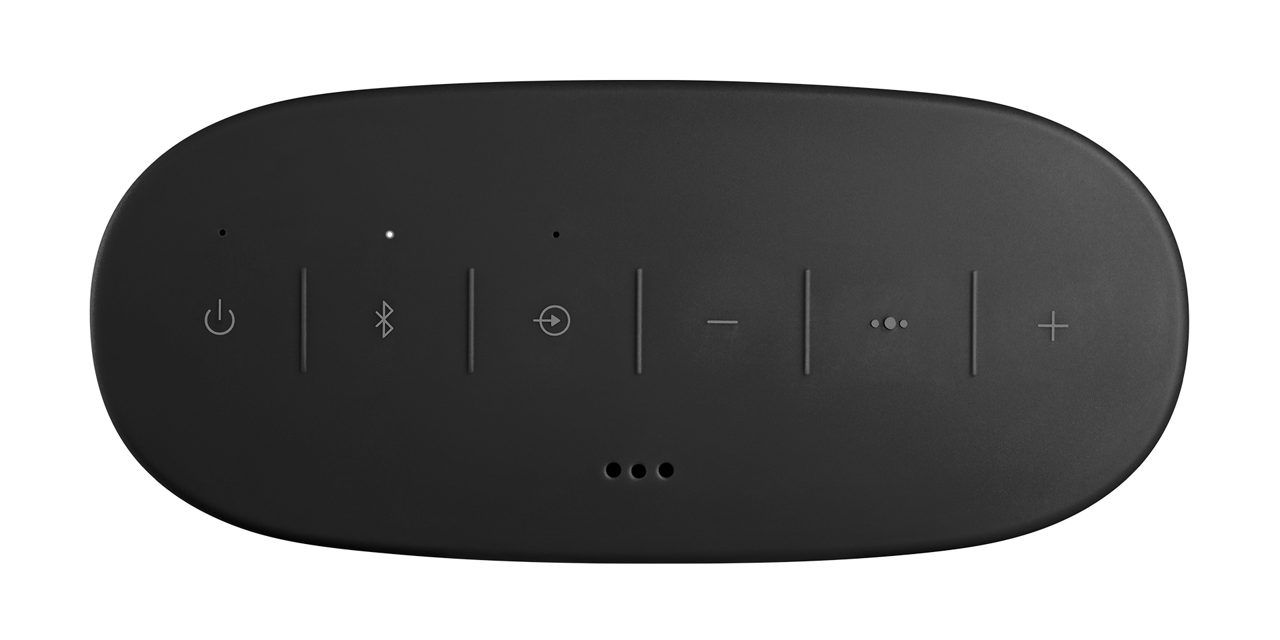
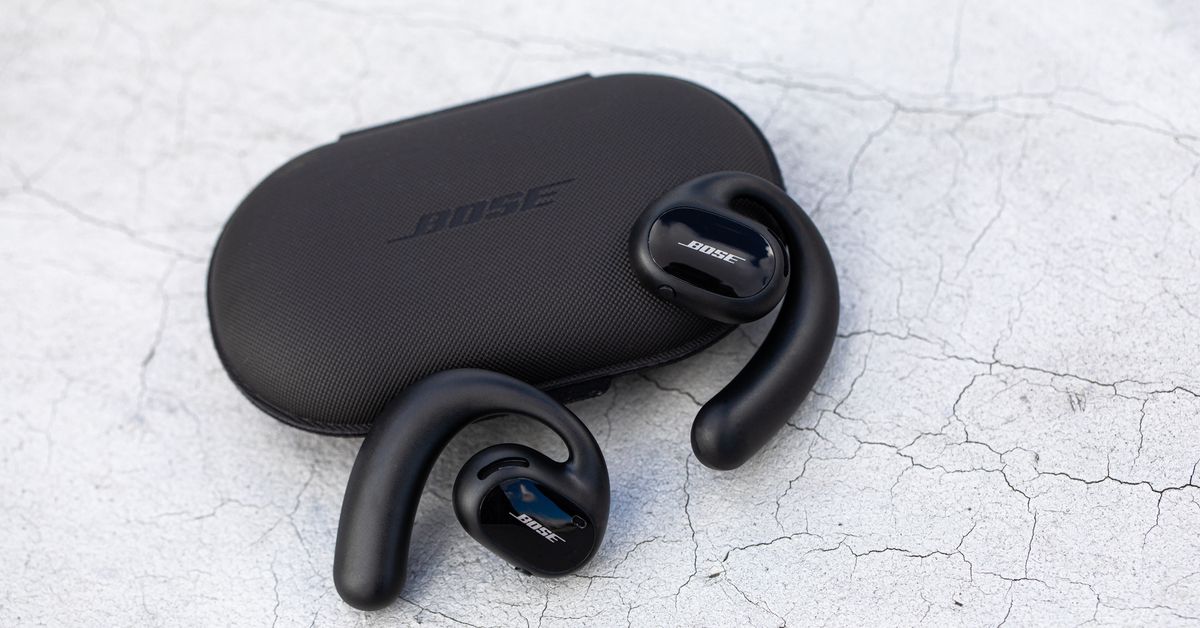
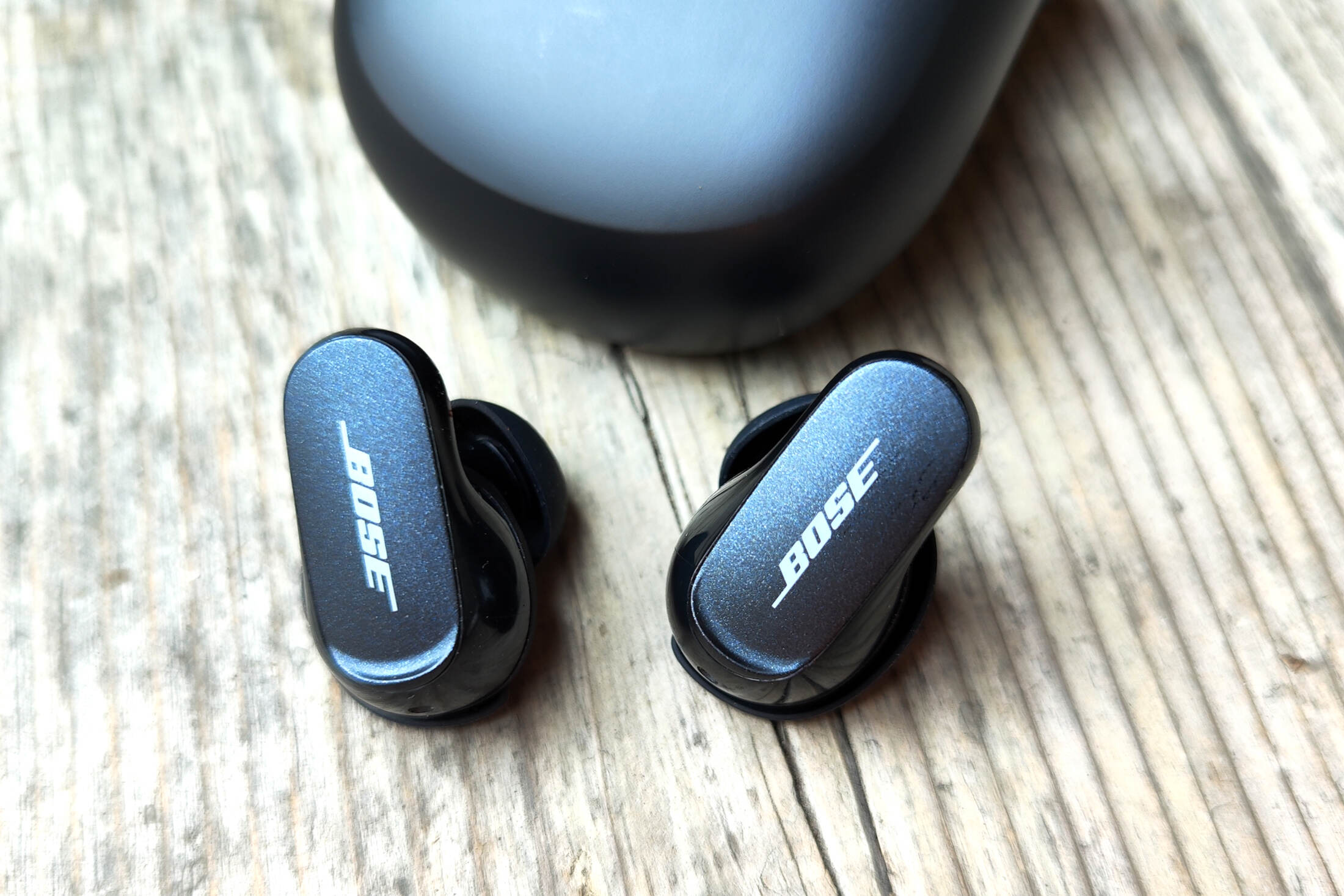
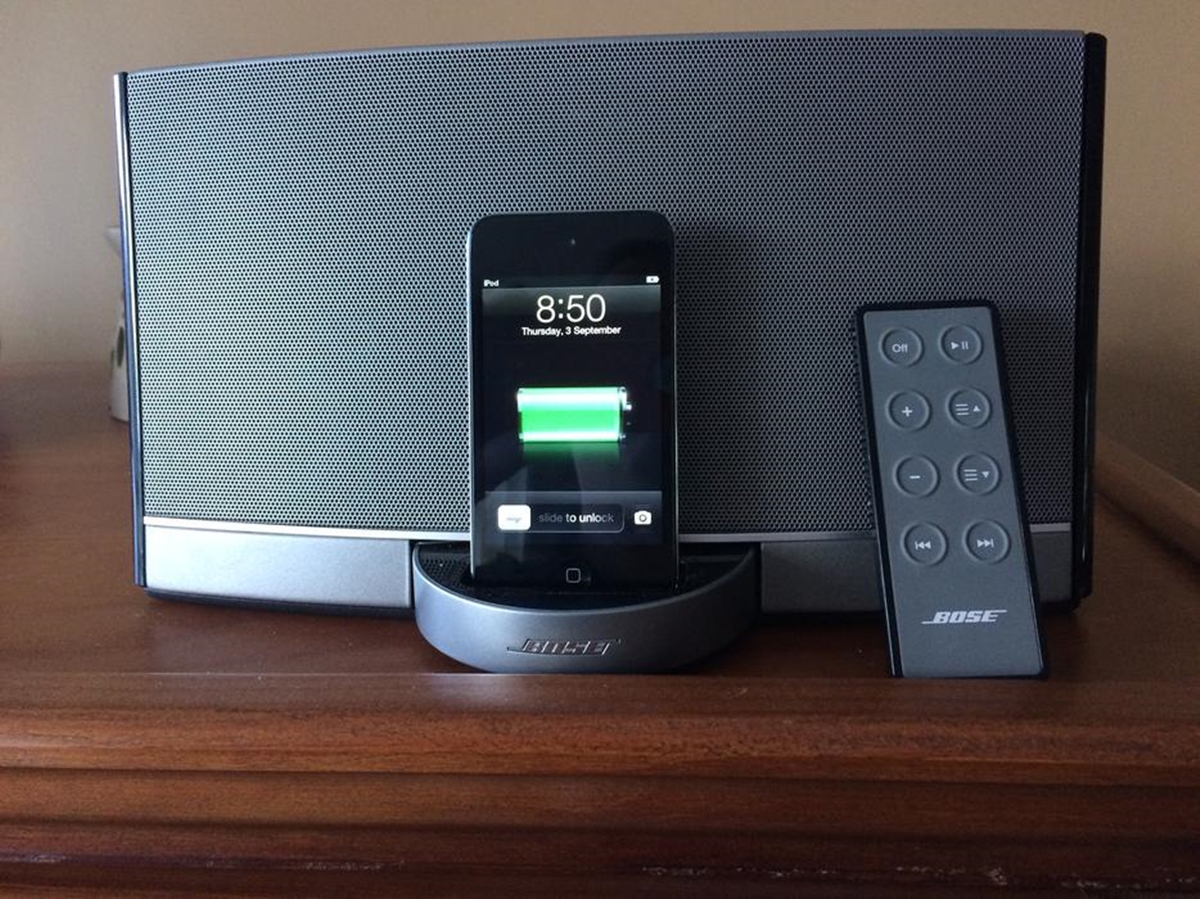
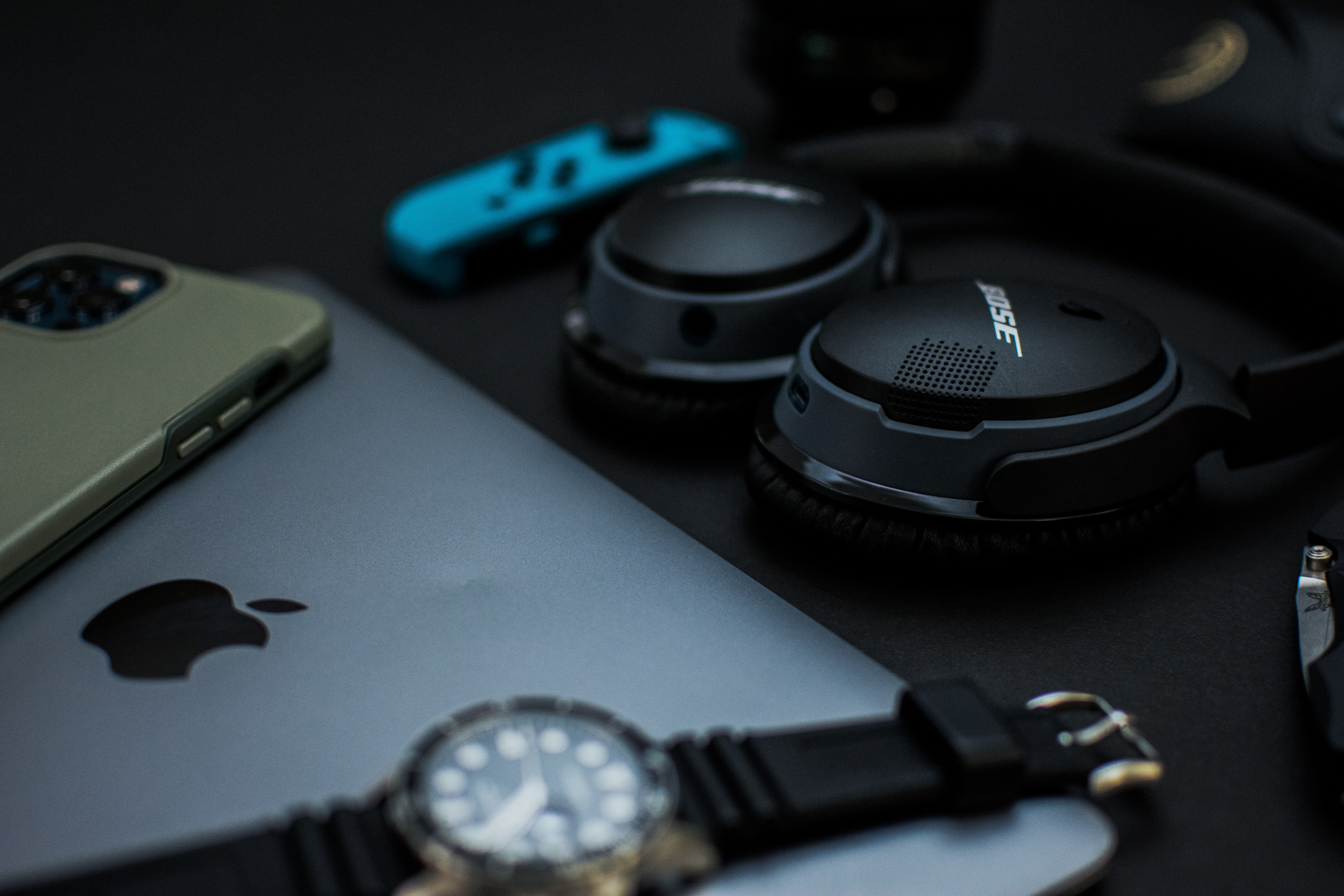
All of our guides and troubleshooting articles specifically for users of Bose audio gear, from wireless earbuds and headphones to portable speakers and docking stations. This page is for anyone who owns a Bose device and needs practical, step-by-step help making it work with their phone, TV, or other gadgets, without the fluff.
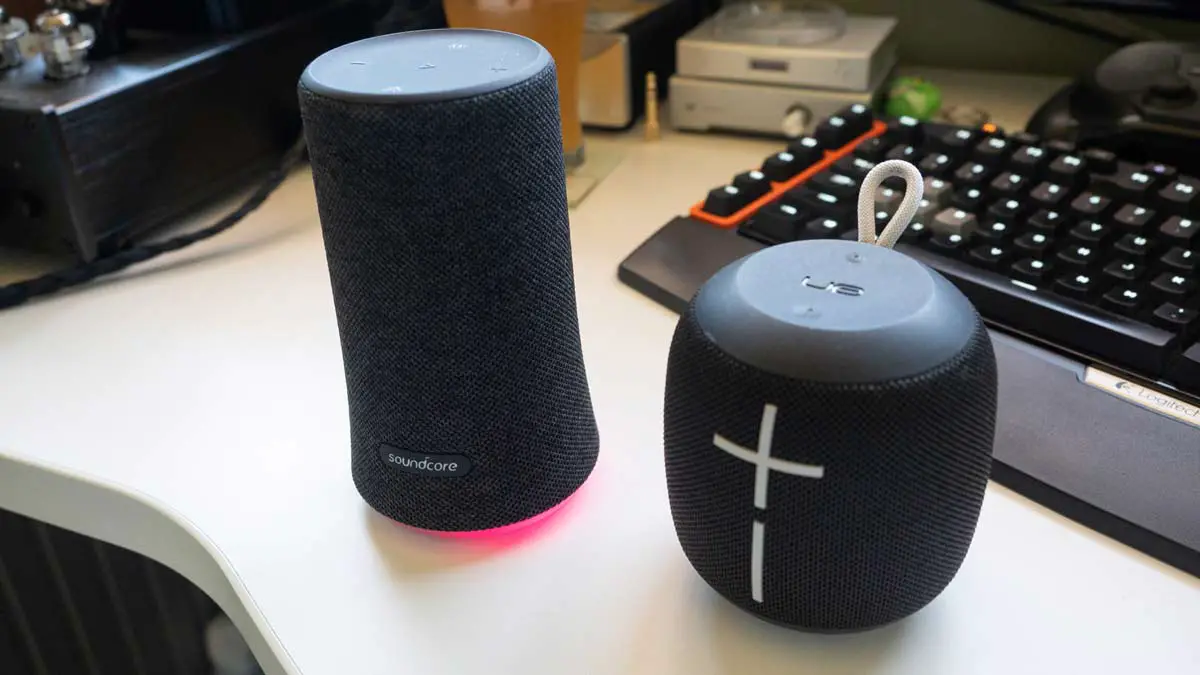
The articles here solve two main kinds of problems. First, there are several guides focused on initial setup and everyday pairing, showing you exactly how to connect your Bose earbuds to an iPhone, how to pair a Bose headset, and how to connect the Bose wireless headphones or a Bose wireless speaker to your devices. Second, a separate group of articles tackles more advanced or unexpected situations, such as how to link two Bluetooth speakers together for a bigger sound, how to connect a Bose docking station to your TV, and how to reset Bose wireless earbuds when they stop responding. We also answer practical questions about battery life, like how long do Bose wireless earbuds last, so you know what to expect from your gear.
Whether you are setting up a new pair of earbuds for the first time, trying to get a speaker to play from your television, or fixing a connection that has gone wrong, these articles give you the clear, direct instructions you need to get your Bose audio working exactly the way you want.