Welcome to the Data Backup tag on CellularNews. This collection is for anyone who needs to manage the personal information stored on their phone, whether you are selling a device, switching carriers, or preparing for a factory reset. The articles here focus on the real-world steps you can take to protect your photos, contacts, and app data before making a major change to your phone.
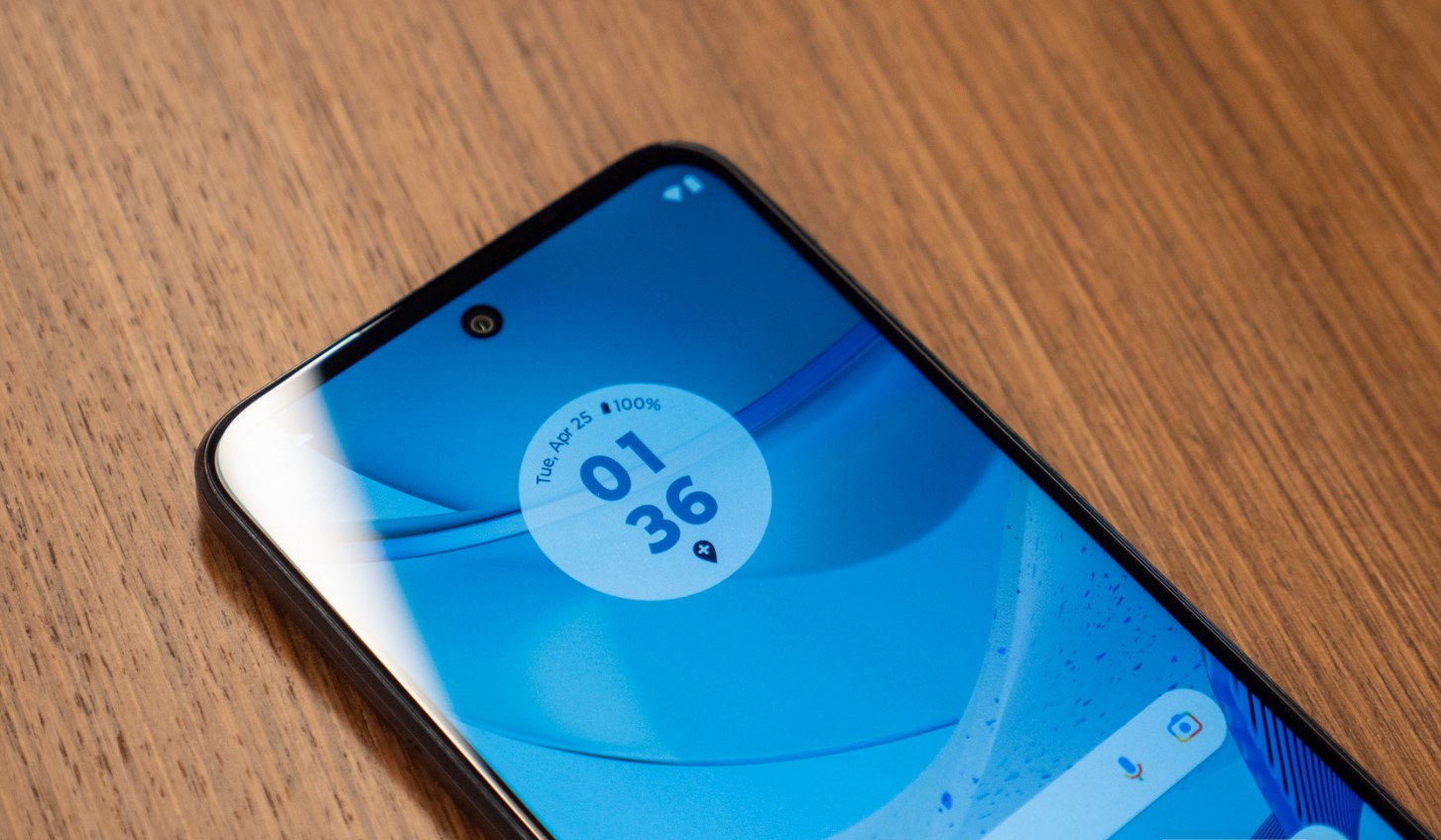
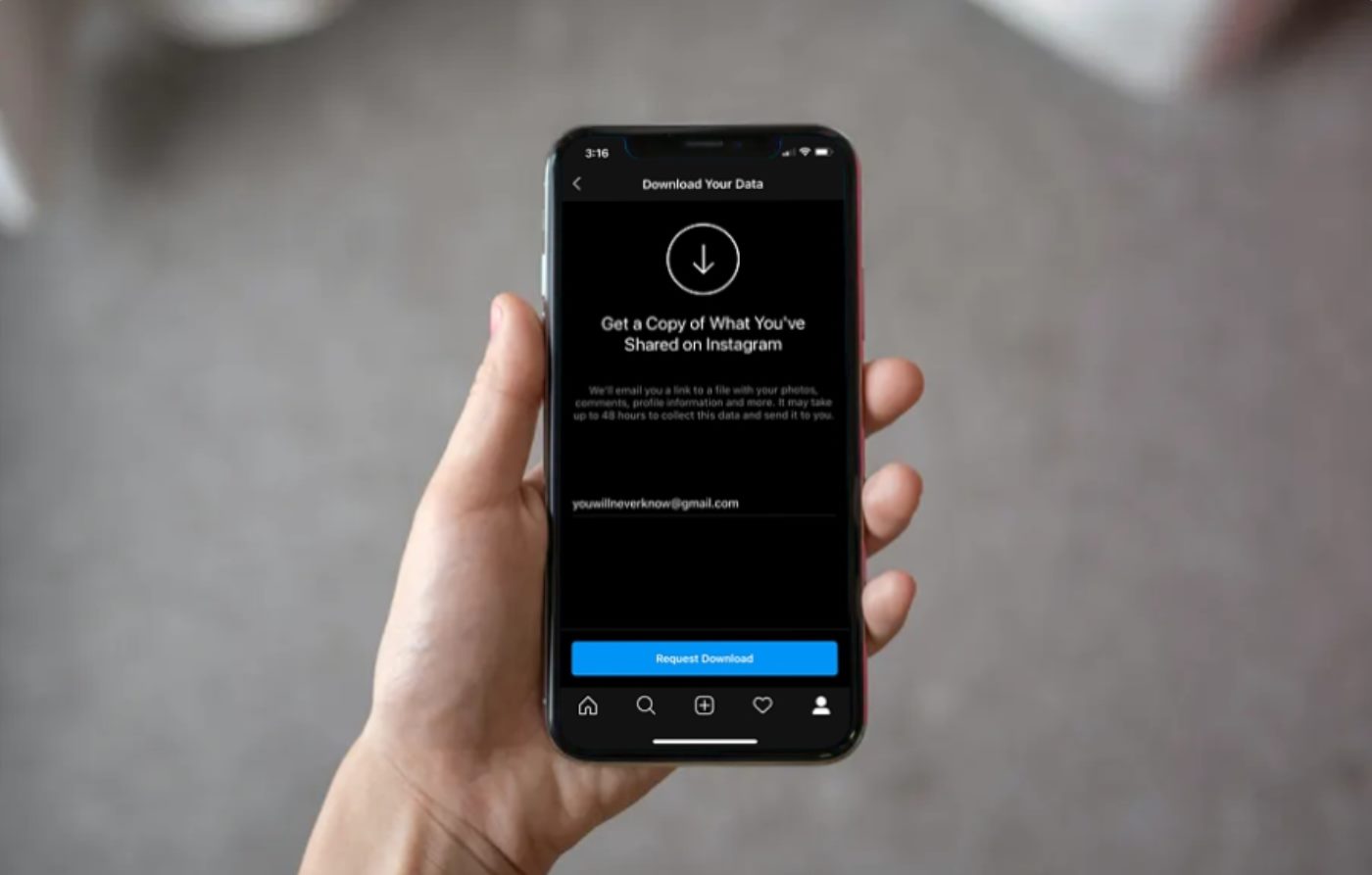
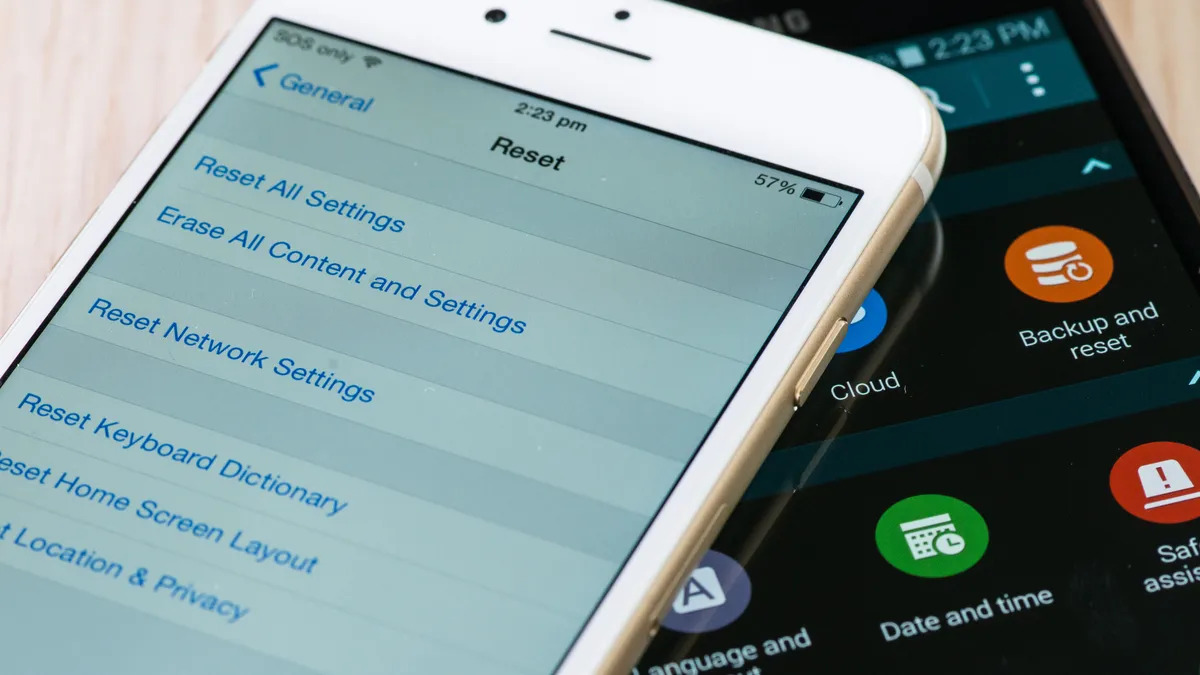
The problems these articles solve fall into two main themes. First, there are guides for transferring or preserving data when you are about to get rid of a phone. For example, if you are wondering where you can sell your cellphone, you will find advice on how to wipe your Android phone or tablet properly so your personal files do not end up in someone else’s hands. Similarly, the tutorial on how to factory reset a Moto G Play gives you a clear process for starting fresh without leaving old data behind. The second theme covers data recovery and migration during upgrades or unlocks. Articles like how to upgrade your phone with Boost Mobile and how to unlock a Google Pixel without losing data walk you through keeping your files intact while moving to a new device or unlocking your current one. You will also find a practical guide on how to download your Instagram data, which helps you back up your social media content directly to your own storage.
Each article helps you take a specific action, whether that is securely erasing a device, backing up a social account, or moving to a new carrier without losing your contacts and settings. No fluff, just the steps you need to keep your data safe.