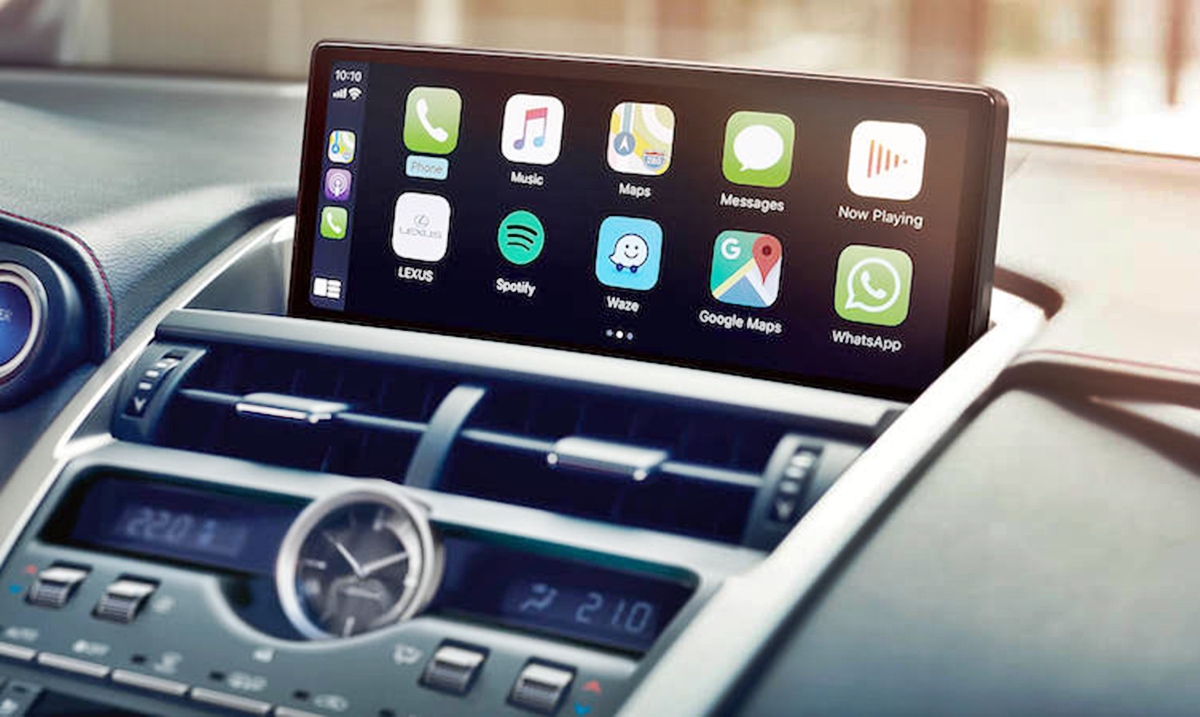
The screens, connectivity, and phone integration features built into modern vehicles. This content is specifically for anyone who owns or drives a car and needs to manage how their smartphone interacts with the dashboard display, whether for navigation, music, or hands-free calling.
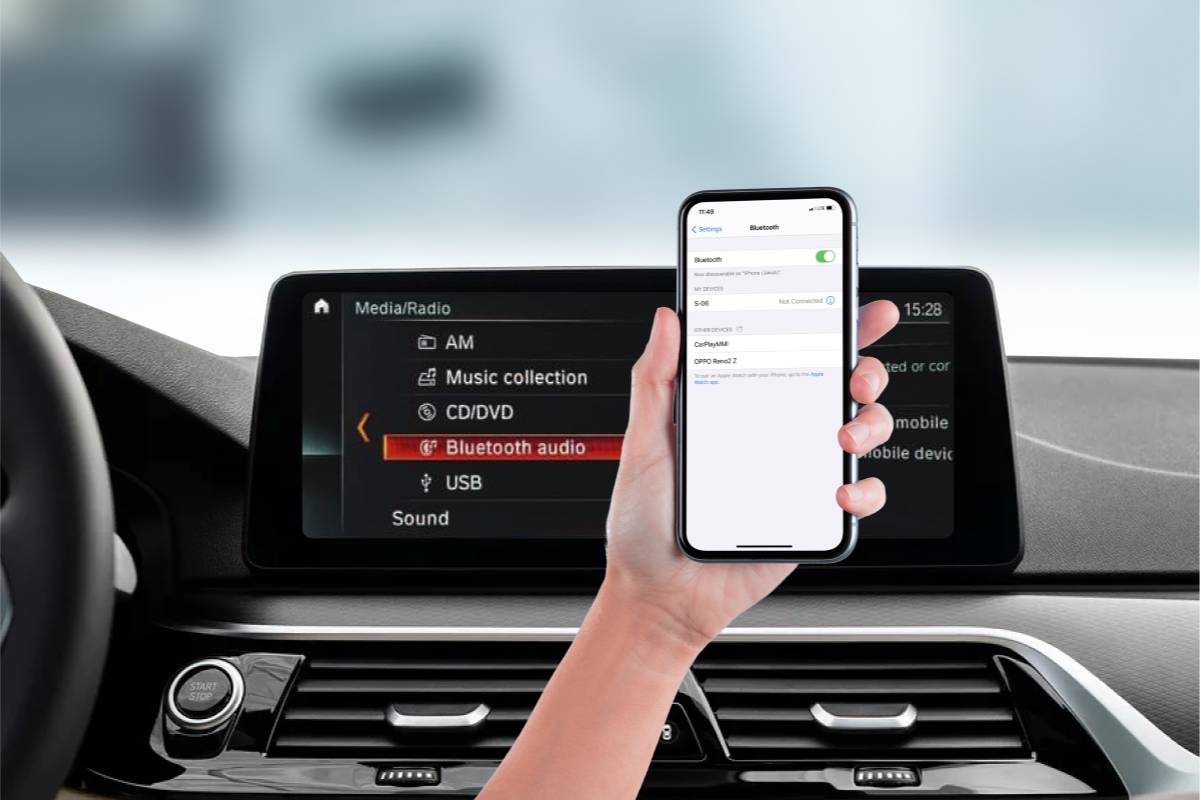
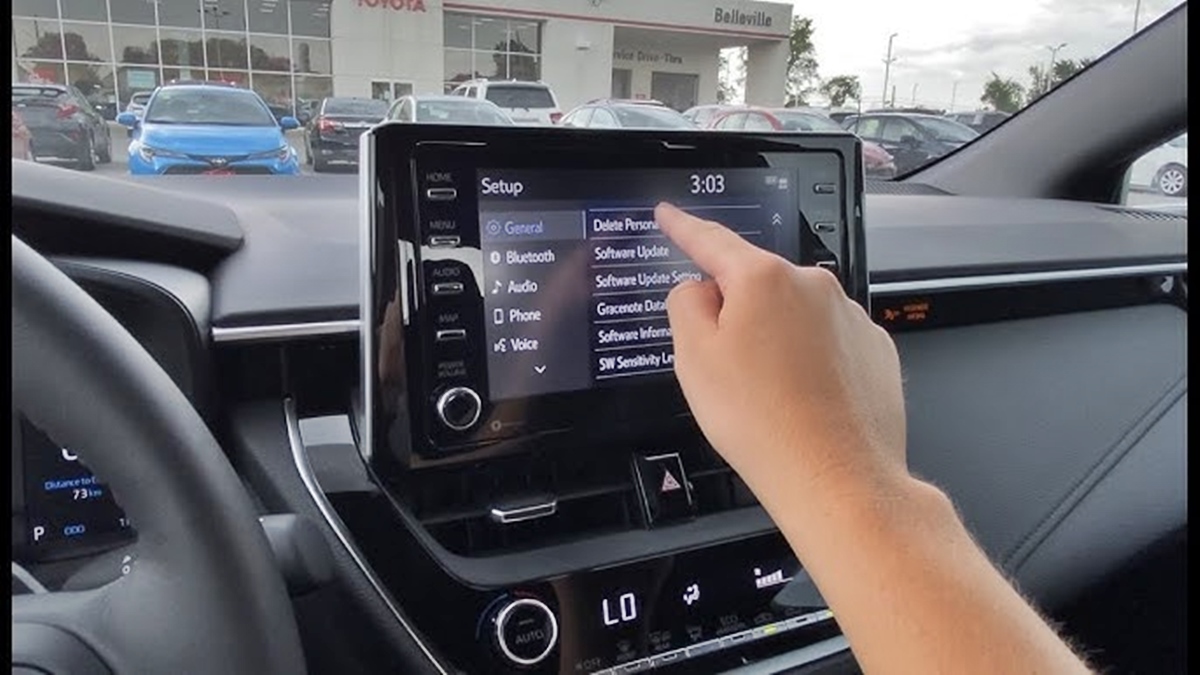
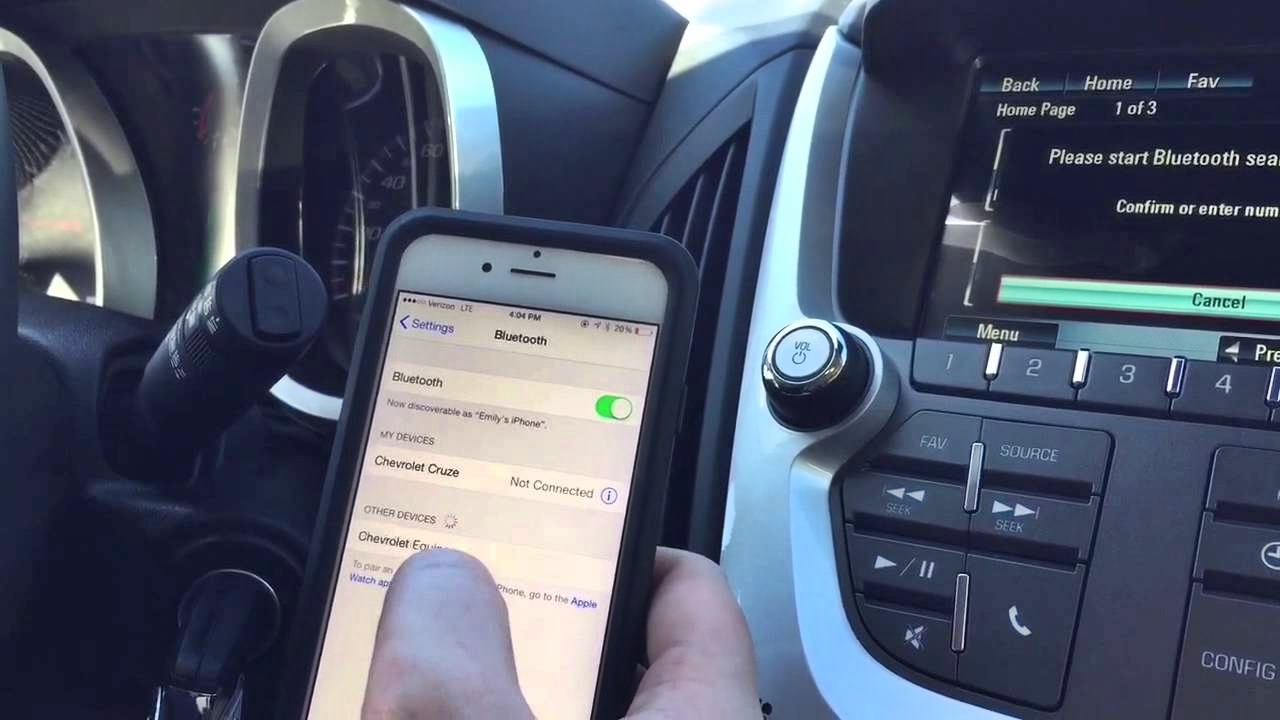
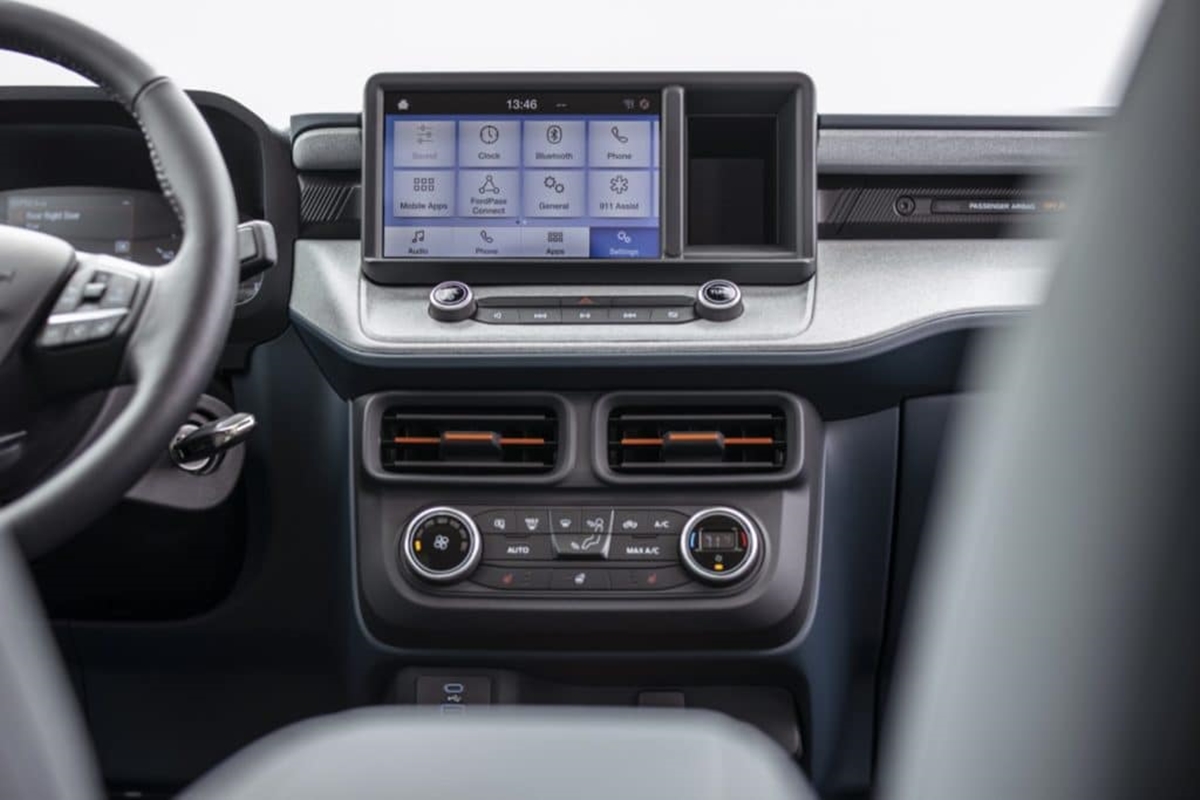
The articles here solve two main types of real-world problems. The first is understanding the hardware itself, such as knowing the exact screen size of the standard center-stack touchscreen in the all-new 2022 Ford Maverick. The second, and more common, category covers pairing and unpairing a phone across different car brands. For example, you can find step-by-step guidance on how to connect your phone to a Lexus or how to pair a phone to a Chevy Equinox. Equally important, the tag includes solutions for disconnecting, with articles like how to remove a phone from a Toyota Bluetooth system or from a car’s Bluetooth in general.
Each article helps the reader perform a specific action: identify a screen dimension, establish a new Bluetooth connection, or successfully delete a paired device from a vehicle’s memory. The focus is on practical, brand-specific fixes that get your phone and car working together without confusion.