This tag collects articles specifically about Xiaomi’s MIUI software interface, focusing on practical fixes and settings for Redmi Note and Redmi 9 series phones. It is written for everyday users who own these devices and need clear, step-by-step guidance on common system tasks, from major updates to basic troubleshooting.
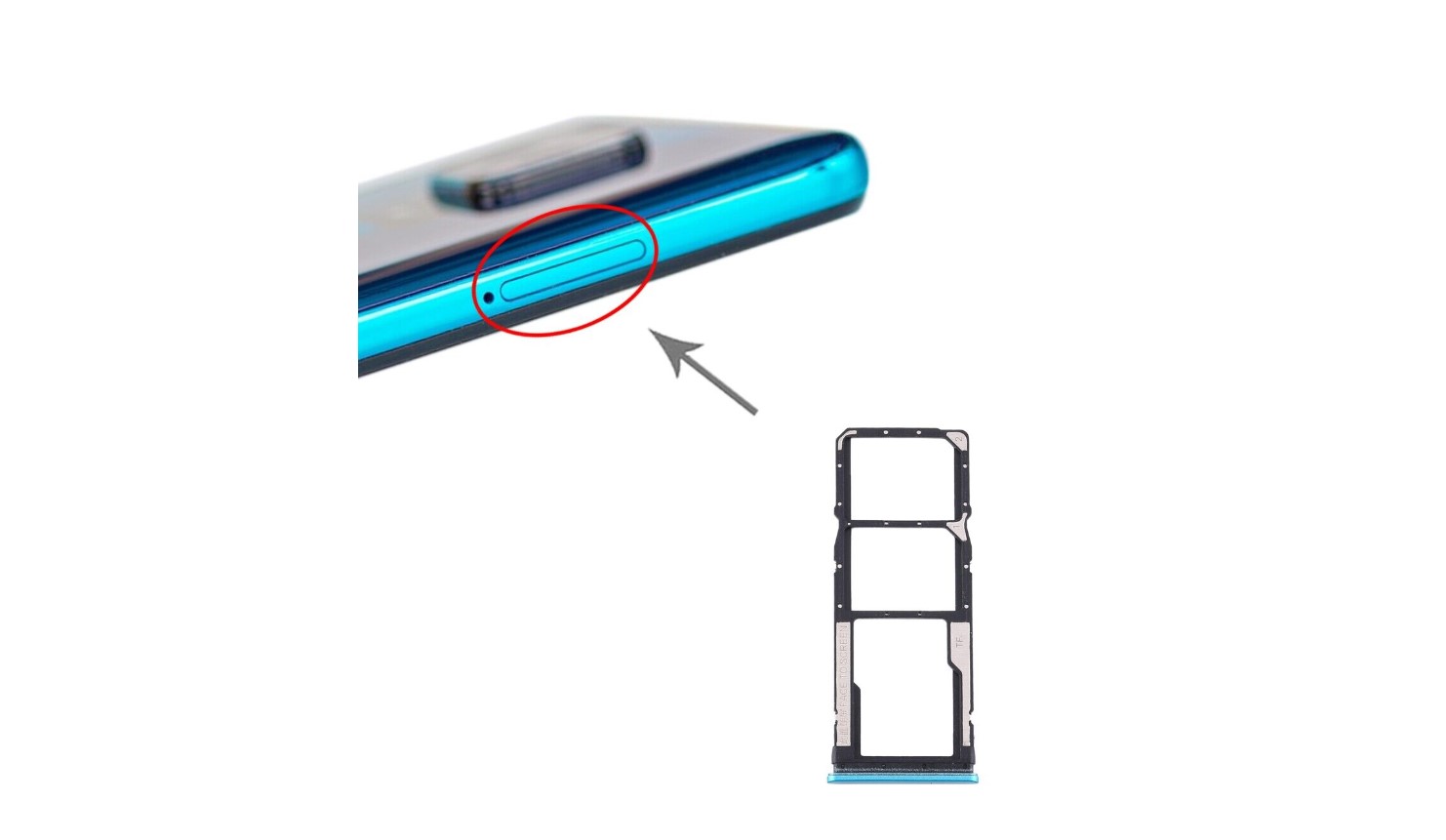
The articles here solve two main kinds of problems. First, they help with system updates and resets, such as walking you through how to update a Redmi Note 4 to Android 10, how to perform a hard reset on a Redmi Note 8 Pro, or how to reset a Redmi Note 9. Second, they address specific configuration issues, including how to access an SD card in a Redmi Note 9 and how to turn off MIUI optimization in a Redmi 9. For older models, the collection also covers how to update a Xiaomi Redmi Note 3 via an OTA update.
In short, these articles help you take direct action on your phone: updating the operating system, wiping data through a reset, managing storage expansion, and disabling system-level optimizations that may interfere with certain apps. Each guide is focused on a single, clear task you can follow on your own device.