Creating, editing, and managing PDF files directly from your phone. This section is for anyone who needs to handle documents on the go, whether you are a student, a professional, or someone trying to complete paperwork without a computer.
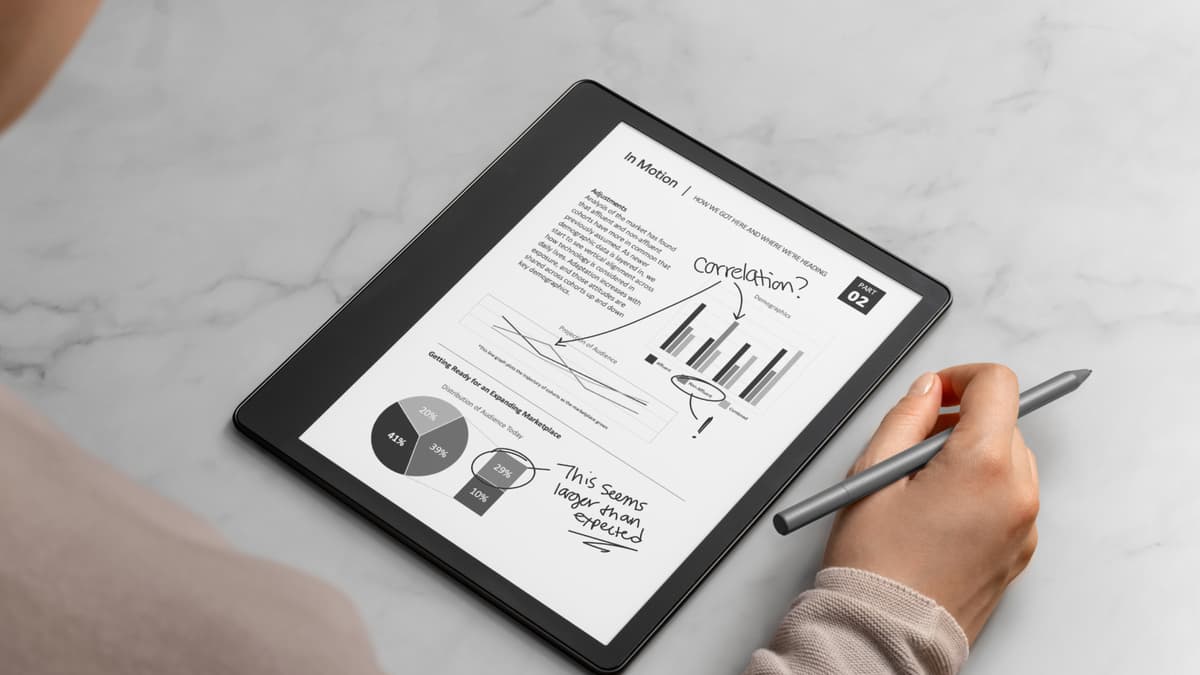
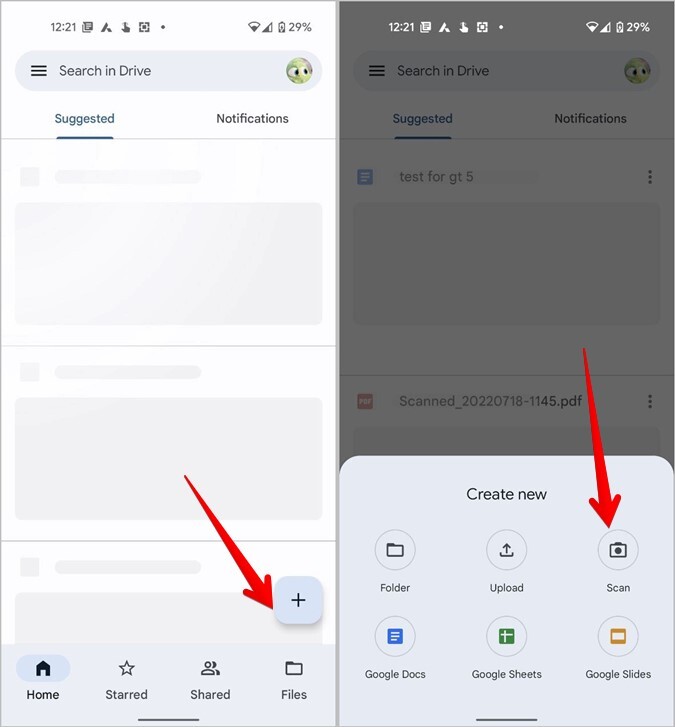
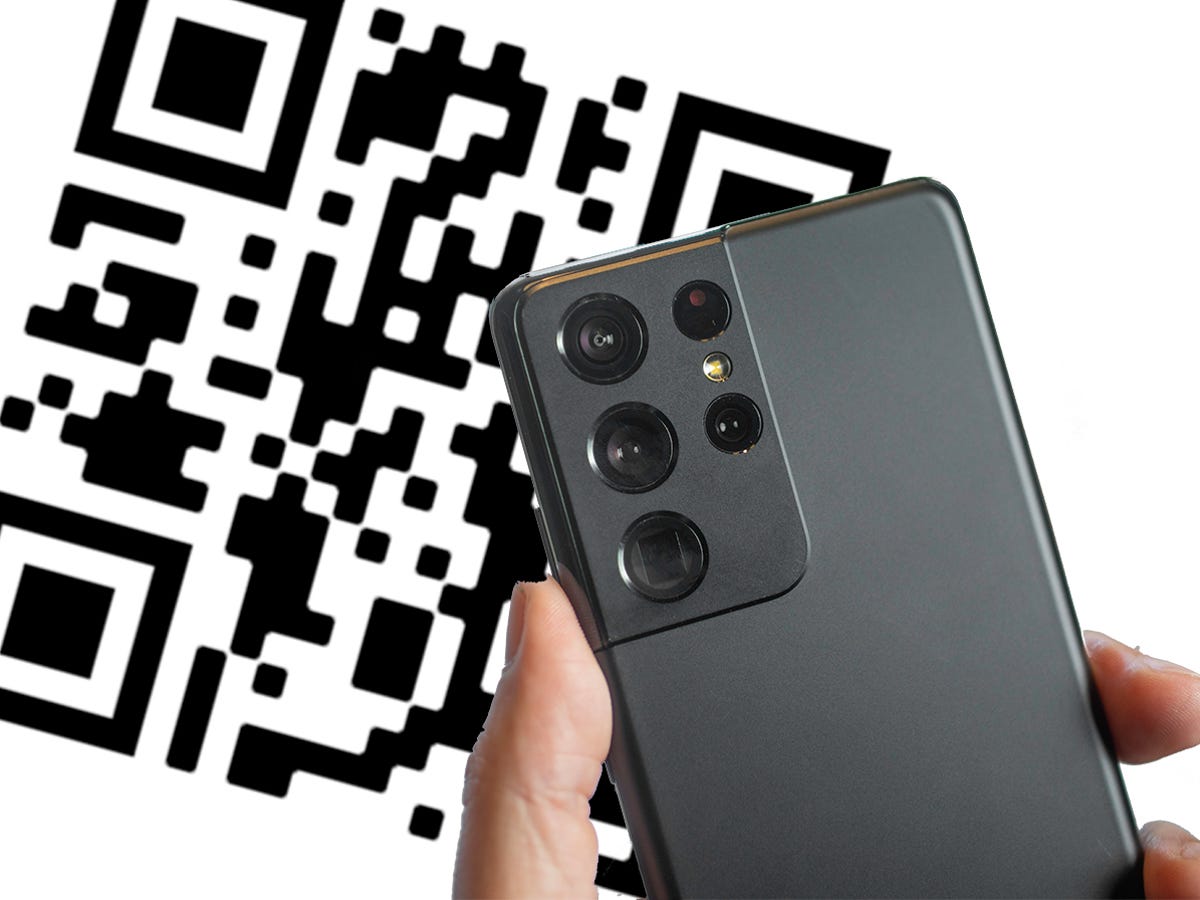
The articles here solve two main kinds of problems: scanning physical documents and editing digital forms. For scanning, you will find guides like "How Do You Scan On An Android Phone" and "How To Scan On My Samsung Phone," which walk you through turning a paper document into a digital file. Related to that, "How To Turn A Picture Into A PDF On Android" and "How To Make A PDF In Phone" show you how to convert existing photos or other content into a PDF format. For editing, the articles help you fill out and sign application forms sent by email, as well as write directly on a PDF using a stylus.
These articles help the reader perform specific tasks: capture a document with their camera, convert images into a shareable PDF, and interact with forms that require signatures or typed responses. The goal is to provide clear, step-by-step instructions so you can handle these common mobile tasks without frustration.