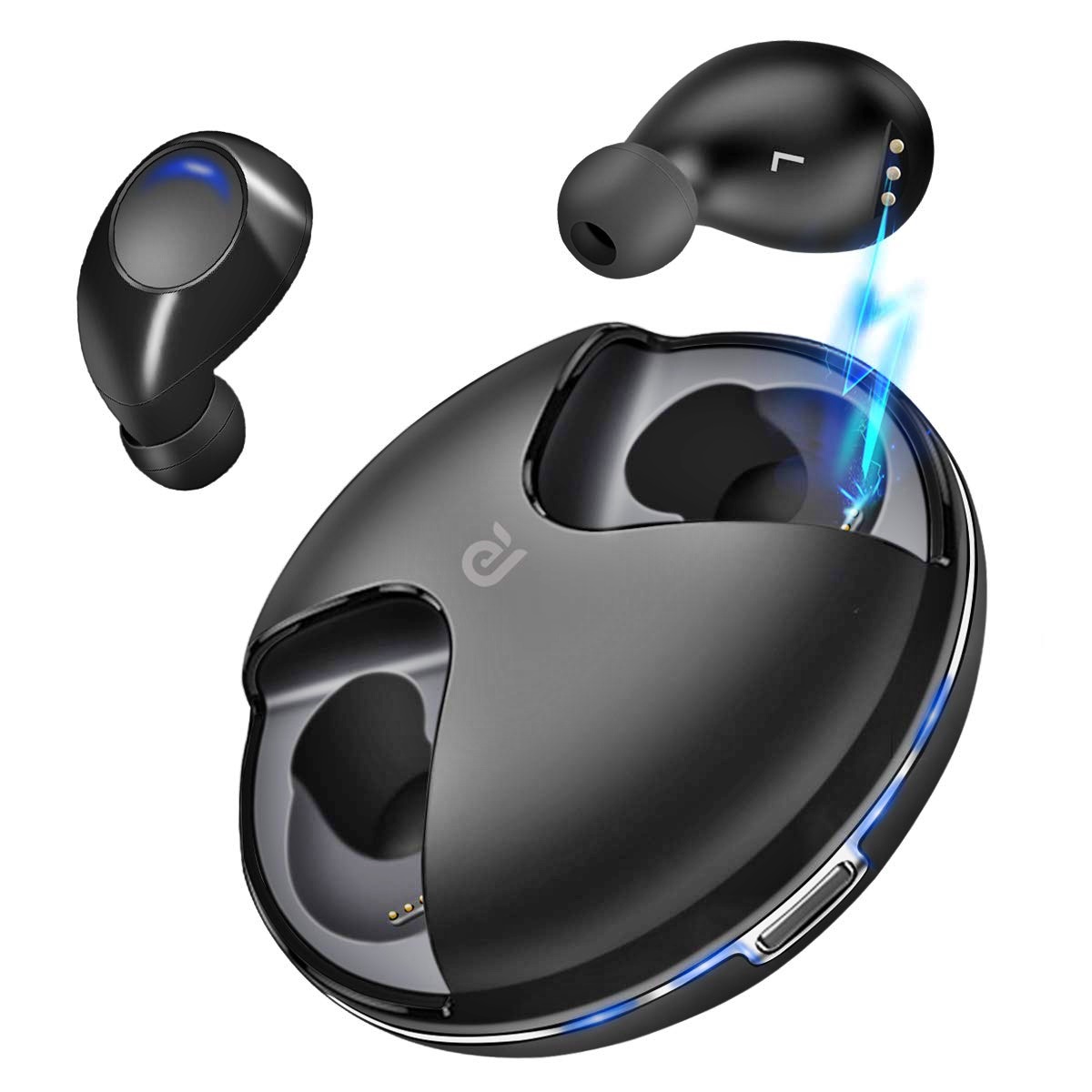
Guides and recommendations focused on how you interact with your phone, especially through its screen and connected accessories. This collection is for anyone who plays mobile games, uses wireless earbuds, or simply wants to fine-tune their device’s physical controls. Whether you are a competitive gamer or a casual listener, the articles here address the practical, hands-on side of using a smartphone.
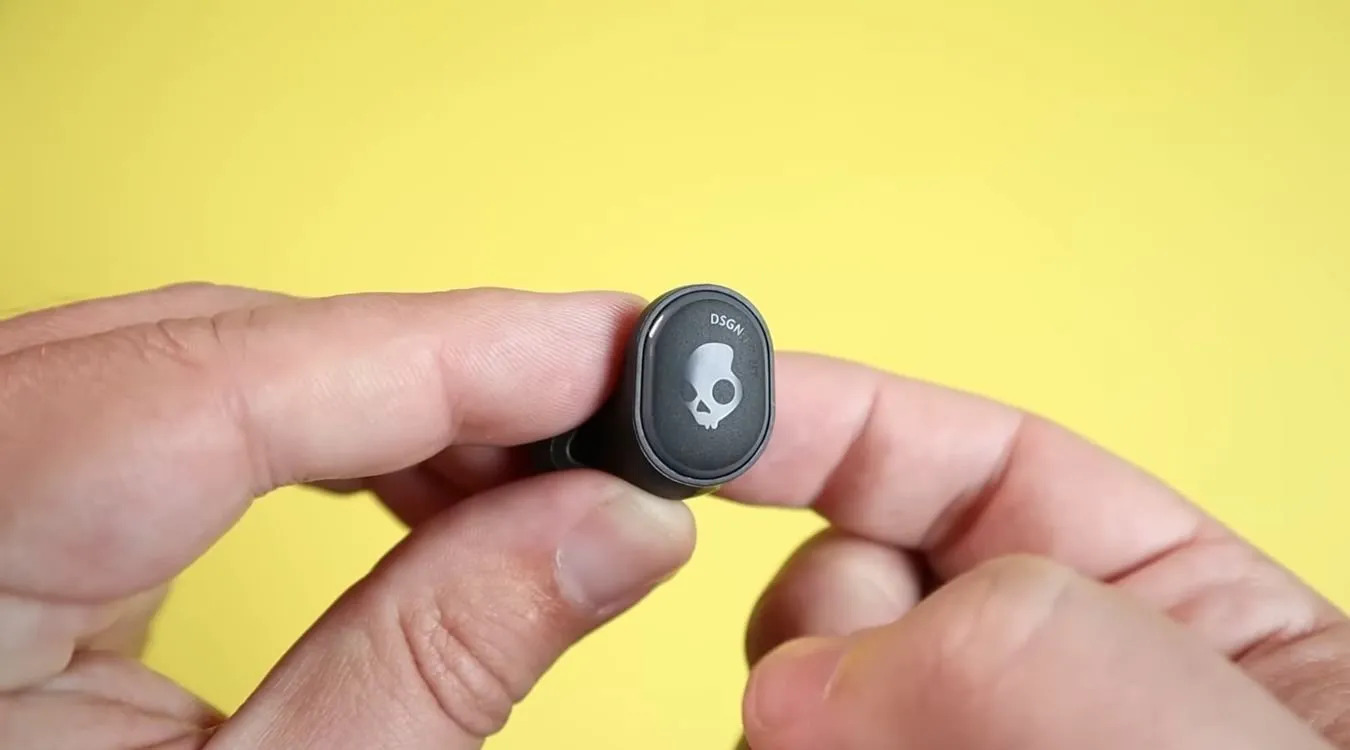
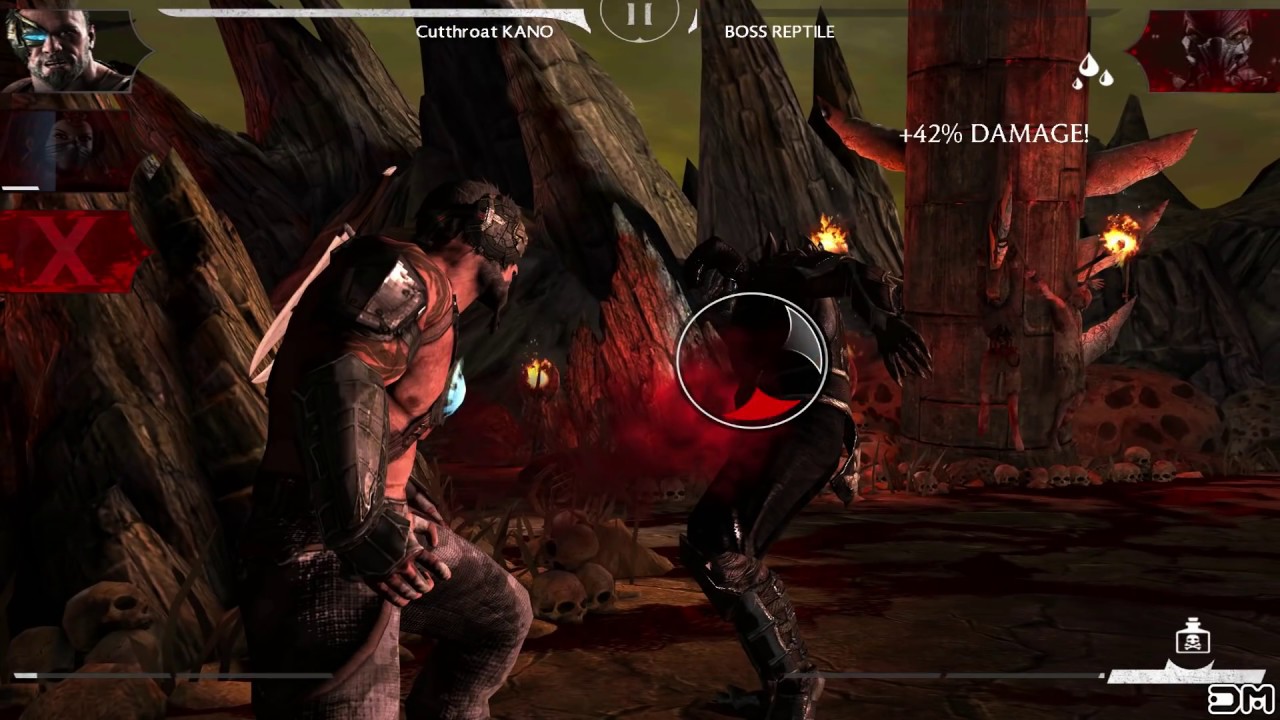
The articles solve two main kinds of problems. First, they help you improve your gaming experience by adjusting on-screen controls or choosing the right tools. For example, you can learn how to make the joystick on Roblox bigger for better precision, or how to perform fatalities in Mortal Kombat X Mobile with reliable touch inputs. Other guides cover which Fortnite guns perform best on mobile and which paid Android games are worth spending on, helping you get the most out of your play sessions. Second, several articles tackle common frustrations with wireless earbuds, such as how to turn up the volume on your pair or how to turn off Skullcandy wireless earbuds when they seem stuck. There is also a dedicated troubleshooting guide for wireless earbuds that addresses connectivity and playback issues.
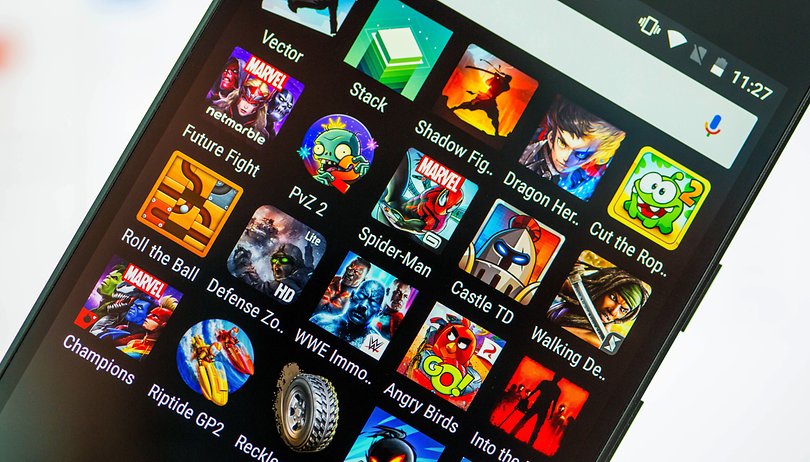
Beyond these specific fixes, the tag also points you toward popular mobile games to download, giving you a curated starting point for new titles. Every article is written to help you take a clear action, whether that is changing a setting, learning a new gesture, or picking a better accessory. The focus stays on what you can actually do with your phone, not on abstract specs or marketing promises.