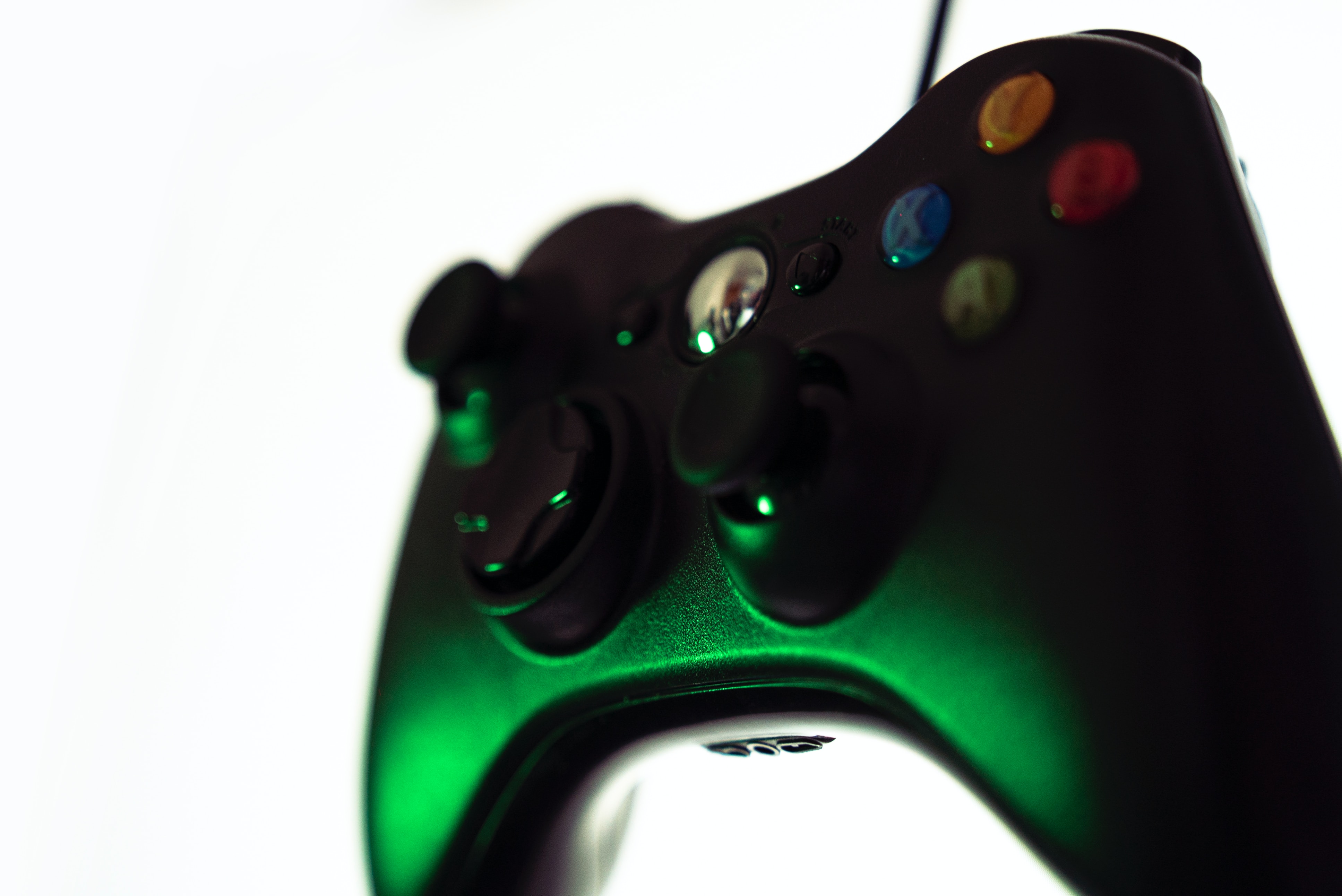
This tag collects CellularNews articles focused on getting the most out of your Xbox 360 hardware, specifically for gamers who need practical, step-by-step help. Whether you are troubleshooting a broken controller or trying to connect legacy accessories to your console, these guides are written for the everyday player who wants clear, actionable solutions without technical jargon.
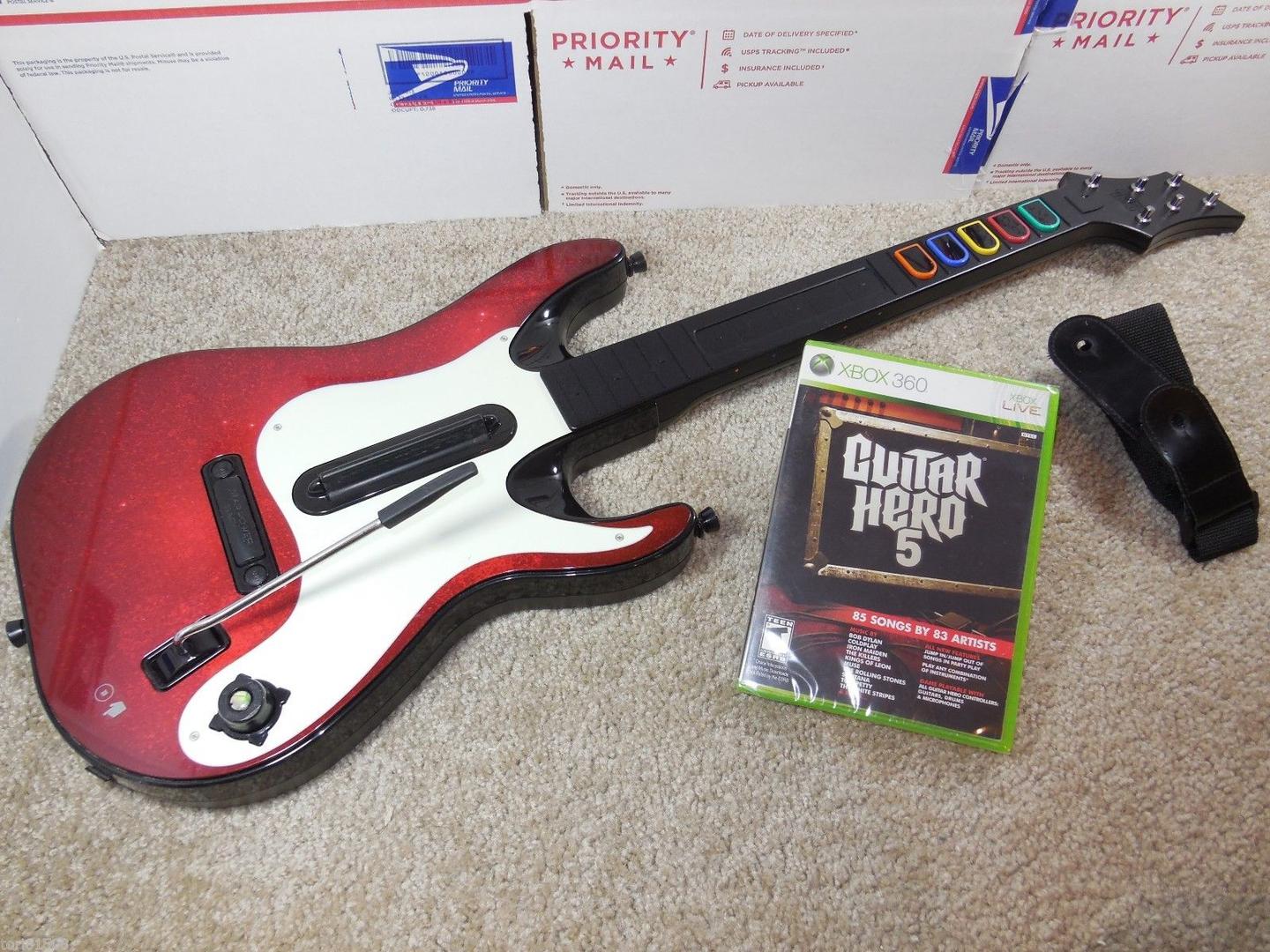
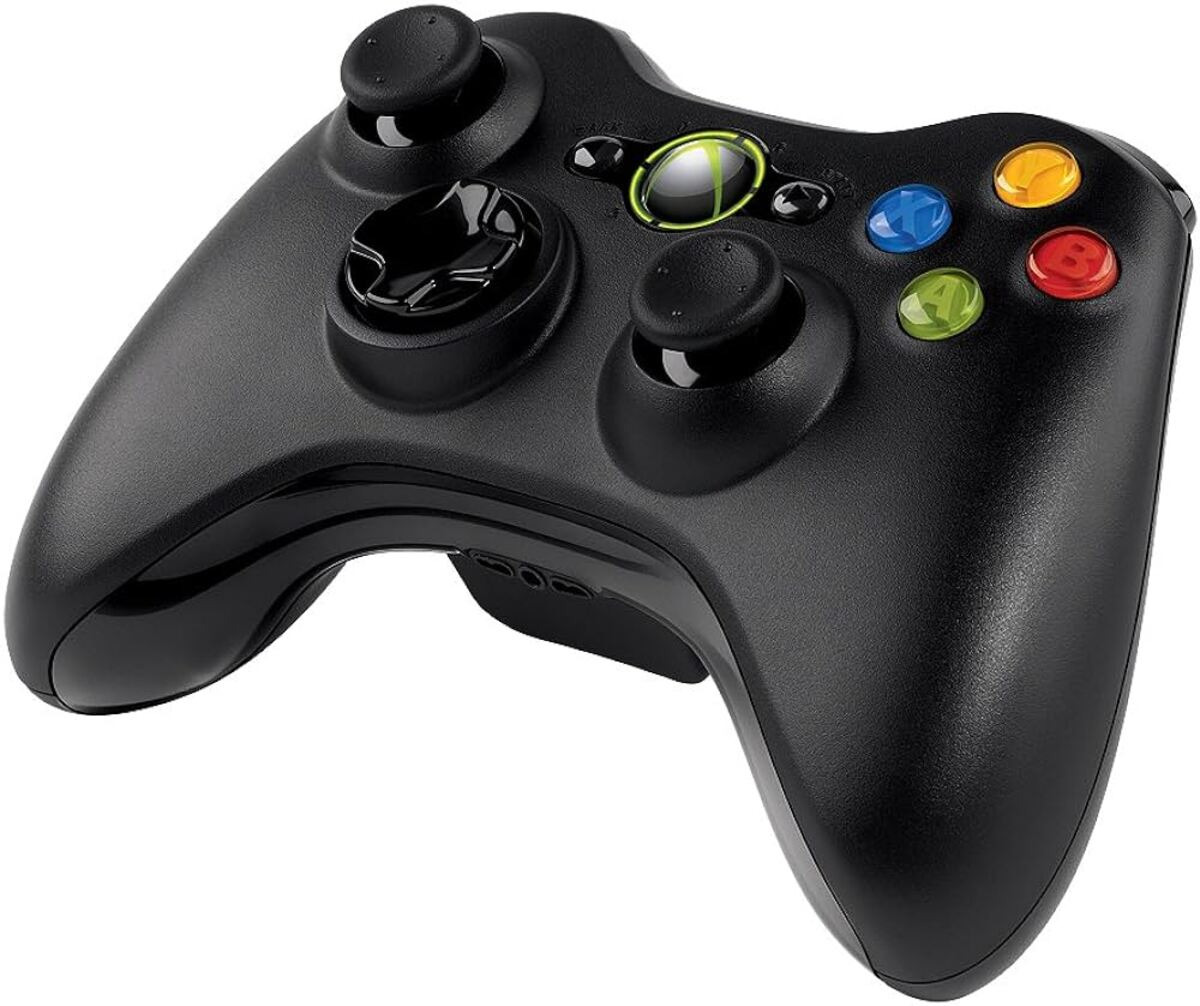
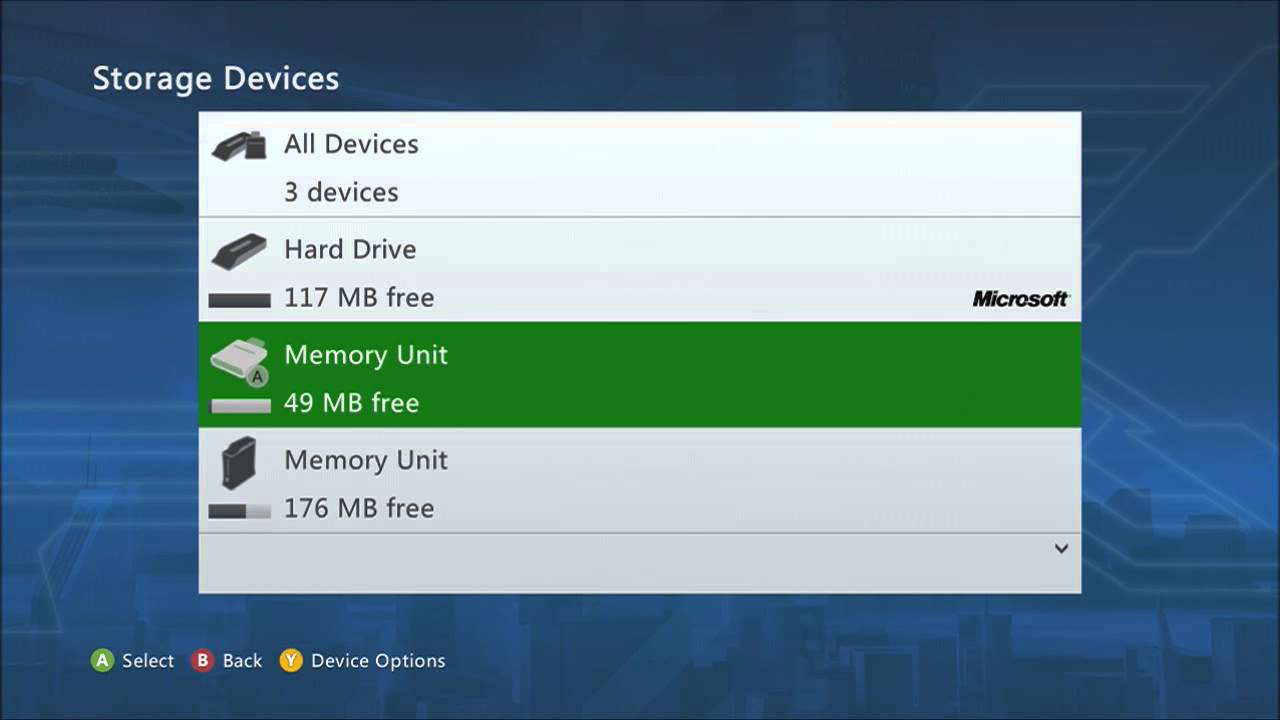
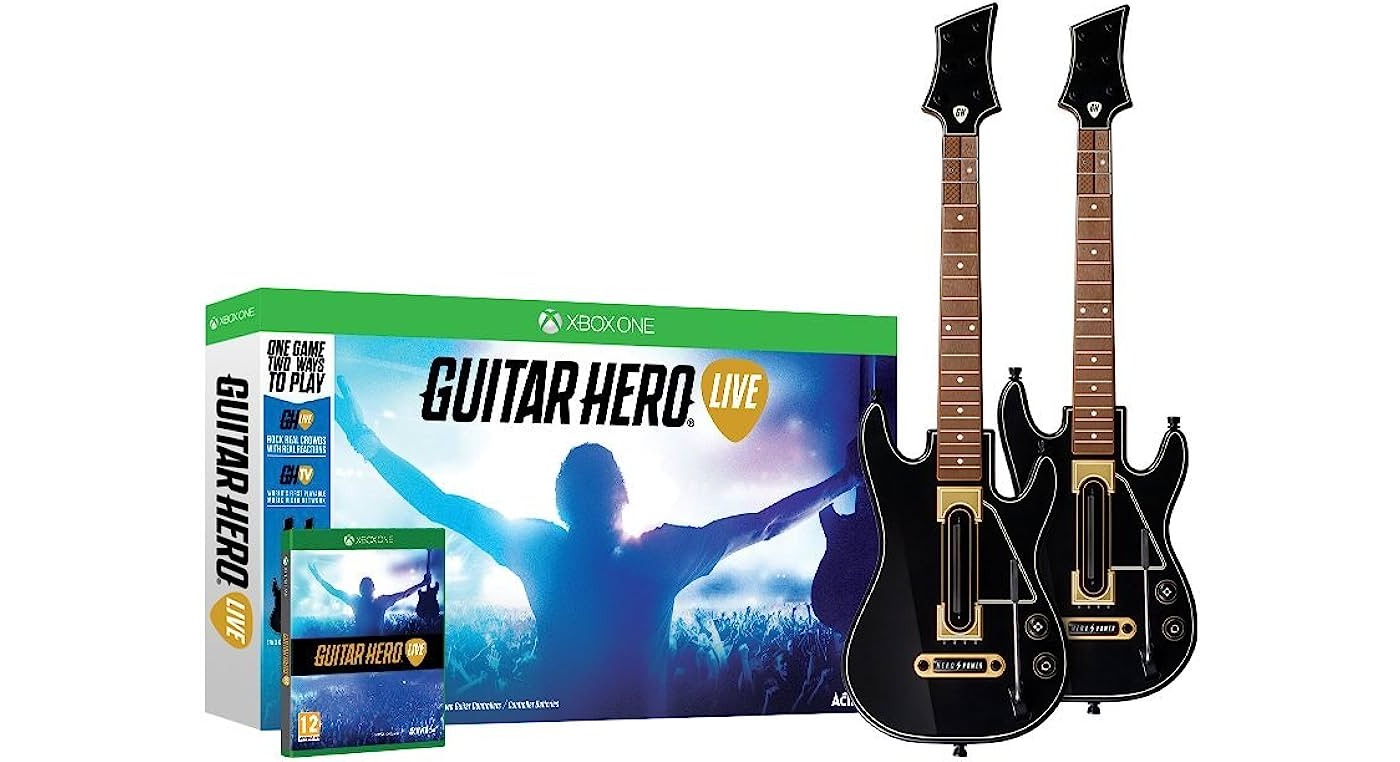
The articles here address two main themes: fixing common hardware issues and managing your console’s data. For hardware fixes, you will find guides like the one explaining how to fix a joystick on an Xbox 360 controller, which helps you repair a worn or drifting analog stick instead of buying a new one. Another article shows you how to set up an Xbox 360 wireless controller, walking you through the syncing process step by step. For connectivity problems with music games, there are specific solutions for how to connect a Guitar Hero guitar to an Xbox 360 without a dongle, as well as how to connect a wireless guitar to the console, helping you get those peripherals working again. Finally, the guide on how to delete data on Xbox 360 helps you free up storage space or clear save files directly from your console’s menu.