






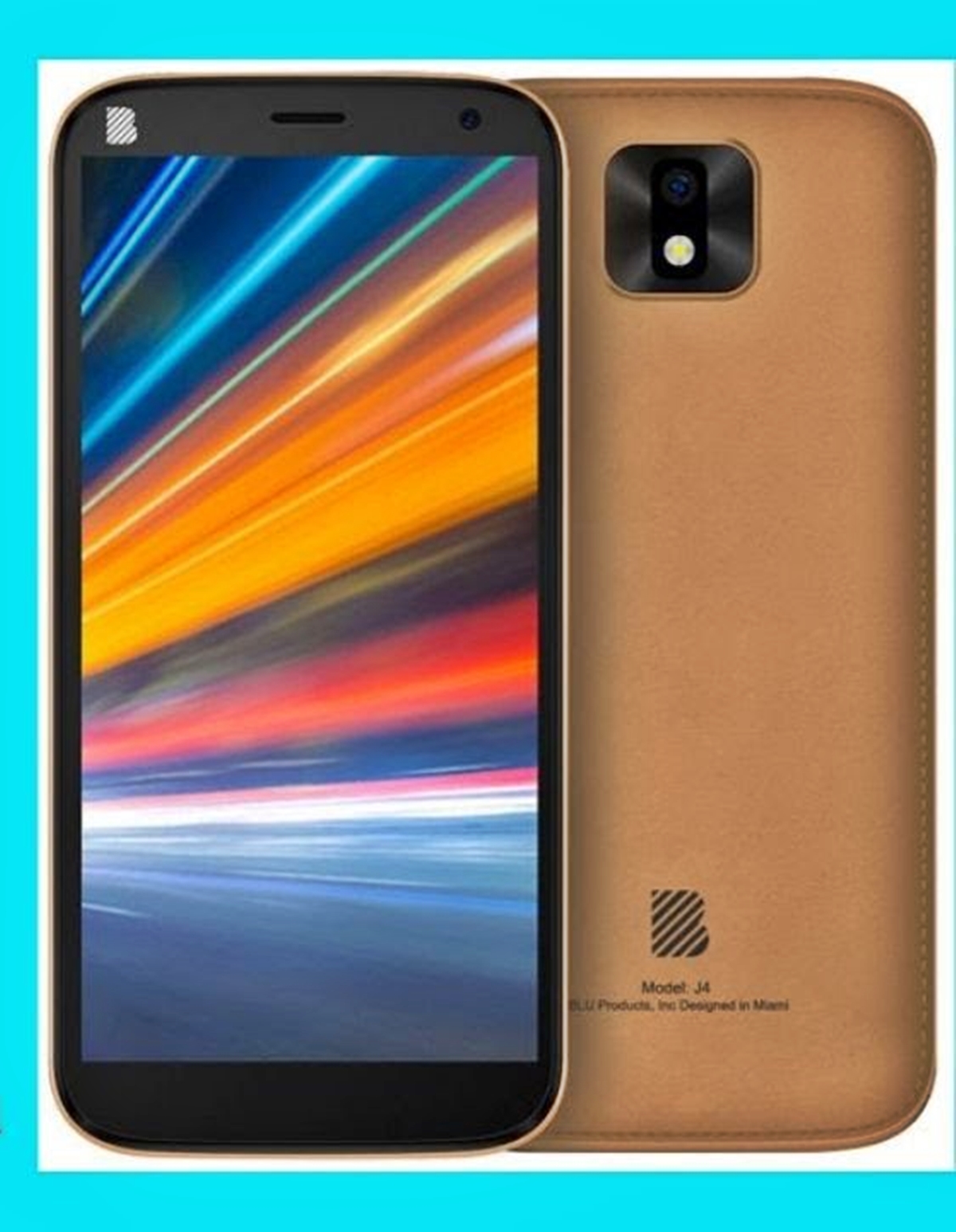
To unlock Blu smartphone, you need to first understand what you are actually trying to do: remove a forgotten screen lock (PIN, pattern, or password) or carrier-unlock the device for a different network. BLU phones are generally sold as unlocked Android devices, so the key issue is usually a forgotten screen lock, not a carrier restriction.
What 'unlock Blu smartphone' actually means
The term "unlock Blu smartphone" covers two distinct situations. The most common is removing a screen lock when you have forgotten your PIN, pattern, or password. The less common scenario is a carrier or network unlock, which removes a SIM restriction so the phone can be used with a different network provider. Because BLU phones are typically sold as unlocked devices, a carrier lock is rare, and a forgotten screen lock is the problem most users face. Blu Products was founded in 2009 and is based in the United States. Many Blu smartphones support dual SIM cards.
How to remove a forgotten screen lock on a Blu phone
If you cannot remember your screen lock code, you can reset it using Recovery Mode. This process wipes the device data, so back up anything important beforehand if possible.
- Turn off the phone completely.
- Press and hold the Power and Volume Up buttons simultaneously until the phone enters Recovery Mode.
- Use the volume buttons to navigate to the option for wiping data or performing a factory reset.
- Select the reset option using the Power button and confirm the action.
- Once the reset completes, reboot the phone. The screen lock will be removed, and you can set up the device as new.
This method is intended for screen-lock removal only, not for carrier unlocking.
How to carrier-unlock a Blu phone for another network
Carrier unlocking is handled by the original network provider, not by BLU. You must contact the carrier that sold the phone and request an unlock. They will require the phone's IMEI number and may have eligibility rules, such as completing a contract or paying off the device. You can find your IMEI by dialing *#06#. The carrier will provide the unlock code or instructions. Entering the wrong unlock code multiple times may permanently lock the device. Unlocking can increase resale value if selling or gifting the device. Some carriers may delay or restrict software updates for locked devices; unlocking ensures you receive updates. Unlocking may void warranties or customer support from the current network provider.
If you receive a SIM network unlock PIN, one third-party source describes a code entry sequence: enter Unfreeze, then confirm, then NCK, then confirm. If the phone asks for a Service provider pin, the same source says to enter Unfreeze, then confirm, then SPCK, then confirm. These instructions come from a third-party unlocking site, not from BLU or a carrier support page.
For users who want to unlock a Android phone when you forgot the password, the Recovery Mode method above is the documented path. For those interested in unlocking carrier phones from Verizon, AT&T and T-Mobile, the process always begins with contacting the original carrier.
Frequently Asked Questions
Are BLU phones already unlocked?
Yes, BLU phones are generally sold as unlocked devices meant to work with compatible GSM service providers. However, some listings note that they are not compatible with Verizon. Carrier compatibility can vary by model and network bands.
Can BLU unlock my phone?
No.
What code do I enter for a SIM unlock?
One third-party source states that for a SIM network unlock PIN, you enter Unfreeze, then confirm, then NCK, then confirm. For a service provider PIN, enter Unfreeze, then confirm, then SPCK, then confirm. These codes are not from BLU or a carrier.
What if I forgot the phone lock code?
Use Recovery Mode by pressing Power + Volume Up to perform a factory reset. This removes the screen lock but also erases all data on the phone.















