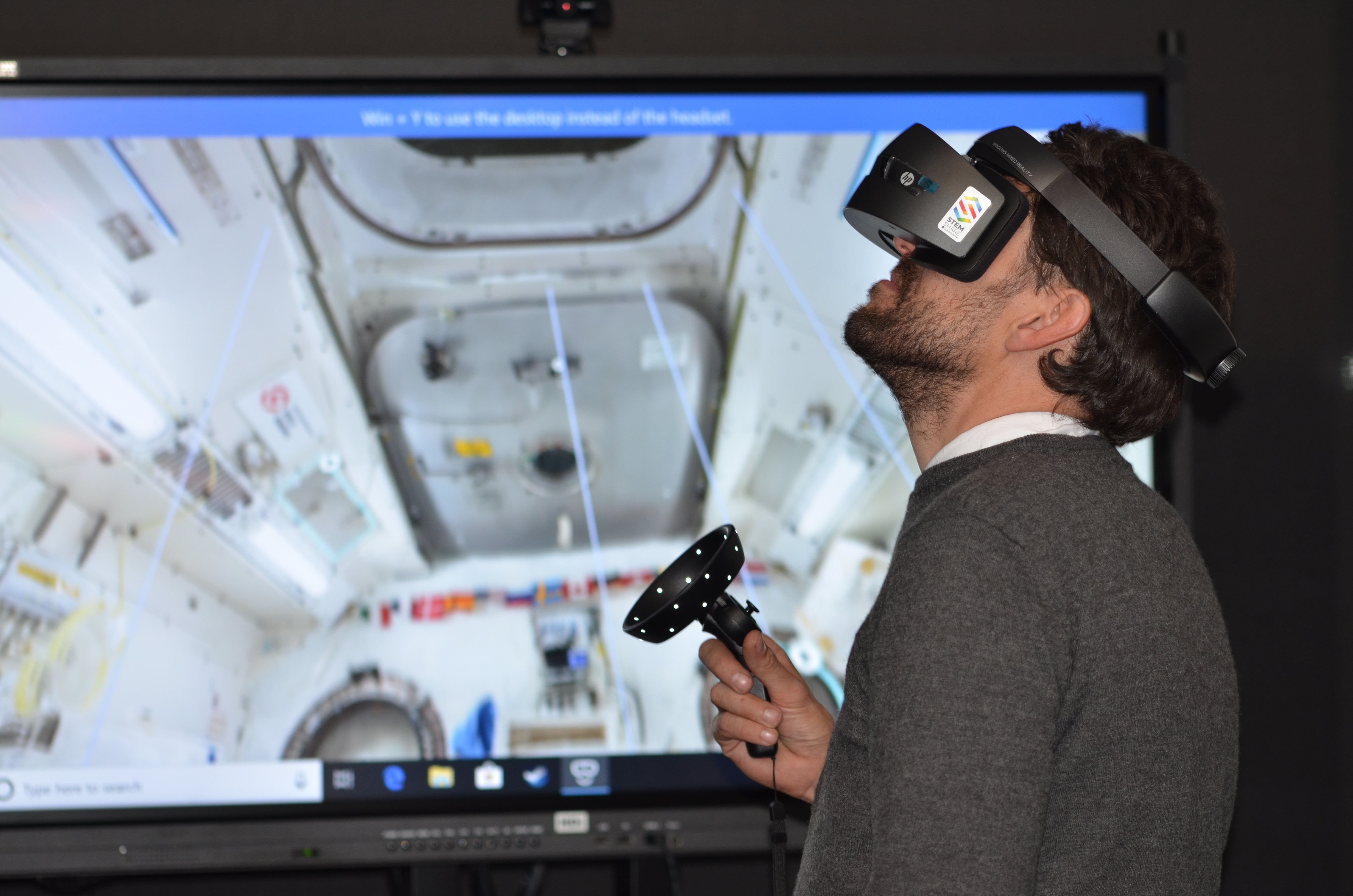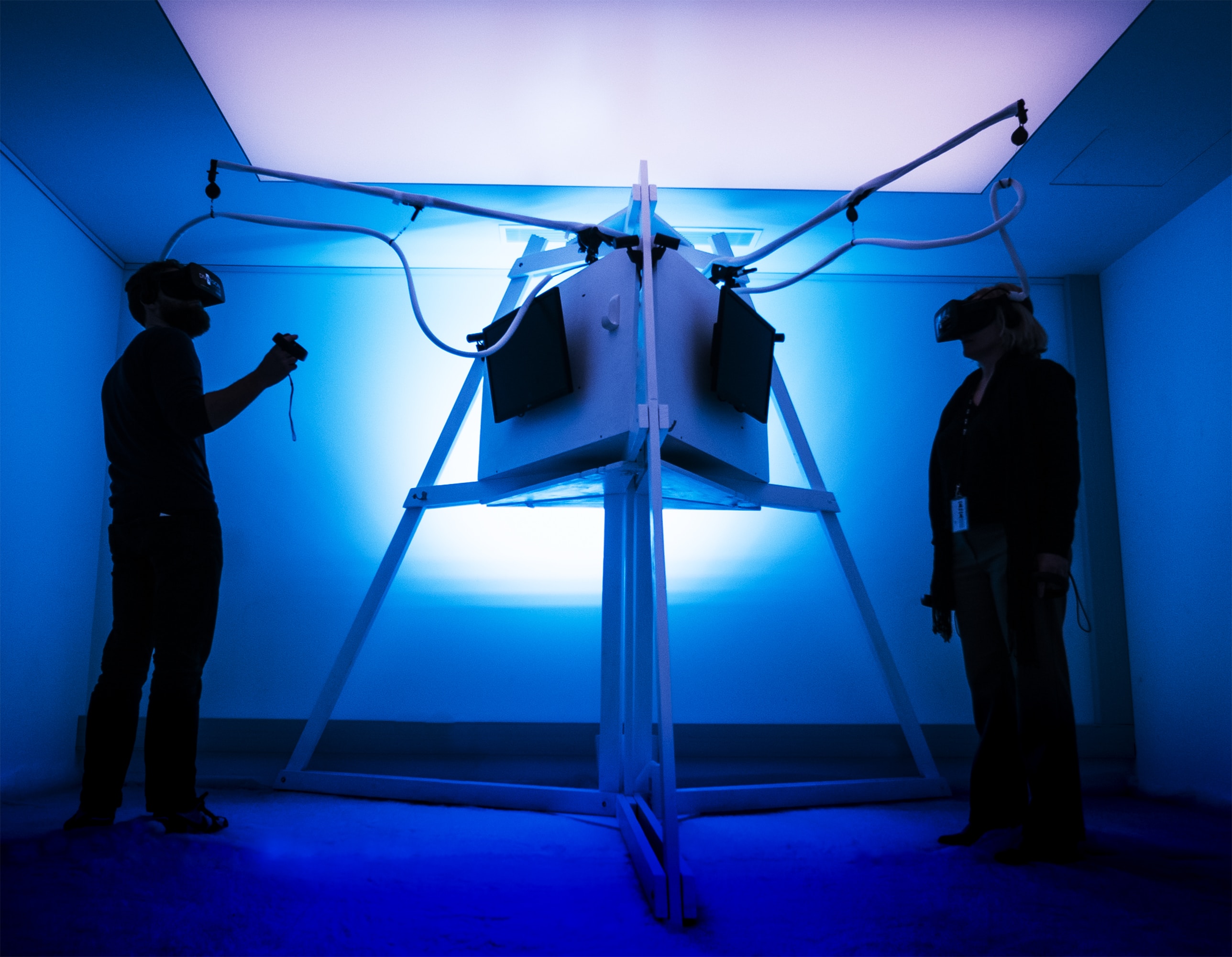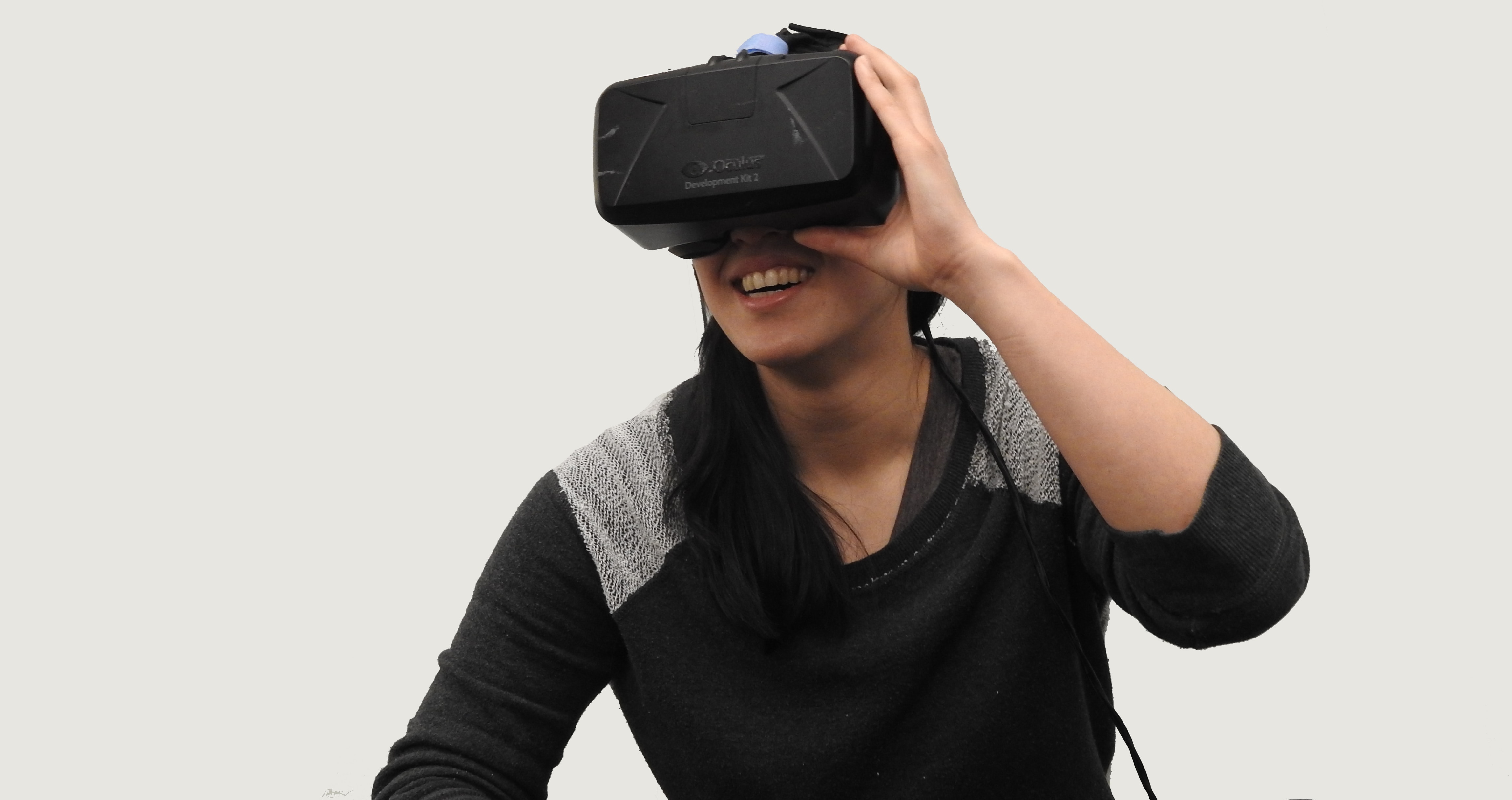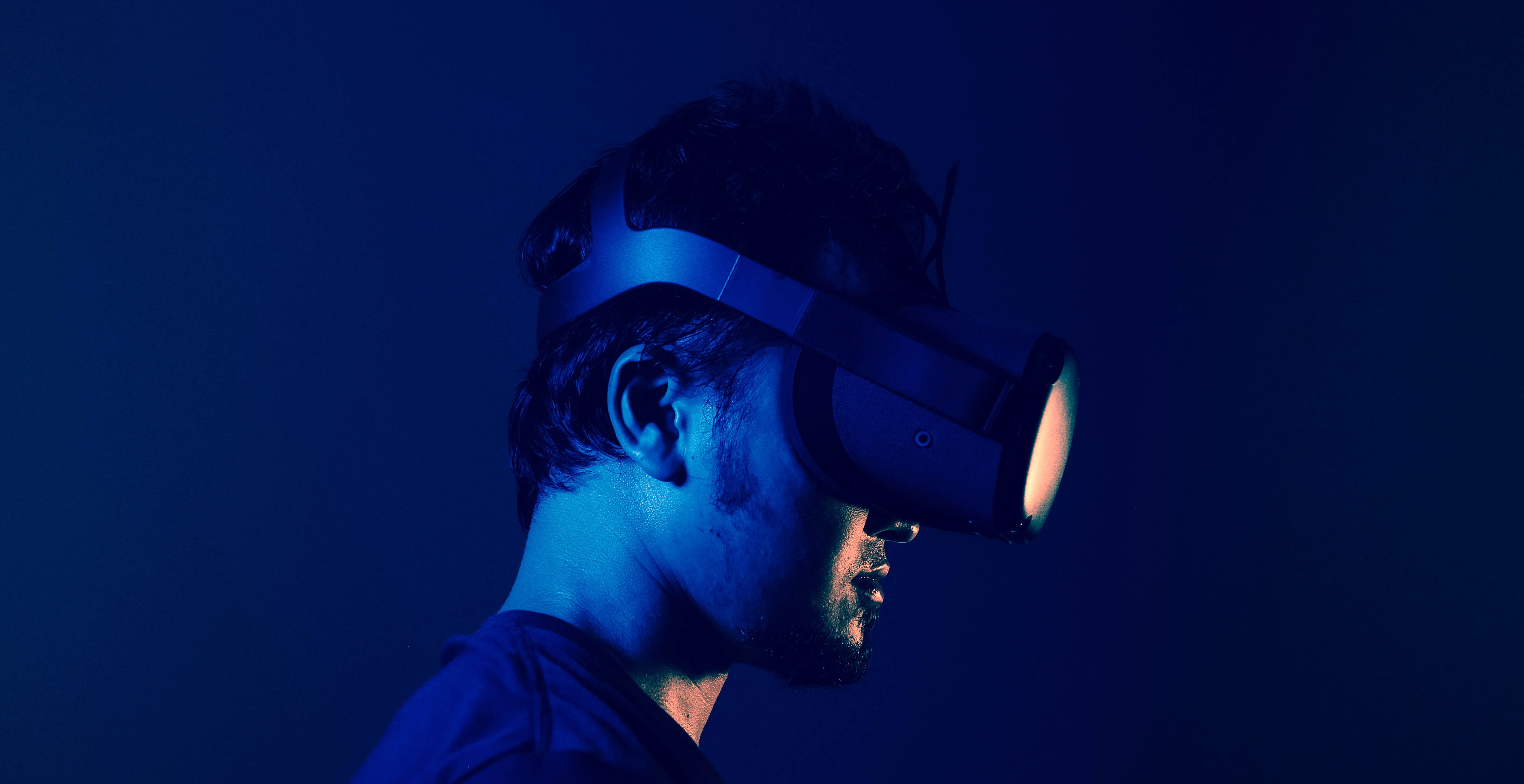
How does VR work? It places you inside a rendered 3D scene using a headset that shows separate images to each eye, while sensors track your head movement so the view changes as you look around. This fundamental principle creates the illusion of being physically present in a digital environment.
How does VR work: the core concept
At its simplest, VR works by tricking your brain into believing you are somewhere else. A headset presents a slightly different image to each eye, creating stereoscopic depth, and motion sensors continuously track your head’s position and orientation. The software updates the rendered scene in real time to match your movements, so when you turn your head, the virtual world moves with you naturally.
What is virtual reality?
Virtual reality is an immersive display system that simulates physical presence in a digital environment. Unlike a standard screen or augmented reality, VR fully encloses your vision and updates the view as you move your head. The goal is to make you feel present inside the virtual world, whether you are exploring a game, a training simulation, or a virtual tour. For Google VR apps, each activity must declare support for Daydream and/or Cardboard in the Android manifest.
The components of a VR system
Three essential parts make VR work: a display device or headset, motion tracking sensors for head movement, and software that renders a stereoscopic scene for each eye. In phone-based VR, such as Google Cardboard, the app uses the phone’s screen and viewer calibration to match the headset lenses.
How tracking and movement work in VR
Sensors inside the headset, such as gyroscopes, accelerometers, and magnetometers, track your head position and orientation in real time. As you look around, the rendered view updates instantly, creating the illusion of being inside the scene. This tracking is limited to head movement; the verified principle does not include unsupported locomotion methods like walking or running in place.
How rendering and display create the VR experience
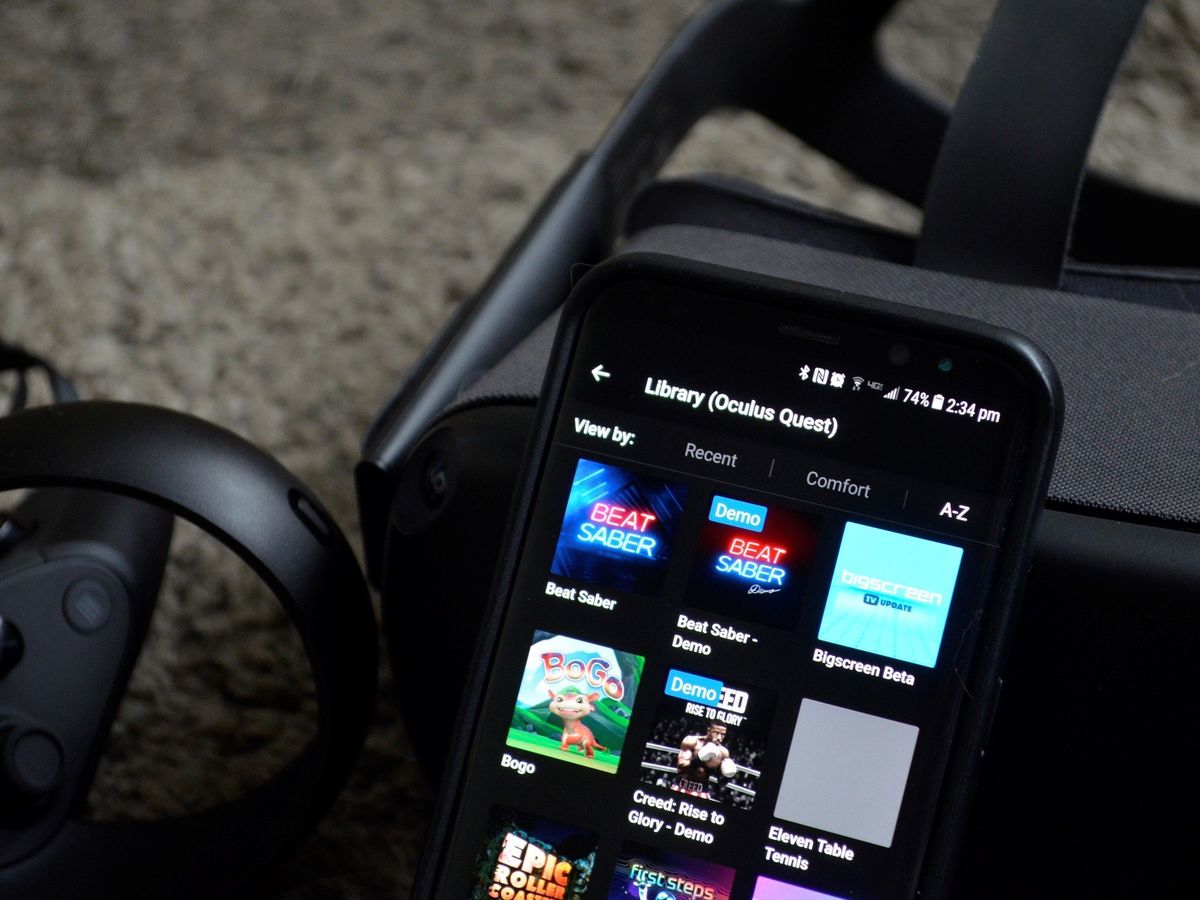
The software renders separate images for each eye to create stereoscopic depth. The display presents these images through the headset lenses, which focus and magnify them to fill your field of view. For Google VR apps, declaring Daydream or Cardboard support in the Android manifest controls how the app renders for those platforms. If you want to share your experience with others, a VR setup and TV casting feature lets you mirror the headset view to a larger screen.
Phone-based VR: what's officially supported
The only official support found for phone-based VR is Google’s Cardboard platform reference and Samsung’s Virtual Reality support page. No Apple support page documents a built-in iPhone VR mode. The retrieved Samsung pages do not provide a current supported-device list or setup instructions, and the Google VR page is developer-facing, not a consumer setup guide. A third-party App Store listing for a VR app says supported devices are “Any device running iOS 8.1 can install the app, but iPhone 5S/iPad Mini (Retina) and above,” with a requirement of iOS 12.0 or later, but this is an app-specific requirement, not a general Apple VR system requirement.
Frequently Asked Questions
Does iPhone have built-in VR support?
No official Apple support page was retrieved that documents a built-in iPhone VR mode. Any VR apps on iPhone are third-party and app-specific, not a system-level feature.
Does Android have built-in VR support?
The retrieved official Google material is developer documentation for Cardboard and Daydream app support, not a consumer setup guide.
Does Samsung still document mobile VR support?
Samsung’s retrieved support pages exist, but they do not provide a current supported-device list, setup instructions, or software version limits for VR. They only show the company’s Virtual Reality support area and contact information.
Related reading: What Is A VR.