VR headset prices fall into four clear tiers based on how they work and what they offer. Here is a summary of the price categories:
- Smartphone VR headsets: $20, $130
- Standalone VR headsets: $300, $500
- Console VR headsets (PlayStation VR2): $550, $600 (plus cost of PS5)
- PC VR headsets: $500, $1,000 (plus cost of gaming PC)
- Apple Vision Pro: $3,499
Smartphone VR headsets: the budget tier
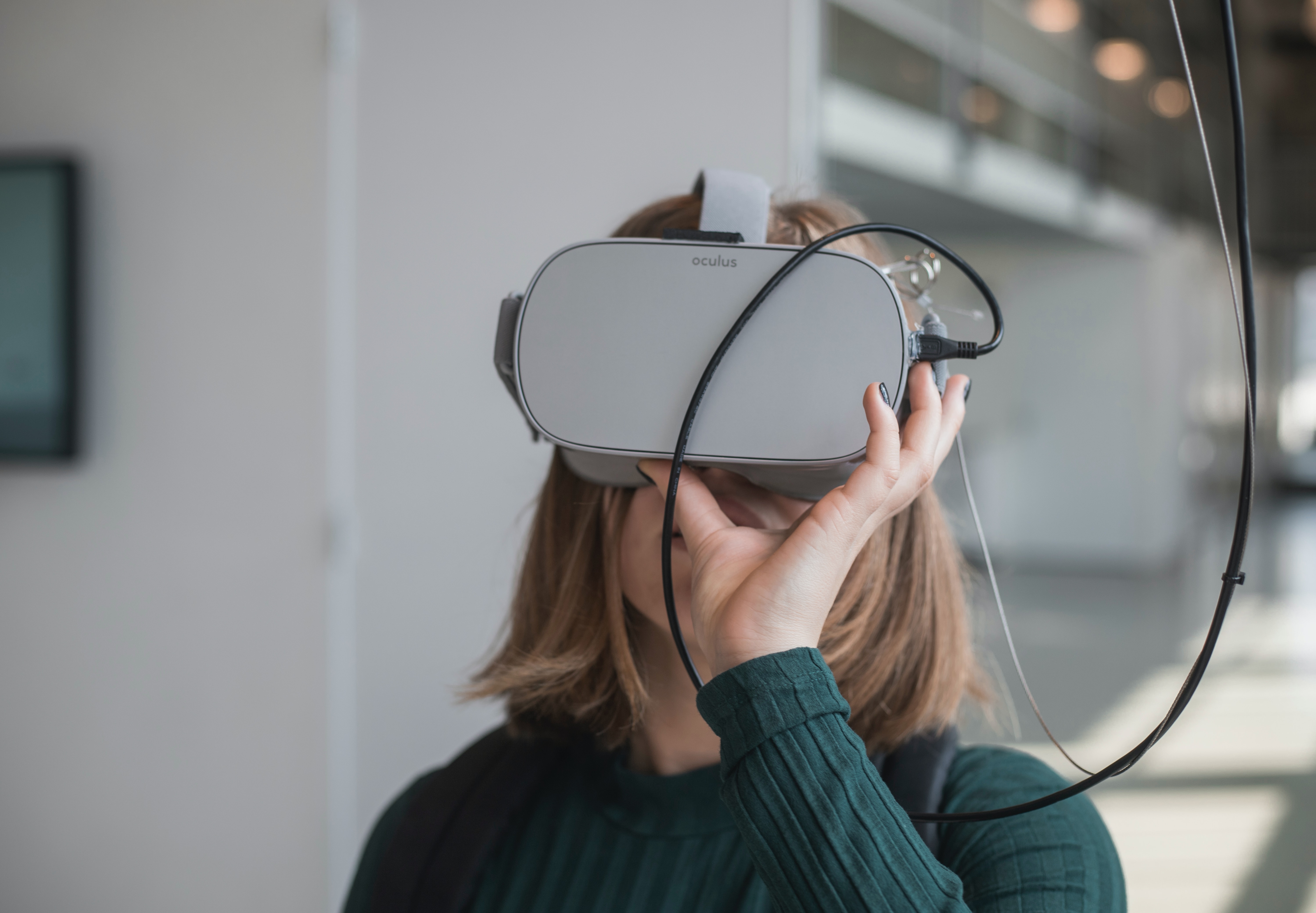
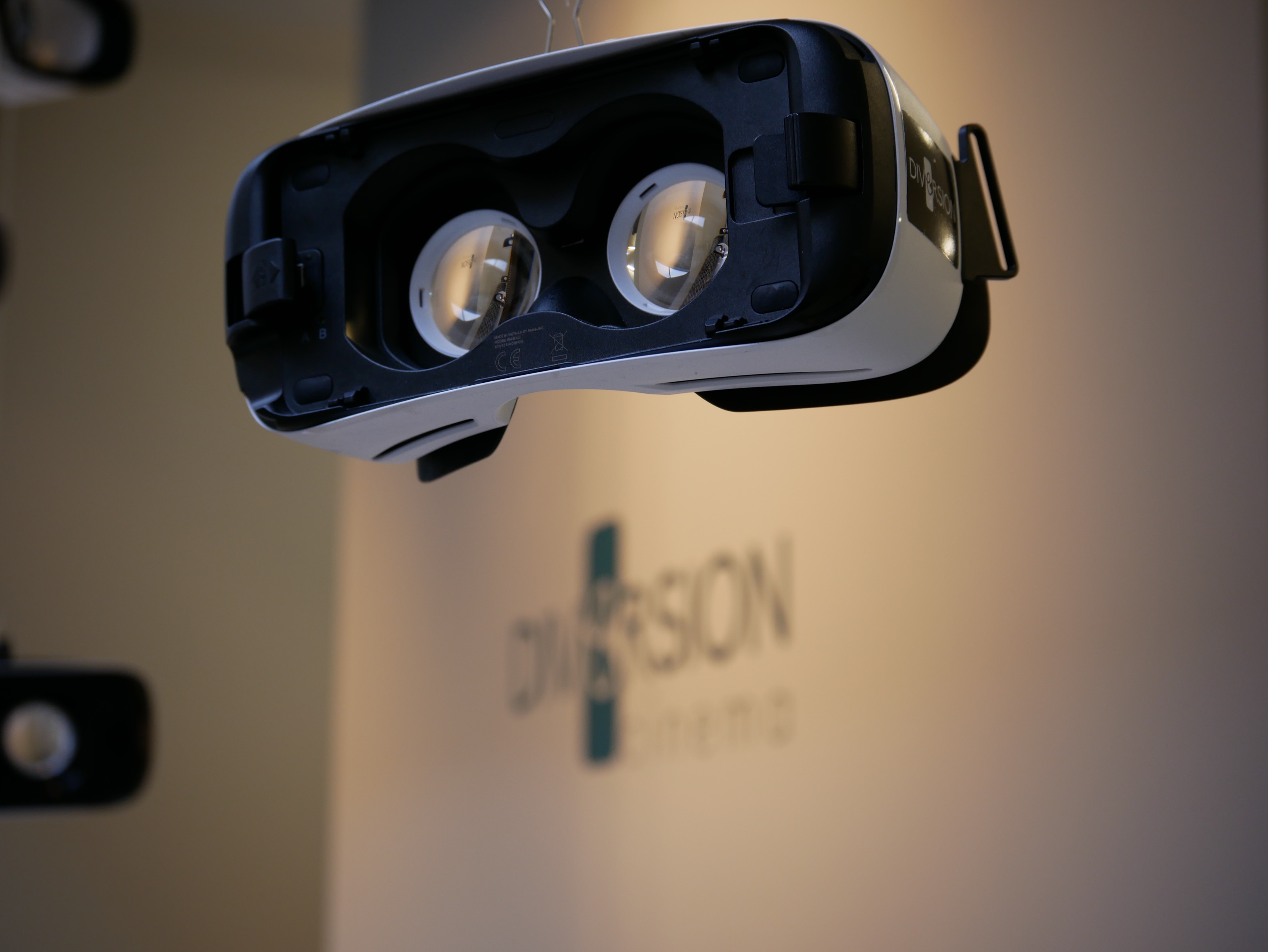
These headsets use your phone as the display and processor, making them the most affordable entry point into VR. They offer a basic VR experience with limited tracking and graphics, ideal for trying VR without a big investment. You simply slot your phone into the headset and launch a VR app.
Standalone VR headsets: the sweet spot
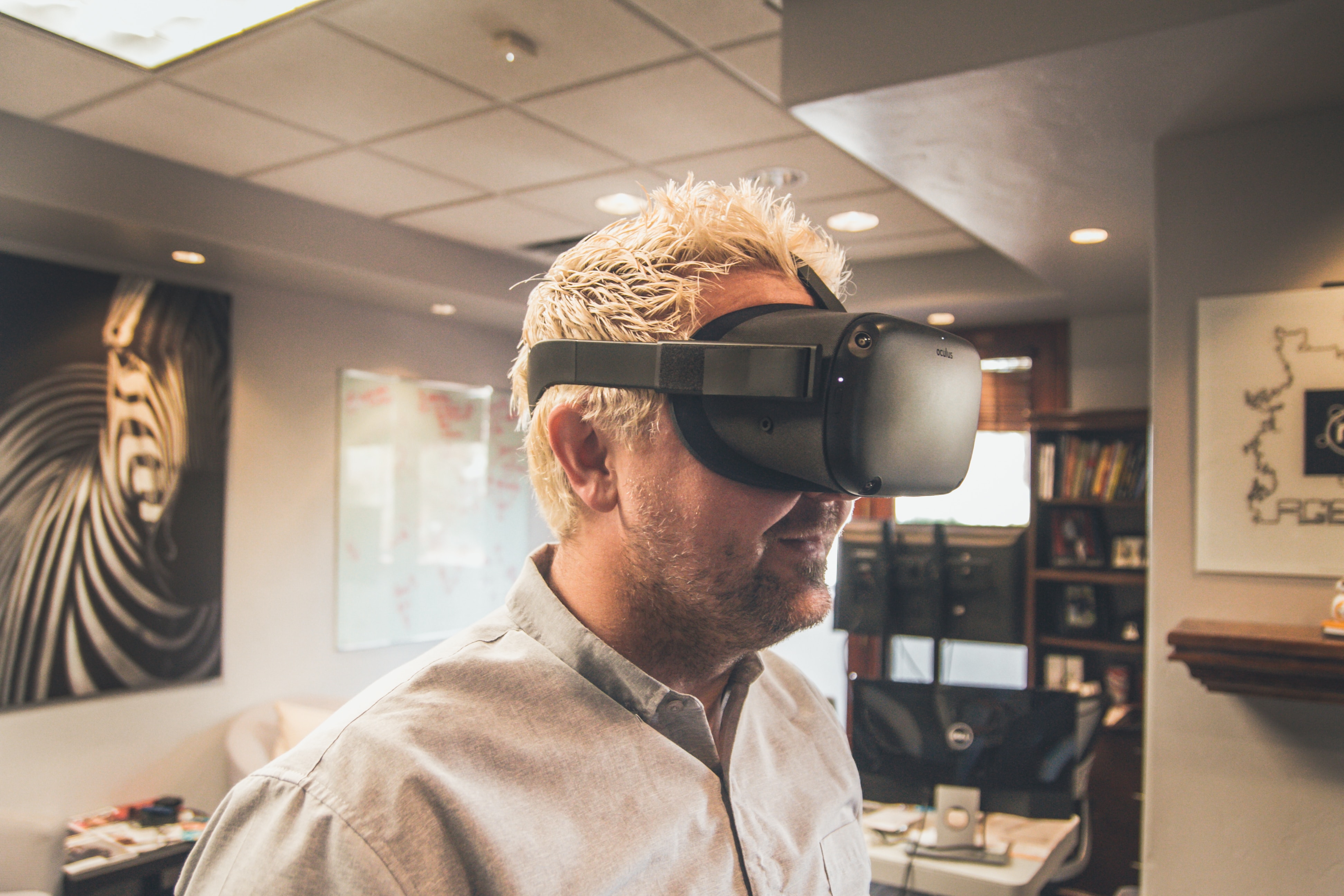
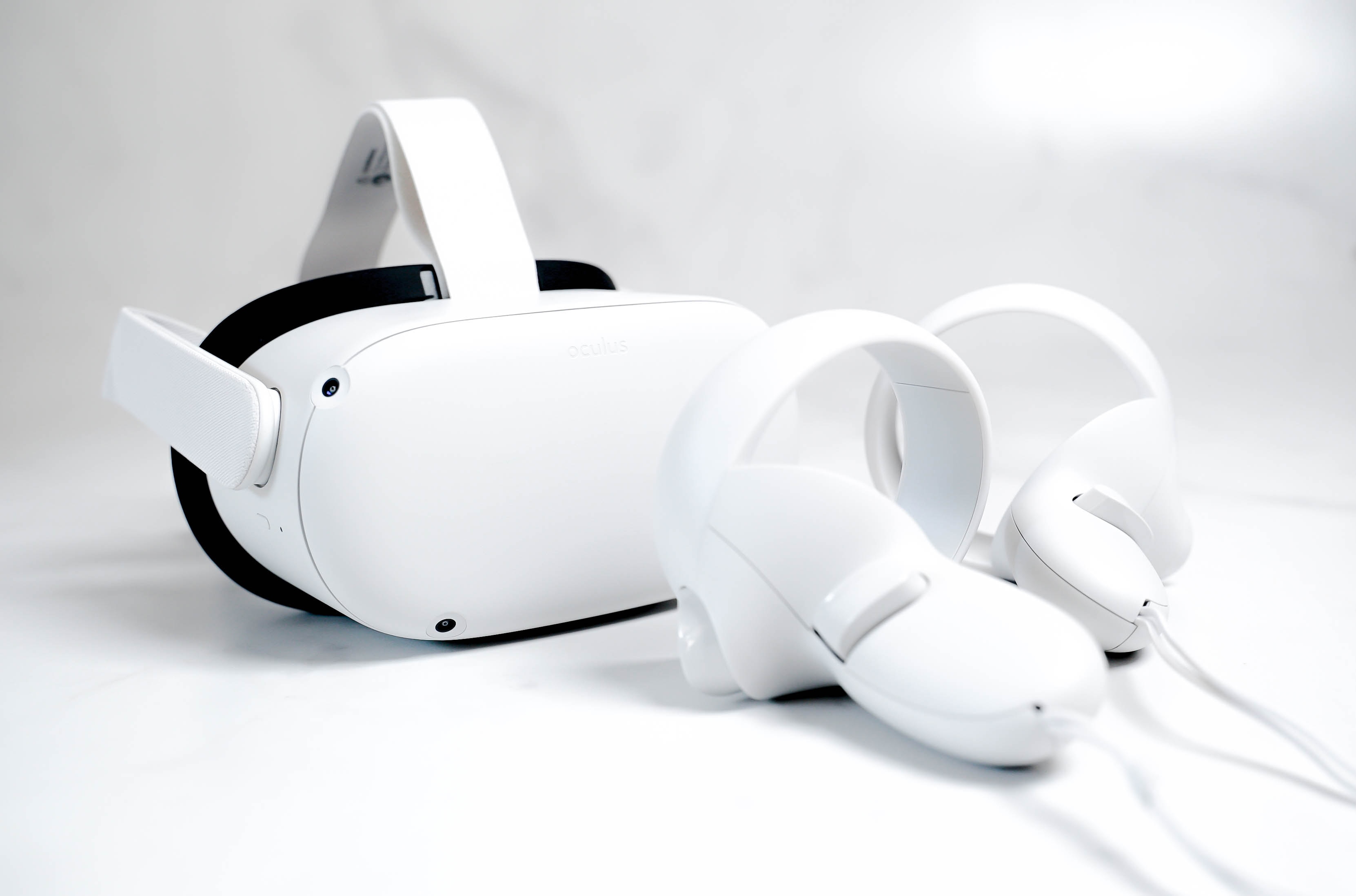
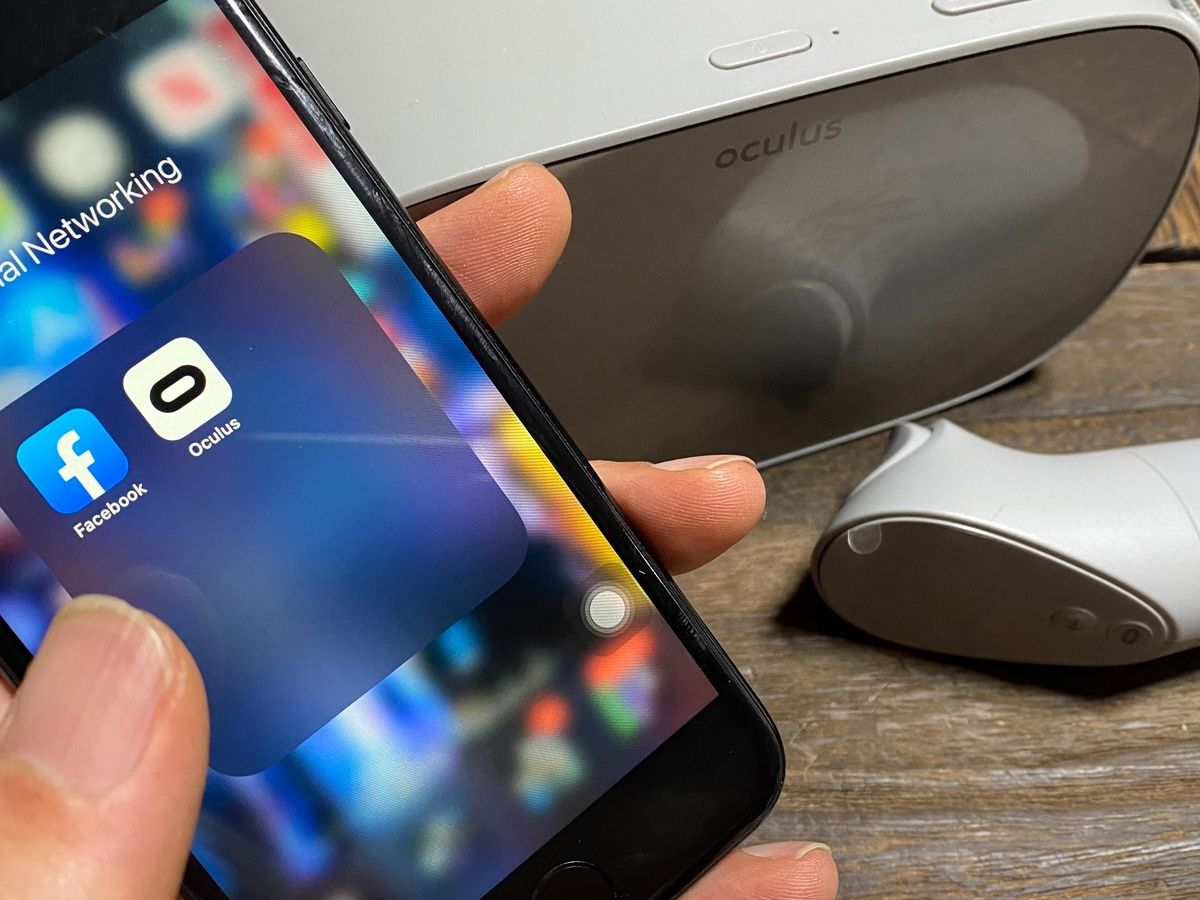
Standalone headsets contain everything needed for VR, display, processor, sensors, and battery, built into the device. No PC or console is required, and setup is done through the Meta Horizon mobile app. To set up a Quest 3, open the app, tap Menu → Devices, then tap Pair new headset or Add device, choose Meta Quest 3, and follow the prompts. For Quest 3S, tap Connect new device, choose Meta Quest 3S, and follow the prompts. The app works on iPhone with iOS 15.1 or later and Android with Android 5.0 or later, and your phone must be on Wi‑Fi with Bluetooth turned on during setup. Meta's developer docs say the currently supported Meta Android devices include Meta Quest, Meta Quest 2, Meta Quest Pro, Meta Quest 3, and Meta Quest 3S.
Console VR headsets: PlayStation VR2
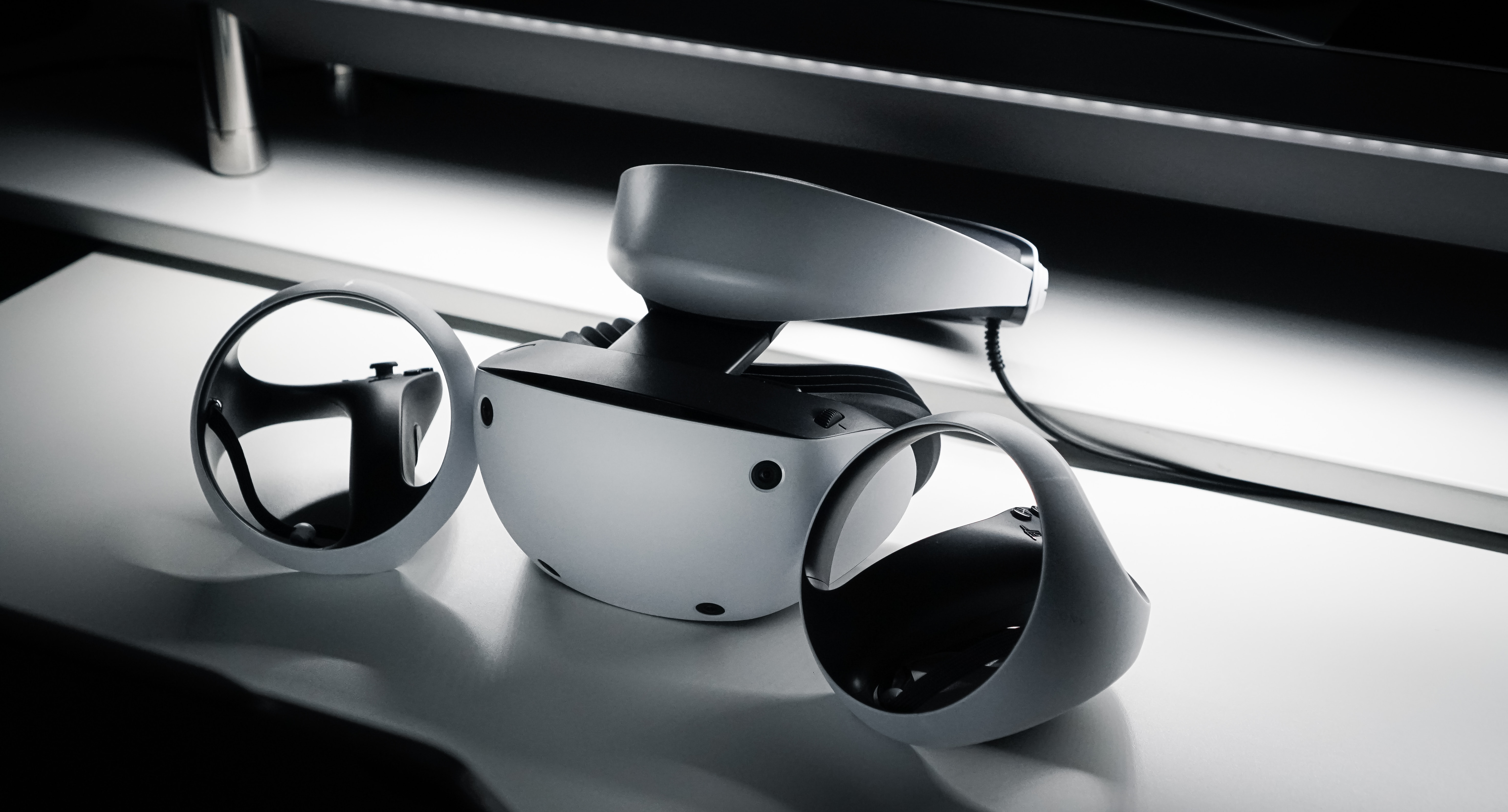
The PlayStation VR2 is designed exclusively for the PlayStation 5 console. This setup delivers high-fidelity VR with eye tracking, haptic feedback in the controllers, and a wide library of games. It is the only console VR option currently available.
PC VR headsets: premium immersion
PC-tethered headsets like the Valve Index and HTC Vive Pro offer the highest visual fidelity and tracking accuracy, but they come with significant costs. For serious VR enthusiasts who want room-scale tracking and ultra-smooth performance, this tier delivers the best experience.
Apple Vision Pro: the ultra-premium tier
It requires an iPhone for setup, specifically an iPhone with iOS 18.4 or later. The Apple Vision Pro app installs automatically when the iPhone is signed in to the same Apple Account as the Vision Pro and the Vision Pro is on visionOS 2.4 or later. In the app, tap Discover to browse content or My Vision Pro for device info. To install an app for Apple Vision Pro from the iPhone app: go to the Apple Vision Pro app, tap an App Store card on the Discover page, then tap the price or Get button, and authenticate if prompted. For initial headset setup, you need a Wi‑Fi connection; if you have an iPhone with iOS 17 or later, you can use Quick Start, otherwise double-click the Digital Crown to set up manually. Apple Vision Pro initial setup can use Quick Start with iPadOS 17 or later, not just iPhone.
Hidden costs to budget for
Beyond the headset itself, several additional expenses can add up. VR game average pricing is typically $10, $40 per title, and understanding how much is a VR game helps you plan your library budget. Other costs include:
- Subscription services or paid apps for premium content
Which VR headset is right for your budget?
Frequently Asked Questions
Can I set up an Apple Vision Pro with an Android phone?
Setup requires an iPhone or iPad.
What phone do I need to set up a Meta Quest headset?
You need an iPhone with iOS 15.1 or later, or an Android phone with Android 5.0 or later. The phone must also be connected to Wi‑Fi with Bluetooth turned on.
Does the Meta Horizon app work on tablets?
What is the difference between standalone and PC-based VR headsets?
Standalone headsets have everything built in and do not require a computer, while PC-based headsets need a powerful gaming PC to run and typically offer higher fidelity graphics and tracking.
Which VR headset requires a game console to work?
The PlayStation VR2 is designed exclusively for the PlayStation 5 console and cannot operate without it.
Related reading: How To Set Up VR Headset.