To dispose of a lithium battery safely, you must treat it as hazardous waste and never put it in household trash. The correct method depends on your device's manufacturer, and each major brand, Apple, Google, and Samsung, offers its own free recycling program.
How to dispose of a lithium battery: the safe way
The universal rule is that lithium batteries are hazardous waste and must never go in household trash. They contain materials that can cause fires in garbage trucks and recycling facilities, and they leak toxic chemicals into the environment if landfilled. Each major device manufacturer provides a specific path for safe disposal, and you should follow the one that matches your device. If local rules allow battery collection at municipal sites, use the collection point designated by local authorities or local battery recycling schemes.
Why proper lithium battery disposal matters
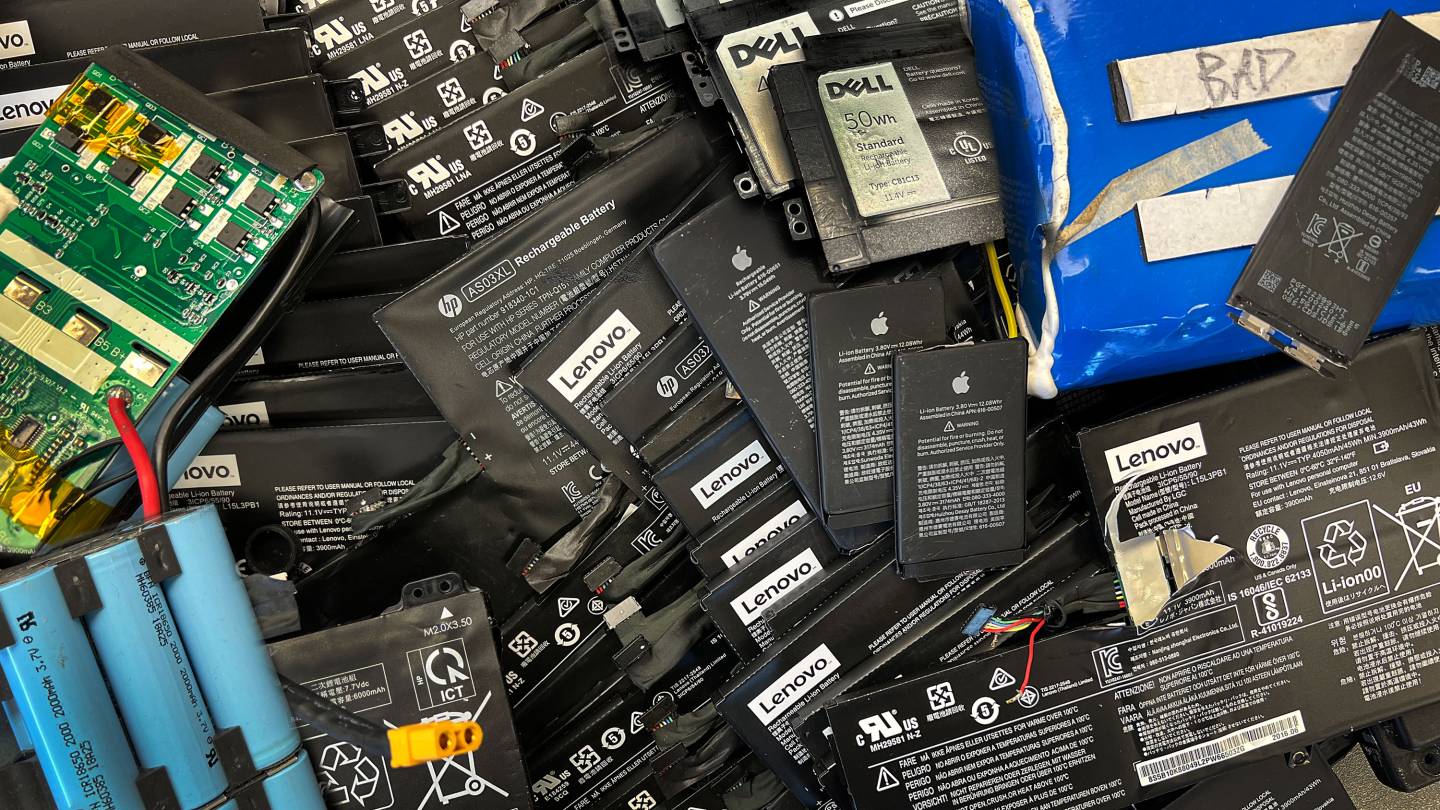
Lithium batteries contain toxic chemicals including lithium, cobalt, and nickel. If they end up in a landfill, these substances can seep into soil and water. At recycling facilities, damaged lithium batteries are a leading cause of fires that are difficult to extinguish and release toxic fumes. Proper recycling also recovers valuable materials like lithium and cobalt, reducing the need for new mining and conserving natural resources.
How to recycle an Apple lithium battery
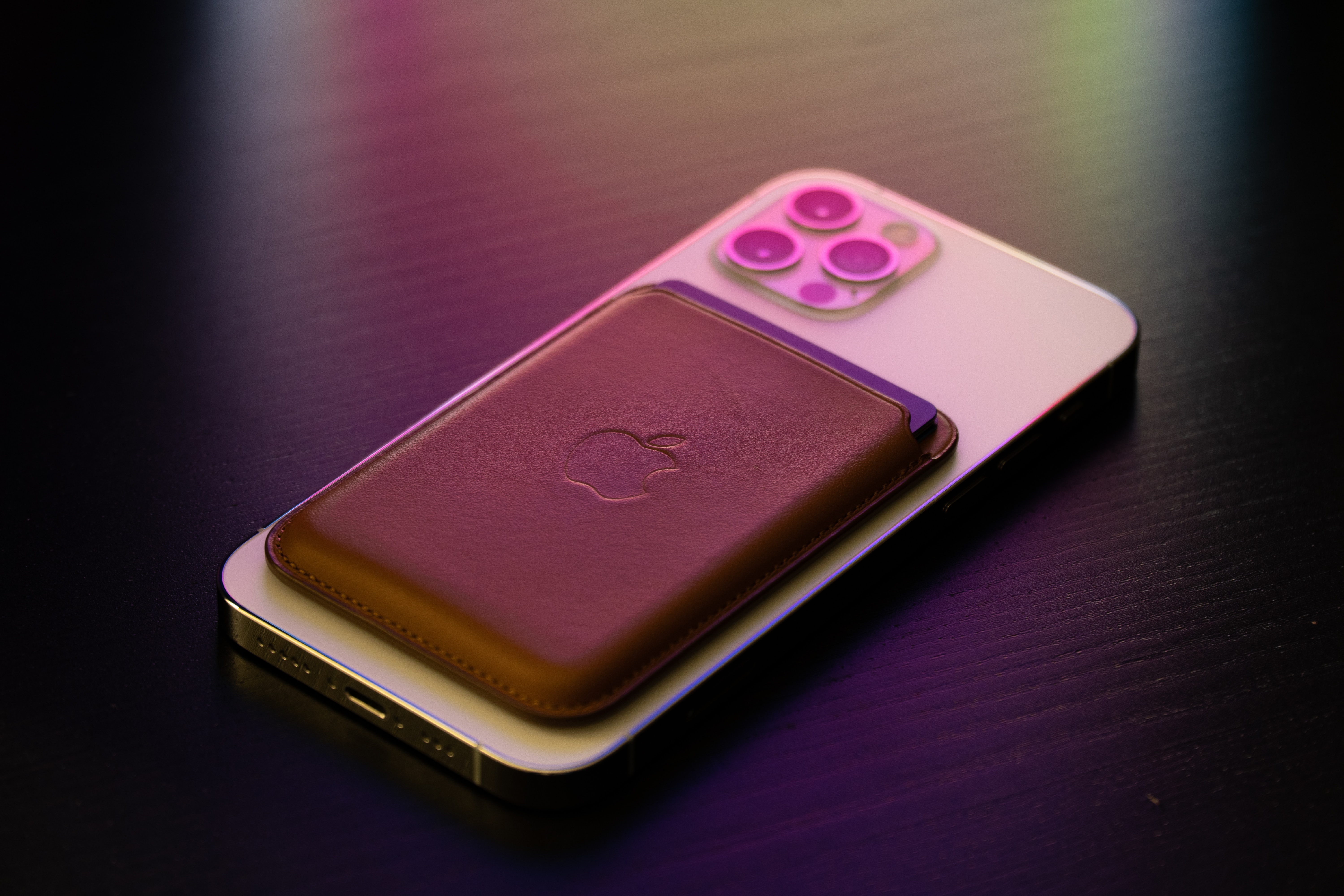
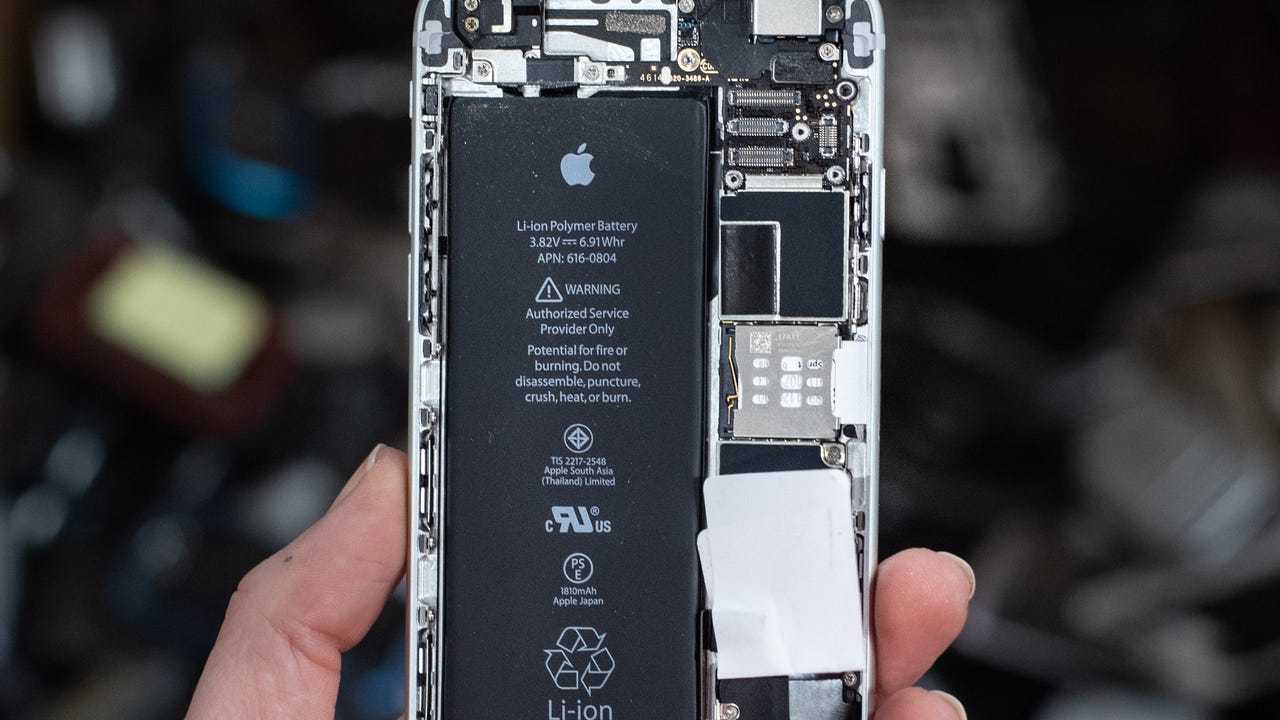
Apple provides free recycling through Apple Trade In, available at any Apple Store or on apple.com. Before you send in a device, back up your data and securely erase all personal information. If the battery is in an iPhone or other Apple device, take it to Apple or an authorized service provider. Apple says items accepted for recycling include the device, batteries, cables, cases, accessories, monitors and packaging. Apple's published handling guidance says not to send loose batteries, disassembled electronics, or devices with swollen, damaged, or defective batteries. For business recycling, discharge the unit to less than 30% and use at least six centimetres of suitable filler material around the whole unit before boxing. For Apple shipping recycling, pack devices with batteries in compliance with applicable laws and best practices.
How to recycle a Google lithium battery
Google's Store recycling program accepts up to three old devices at no charge, but only devices that match a Google-manufactured product. Google says its store recycling partner only accepts used electronic devices that match a device Google manufactures. Before sending, save or transfer your data, delete all data from storage media, remove SIM cards and any storage media, and take out accessories you want to keep. Google says used batteries should not be mailed back; instead, use the country collection points table and local battery drop-off options.
How to recycle a Samsung lithium battery
In the US, Samsung directs users to Battery Network to find the nearest free drop-off location for responsible battery recycling. In Japan, Samsung says to send the device to the Samsung battery collection desk after removing SIM and microSD cards. Package the device securely and write "電池リサイクル品" on the package contents field. Samsung Japan accepts lithium-ion battery devices including earphones, watches, and charging devices, even if they are out of warranty, missing accessories, broken, or bought second-hand. Samsung Japan says returned products will not be sent back.
Preparing your device for battery recycling
Before recycling any device, take these steps to protect your data and ensure safe handling:
- Back up your data and securely erase all personal information from the device.
- Remove SIM cards and microSD cards.
- If the battery is swollen or damaged, handle it with gloves and place it in a non-flammable container. Do not puncture or crush it.
- Never send loose batteries or disassembled electronics through the mail.
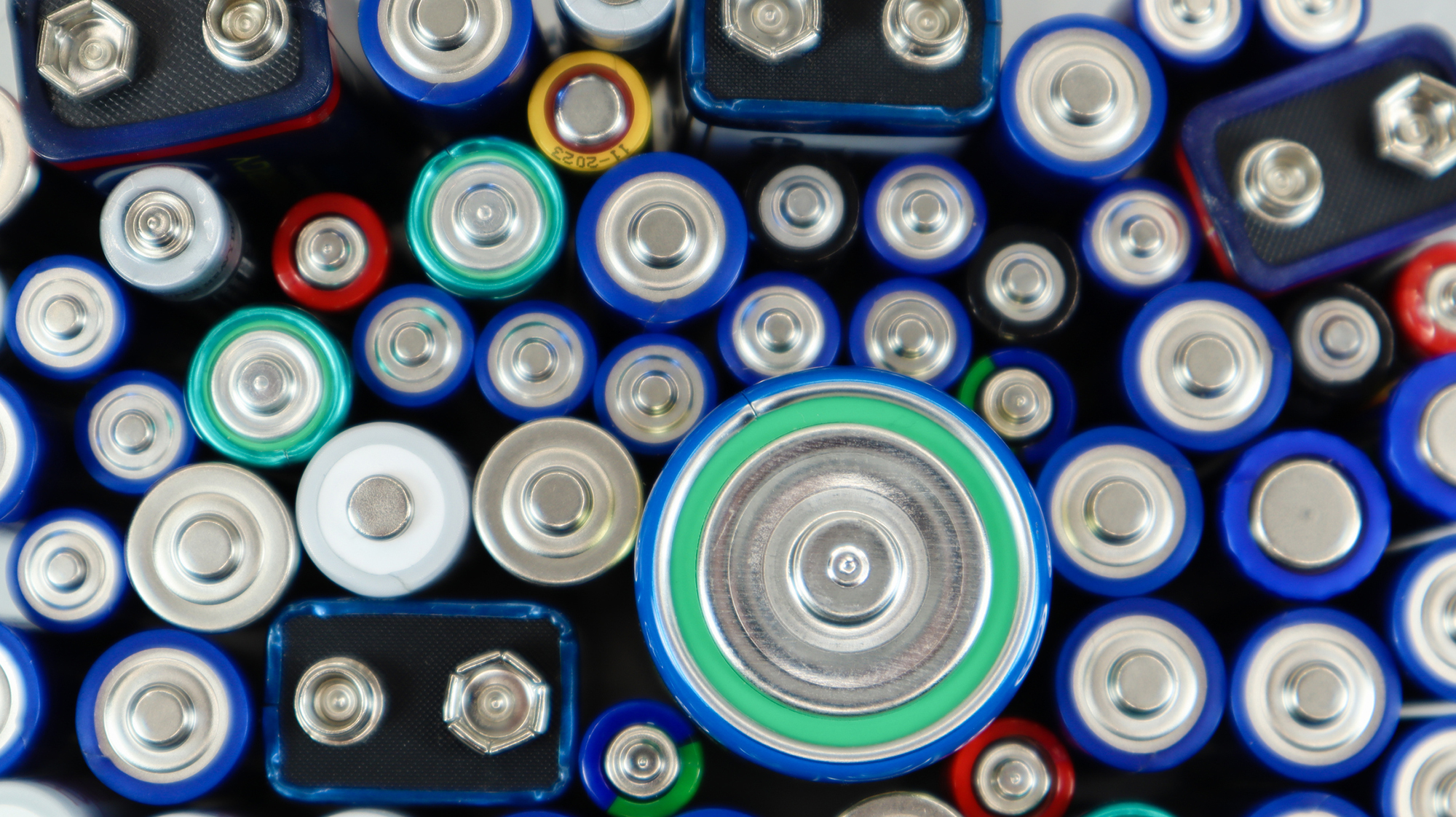
If you need to know the difference between battery types for other household electronics, you can look up AA and AAA battery specs (AA, AAA and Standard Battery Specifications) to ensure you are using the correct recycling method for each size.
Frequently Asked Questions
How do I find a local battery drop-off point?
Check your local municipality's waste management website for designated collection points. Many electronics retailers and recycling centers also accept lithium batteries. Samsung US users can use the Battery Network locator, and Google provides a country collection points table for its devices.
Why can't I put lithium batteries in household trash?
Lithium batteries are classified as hazardous waste. If crushed or punctured in a garbage truck or landfill, they can overheat, catch fire, and release toxic fumes. They also leak chemicals like lithium, cobalt, and nickel into the environment.
What should I do with a swollen lithium battery?
A swollen battery is a safety hazard. Handle it with gloves, place it in a non-flammable container, and do not puncture or crush it. Take it to a designated hazardous waste collection point or an authorized service provider. Apple says not to send swollen or damaged batteries through the mail.
Can I recycle a lithium battery if it's not from a phone or laptop?
Yes. Lithium-ion batteries are also found in earphones, watches, charging devices, and other electronics. The same rules apply: treat them as hazardous waste and use a manufacturer program or local battery collection point. Samsung Japan specifically accepts these device types.
Do I need to remove the battery from the device before recycling?
No. Apple, Google, and Samsung all accept whole devices for recycling. Do not disassemble the device to remove the battery yourself, as this can create a safety risk. Apple's guidance specifically says not to send disassembled electronics or loose batteries.
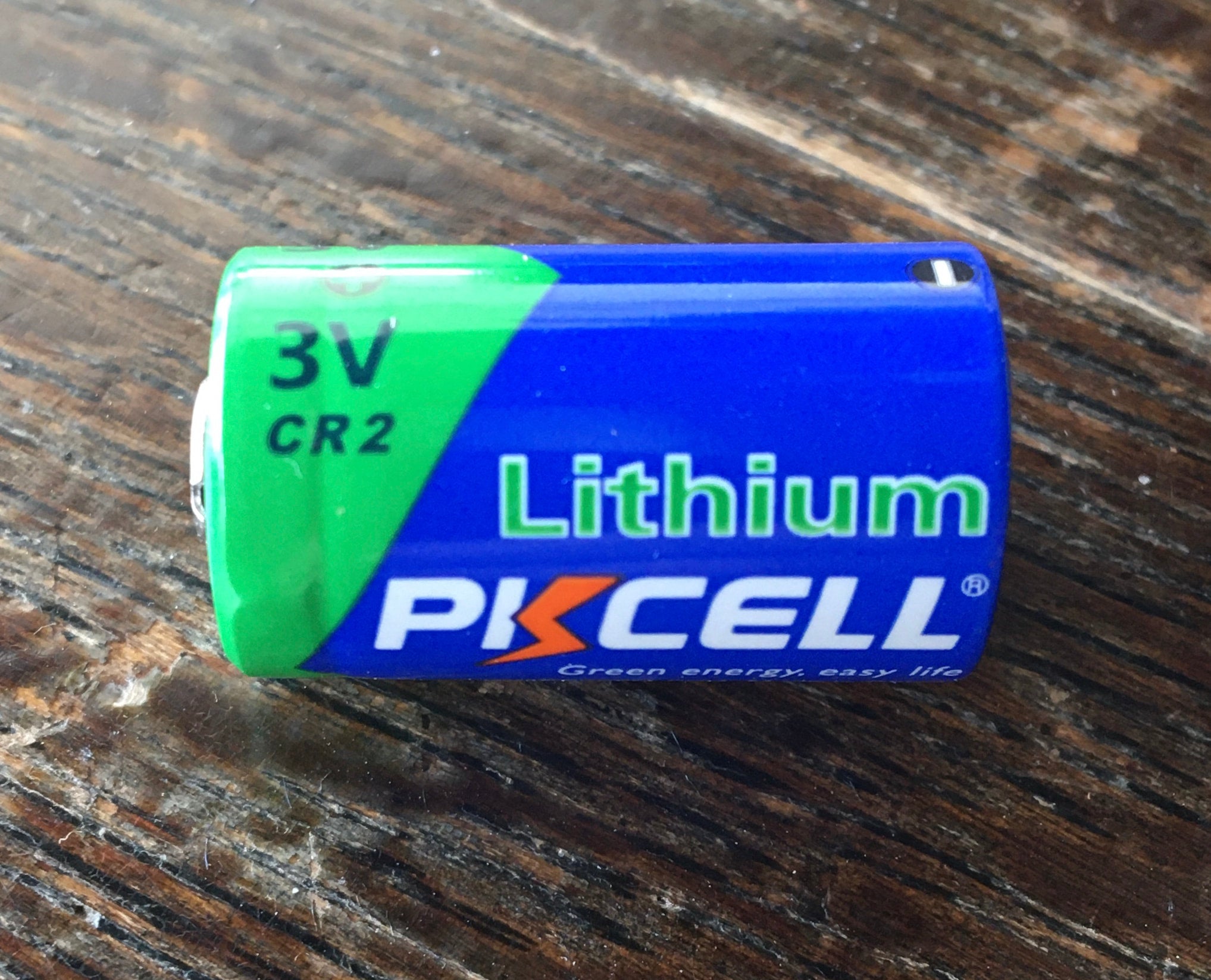
Related reading: What Does Lithium Battery Look Like and What Is A Cr2 Battery.