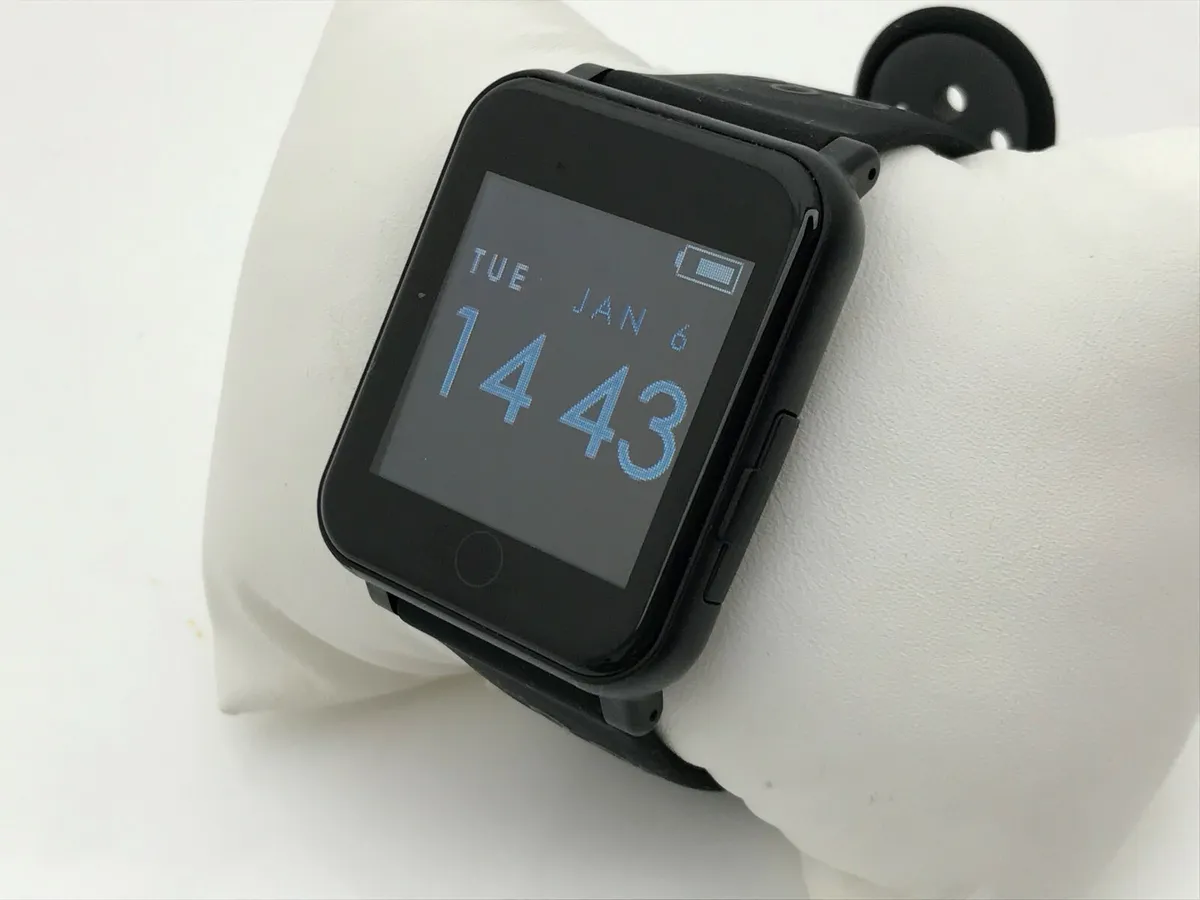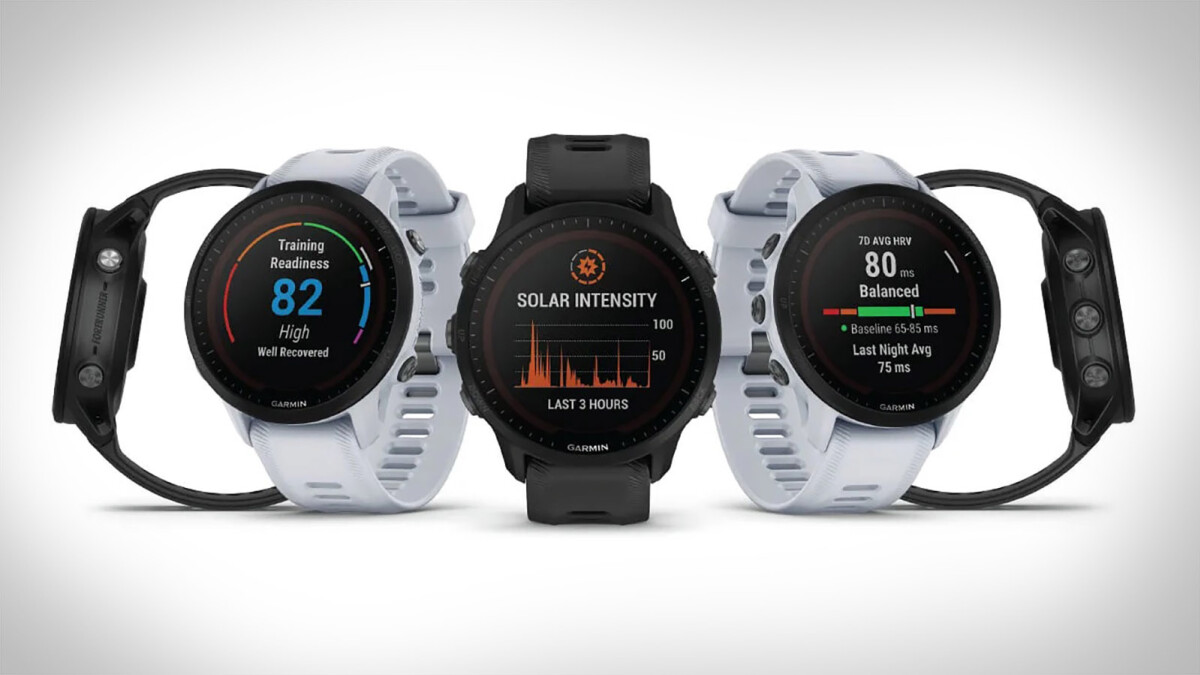
Garmin watches with a touchscreen include current models such as the Venu, vívoactive 5, vívomove Sport, Approach S50, Approach S70, epix (Gen 2), Enduro 2, Enduro 3, fēnix 7, fēnix 8 AMOLED, and tactix 7 and tactix 8 variants. This complete list immediately answers which Garmin watches touchscreen models are available, covering every current series from fitness-focused to premium outdoor adventure watches.
Which Garmin watches touchscreen models are available?
The following Garmin watches currently offer touchscreen functionality:
- Venu series (full touchscreen controls including swipe up/down, tap, double-tap to wake, and swipe right to go back)
- vívoactive 5 (touchscreen with swipe up/down and lock support)
- vívomove Sport (touchscreen with swipe and hold-to-open-menu)
- Approach S50 and Approach S70
- epix (Gen 2) variants
- Enduro 2 and Enduro 3
- fēnix 7 and fēnix 8 AMOLED variants
- tactix 7 and tactix 8 variants
- Additional covered models: D2 Mach 1, D2 Mach 1 Pro, D2 Mach 2, D2 Mach 2 Pro, Descent Mk3, and Descent Mk3i
For detailed smartwatch and tracker comparisons, this list serves as your starting point to identify which models include touch capabilities before comparing other features like battery life, GPS accuracy, or health sensors.
What is a touchscreen Garmin watch?
A touchscreen Garmin watch uses swipe, tap, and sometimes double-tap input for scrolling, selecting, waking the device, and returning to the previous screen. This interaction method allows you to navigate menus, view detailed data, and interact with functions without relying solely on physical buttons. Garmin documents that touchscreen behavior can be changed for general use and for each activity profile, giving you control over how the screen responds in different situations.
How to customize your Garmin touchscreen settings
Change touch behavior for general use
- Hold the UP button.
- Select the setting you want to change.
- Choose an option from the available choices.
To change touch during general use or activities: hold UP, select the setting, then choose an option.
Change touch behavior during activities (including Map Only mode)
- Hold MENU.
- Go to Watch Settings > Focus Modes > Activity.
- Select Display & Brightness > Touch.
- Choose between On or Map Only. The Map Only option enables touch only for map interactions, preventing accidental taps during other activity screens.
Control touch during sleep
- Go to Settings > System > Sleep Mode > Touch.
- Toggle the setting as desired. The default for "During Sleep" is ON, meaning touch remains active unless you disable it.
- On some watches, you can also use the Control Menu shortcut for the sleep touch setting.
Quick disable shortcut for five-button watches
On some five-button watches, holding START + DOWN for 2 seconds disables the touchscreen. Holding both buttons again re-enables it.
Key limitations of Garmin touchscreens
The touchscreen is not available during swim activities. Garmin also documents that touch can be disabled during sleep hours, and you can lock the screen to prevent accidental touches on supported models. On some watches, touch can be locked to prevent accidental touches. For iPhone users, notification item selection is handled in the iOS notifications settings, not in Garmin Connect. For Android, use the Garmin Connect app and go to Settings > Smart Notifications (Venu manual) or Settings > Notifications (vívomove Sport manual).
Frequently Asked Questions
Can you use Garmin touchscreen watches while swimming?
No. Garmin says touch is not available during swim activities. The touchscreen is disabled by design to prevent water-related false inputs.
How do I disable the touchscreen during sleep?
Go to Settings > System > Sleep Mode > Touch and toggle it off. The default setting has touch enabled during sleep, so you must manually change it if you want to prevent accidental taps at night.
How do I lock the touchscreen to prevent accidental touches?
On supported watches, you can lock the touchscreen using the available lock function in the controls or settings. This prevents the screen from responding to accidental taps during activities or when the watch is bumped.
Do all Garmin watches have touchscreens?
No. Only the models listed above include touchscreen functionality. Many Garmin watches, particularly older or more rugged models, rely entirely on physical buttons for navigation.
Can I use the touchscreen with gloves?
Garmin does not specifically document glove compatibility for touchscreen models. For cold-weather use, you may need to rely on the physical buttons that remain available on most touchscreen Garmin watches.
Related reading: How To Connect Q7 Smartwatch To Android Phone and Fitbit Battery Life, Charging and Power Controls.