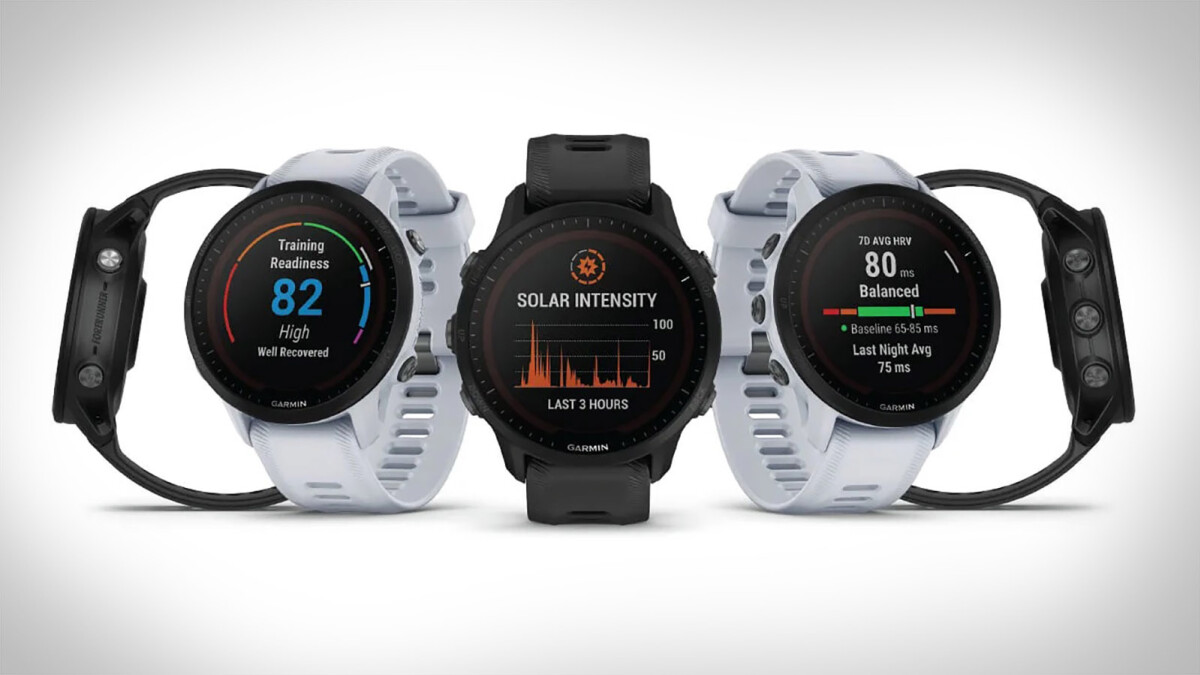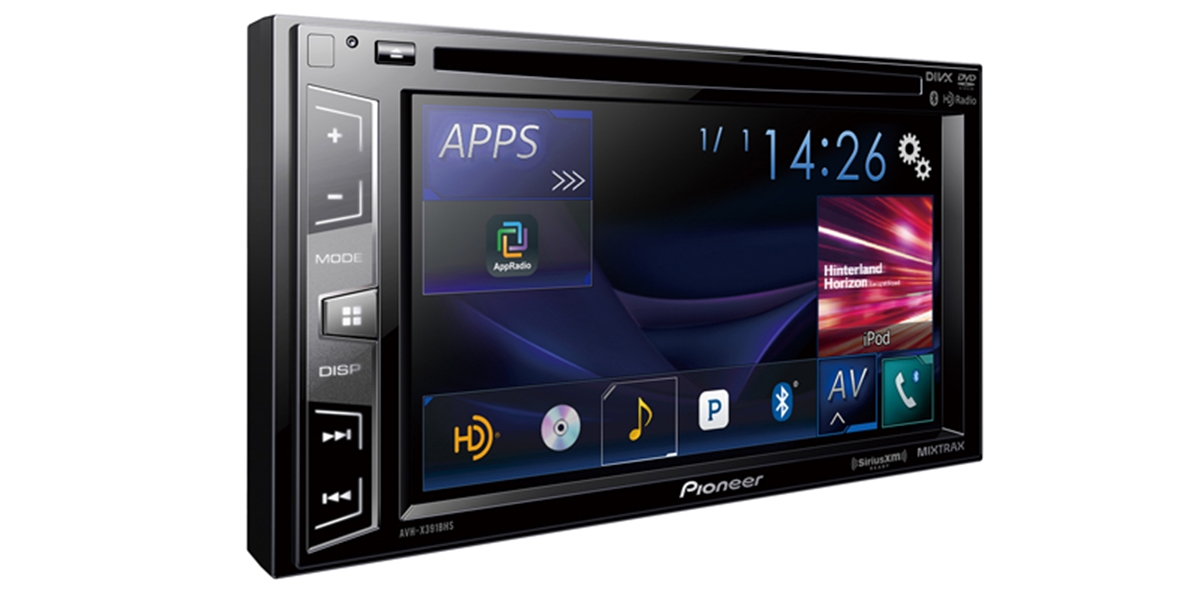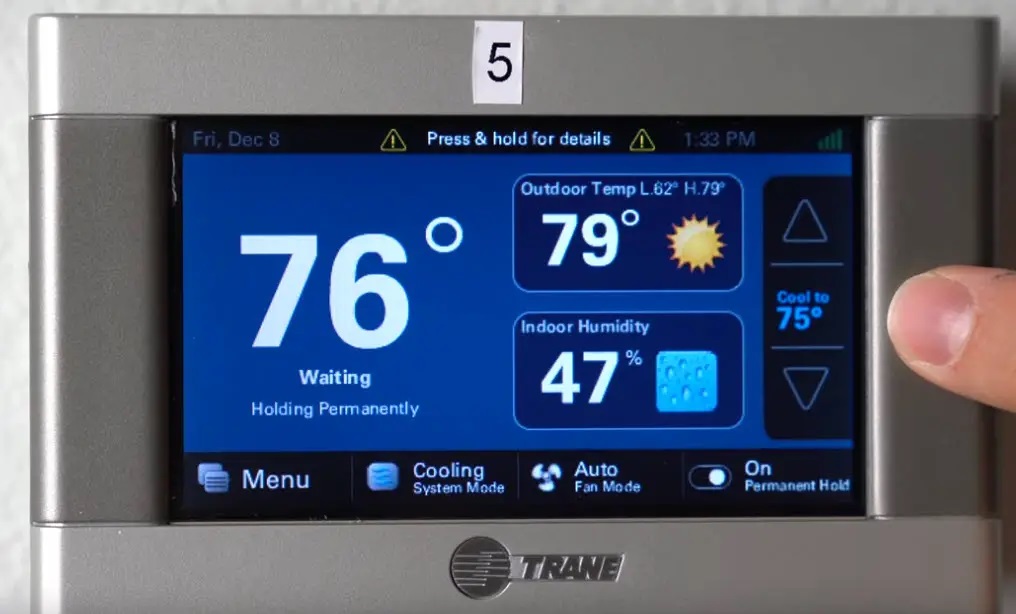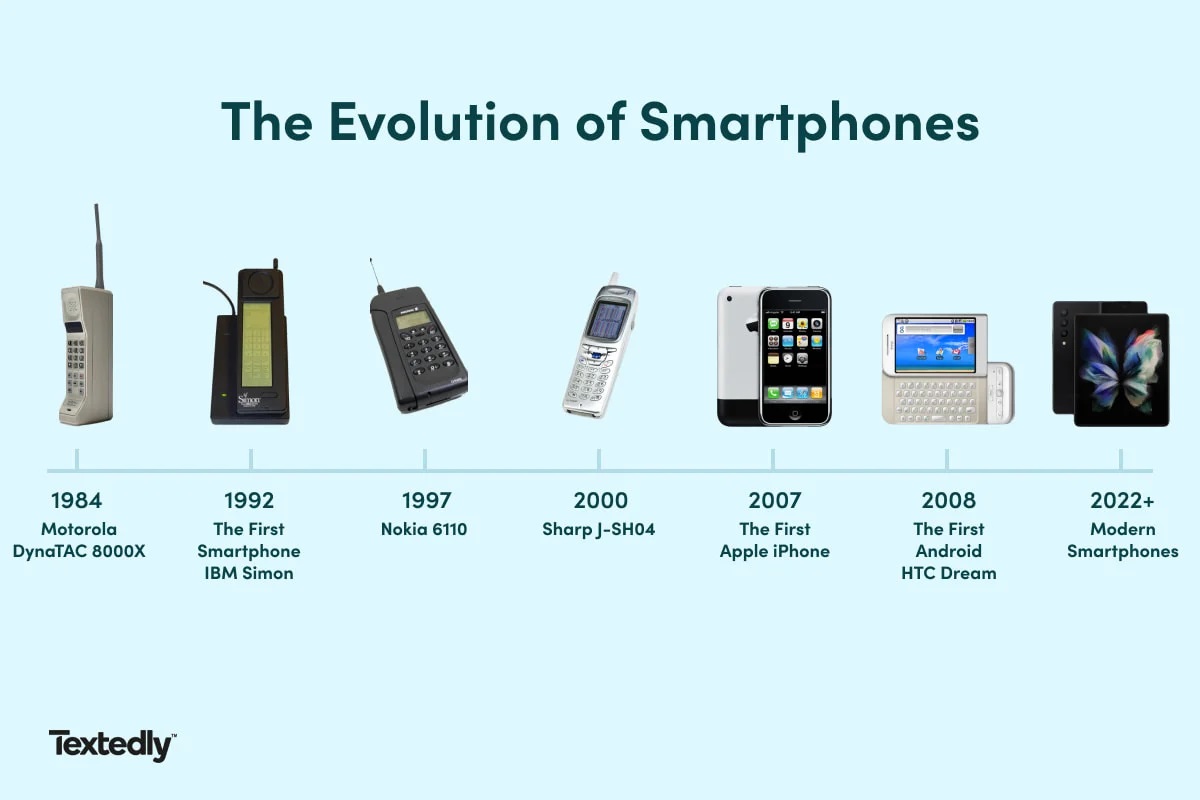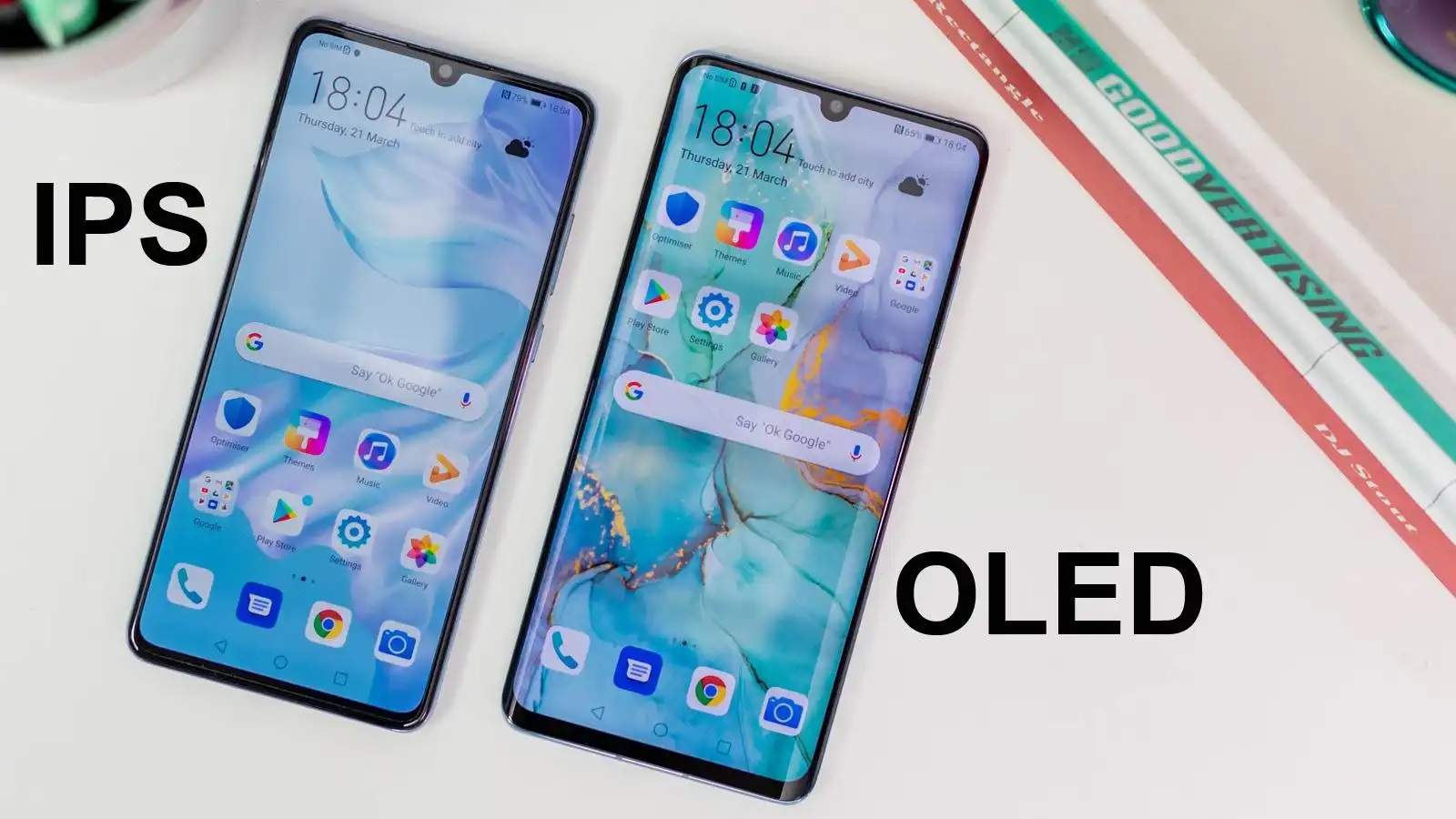
An IPS LCD capacitive touchscreen meaning refers to a display that combines an IPS LCD panel with a capacitive touch layer. IPS stands for in-plane switching, a type of LCD panel that provides wider viewing angles and more consistent color, while capacitive touchscreen means the screen senses touch through electrical charge changes rather than physical pressure.
What the IPS LCD capacitive touchscreen meaning actually is
IPS LCD capacitive touchscreen is a hardware display type. IPS (in-plane switching) is a specific LCD panel technology that improves viewing angles and color consistency compared to older LCD types. LCD stands for liquid crystal display, the underlying display technology that uses liquid crystals to control light. Capacitive touchscreen means the screen detects your finger by sensing changes in electrical charge, not by detecting physical pressure. Together, these three components describe a specific kind of screen hardware found in many phones, tablets, and other devices.
How IPS LCD and capacitive touch work together
The display shows images through LCD pixels, where liquid crystals twist to control how much light passes through from the backlight. A separate capacitive layer sits on top of the LCD panel. When your finger touches the screen, that layer detects the change in electrical charge at that point. Sensors around the edges of the screen register the touch location, and the device interprets the input. The LCD panel handles what you see, while the capacitive layer handles what you touch.
This is hardware, not a phone setting
IPS LCD capacitive touchscreen is a screen type, not a menu toggle you can turn on or off. Phone settings like Samsung's Touch sensitivity or Android's Display and touch options control how the touch layer responds to input, but they do not name or identify the panel hardware type. No official Apple, Google, or Samsung support page defines the full phrase "IPS LCD capacitive touchscreen" because the panel type is a hardware specification, not a user-facing software feature.
Where to find touch sensitivity settings on your phone
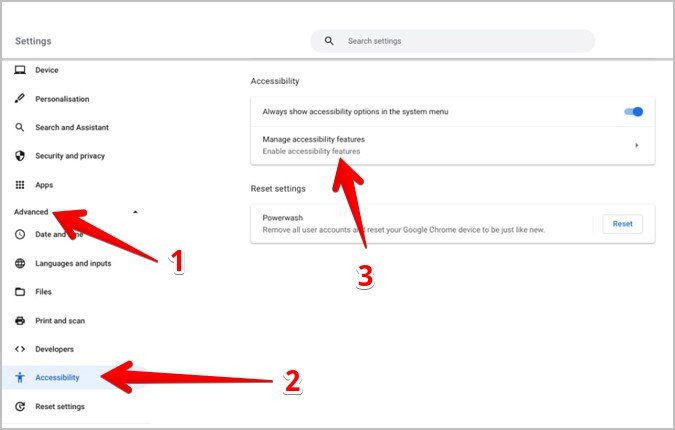
On Samsung Galaxy devices, touch sensitivity is controlled in Settings > Display > Touch sensitivity; Samsung says to turn the switch on or off there. On Google Android devices, the retrieved support page says touch sensitivity is in Settings > Display and touch > Touch sensitivity. Apple also documents using the iPhone search field in Settings to find a setting by name. These settings adjust how the touch layer responds, but they do not change or identify the underlying panel type.
Why the full phrase is not in official phone documentation
Apple, Google, and Samsung support pages do not define "IPS LCD capacitive touchscreen" as a phrase. Official pages only document touch sensitivity controls because those are settings users can adjust. When you see this phrase in product listings or reviews, it describes the physical screen hardware, not a feature you can find in your phone's settings menus. Your phone's display and home screen settings will show options like brightness, wallpaper, and touch sensitivity, but they will not list the panel type as "IPS LCD."
Frequently Asked Questions
Is IPS LCD better than OLED?
IPS LCD and OLED are different display technologies with different strengths. IPS LCD typically offers better color accuracy and brightness in direct sunlight, while OLED provides deeper blacks and higher contrast. The choice depends on your priorities for image quality and viewing conditions.
Does IPS LCD drain more battery than other screens?
IPS LCD screens require a backlight that stays on even when displaying dark content, which can use more power than OLED screens that turn off individual pixels for black areas. However, battery life depends on many factors including screen brightness, usage patterns, and overall device design.
Can I tell if my phone has an IPS LCD screen?
You can check your phone's specifications in the manufacturer's product page, the box, or a specs database. Your phone's settings menus do not list the panel type. If you tilt the phone and colors remain consistent, it likely uses IPS technology rather than an older LCD type.
What phones use IPS LCD capacitive touchscreens?
Many mid-range and budget smartphones use IPS LCD displays, as well as some flagship models that do not use OLED. Apple's iPhone 11 and earlier models used IPS LCD screens, and many Android phones from brands like Xiaomi, Motorola, and Nokia continue to use them.
Does a capacitive touchscreen work with gloves?
Standard capacitive touchscreens require direct skin contact to detect the electrical charge change. Some phones include a touch sensitivity setting that increases the screen's ability to detect touch through gloves, but the underlying capacitive technology still works best with bare fingers or special capacitive gloves.
Related reading: When Was The First Touchscreen Invented, How To Turn Off Swim Mode On Fitbit Versa 3, and What Is A Stylus Made Of?.