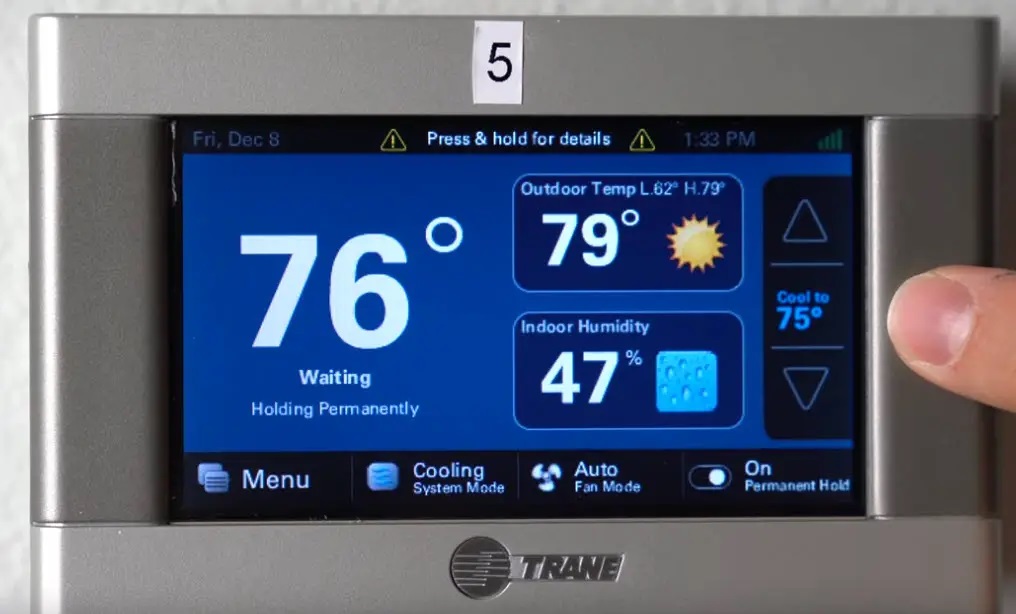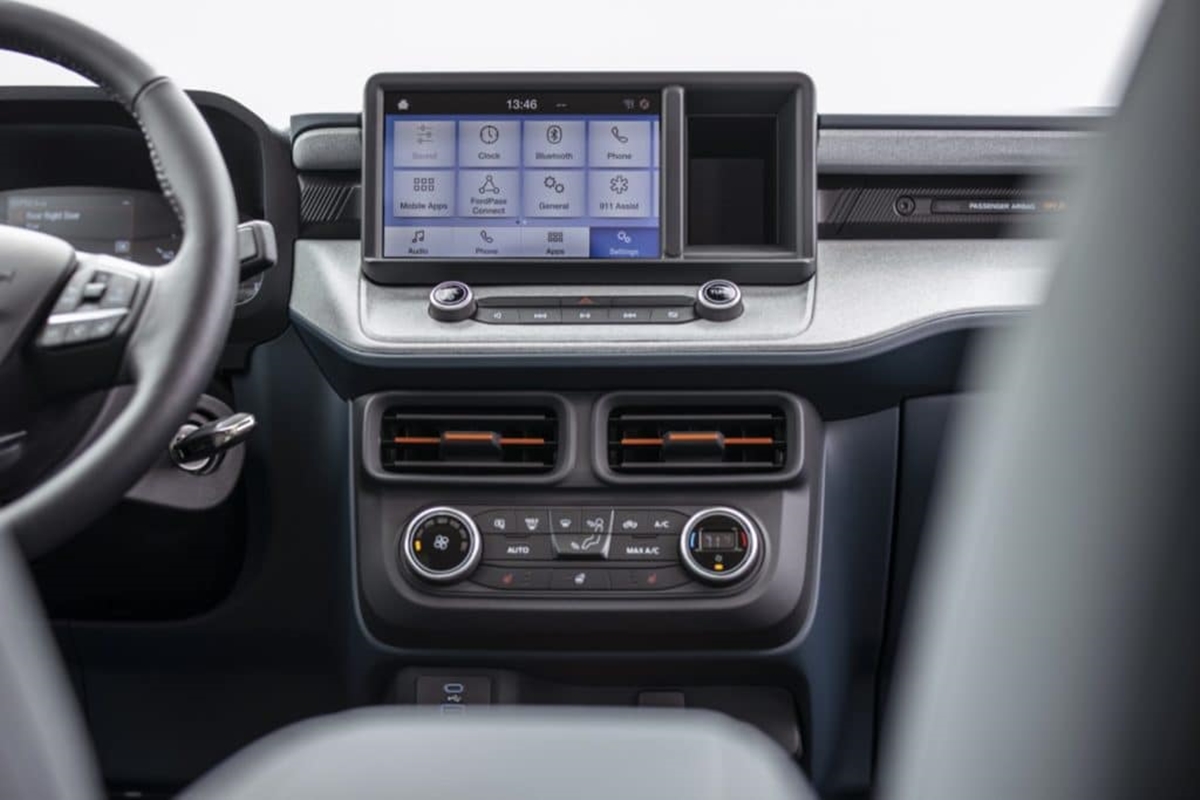
The first modern finger-driven capacitive touchscreen was invented by E.A. Johnson in 1965. While an earlier stylus-based touch concept existed from Bell Labs in 1960, Johnson's work at the Royal Radar Establishment in Malvern, England, is widely credited as the first touchscreen invented that responds directly to a bare finger.
When was the first touchscreen invented?
The answer depends on how you define a touchscreen. The first documented touchscreen concept was a stylus-driven system developed by Bell Telephone Laboratories in 1960 and patented in 1962. However, the first finger-driven capacitive touchscreen, the type used in nearly every modern smartphone and tablet, was invented by E.A. Johnson in 1965. Most searchers asking "when was the first touchscreen invented" are looking for the 1965 date, as it marks the beginning of the touch technology we use today.
The earliest touch concepts: Bell Labs' stylus (1960)
Bell Telephone Laboratories published an early touchscreen concept in 1960, later receiving U.S. patent 3016421A in 1962. This invention used a stylus to interact with the display, making it the earliest documented touchscreen-related work in the historical record. It is important to note that this system was not finger-driven; it required a stylus pen for input. If you are researching stylus pen usage and basics, the Bell Labs device represents the earliest known implementation of that input method, though it predates the capacitive finger-touch model most people mean today.
E.A. Johnson's first finger-driven touchscreen (1965)
E.A. Johnson, an engineer at the Royal Radar Establishment in Malvern, England, described a capacitive touchscreen in 1965. This is considered the first finger-driven touchscreen in history and the first touch display ever created. Johnson's invention used a grid of electrodes beneath a glass layer; when a conductive finger touched the screen, it disrupted the electrostatic field, allowing the device to detect the touch point. He was later granted a U.S. patent for this technology in 1969. Unlike the Bell Labs stylus system, Johnson's screen required no special tool, just a finger.
The evolution to modern capacitive touchscreens
Johnson's 1965 concept laid the foundation for all modern capacitive touchscreens. The core principle, detecting touch through electrical charge disruption, remains the same in today's devices. A major commercial milestone came in 1980 with the HP-150, one of the first commercially introduced touchscreen computers. It used infrared technology rather than capacitance, but it demonstrated the market viability of touch input. Over time, Johnson's capacitive approach was refined with multi-touch capability, advanced touch controllers, and algorithms that improved accuracy and palm rejection. These developments led to the responsive, gesture-based screens found in smartphones, tablets, and interactive kiosks today.
Frequently Asked Questions
Who invented the first capacitive touchscreen?
E.A. Johnson invented the first capacitive touchscreen in 1965 while working at the Royal Radar Establishment in Malvern, England. His work is the direct ancestor of the capacitive screens used in modern smartphones and tablets.
What was the first touchscreen phone?
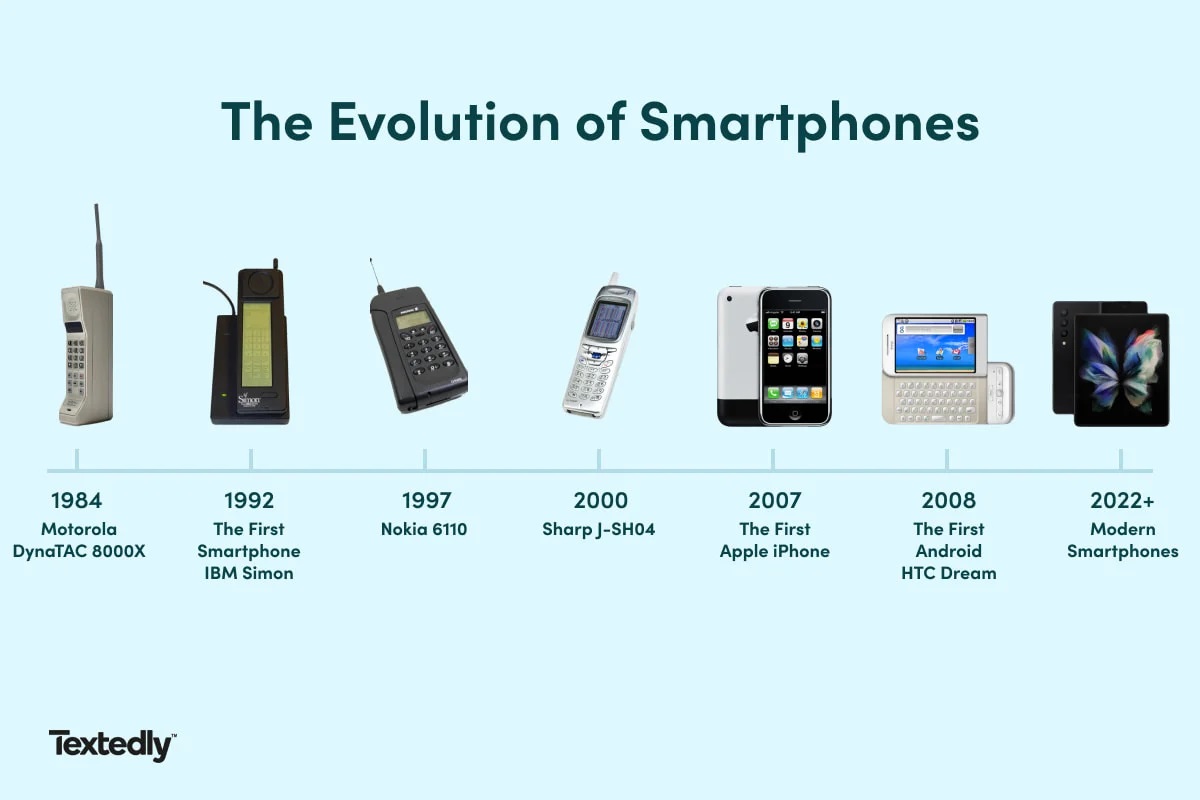
The IBM Simon, released in 1992, is considered the first touchscreen phone. It featured a monochrome LCD touchscreen and included a stylus for input, along with email, a calendar, and a calculator.
What is the difference between resistive and capacitive touchscreens?
Resistive touchscreens detect pressure and can be used with a stylus, gloved finger, or any object. Capacitive touchscreens, invented by Johnson, detect the electrical charge of a bare finger and generally do not respond to gloved fingers or non-conductive objects.
Can touchscreens work with gloves?
Standard capacitive touchscreens do not respond to most gloves because the fabric blocks the electrical charge from your finger. However, some newer smartphones have screens with enhanced sensitivity that can recognize touch through thin gloves, and special conductive gloves are also available.
What is the exact iPhone path for touch accommodations?
On iPhone, go to Settings > Accessibility > Touch > Touch Accommodations. Here you can adjust settings such as Hold Duration, Swipe Gestures, Ignore Repeat, Use Initial Touch Location, and Use Final Touch Location.
How do I adjust touch sensitivity on iPhone and Android?
On iPhone, go to Settings > General > Accessibility > Haptic Touch, where the choices are Fast or Slow. On Android, go to Settings > Accessibility > Touch & hold delay, with choices Short, Medium, or Long. For button behavior tied to accessibility actions on iPhone X and later, go to Settings > General > Accessibility > Side Button; on other models, go to Settings > General > Accessibility > Home Button.
For the wider topic, see stylus pen usage and basics.