Which smartwatch can I use without a phone? The answer depends on two real paths: a smartwatch with its own cellular or LTE connection and an active carrier plan, or an Apple Watch set up through Family Setup for a family member who does not own an iPhone. No other type of smartwatch offers true phone‑free operation for calls, messages, and streaming.
Cellular and LTE smartwatches: your phone on your wrist
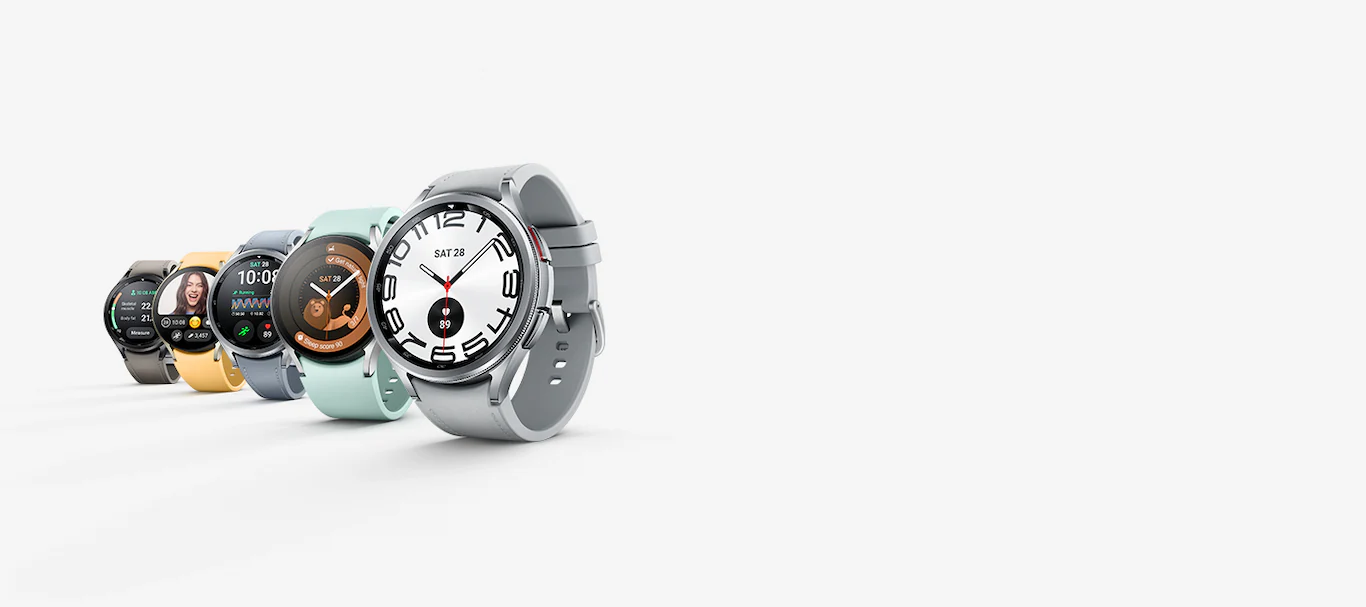
Smartwatches with a built‑in cellular modem, such as Samsung Galaxy Watch LTE models, can make calls, send messages, and stream music independently when the watch and phone are far apart. Bluetooth‑only Galaxy Watch models cannot use LTE service. To activate LTE on a compatible Samsung watch, open the Galaxy Wearable app on the paired phone, tap Watch settings, tap Mobile plans, then follow the prompts to complete activation. The app begins scanning for an eligible LTE network when you tap Mobile plans. Supported carriers vary by model and region; for example, Samsung’s Japan‑specific support page lists Watch9 compatibility with au, NTT Docomo, and SoftBank, while Watch Ultra supports au and NTT Docomo. Samsung’s German support page confirms that only LTE variants support eSIM and lists LTE‑supported model families including Galaxy Watch Active, Active2, Watch3, Watch4, Watch5/Pro, and Watch6/Classic.
Apple Watch Family Setup: a phone‑free option for kids and seniors
Apple documents a dedicated path called “Apple Watch For Your Kids,” which lets a family member who does not have their own iPhone use a supported Apple Watch to make calls, send messages, and share location. Family Setup works only with a cellular‑capable Apple Watch Series 4 or later, or Apple Watch SE or later, and requires watchOS 7 or later plus an iPhone 6s or later with iOS 14 or later for initial setup. The watch must be part of a Family Sharing group, and the person setting it up must be the organizer or parent/guardian. To begin, use the Apple Watch app on the iPhone, tap All Watches, tap Pair New Watch, then tap Set Up for a Family Member. The initial pairing iPhone must stay within normal Bluetooth range (about 33 feet or 10 meters) to manage settings and update software. After setup, the family member’s watch can be managed from the iPhone via Apple Watch app > All Watches > select the watch under Family Watches. Screen Time can be turned on for the child’s watch from Apple Watch app > All Watches > watch under Family Watches > Screen Time > Screen Time Settings > Turn On Screen Time. Apple notes that Family Setup is not available in Italy, Korea, China mainland, and some other regions.
What to know before you leave your phone behind
Phone‑free smartwatch use comes with key limitations. A separate data plan is required for any cellular‑enabled watch; the watch cannot use your phone’s plan without an additional subscription. Battery life drops noticeably when the watch relies on its own cellular connection rather than Bluetooth. Most models, including both Apple Watch and Samsung Galaxy Watch LTE variants, require an initial pairing with a phone to complete setup and activate the cellular service. Hybrid smartwatches do not provide a documented, consistent path for phone‑free operation; their independent features vary by brand and are not fully defined in official pages. For detailed independent comparisons, consult dedicated smartwatch and tracker comparisons to see how each model handles calls, messaging, and streaming without a phone.
Frequently Asked Questions
Do I need a separate data plan for a standalone smartwatch?
Yes. Cellular‑enabled smartwatches require an active carrier subscription, usually a separate plan or a shared‑number add‑on, to make calls, send messages, and use data independently. Bluetooth‑only models do not need a plan but cannot operate without a phone nearby.
Can I make emergency calls on a smartwatch without a phone?
Most cellular‑capable smartwatches can place emergency calls even without an active plan, as long as they are connected to a compatible network. The exact behavior depends on the carrier and local regulations.
Will an Apple Watch work with Family Setup if I don’t have an iPhone?
No. The initial setup of an Apple Watch for a family member requires an iPhone 6s or later running iOS 14 or later. After setup, the watch can operate independently, but the iPhone is needed for configuration and management.
Can I pair a standalone smartwatch with a phone later?
Yes. Most cellular‑enabled smartwatches can be used as a standalone device or paired with a phone via Bluetooth. Pairing later allows you to receive phone notifications and sync data, but the watch retains its independent cellular capability.
Does LTE drain the battery faster on a smartwatch?
Yes. Using the LTE radio for calls, messages, and data streaming consumes more power than Bluetooth or Wi‑Fi. Battery life on cellular models is typically shorter than on Bluetooth‑only versions, especially during active use.
Readers comparing a separate eSIM can browse uPhone eSIM plans and verify destination coverage, data allowance, and validity before buying.
More eSIM resources: Browse our eSIM guides and troubleshooting resources for compatibility, setup, travel-data and account-safety advice.
Related reading: Where Can I Buy A Smartwatch and How Can I Identify My Smartwatch Model?.