LTE in a smartwatch means the watch has its own cellular connection, so it can make calls, send messages, and use data without staying near the paired phone. This gives the smartwatch the ability to operate independently from your smartphone, provided you have an eligible cellular plan and a supported carrier.
What lte in a smartwatch actually means
LTE in a smartwatch directly means the watch is equipped with its own cellular radio, allowing it to connect to your mobile carrier's network on its own. Instead of relying on Bluetooth or Wi-Fi to stay tethered to your phone, an LTE smartwatch gets its own phone number or uses a shared number plan, enabling it to make calls, send messages, and access data all by itself. The key requirement is that you have an eligible cellular plan from a supported carrier; without that plan, the LTE hardware cannot be activated.
How lte in a smartwatch works without your phone
When your smartwatch has LTE, it connects directly to your carrier's mobile network just like a phone does. Instead of routing calls and messages through your paired smartphone via Bluetooth or Wi-Fi, the watch communicates with the carrier's cell towers on its own. This means you can leave your phone at home, go for a run, or run errands, and your watch will still receive calls, send texts, and use data. The core benefit is that you stay connected even when your phone is not nearby.
Benefits of having lte in a smartwatch
Having LTE in your smartwatch unlocks several practical benefits. You can make and receive calls and messages directly from your wrist, stream music without carrying your phone, and use GPS for fitness tracking with live maps and route sharing. The watch can also make emergency calls and share your location with trusted contacts, all without needing your phone nearby. Samsung explicitly says LTE versions can receive calls and messages even when watch and phone are far apart. This independence is especially useful during workouts, quick trips, or any time you want to travel light but stay reachable.
What you need before setting up lte in a smartwatch
Before you can use LTE on your smartwatch, you need a few things in place. You must have an eligible cellular plan with a supported carrier. For Apple Watch, the iPhone and Apple Watch must be on the same network provider, and you need to be within that provider's network coverage during setup. You also need an LTE-capable watch model, not a Bluetooth-only version. Apple says to make sure iPhone has latest software before setup. Samsung Taiwan support page says your phone needs a SIM card before activation. Finally, your paired phone should have the latest software installed, and for Apple Watch, Safari cellular data must be enabled on the iPhone under Settings > Mobile > Mobile Data > Show All > Safari.
How to set up lte on an Apple Watch
- Open the Apple Watch app on your iPhone.
- Tap My Watch, then tap Mobile or Cellular.
- Tap Set Up Cellular or Set Up Mobile and follow the carrier instructions that appear.
If you are setting up cellular during the initial watch setup, look for the option to set up mobile during that process. For a family member's Apple Watch, the path is: Apple Watch app > All Watches > family member's Apple Watch > Mobile > Set Up Mobile. The iPhone must have Safari cellular data enabled as noted above, and you must be within your carrier's network to complete activation.
How to set up lte on a Samsung Galaxy Watch
- Open the Galaxy Wearable app on your paired phone.
- Tap Watch settings, then tap Mobile plans.
- The app will scan for an eligible LTE network. Follow the on-screen prompts to complete activation.
LTE service applies only to LTE models of the Galaxy Watch, not Bluetooth-only models. Supported LTE models include Watch Ultra2, Watch9, Watch Ultra, Watch8 Classic, Watch8, Watch7, Watch6, Watch5, and Watch4, though carrier compatibility varies by model and region. Samsung's Japanese support page lists carrier support by specific LTE Galaxy Watch models. Your phone must have a SIM card inserted before you begin activation.
Limitations and things to watch out for
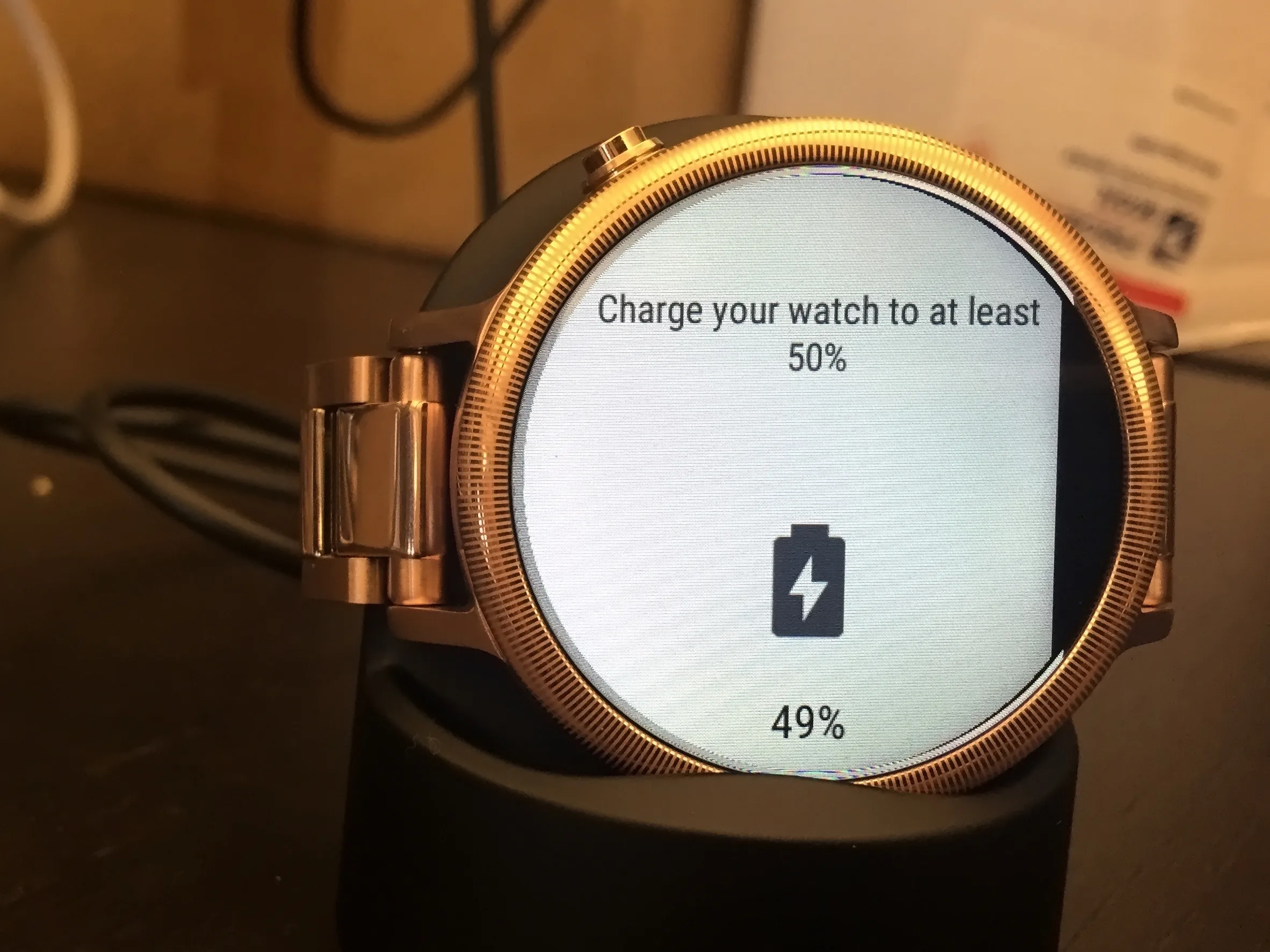
LTE connectivity can drain the smartwatch battery faster than Bluetooth or Wi-Fi use, so you may need to charge more often. You will also need a separate data plan for the watch, which adds an ongoing cost. Carrier compatibility varies by watch model and region, so not every LTE watch works with every carrier. Additionally, setup must happen within your provider's network coverage area, and Bluetooth-only models cannot use LTE service at all.
Frequently Asked Questions
Can LTE smartwatches work without a phone nearby?
Yes, that is the main purpose of LTE smartwatch service. The watch connects directly to the carrier's network, so it can make calls, send messages, and use data even when the phone is far away.
Do all smartwatches support LTE?
No. Only smartwatches specifically designed with LTE hardware can use cellular service. Bluetooth-only models cannot connect to a mobile network and must stay paired with a phone for calls and data.
Do I need a separate data plan for an LTE smartwatch?
Yes, in most cases you need a separate cellular plan for the watch. Carriers typically require a subscription for LTE-enabled devices, which gives the watch its own connection to the network.
Which Samsung models support LTE?
However, carrier support varies by model and region, so check with your carrier for compatibility.
For the wider topic, see mobile phone basics.