To carry cell phone without a pocket, the only documented hands-free method from a major phone manufacturer is Apple’s Crossbody Strap, which attaches to select Apple iPhone cases. This official accessory turns your phone into a wearable item, freeing your hands and ensuring your device is always within reach.
The documented way to carry a cell phone without a pocket
Apple provides a specific, step-by-step process for attaching its Crossbody Strap to a compatible iPhone case. This is the only current, officially documented hands-free carrying method from Apple or any major phone manufacturer.
Compatibility: The Crossbody Strap does not attach directly to the iPhone. It requires a compatible Apple case. The Apple store page lists compatibility for selected cases for iPhone Air, iPhone 17, iPhone 17 Pro, iPhone 17 Pro Max, and iPhone 17e. The exact list of compatible cases varies by accessory listing, so verify your case model before purchasing.
Strap length: The strap adjusts from a minimum length of 42.5 inches (1080 mm) to a maximum length of 81.9 inches (2080 mm).
To attach the Crossbody Strap:
- Start with the case off your iPhone.
- Locate the small openings on the bottom corners of the case.
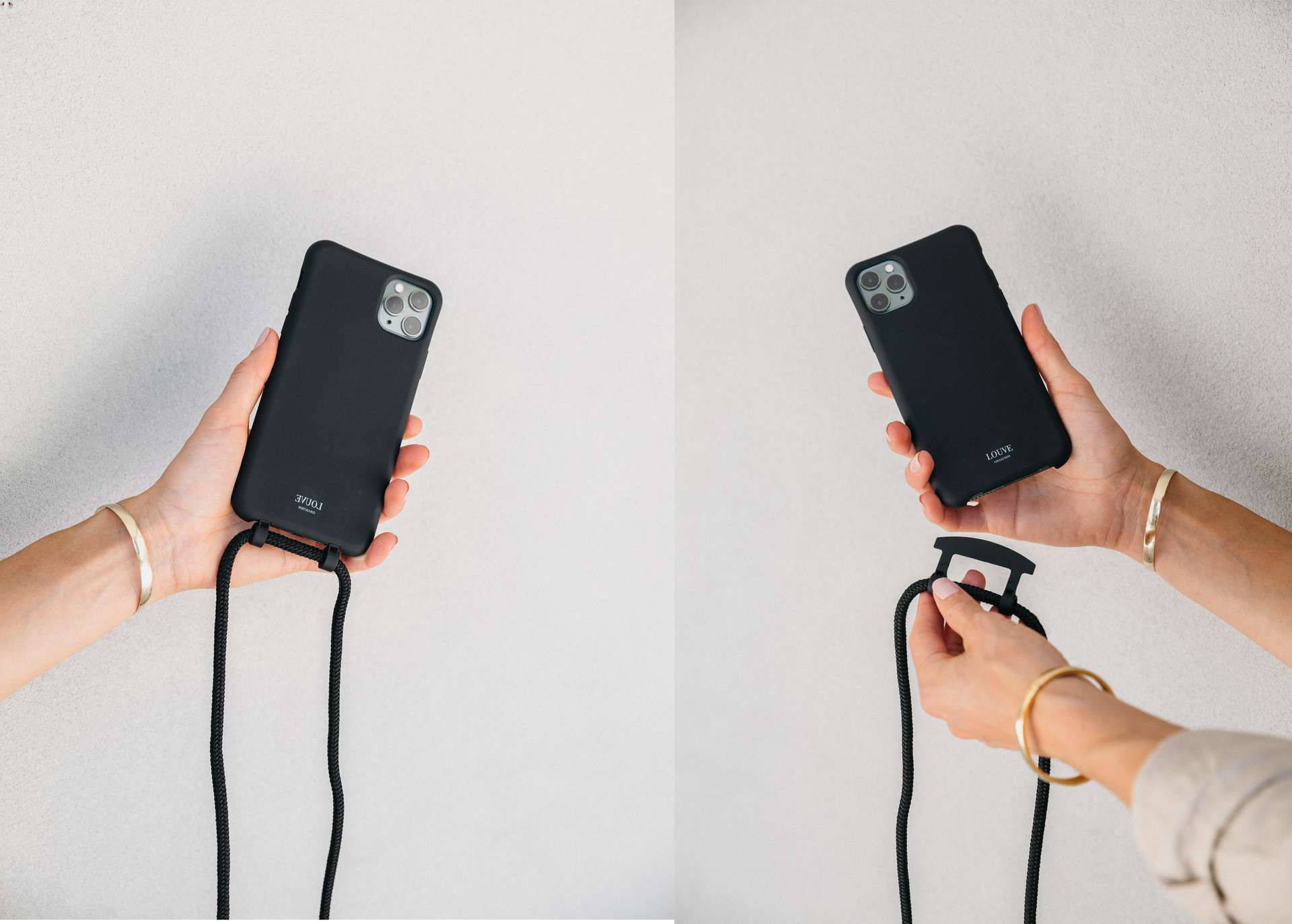
- Thread the cord loop end of the connector from the outside through one opening.
- Continue threading the cord through the second hole so it comes out to the outside of the case.
- Slip the metal ring through the cord loop.
- Gently pull the metal ring to secure the connector in place.
- Repeat steps 3-6 on the other corner of the case.
- Put the case back on your iPhone.
- Use the snaps on the Crossbody Strap to attach and detach it from the connectors on the case.
Other practical hands-free carrying solutions
Beyond Apple’s official strap, many people use crossbody bags, pouches, wrist straps, armbands, and belt clips to carry a cell phone without a pocket. However, no official support pages from Apple, Google, Samsung, or any carrier were retrieved for these methods. If you choose a third-party solution, verify its compatibility and security with your specific phone model and case.
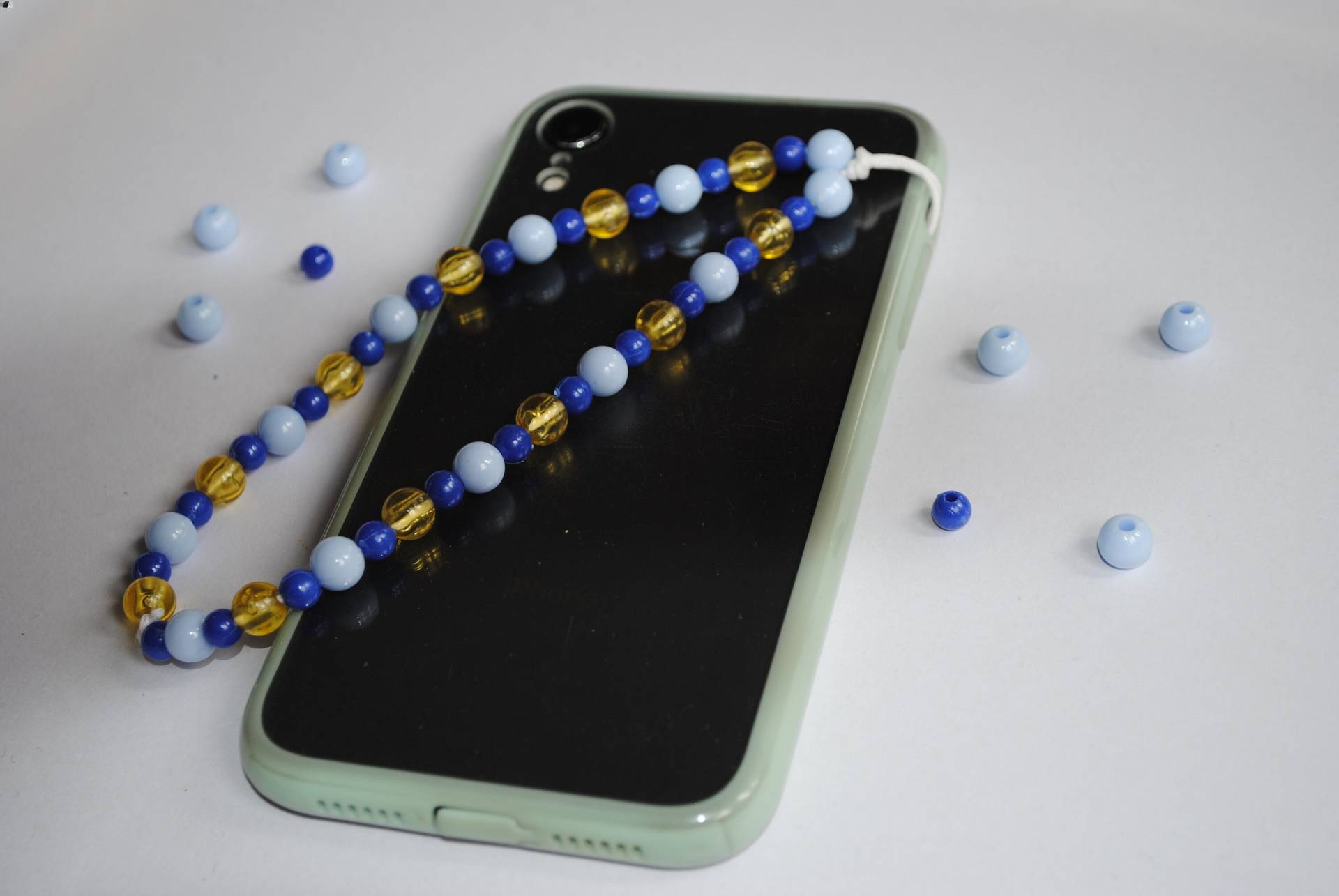
Phone holsters or belt clips offer a trendy and functional way to carry your phone on your hip, coming in various designs, materials, and colors. Phone armbands or wristbands provide a secure and practical solution for keeping your phone close while engaging in various activities like jogging, hiking, or biking. Attach your phone to a keychain or lanyard, hanging it from your bag, belt loop, or wearing it around your neck. Use a phone wallet or adhesive cardholder on the back of your phone to store ID, credit cards, or cash. Utilize magnetic mounts or stands attached to car dashboard, wall, or flat surface for hands-free access. Use a phone desk stand or holder to keep your phone upright and stable on a desk or while cooking. Consider wearable technology such as smartwatches or fitness trackers synced with your phone to receive notifications and make calls.
How to keep your phone safe while carrying it
When carrying your phone without a pocket, preventing drops and damage is essential. Use a protective case made from shock-absorbent materials like silicone or polycarbonate, with raised edges to safeguard the screen and camera lenses. Ensure any strap, clip, or holder is securely fastened before use. In crowded areas, keep your phone in a front pocket, a securely zipped bag, or hold it tightly. Be aware of pickpockets and avoid leaving your phone unattended or displaying it openly. For added security, consider using theft deterrent apps that offer features like remote locking or tracking a phone location (Phone Location Tracking Methods).
Frequently Asked Questions
Can I carry a cell phone without a pocket?
Yes. The most straightforward documented method is using Apple’s Crossbody Strap with a compatible case. Other common solutions include crossbody bags, armbands, and wrist straps, though these lack official documentation from phone manufacturers.
What is the safest way to carry a phone without a pocket?
The safest method uses a secure, official accessory like Apple’s Crossbody Strap attached to a protective case. This minimizes the risk of drops. For any carrying method, always ensure the phone is firmly fastened and use a shock-absorbent case.
Does Apple’s Crossbody Strap work with any iPhone case?
No. It only works with select Apple cases designed with the necessary openings and connectors. Check Apple’s compatibility list for your specific iPhone model and case before purchasing.
Can I use a wrist strap to carry my phone?
Apple states that select iPhone cases are compatible with its Wrist Strap, but no official setup guide was retrieved for this accessory. For third-party wrist straps, compatibility and security vary by product.
How do I keep my phone from falling out of a crossbody bag?
Use a bag with a dedicated, padded phone compartment and a secure closure, such as a zipper or magnetic snap. Place the phone screen-side inward to reduce the risk of impact damage.
What are some alternatives to carrying a cell phone in a pocket?
Cell phone armband, waist pouch, crossbody sling bag, wrist strap, cell phone clip-on holder.
Are there any accessories available to help me carry my cell phone?
Cell phone lanyards, adhesive card sleeves with a cell phone holder, phone cases with attached cardholders.
What are the benefits of using a cell phone armband?
Securely holds phone on arm for hands-free access during physical activities.
Can I carry my cell phone in a bag without damaging it?
Use a protective case or pouch, avoid placing alongside sharp objects or loose items.
Related reading: How To Activate Hey Google On My Phone and How To Attach A Phone Strap.