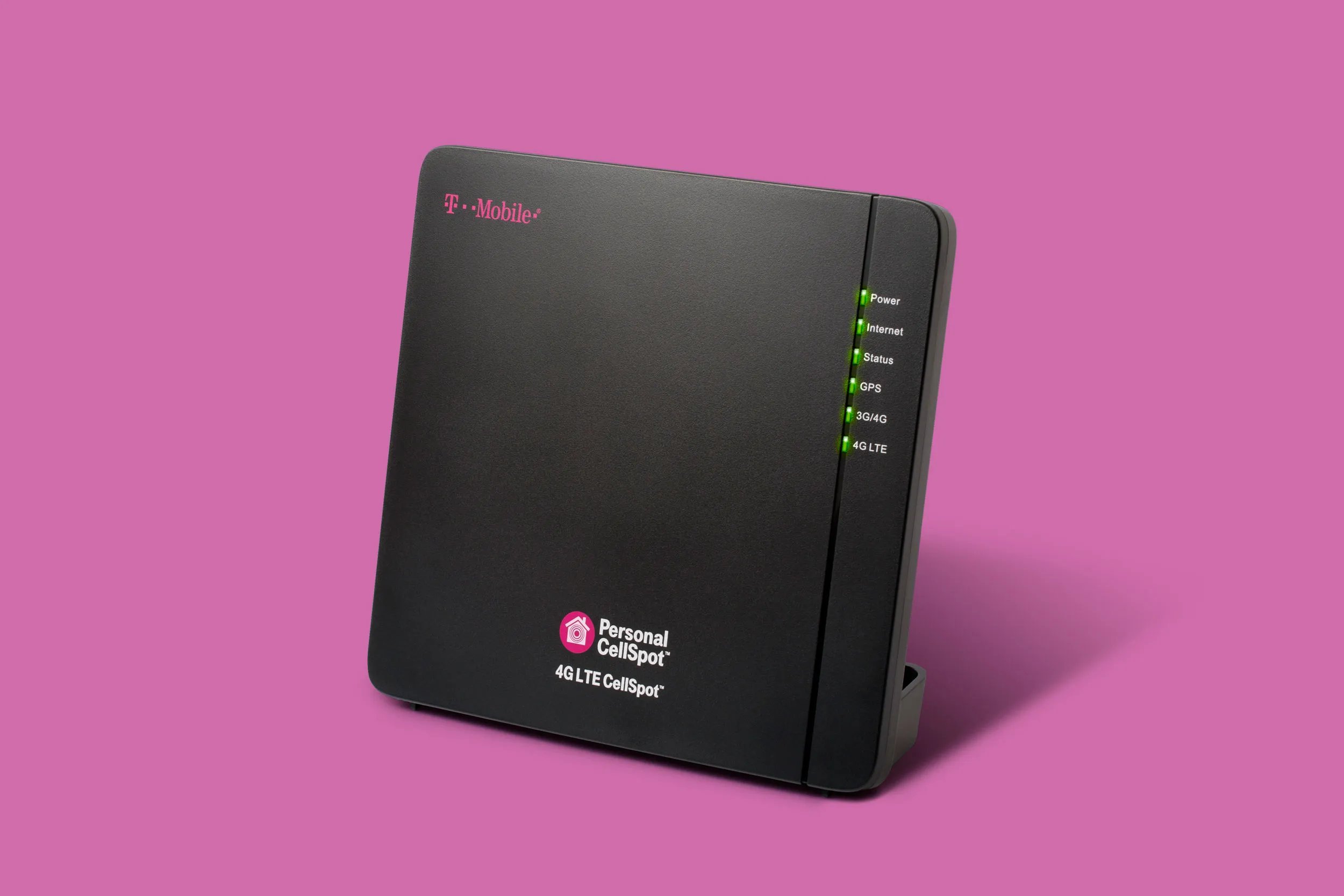
To obtain a T-Mobile signal booster, you have two primary paths: request the official T-Mobile Personal CellSpot directly from T-Mobile, or purchase an FCC-certified third-party booster. The T-Mobile Personal CellSpot 4G LTE Signal Booster is a two-piece unit provided by T-Mobile to eligible customers, while third-party options must be FCC-certified and compatible with T-Mobile's network frequencies.
Check your current signal strength
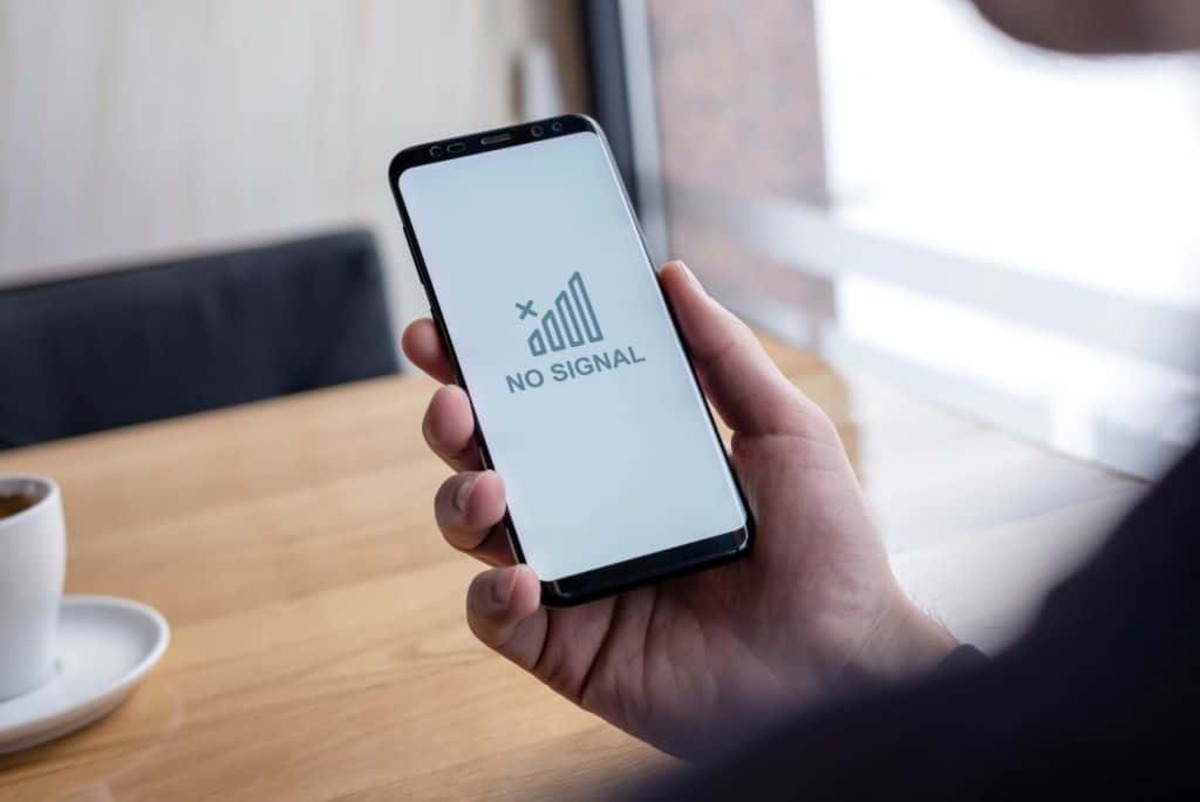
Before obtaining a booster, verify you have at least one bar of 3G, 4G, or 4G LTE signal, because a signal booster amplifies an existing weak cellular signal, it cannot create a signal where there is none. You need at least one bar of 3G, 4G, or 4G LTE signal for it to work. A signal booster amplifies an existing weak cellular signal; it does not create a signal where there is none. Check signal bars on your device, or use field test mode: iPhone users can dial 3001#12345# and press call, while Android users can download a signal info app to see detailed signal strength in decibels (dBm). If you have no signal at all, a booster will not help.
Request the T-Mobile Personal CellSpot
Contact T-Mobile support to request the official two-piece Personal CellSpot 4G LTE Signal Booster, which consists of a Window Unit (network unit) and a Coverage Unit (inside unit). You must have a T-Mobile account and a postpaid plan to qualify. T-Mobile may provide the booster at no cost or for a deposit, depending on your account status and eligibility.
Register your signal booster with T-Mobile
All consumer signal boosters used in the U.S. must be FCC-certified and registered with your wireless provider. To register a booster with T-Mobile, visit the Signal Booster Registration page online, choose 'Register My New Signal Booster,' fill out the form with your account number and device information, then select 'Register Device'. This step is legally required for both the T-Mobile Personal CellSpot and any third-party FCC-certified booster you purchase.
Set up the Window Unit and Coverage Unit
Place the Window Unit in a location with the strongest available outdoor cellular signal, typically near a window. Place the Coverage Unit in the central area where you need improved signal, ensuring adequate separation from the Window Unit for maximum coverage. Connect the power supplies to both units and plug them into power outlets.
What to expect during installation
The self-installation process can take up to two hours as the device downloads the latest software and performs location verification. The T-Mobile Personal CellSpot 4G LTE Signal Booster V2 does not require an internet connection to function. Once operational, it can enhance cellular coverage for up to 13,000 square feet and supports T-Mobile bands 2, 4, and 12, making it effective for boosting mobile signal strength in homes and small offices.
Optimize and troubleshoot your booster
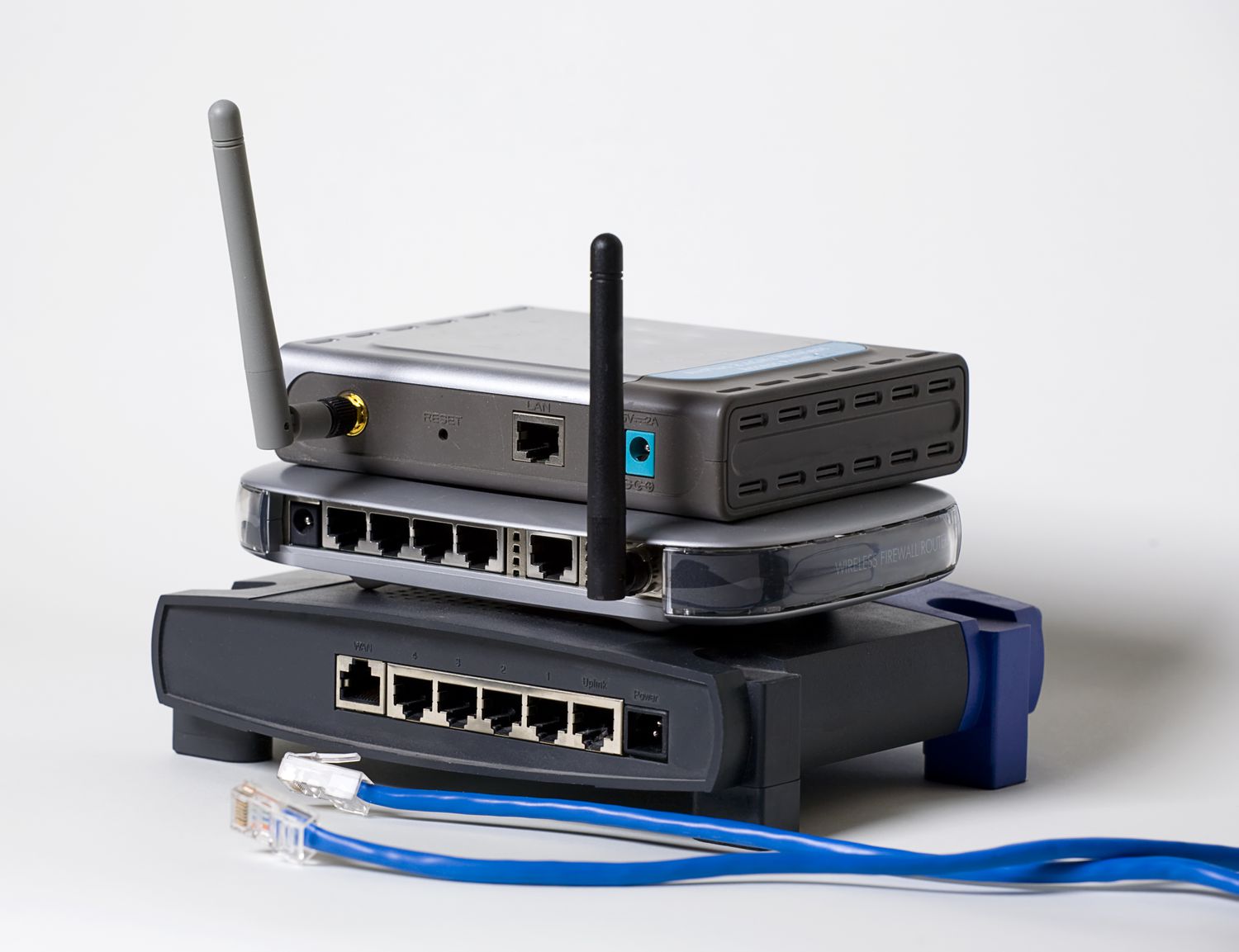
Keep the Coverage Unit at least three feet away from other wireless data devices like Wi-Fi routers or cordless phones to prevent degradation of data rates. Adjust placement of both units if signal improvement is not optimal, move the Window Unit to a different window or higher location, and reposition the Coverage Unit centrally. Understand that signal boosters can strengthen 4G LTE and some lower-frequency 5G bands, but they cannot fully amplify mid-band or millimeter-wave 5G signals.
Frequently Asked Questions
Can I use a signal booster with any T-Mobile plan?
Yes, T-Mobile signal boosters are compatible with all T-Mobile plans, including prepaid, postpaid, and business plans.
Do I need technical knowledge to install a T-Mobile signal booster?
No, most signal booster kits come with straightforward instructions, and you can typically complete setup without technical expertise. T-Mobile customer support is available if you need assistance.
Can I use a T-Mobile signal booster in multiple locations?
Yes, you can move the booster to different locations within the same area as needed. However, if you need signal improvement in multiple locations simultaneously, you may need additional boosters.
Do signal boosters work for all types of mobile devices?
Yes, T-Mobile signal boosters work with all devices connected to the T-Mobile network, including smartphones, tablets, and mobile hotspots.
Are T-Mobile signal boosters legal to use?
Yes, they are legal in the U.S. as long as they are FCC-certified and registered with T-Mobile. Always use certified boosters to comply with regulations and avoid network interference.
Can I use a T-Mobile signal booster with another carrier?
No, T-Mobile signal boosters are designed specifically for T-Mobile's network. If you switch carriers, you will need a booster compatible with that carrier's frequencies.