How to tell if a phone is real or fake comes down to one reliable method: checking the device’s unique identity numbers against official manufacturer records. Subjective checks like weight, screen quality, or logo placement can be misleading, but a serial number or IMEI that matches the manufacturer’s database is the only documented way to confirm authenticity.
How to tell if a phone is real or fake using its IMEI
Every genuine phone has a unique serial number and IMEI (International Mobile Equipment Identity). To locate them:
- On an iPhone, go to Settings > General > About. The serial number and IMEI are listed there.
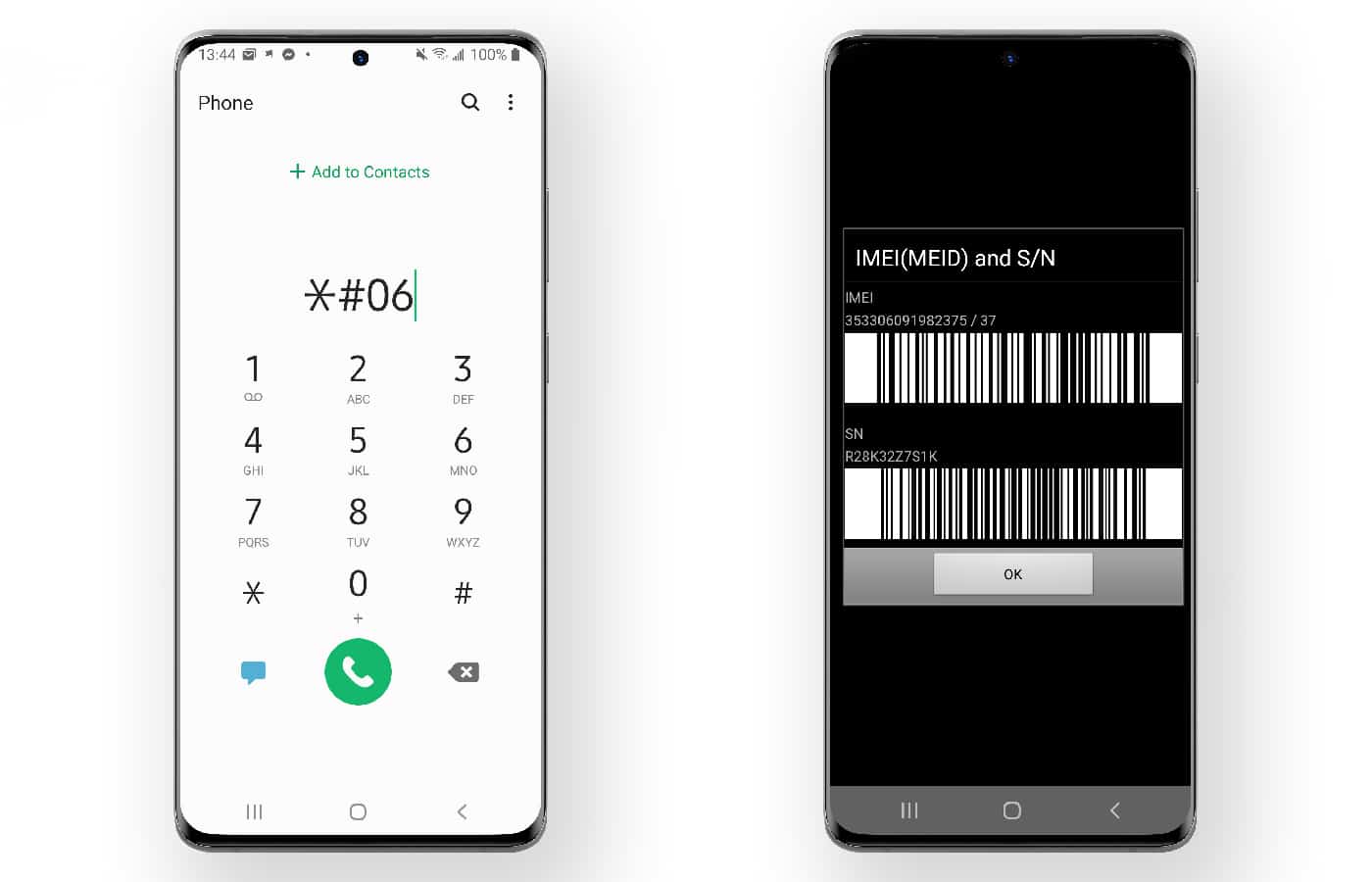
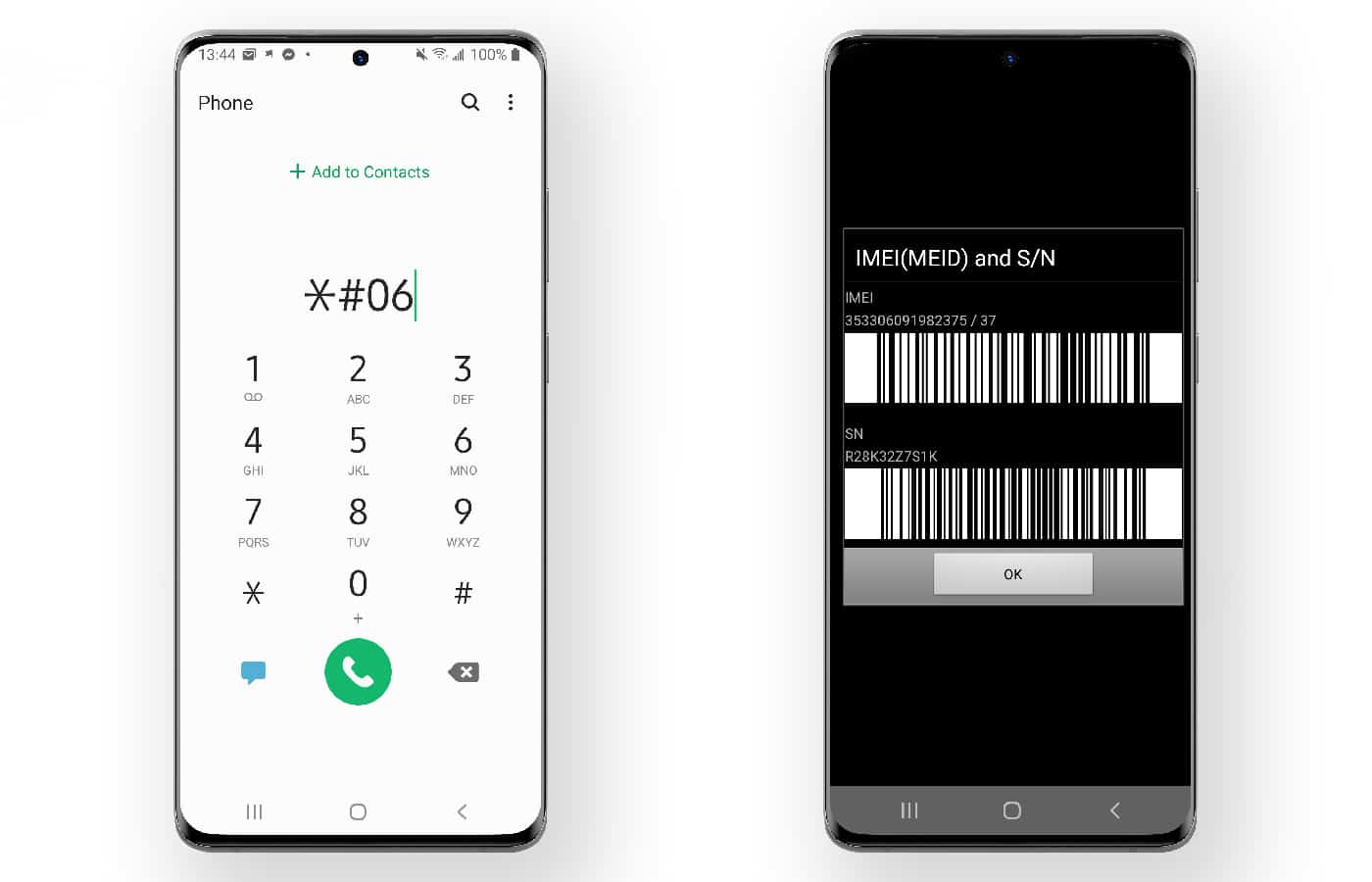
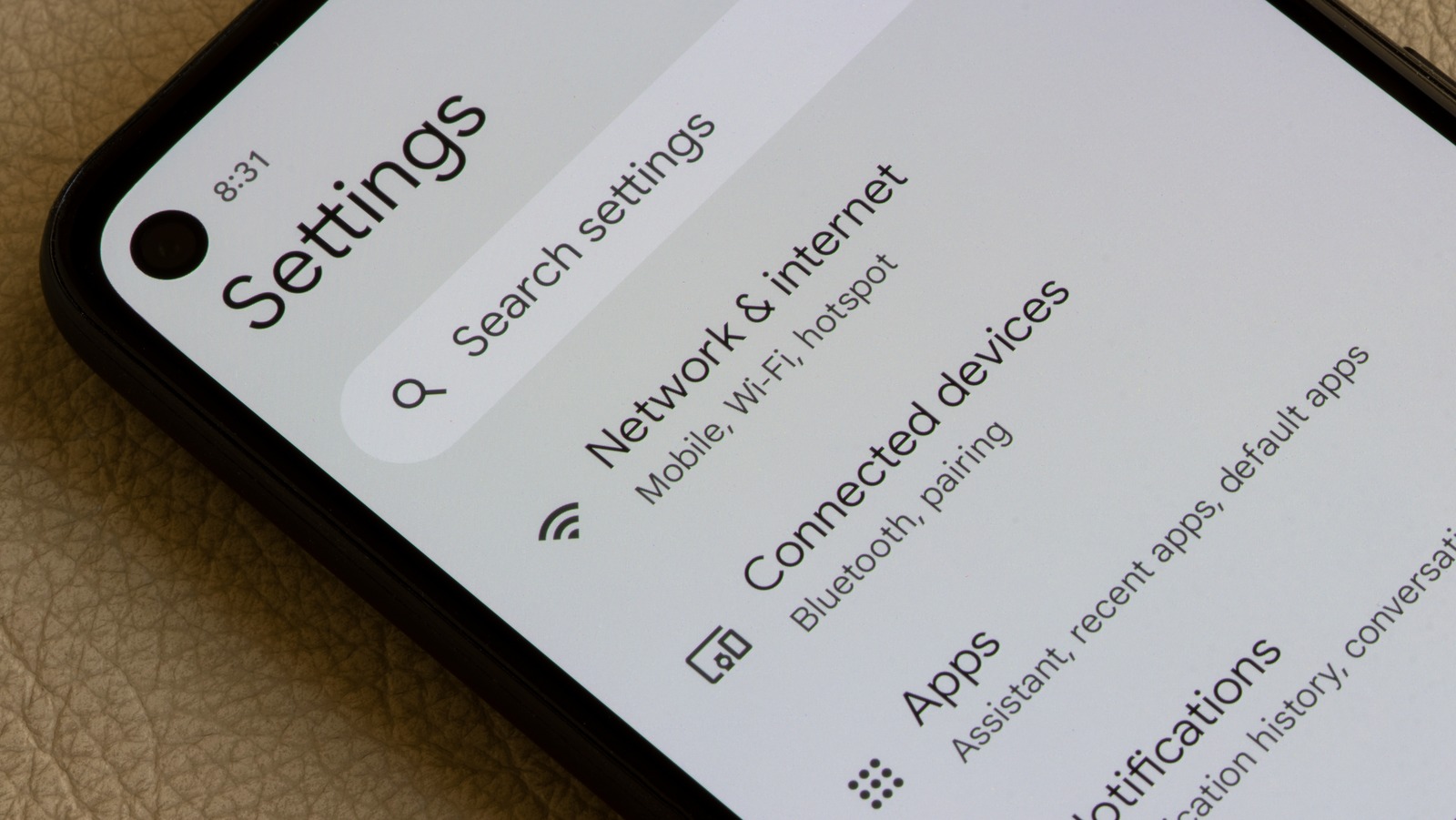
- On an Android phone, go to Settings > About phone to see the serial number and IMEI, or dial *#06# to display the IMEI instantly on the screen.
Check the app store for authenticity; if the pre-installed apps or app store look unfamiliar or are different from the official version, it could be a red flag. Genuine phones also receive regular system updates, so ensure that the phone allows for updates and has legitimate software settings and options.
Verify the number with the manufacturer
Once you have the identity numbers, the core verification step is checking them against the manufacturer’s official records. For iPhone, Apple documents exact checks: enter the serial number at checkcoverage.apple.com, or go to Settings > General > AppleCare & Warranty and tap your device to see coverage status. You can also sign in to mysupport.apple.com with your Apple Account, choose the device, and click View Proof of Coverage. These checks confirm the phone is registered in Apple’s system. For Android, there is no single official checker across all brands. The absence of a unified Android checker means you must rely on matching the IMEI to the box and paperwork.
Match the phone to its box and paperwork
The only documented physical comparison is ensuring the IMEI or serial number on the device screen exactly matches the numbers printed on the retail box and any included documentation. A genuine phone will have identical numbers across all three locations. Ensure that the accessories included in the packaging are compatible with the brand and model of the phone.
What to do if the numbers don’t match
A mismatch between the phone’s identity numbers and the box or manufacturer records is a major red flag. It indicates the device is counterfeit, tampered with, or not the original unit. If you have not yet purchased the phone, refuse the sale. If you have already bought it, contact the seller immediately and request a refund. Provide clear evidence of the mismatch, such as photos of the phone’s settings screen and the box label. Refund policies vary by seller, so review the return policy before purchase and act quickly if a fake is confirmed.
Frequently Asked Questions
Can I check a phone’s authenticity by its physical appearance alone?
While some counterfeit phones may feel lighter or have poor build quality, the only documented physical check is matching the serial number or IMEI against the box and official records.
What is the difference between a serial number and an IMEI?
Both are used for verification, but the IMEI is especially useful for checking network registration and carrier records.
Can a fake phone have a valid IMEI that passes a basic check?
Yes, counterfeit phones sometimes use spoofed and fake phone numbers that are cloned from real devices. This is why you must verify the IMEI against the manufacturer’s official records and match it to the box and paperwork, not just run a generic database lookup.
Will Apple’s coverage checker work for any iPhone model?
Apple’s coverage page applies to all Apple devices, and the retrieved result does not list a model-by-model exclusion for iPhone in the snippet. Entering the serial number at checkcoverage.apple.com or checking in Settings > General > AppleCare & Warranty works for any iPhone that has a valid serial number.
What should I do if I accidentally bought a fake phone?
Contact the seller immediately and provide evidence of the counterfeit nature, such as photos of the mismatched IMEI or serial number. Some sellers may offer a refund or replacement, while others may require a verification process. Review the seller’s return policy before purchasing and act quickly to improve your chances of a resolution.
Are all fake phones of poor quality?
While it is common for fake phones to have poor quality, not all fakes are necessarily of low quality. Some counterfeit phones can closely resemble genuine ones in terms of appearance and even functionality.
Can fake phones have the same features as real phones?
In some cases, counterfeit phones can have similar features to genuine phones. Manufacturers of fake phones often try to mimic popular models' specifications to attract buyers.
Related reading: How To Check Samsung Mobile Activation Date and How To Check My Xiaomi Warranty.