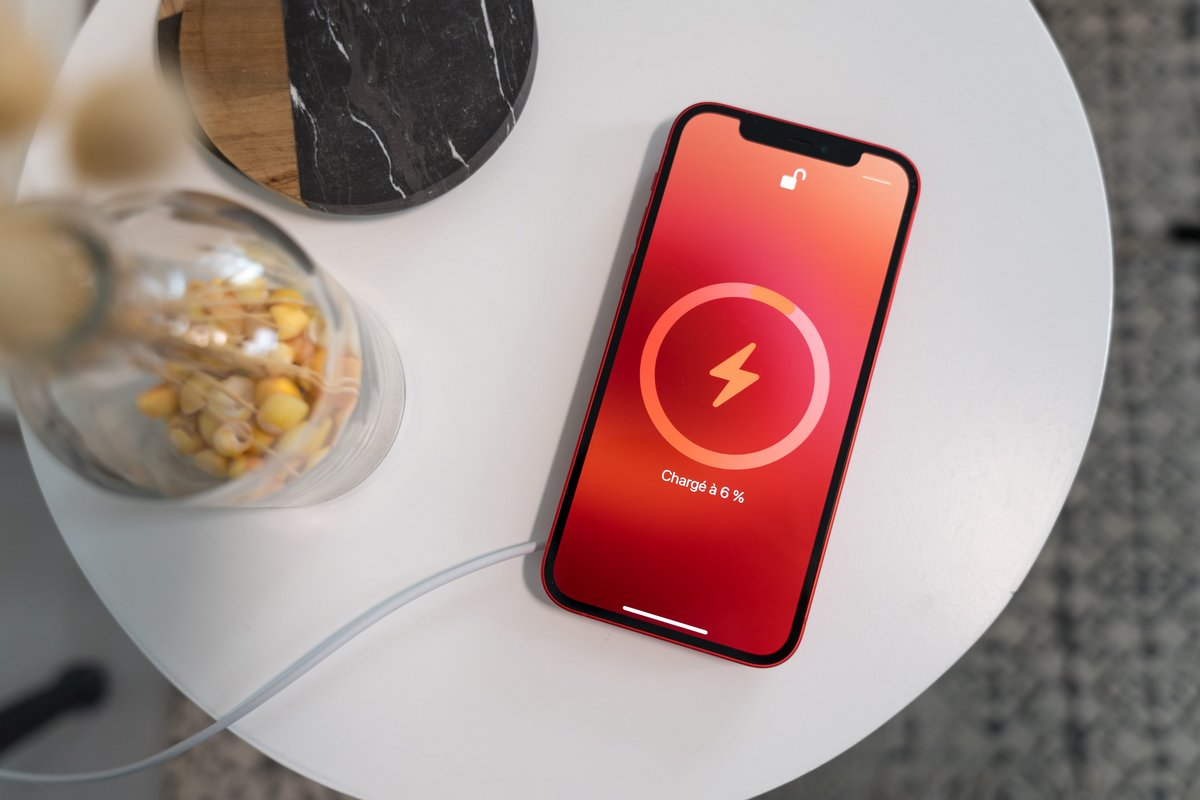
To turn on iPhone 11 wireless charging, you do not need to enable any setting, toggle, or menu, the feature is always active and starts automatically the moment you place your phone on a Qi-certified charger. There is no switch to flip; simply set your iPhone 11 down on a compatible charging pad, and it will begin charging within a few seconds.
Does iPhone 11 wireless charging need to be turned on?
No. The phone is always ready to charge wirelessly, and the process starts automatically when it is placed correctly on a Qi-certified charger.
What you need to turn on iPhone 11 wireless charging
To get started, you need three things: an iPhone 11 (or any iPhone 8 or later), a Qi-certified wireless charger, and the power adapter that came with the charger or one recommended by the charger's manufacturer. Apple states that the iPhone 11 is supported for wireless charging, and it works with any Qi-certified charger. Choose a wireless charger that delivers a minimum power output of 7.5 watts to efficiently charge your iPhone 11.
How to set up and start wireless charging on iPhone 11
- Connect the wireless charger to a power source using its cable and the recommended power adapter.
- Place the charger on a level surface, or follow the manufacturer’s placement instructions if they differ.
- Put your iPhone 11 on the charger with the display facing up.
- Center the iPhone on the charger, or use the manufacturer’s recommended position for best performance.
- Wait a few seconds. Charging should begin automatically, and a charging indicator will appear in the status bar.
Ensure your iPhone 11 is updated to the latest iOS version for optimized wireless charging and firmware updates.
How to place your iPhone 11 on the wireless charger correctly
For the best performance, place your iPhone 11 face up and centered on the charger. Apple advises keeping the charger on a level surface unless the manufacturer recommends a different placement. When the phone is properly aligned, the charging indicator will appear in the status bar, confirming that the connection is active.
Troubleshooting when iPhone 11 wireless charging won't start
If charging does not begin, first check that the charger is powered and connected to a working outlet. Then ensure your iPhone 11 is centered on the charger and properly aligned. Apple says charging begins only after the phone is aligned correctly with the charger. If the charging indicator does not appear in the status bar, reposition the phone and wait a few seconds. Remove thick phone cases or metal objects that can interfere with the charging process. Clean the charger and iPhone charging coil from debris that could disrupt the connection. If iPhone becomes excessively hot during charging, remove it from the charger and allow it to cool down; ensure the charging pad is on a flat, ventilated surface. Use an Apple-certified wireless charger to avoid incompatibility issues with third-party chargers. Check for iOS software updates to resolve persistent wireless charging issues or error messages.
Frequently Asked Questions
Does iPhone 11 have wireless charging?
Yes. Apple lists the iPhone 11 among the models that support wireless charging. iPhone 11 supports faster charging speeds with newer wireless charging technology.
Do I need a setting to turn on wireless charging?
No. There is no setting, menu, or toggle to enable wireless charging on the iPhone 11. It is always ready and starts automatically when the phone is placed on a compatible charger.
What charger should I use for iPhone 11 wireless charging?
Use a Qi-certified wireless charger.
When does charging start?
Charging starts a few seconds after you place your iPhone 11 correctly on the wireless charger. The charging indicator will appear in the status bar to confirm.
Can I use a phone wireless charging setup designed for Android?
Phone wireless charging setup and compatibility depend on the device. While iPhone 11 works with any Qi-certified charger, Samsung’s official guidance notes that wireless charging is available on many Galaxy models but not on Galaxy A series, XCover series, or Galaxy Tab series devices. Always check that the charger is Qi-certified for use with your iPhone.