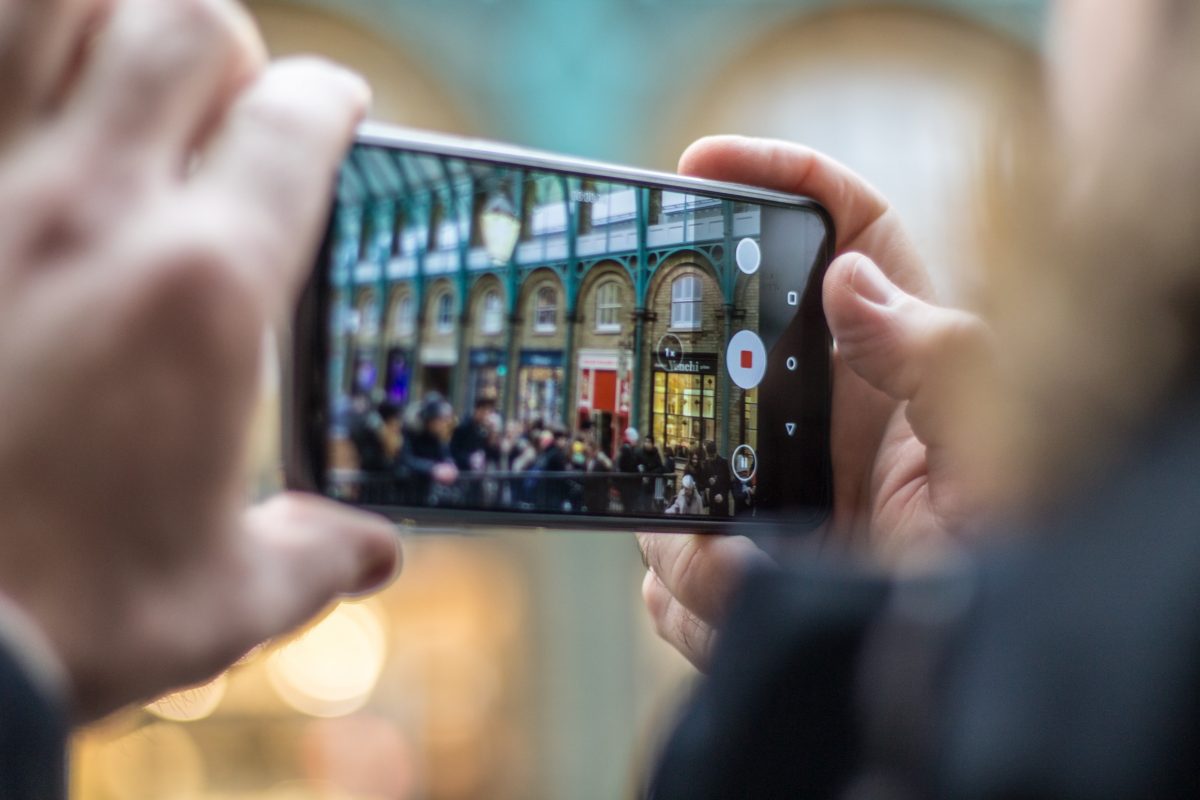
The best Android camera apps for you depend entirely on whether you want DSLR-like manual control, retro film aesthetics, or a powerful all-in-one replacement for your default camera. This list of the best Android camera apps is categorized by those specific needs, so you can find the perfect match for your photography style.
Which is the best Android camera apps for you?
Choosing the right camera app comes down to what you want to shoot. If you crave professional-level control over exposure and focus, you need a manual camera app. If you love the look of disposable or vintage film, a retro filter app is your best bet. For a feature-packed daily driver that replaces your stock camera, an all-in-one app is the way to go. Below, you will find the top apps for each category.
Best Android camera apps for manual control
These apps transform your phone into a DSLR, giving you full command over settings like ISO, shutter speed, focus, and white balance.
1. Camera FV-5
This professional camera app offers DSLR-like manual controls for exposure compensation, ISO, light metering, focus, and white balance. It supports capturing photos in JPEG, true 16-bit RAW (DNG format), and lossless PNG, making it ideal for photographers who want maximum control over the final image. The free version outputs photos at a lower resolution; the paid version ($3.95) removes this restriction.
2. ProShot
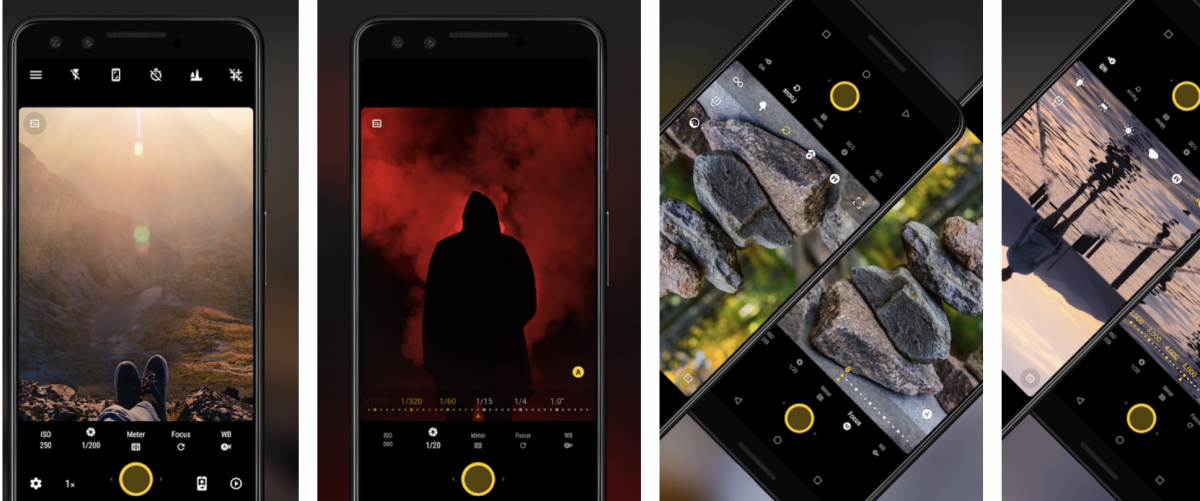
Featuring a DSLR-style camera UI, ProShot gives you full manual control over exposure, ISO, and shutter speed. A standout feature is the ability to separate focus and exposure points, allowing for creative compositions that your default camera cannot achieve.
3. ProCam X
Praised for its user-friendly interface, ProCam X seamlessly switches between an easy auto mode and a manual mode packed with DSLR features. It includes a burst camera mode configurable for stop motion or time-lapse videos, along with manual ISO, focus, and exposure. The Pro version costs $4.90 for full access to all DSLR features.
4. ReLens Camera-Focus & DSLR Blur
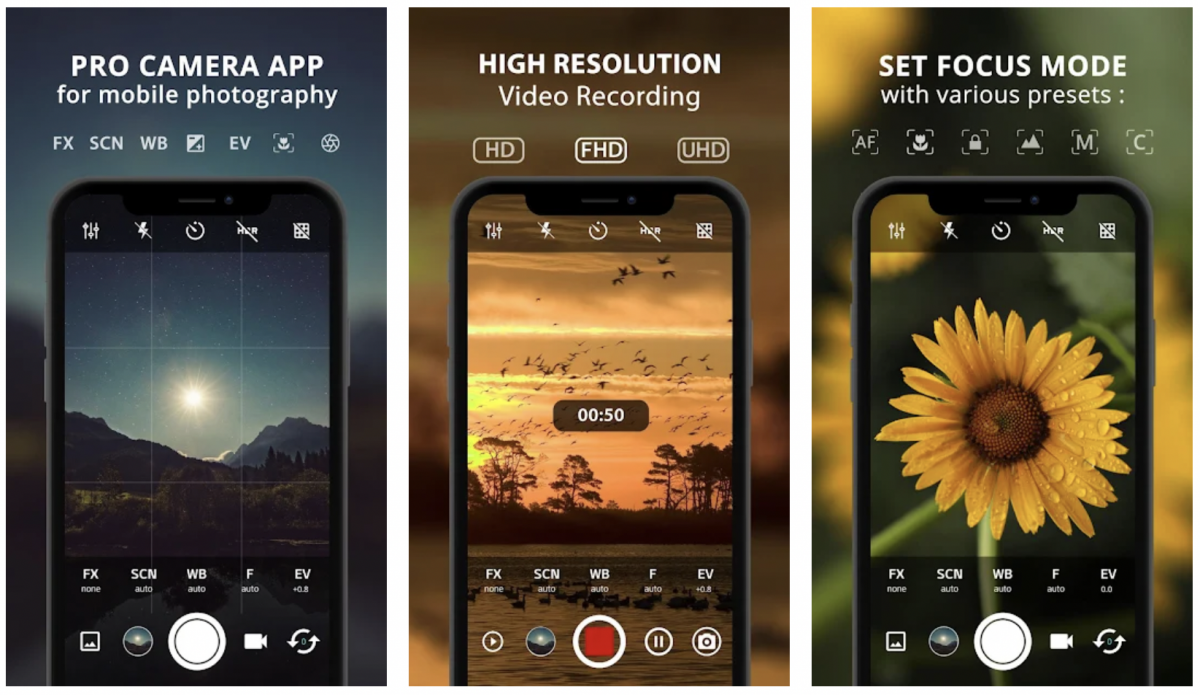
This app uses advanced AI computational photography to replicate DSLR effects such as an F1.4 large aperture and realistic background bokeh. It provides comprehensive manual controls for exposure, shutter speed, ISO, focus, and white balance. The software reproduces classic SLR lenses and simulates over twenty distinct bokeh shapes, including pentagrams and hearts. A built-in photo editor offers AI capabilities for intelligent zone adjustment, color grading, and noise reduction.
Best Android camera apps for retro and film looks
If you want to emulate the look of disposable or vintage film cameras, these apps deliver authentic, nostalgic results with unique filters and effects.
5. Gudak Cam
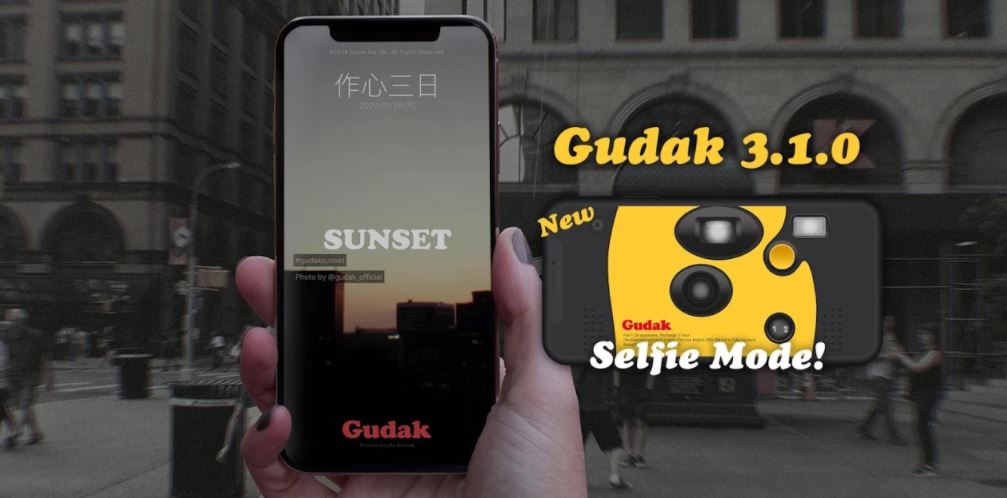
This app replicates the experience of a real disposable camera. It employs the same mechanism as a real film camera, requiring you to wait 72 hours before the app finishes “developing” your photos, adding to the novelty and anticipation.
6. Huji Cam
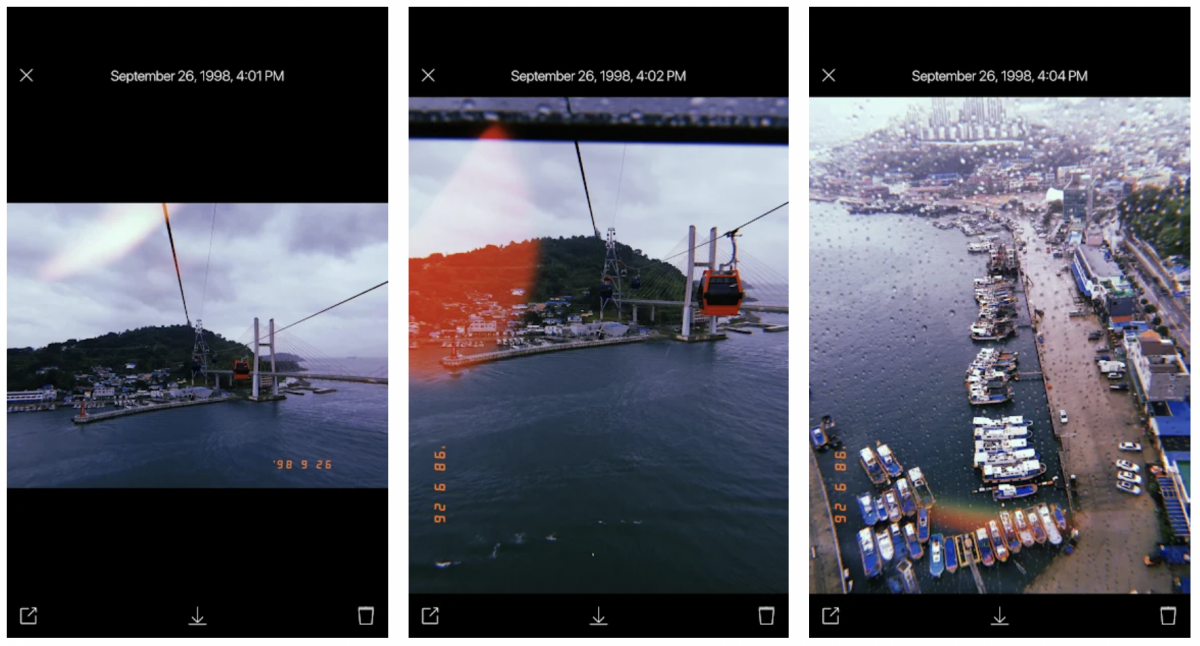
Another disposable camera-themed app, Huji Cam produces striking 1998-style images complete with light streaks for an authentic vintage vibe. Unlike Gudak Cam, images are saved immediately to your gallery, and it offers a sharper contrast compared to the sepia tones of Gudak.
Best all-in-one Android camera apps and replacements
These feature-rich apps serve as excellent replacements for your default camera, offering a mix of manual controls, special modes, and editing tools.
7. Open Camera
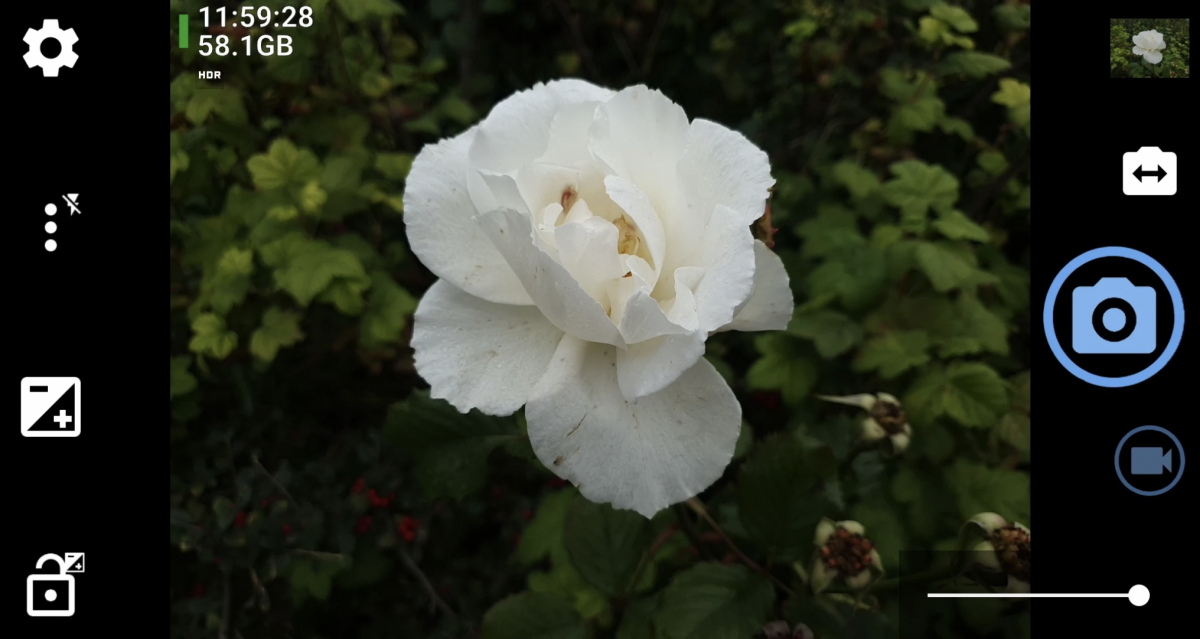
This is a completely free and open-source camera app with no ads and no in-app purchases. It features an auto-stabilizer, different scene modes, configurable volume keys, and geotagging, making it a reliable and powerful alternative to your stock camera.
8. Google Camera
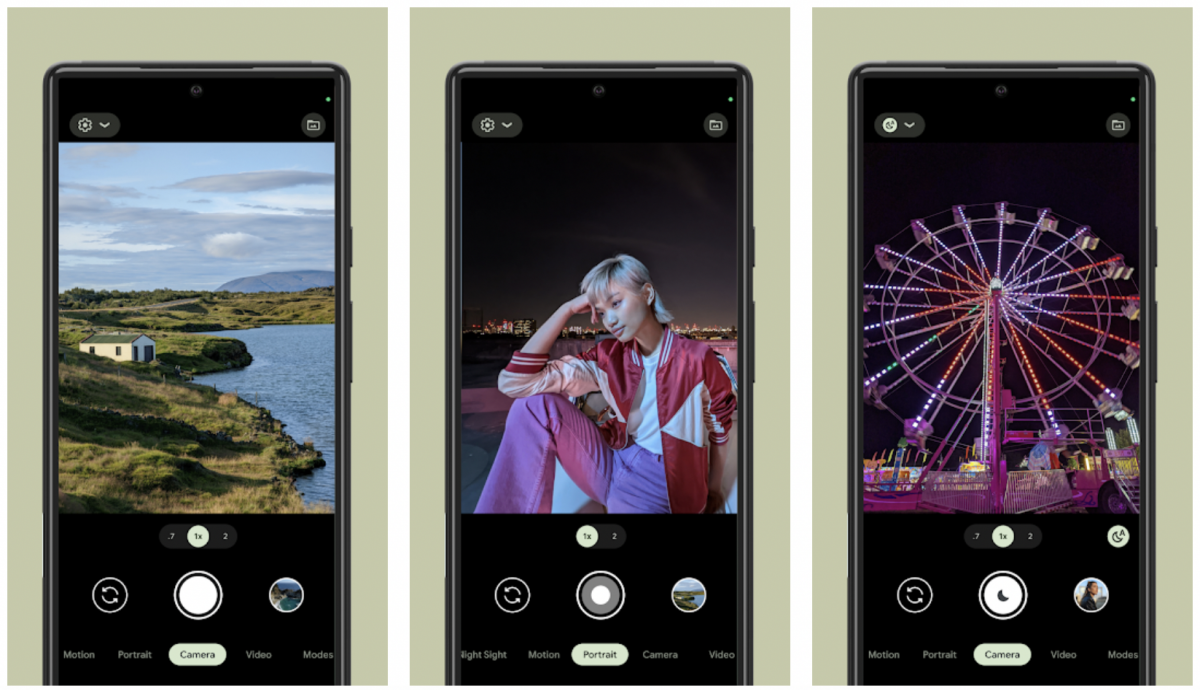
The default camera app on Google Pixel smartphones, Google Camera is known for its superior post-processing. Modded versions (GCam) are available for non-Pixel devices, bringing exclusive features like Photo Sphere, Portrait mode, Night Sight, and Astrophotography to a wider range of Android phones.
9. Pixtica
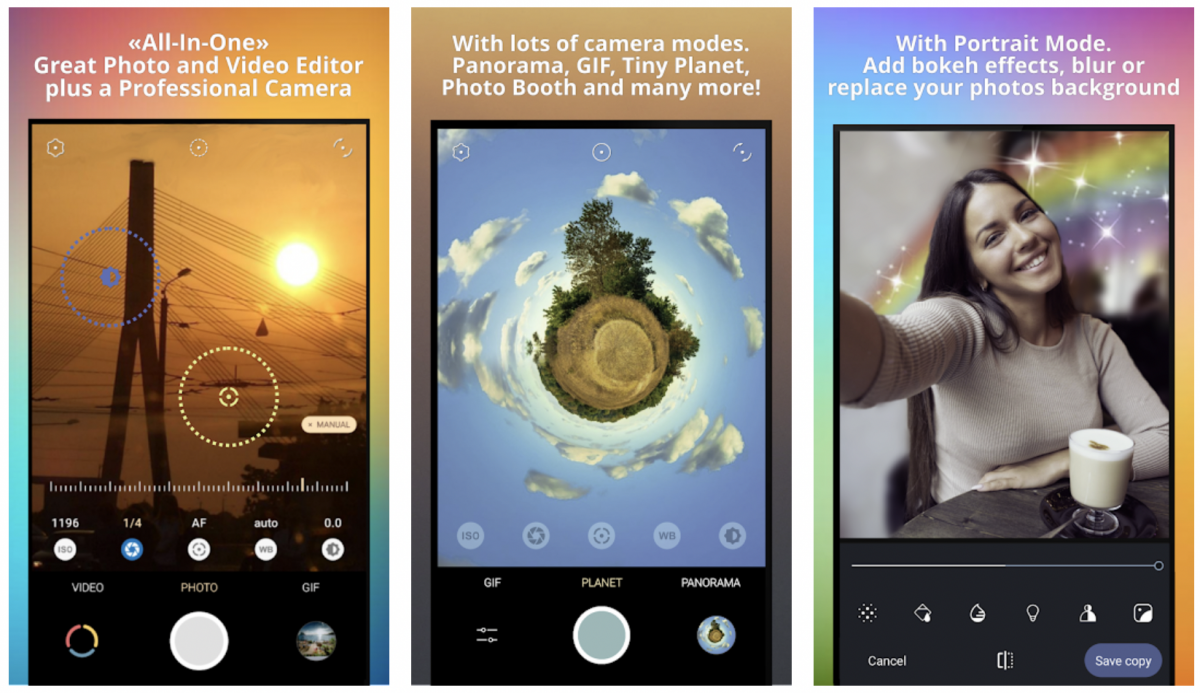
Pixtica packs a wide range of features into one app, including live filters, exposure controls, a slow-motion mode, manual controls, a GIF recorder, and even a built-in QR scanner. It is a versatile tool for users who want many functions without installing multiple apps.
Best Android camera apps with advanced editing
These apps combine a capable camera with powerful AI-driven photo editing features, allowing you to capture and perfect your images in one place.
10. YouCam Perfect
This all-in-one AI photo editor offers tools for object removal, background removal and replacement, body reshaping, virtual makeup filters, and collage templates. It is ideal for users who want to heavily edit and enhance their selfies and portraits.
11. PhotoDirector
A comprehensive photo editing software, PhotoDirector includes features like AI Deblur to remove motion or camera blur, AI Image Enlarger to upscale photos, AI Object Removal, AI Background Removal & Effects, AI Photo Enhance, and AI Relight. It is a powerful tool for correcting and improving any photo.
More top-rated Android camera apps to consider
These other notable camera apps from the original list are still worth a look for their unique strengths.
12. Bacon Camera
Offers a plethora of manual controls including white balance, ISO, exposure compensation, and focus. It supports RAW and DNG file types and works even on smartphones that don’t support Google’s Camera2 API. The Pro version costs $1.99.
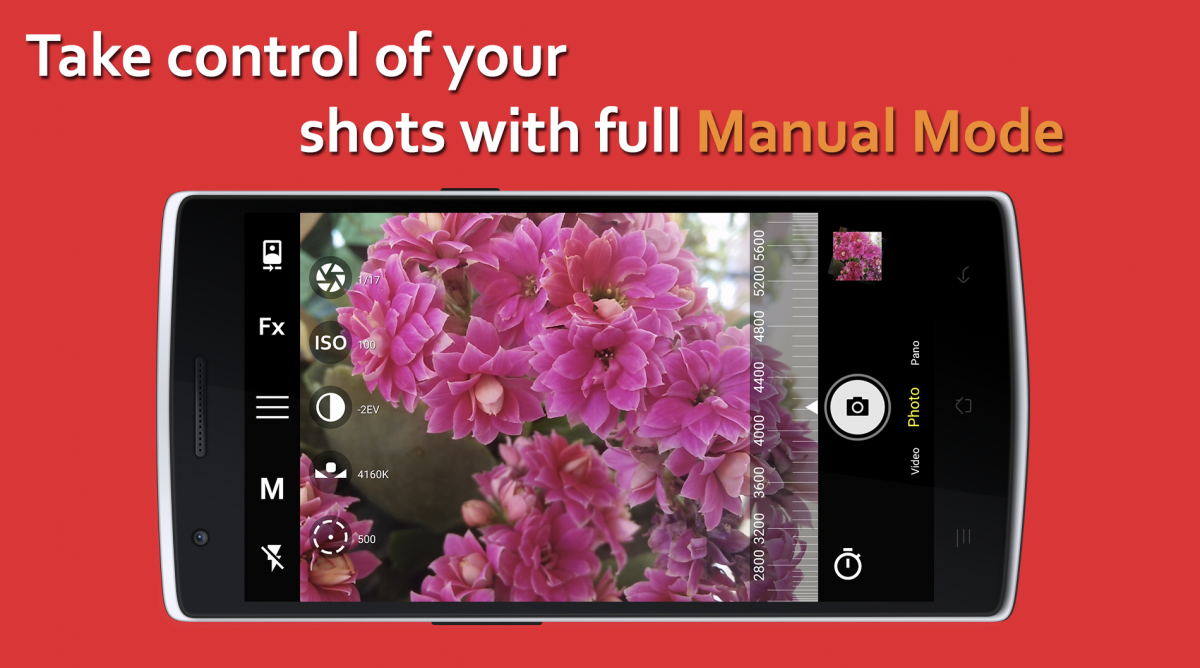
13. Camera MX
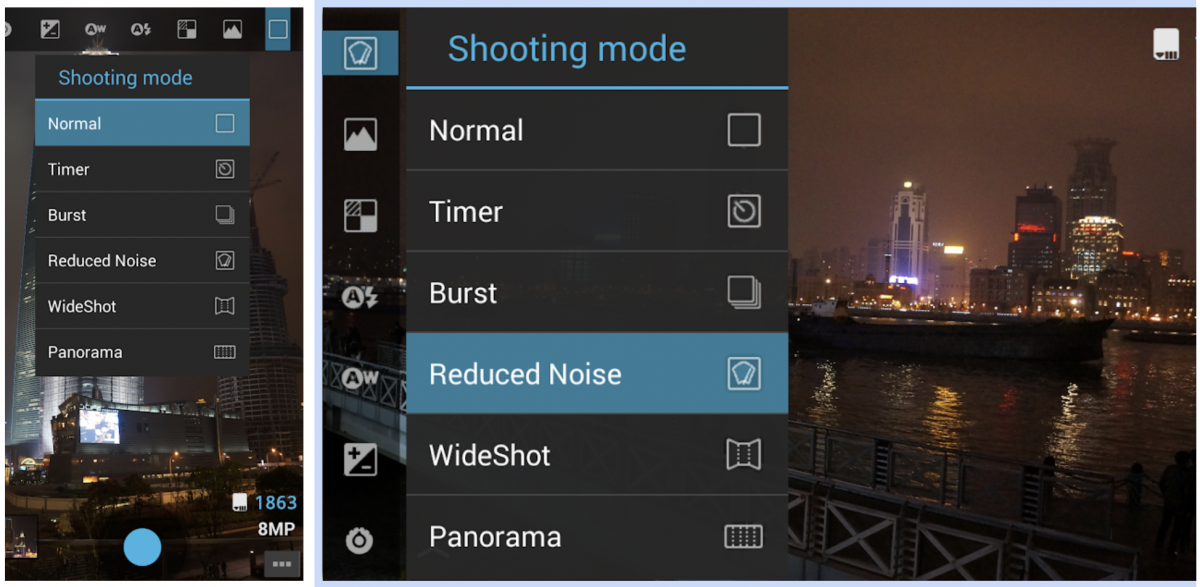
One of the oldest Android camera apps, it remains relevant with standard photo editing tools, effects, filters, frames, and the ability to create GIFs from live shots.
14. Footej Camera 2
Sports a minimalist interface that eases you into photography, utilizing Android’s Camera2 API for manual control over shutter speed and ISO. It also includes animated GIFs, slow-motion video recording, and burst mode. The premium version costs $2.99/month, giving access to high-quality JPEG generation and additional seconds in time-lapse.
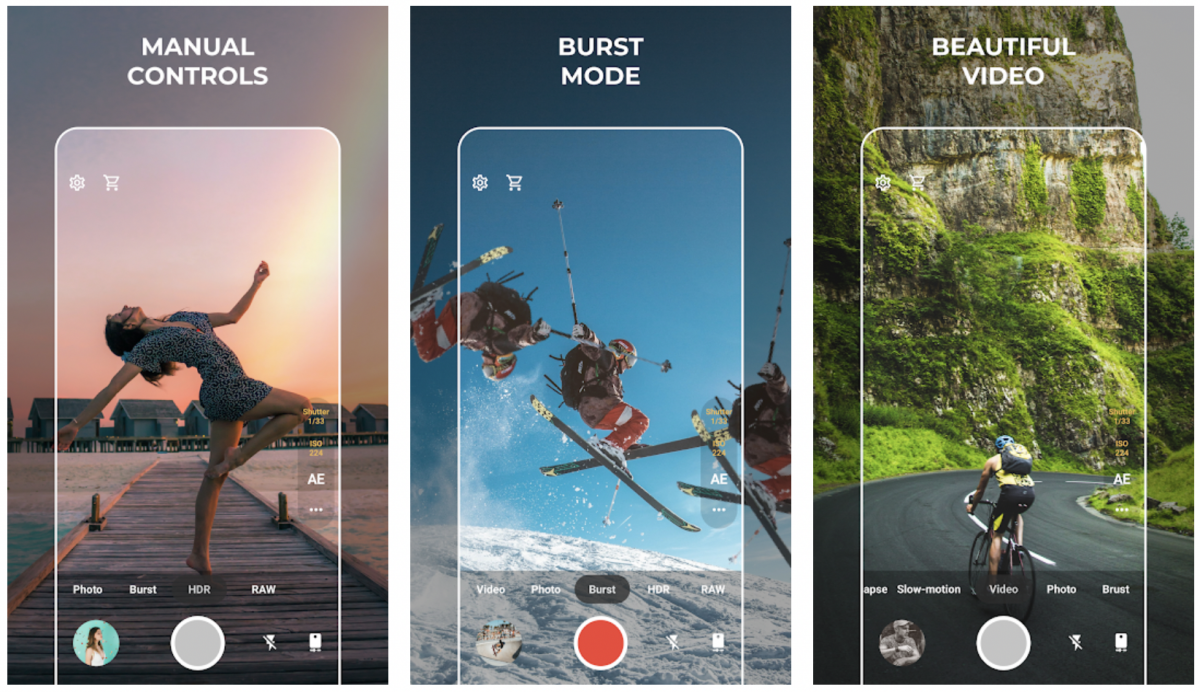
15. WardenCam
Serves as a security camera app, works with old phones, supports multi-camera setups, motion detection, two-way audio, and stores files on Google Drive or Dropbox; one-time payment of $5.99.
16. ProCapture
Focuses on photo-taking control without post-processing; the Pro version grants access to higher resolutions.
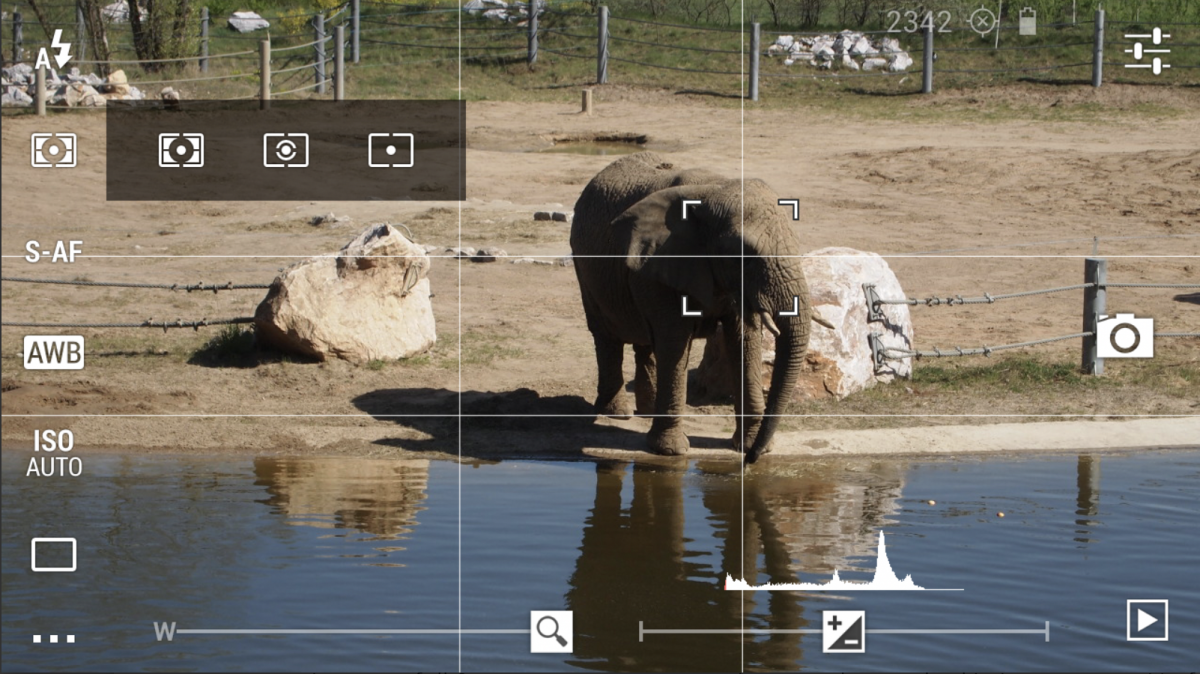
17. DSLR Camera Pro
Imitates a DSLR interface with exposure compensation, light metering mode, autofocus mode, white balance, ISO, and drive mode.
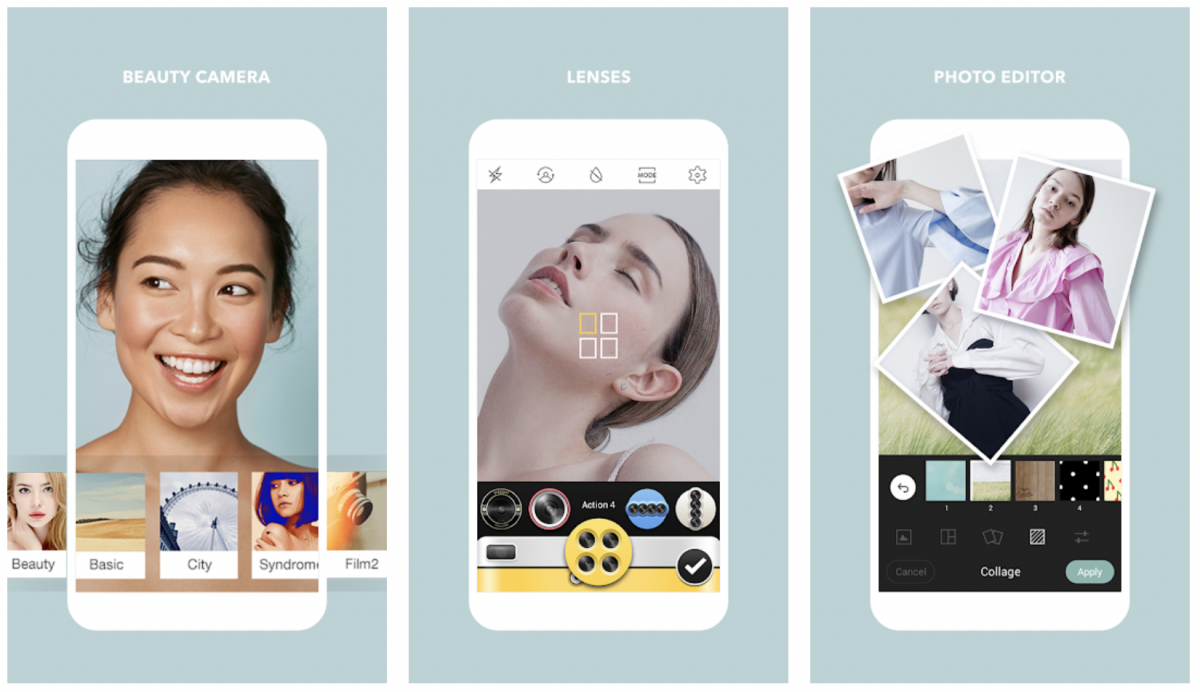
18. Cymera
Has seven different camera lenses, a timer, a camera stabilizer, and a silent mode to take pictures quietly.
19. Motion Stills
Can save videos as GIFs and includes a fast-forward tool and augmented stickers.
20. Retrica
Has an in-built community to follow people and view photo updates.
21. Camera Zoom FX Premium
Includes killer speed burst mode, Spy camera, voice activation, HDR mode pro, and live effects; costs $3.99.
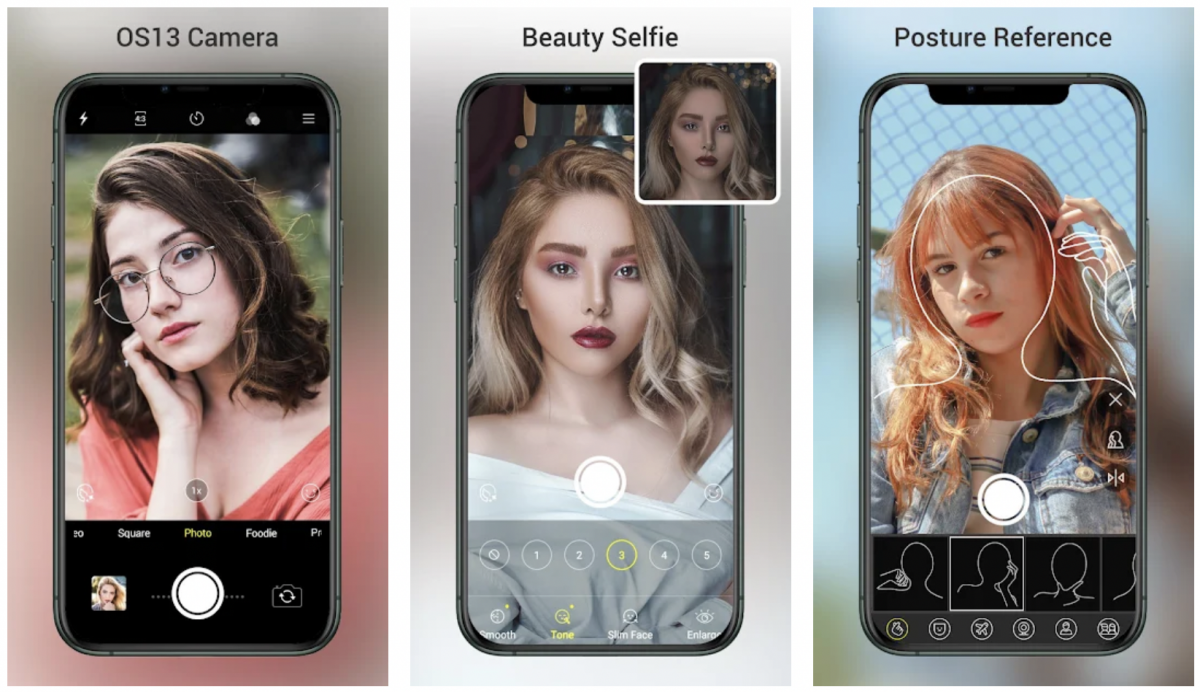
22. OS13 Camera
Inspired by the iPhone 11 camera and includes 4K/Ultra HD camera, HDR mode, scene modes, timer, burst shots, resolution adjustment, tilt-shift, and live AR stickers.
23. FiLMiC Pro
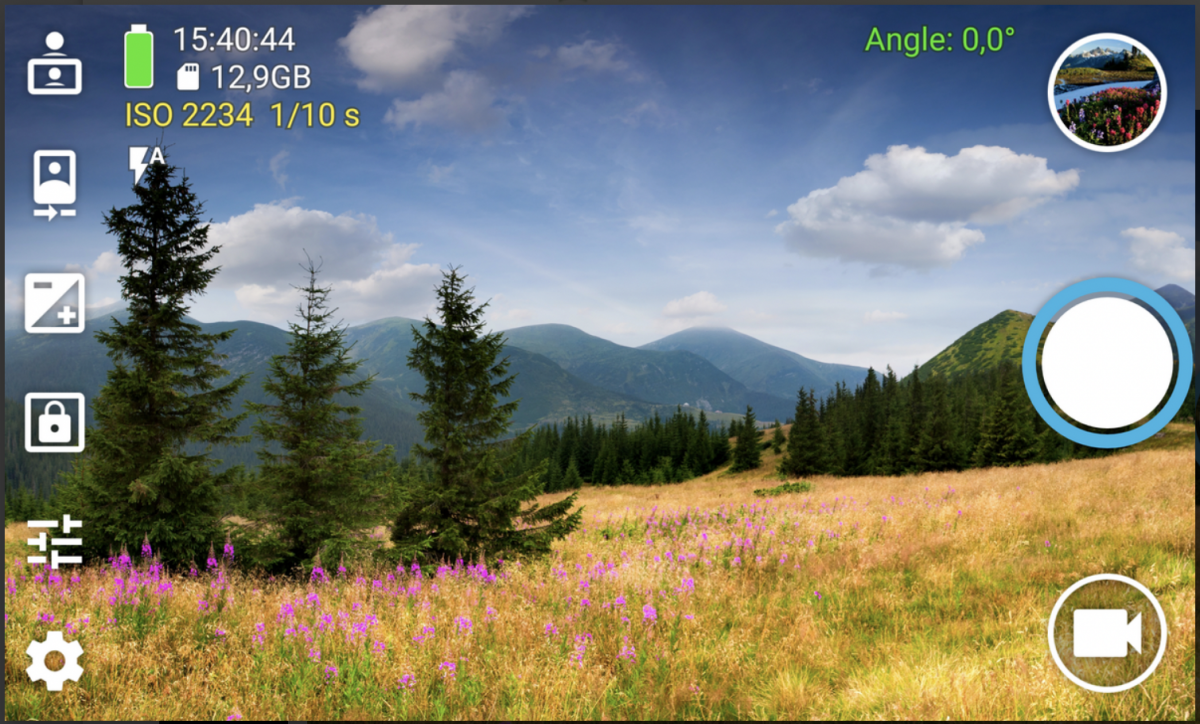
For advanced video controls, FiLMiC Pro is a top choice, offering dual slider exposure, focus controls, white balance adjustment, and gamma curve control.
24. HedgeCam 2
HedgeCam 2 also provides detailed manual video controls, including frame rates and bit rates.
25. Vsco
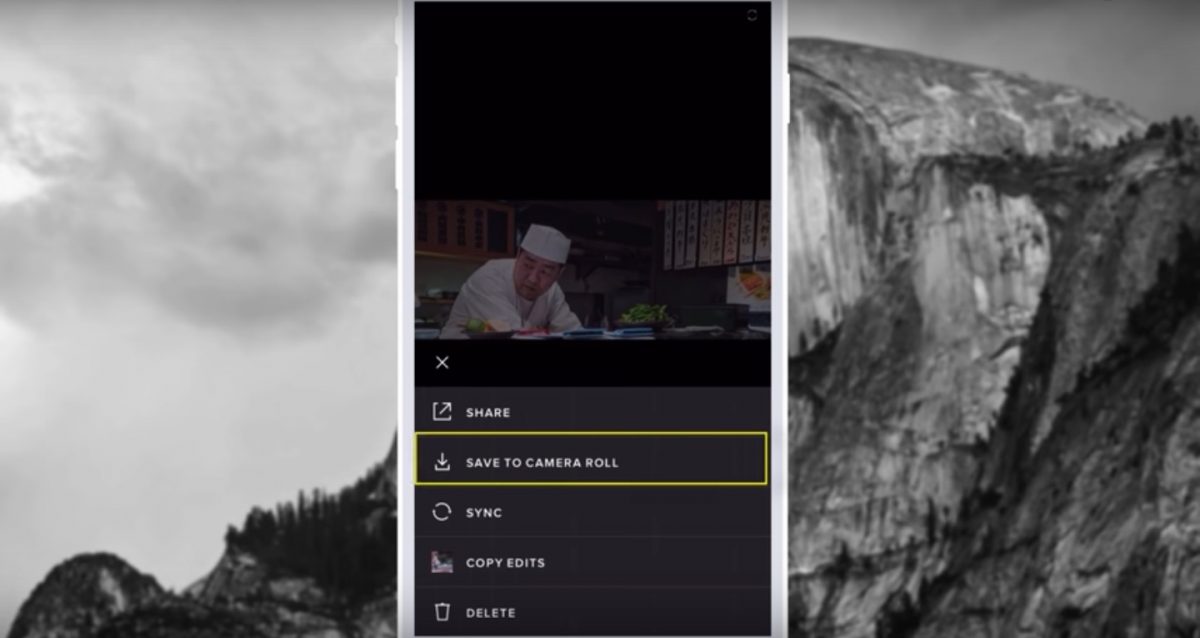
VSCO is primarily known for its powerful photo editor and film stock emulations. While it does have a built-in camera, it is not as feature-rich for manual controls as apps like Camera FV-5. Most of its advanced filters and presets require a subscription.
26. Candy Camera
Candy Camera is specifically designed for selfies, with a collection of beautiful filters and easy-to-use makeup tools for quick touch-ups. YouCam Perfect is also excellent for selfies, offering AI-powered virtual makeup filters and body reshaping tools.
Choosing your next Android camera app
Matching the app to your primary photography style is the key to getting the most out of your phone’s camera. Whether you are a manual control enthusiast, a fan of retro aesthetics, or simply need a better all-in-one shooter, there is an app on this list for you. For those who want to compare options on the other side of the mobile world, consider looking into iPhone models and camera specs to see how they stack up.
Frequently Asked Questions
What is the best free Android camera app?
Open Camera is widely considered the best free option because it is completely open-source, has no ads, and offers a robust set of features including manual controls and scene modes. For non-Pixel devices, modded versions of Google Camera (GCam) are also free and provide superior image processing.
Can I use Google Camera on any Android phone?
Officially, Google Camera only works on Pixel phones. However, developers create modded versions (often called GCam ports) that can be installed on many other Android devices, bringing features like Night Sight and Astrophotography to a wider range of hardware.