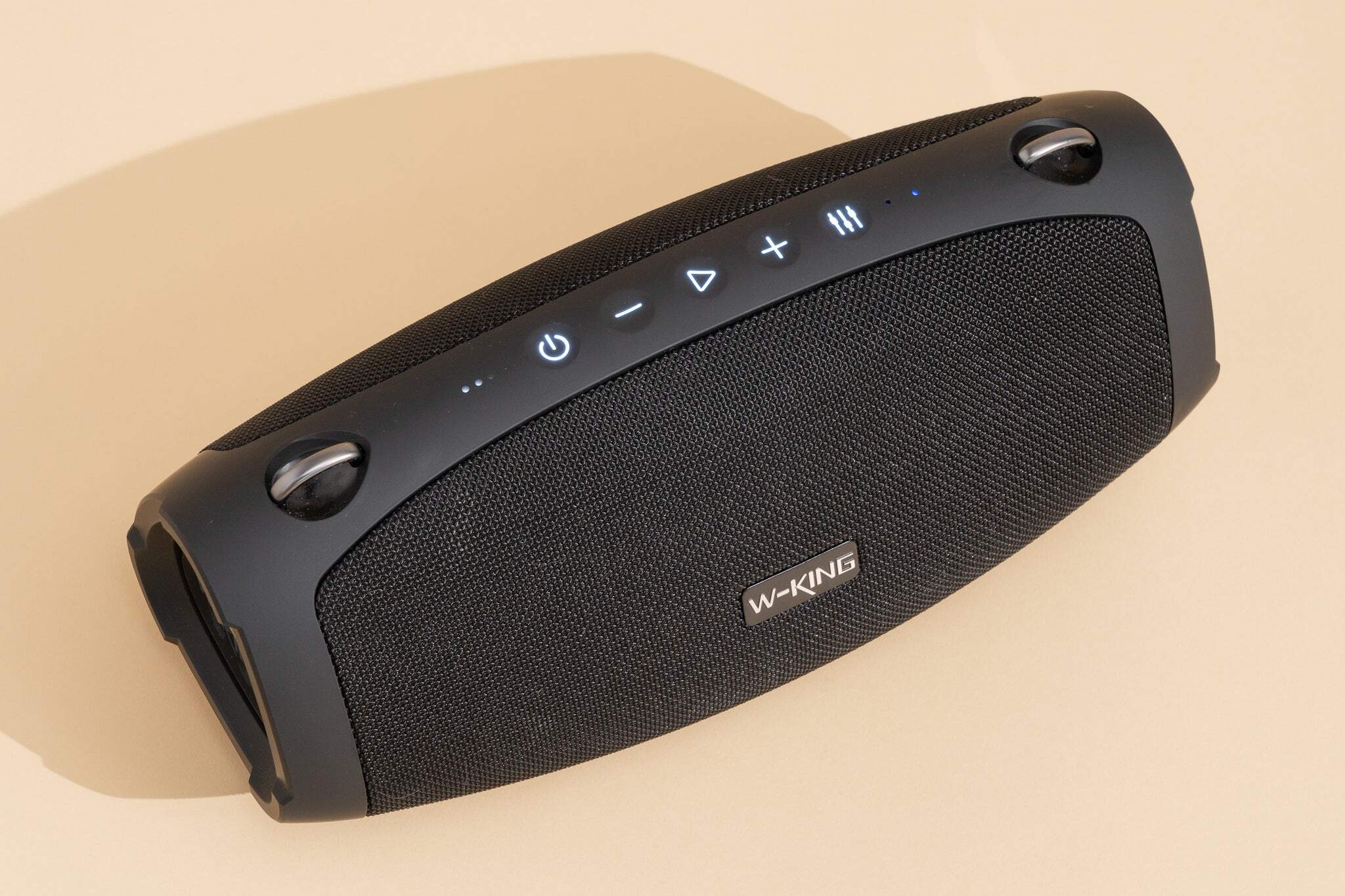
To charge a portable wireless speaker, connect the appropriate USB cable to the speaker's charging port and the other end to a power source like a wall adapter, computer USB port, power bank, or car charger. Always use the charging cable provided with your speaker or a compatible alternative, ensuring the power adapter's voltage and amperage match the manufacturer's recommendations to prevent damage.
Before you charge your portable wireless speaker
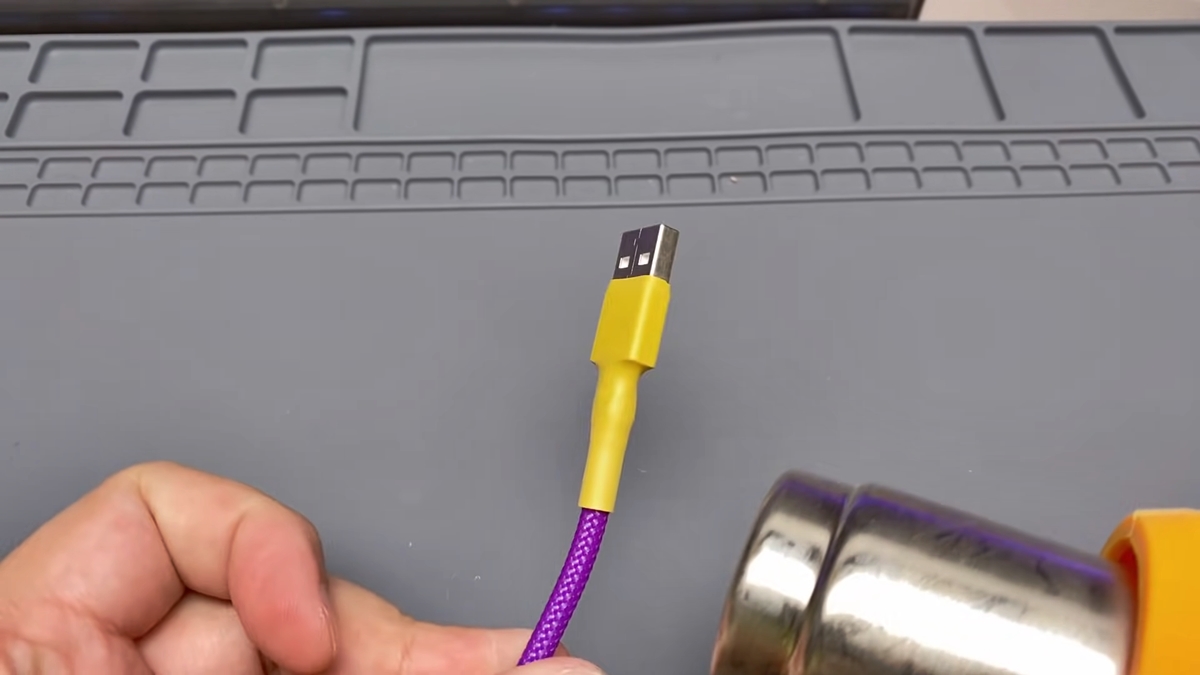
Before connecting your speaker to power, perform two crucial checks. First, confirm you are using the correct USB cable, either Micro-USB or USB-C, and a power adapter that matches the manufacturer's specifications. Using an incompatible adapter can damage the battery. Second, inspect the charging port, cable, and connectors. Never attempt to charge a speaker if its charging port, cable, or connectors are wet, dirty, or damaged, especially for waterproof models, as this can cause damage.
Step-by-step guide to charging via USB
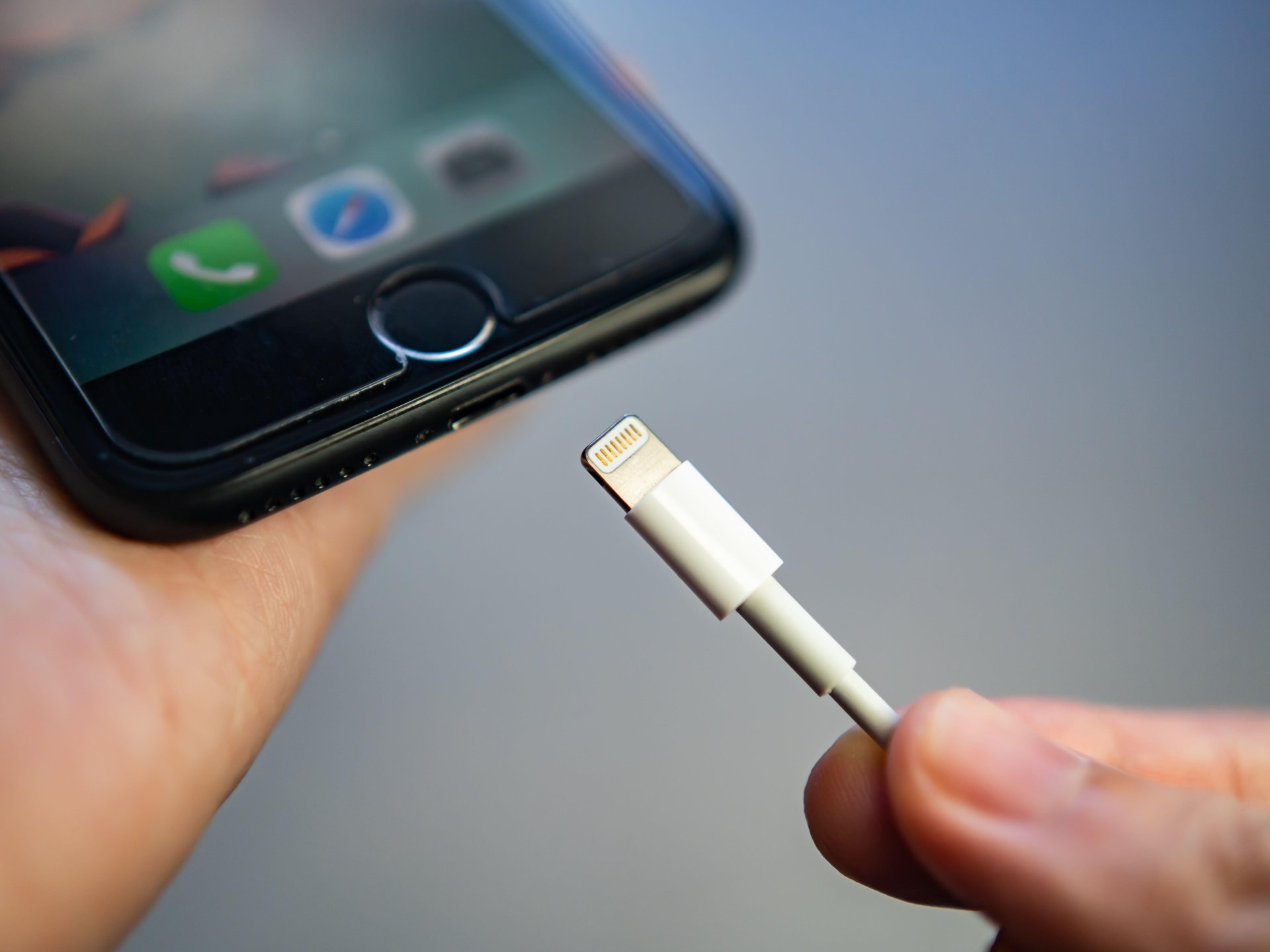
- Connect the appropriate USB cable to the speaker's charging port.
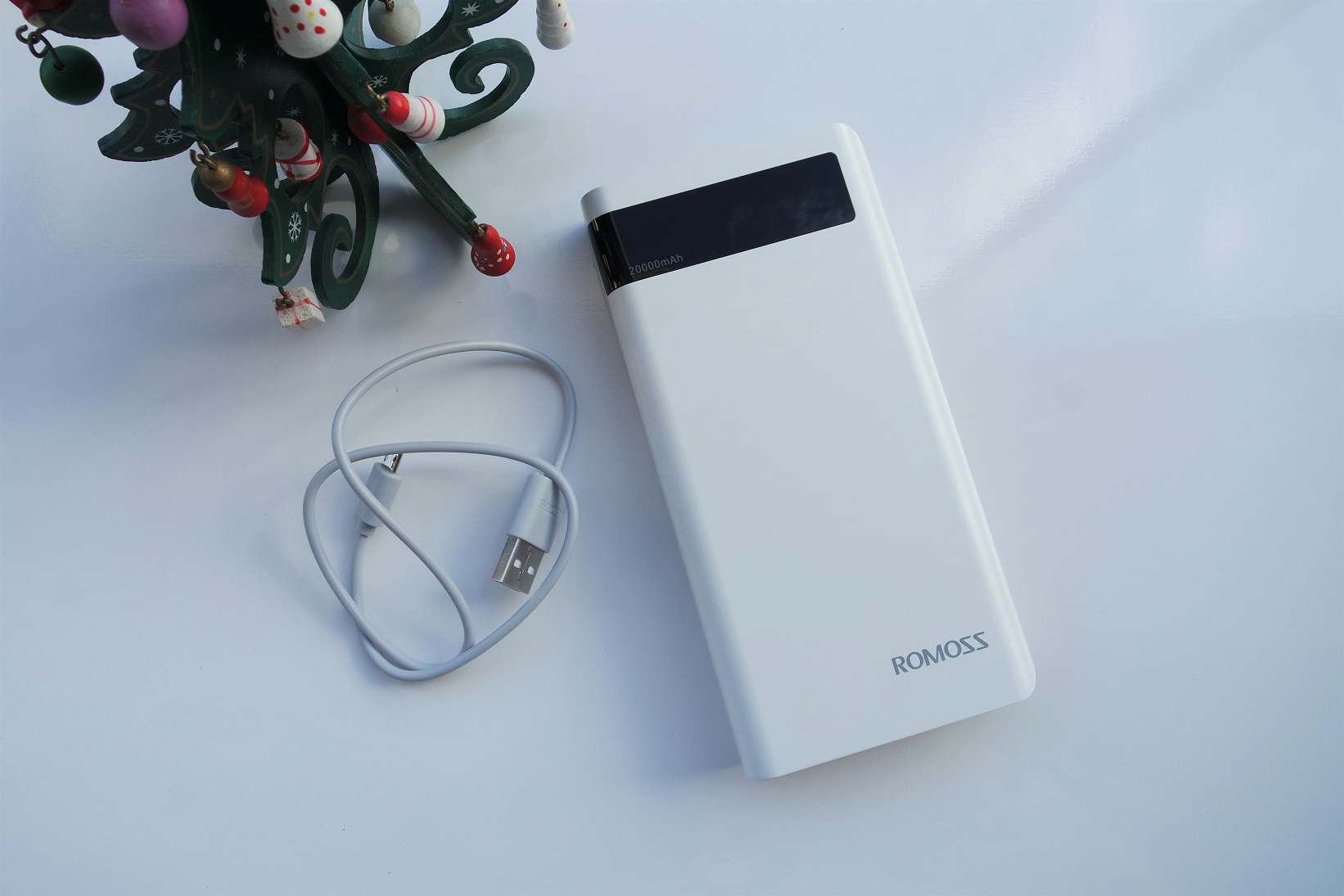
- Connect the other end of the cable to a power source such as a wall adapter, computer USB port, power bank, or car charger.
- Observe the LED indicator: speakers usually have LED indicators that show charging status, such as blinking while charging and glowing solid when fully charged.
- For a new speaker, fully charge it for 2 to 4 hours before first use to calibrate the internal power management system.
- Disconnect the cable once the LED shows a solid light, indicating a full charge.
Best practices for battery health and safety
Lithium-ion batteries in portable speakers have built-in auto-off features to prevent overcharging, so plugging them in overnight is generally safe. For faster and more efficient charging, it is recommended to turn the speaker off during charging. Most speakers can be used while charging, but this may extend the total charging time. Avoid letting the battery fully drain too often and try to keep it charged between 20% and 80% for optimal battery health. Avoid subjecting the speaker to extreme temperature conditions while charging, as it can generate excess heat and affect battery longevity. Avoid charging the speaker while it is playing audio, as this can cause the battery to drain faster. When not in use, store your speaker in a cool, dry place, and regularly clean the charging port with a soft brush or cloth to prevent dust buildup.
Other ways to power up your speaker
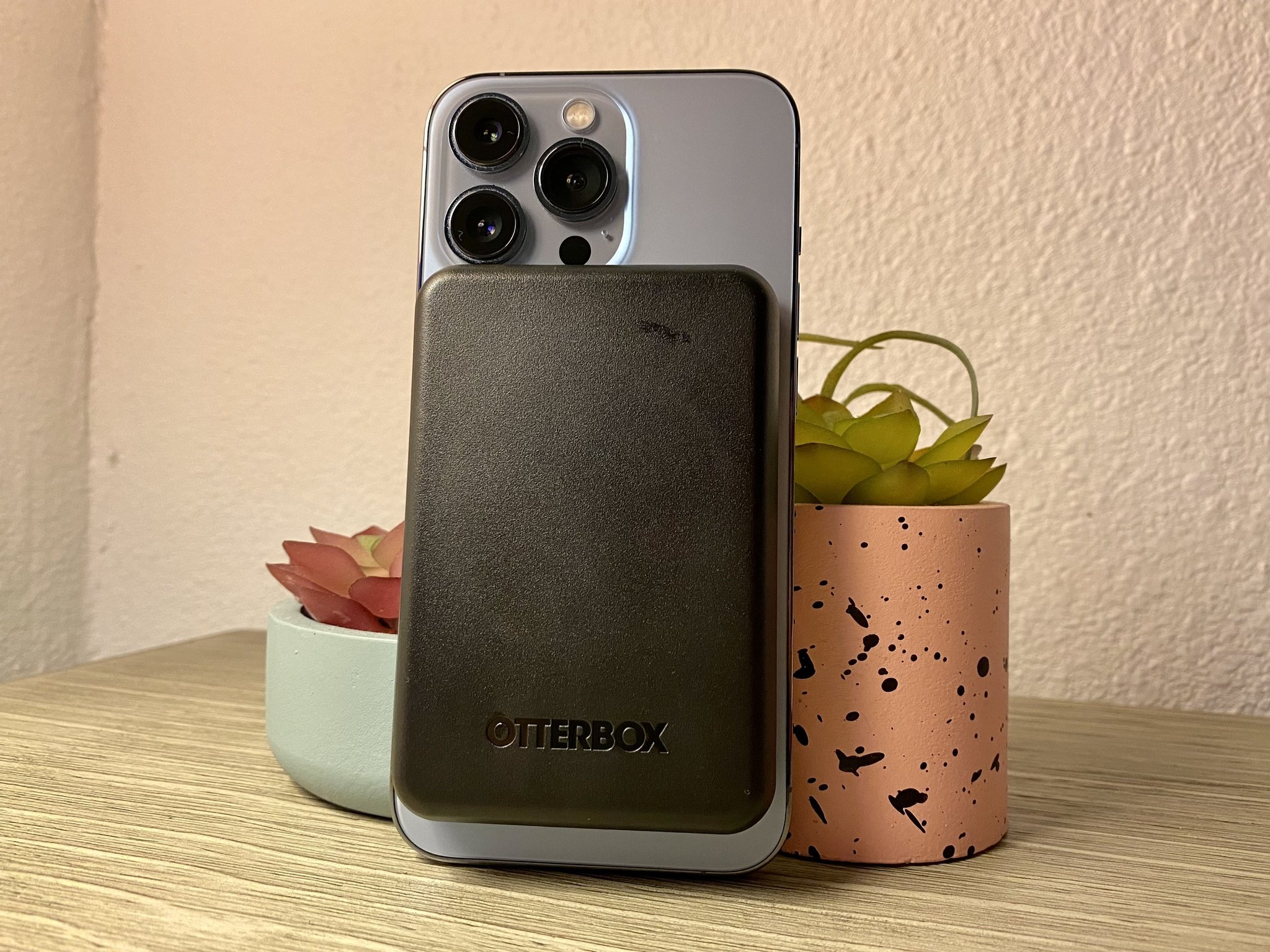
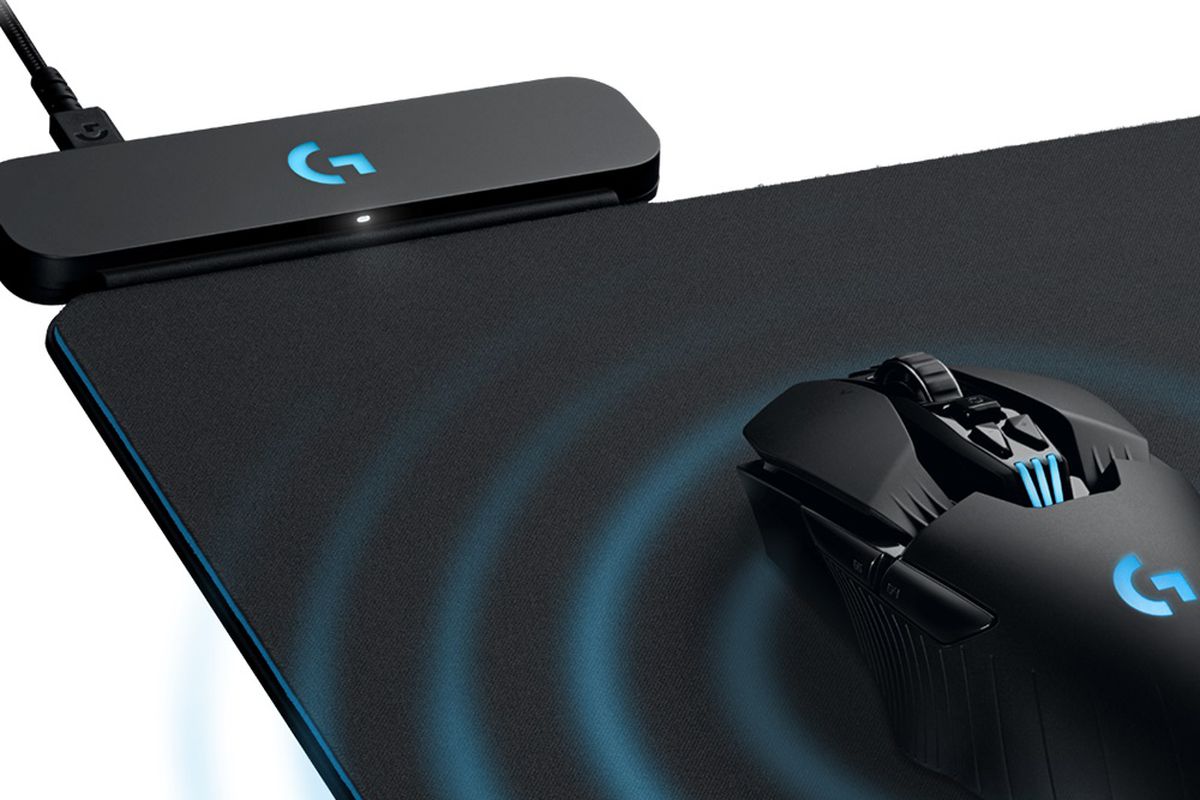
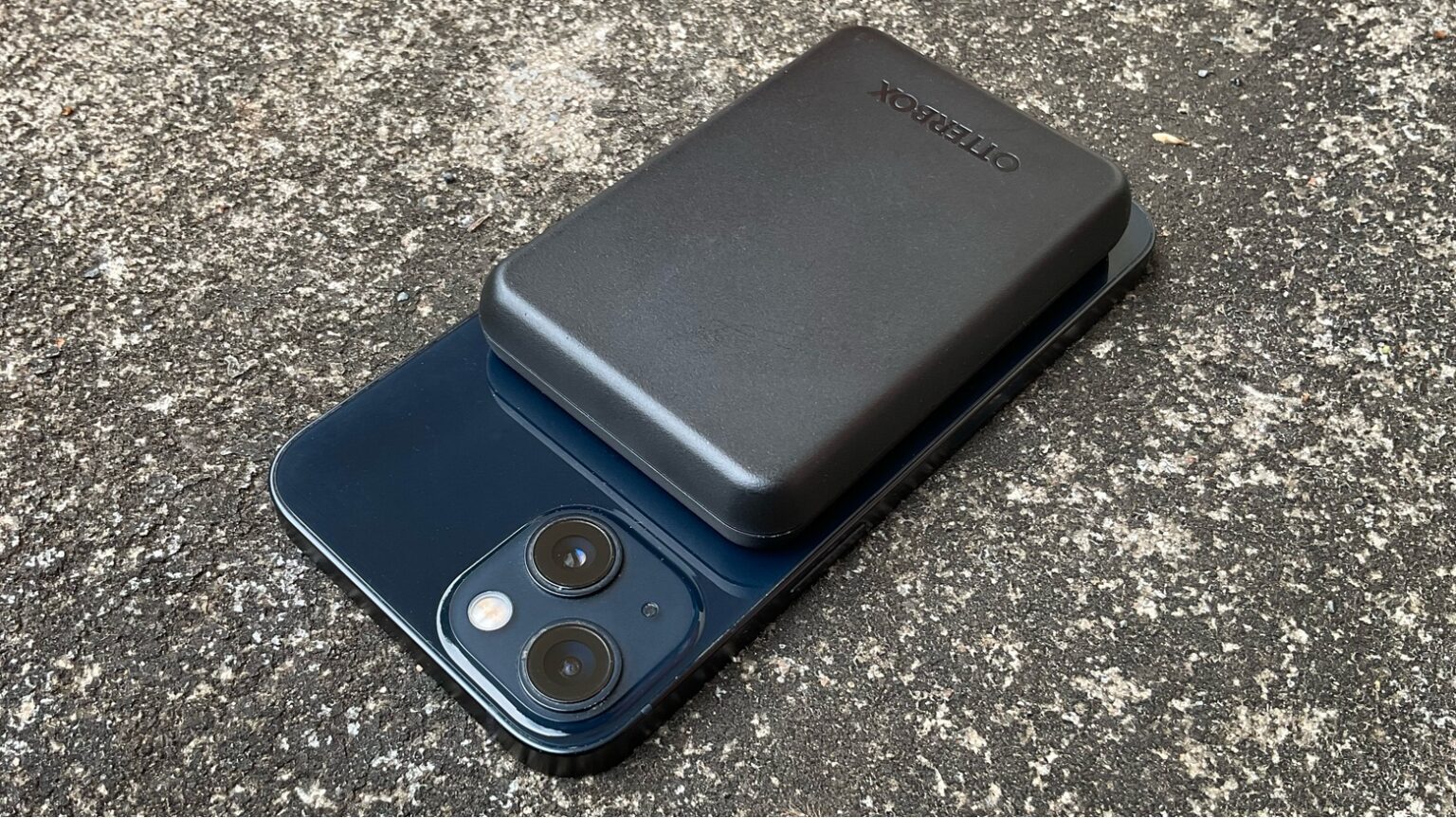
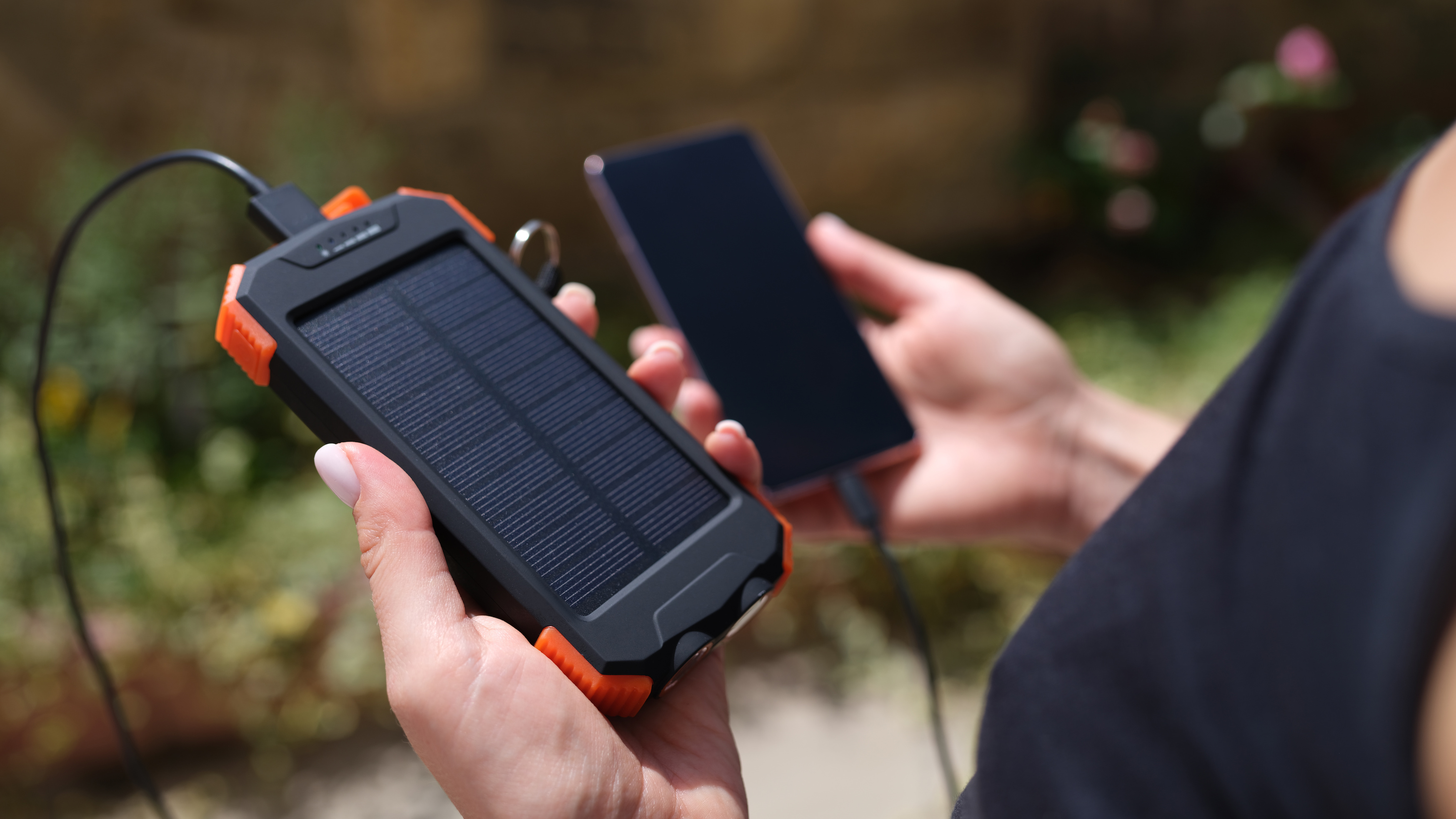
While USB charging is the primary method, some speakers support Qi wireless charging, offering cable-free convenience, but it can be slower and requires precise placement on a compatible pad. Solar charging is an option for some speakers with built-in solar panels, ideal for outdoor use away from power sources. Battery cases are an accessory that can provide an extra power boost on the go. Power banks and car chargers are also excellent secondary options for charging on the go. These methods are convenient but should not replace the standard USB charging process for regular use.
Frequently Asked Questions
How long does it take to charge a portable wireless speaker?
Charging time varies by battery capacity and charging method, typically ranging from 1 to 4 hours. For a new speaker, a full initial charge of 2 to 4 hours is recommended to calibrate the battery management system.
Can I charge a portable wireless speaker with my phone charger?
In most cases, yes, as long as the charging cable fits the speaker's port and the charger provides the correct voltage and amperage. Using a charger with a higher output can damage the battery, while a lower output may charge the speaker slowly. Check the manufacturer's specifications if unsure.
Can I use my portable wireless speaker while it's charging?
If audio quality is critical, it is recommended to charge the speaker fully before use, as some models may produce a slight buzzing sound while charging.
How often should I charge my portable wireless speaker?
Charge the speaker when the battery is low or depleted. Frequent deep discharges can shorten battery life, so aim to keep the charge between 20% and 80% for optimal health. This is a common practice for charging wireless earbuds and headphones as well.
Related reading: How To Use Magnetic Wireless Power Bank and How To Revive A Battery That Won't Charge.