This tag collects all of CellularNews’s articles about the mobile version of the social deduction game Among Us. It is specifically for players who want to manage their in-game identity, communication, and account access directly from their phone, without needing a console or PC. Whether you are a new player setting up the game for the first time or a returning user troubleshooting a login issue, these guides focus on the practical settings and fixes available on mobile devices.
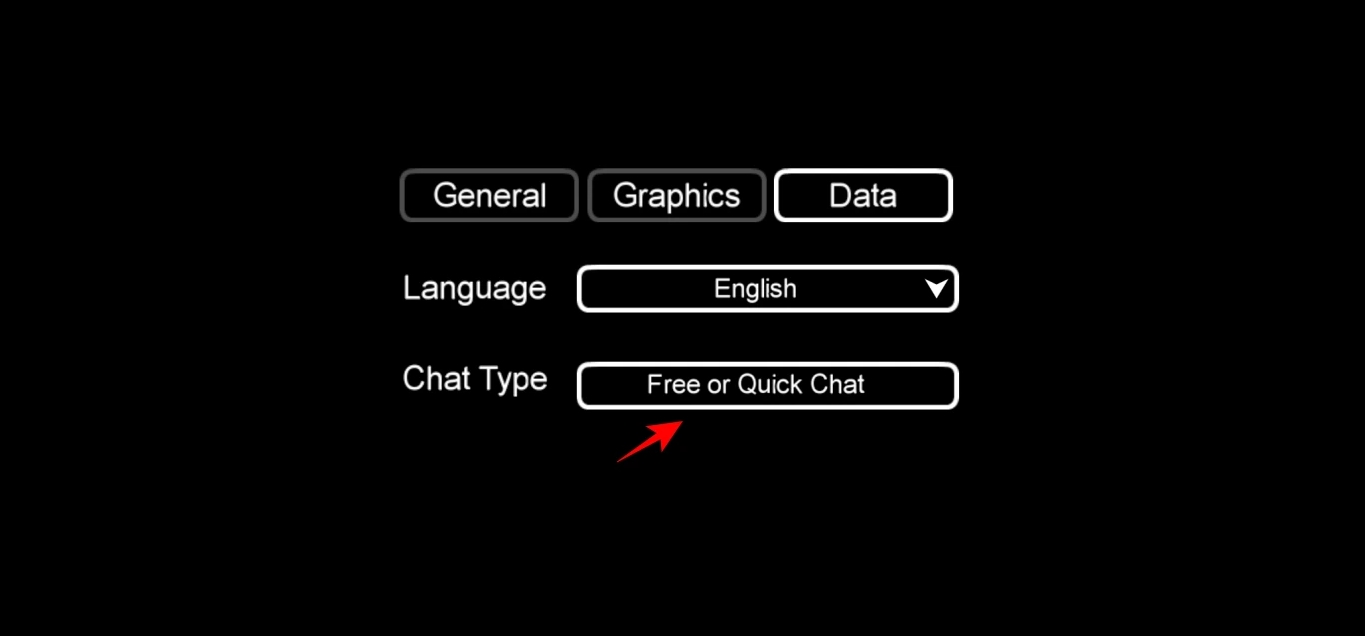
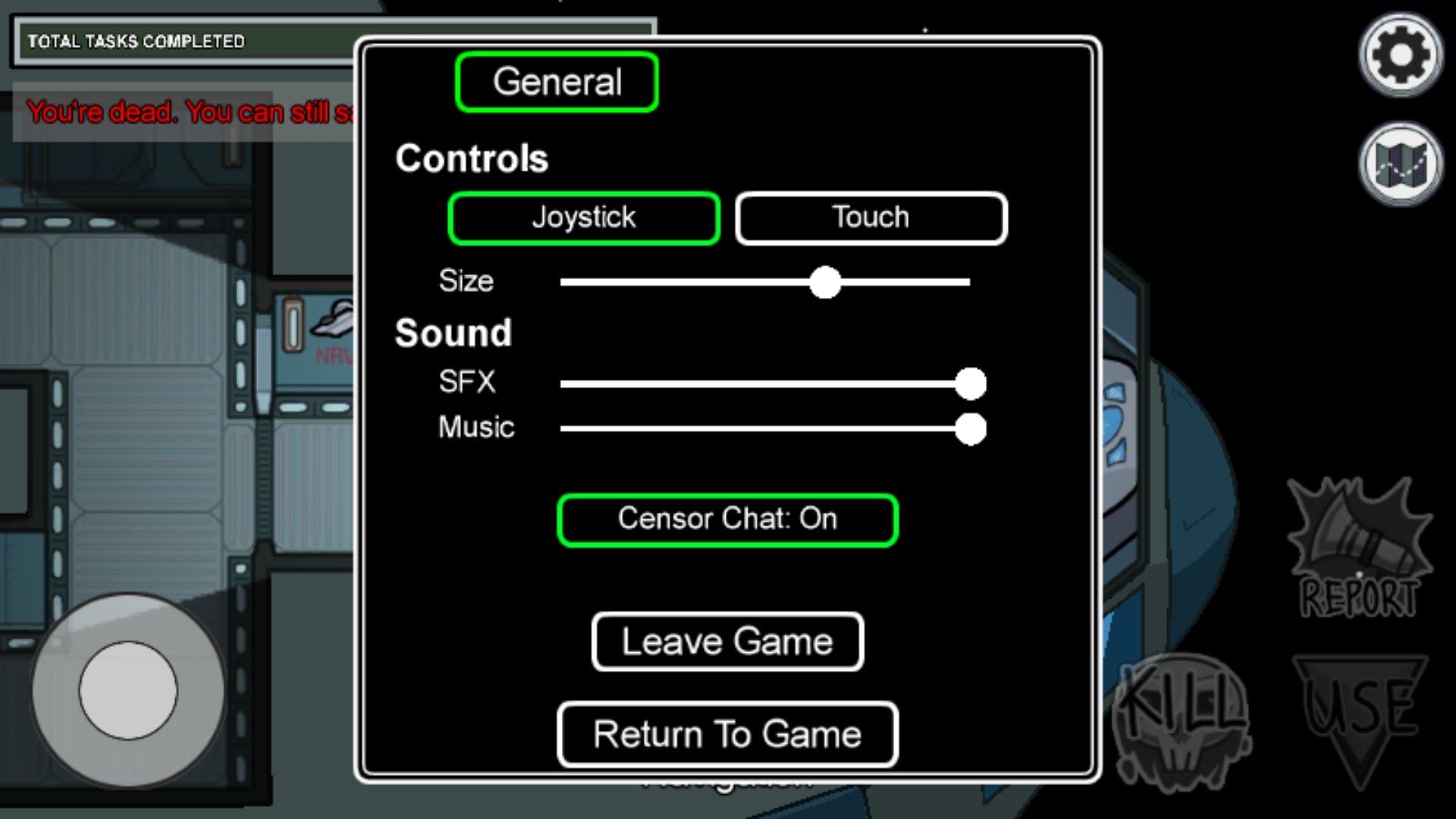
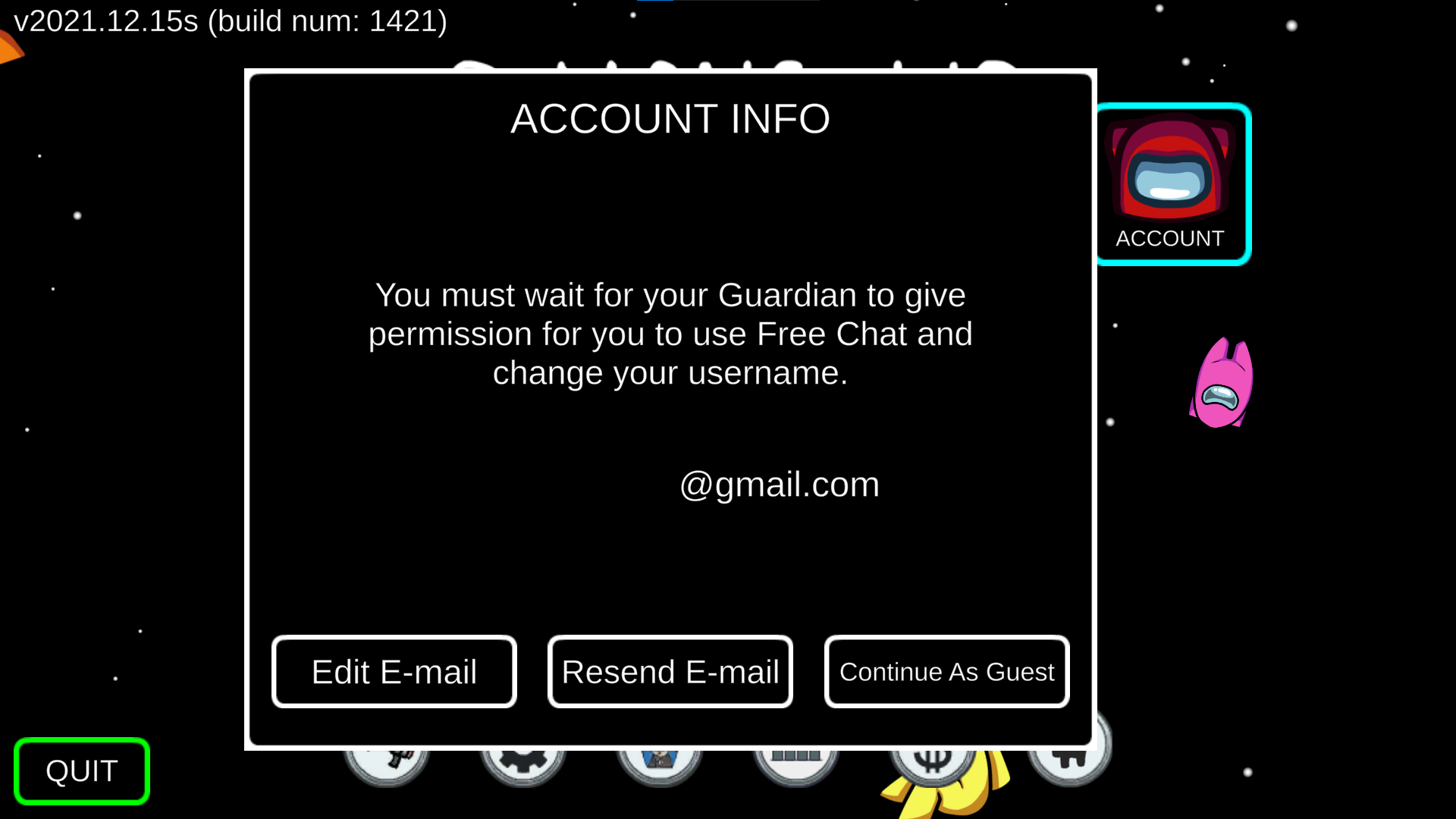
The articles here solve two main types of problems: account and profile management, and chat configuration. For account and profile management, readers can learn how to create an Among Us account on mobile, how to sign into an existing account, and how to change their displayed age within the game. For chat configuration, the guides explain how to change chat settings to control who you communicate with, and specifically how to turn off Quick Chat if you prefer to type freely. Additionally, one article covers the cost of the Among Us VR version, helping you decide if that separate experience fits your budget.
Each article helps the reader perform a specific action on their phone, such as editing a birthdate, enabling free typing, or completing a sign-in process. By following these steps, you can customize your Among Us mobile experience to match your preferences and fix common account-related hurdles without needing external help.