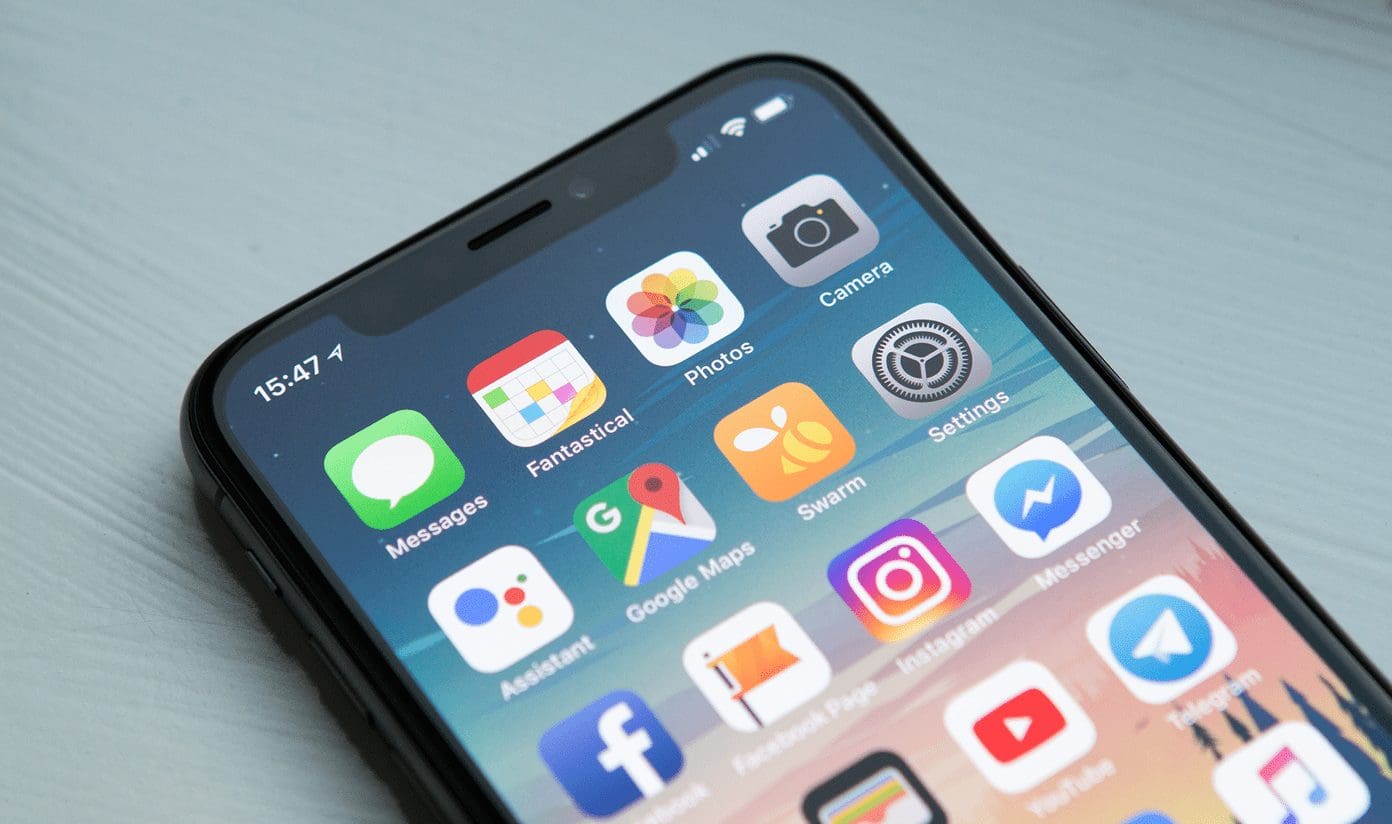
Our guides for finding, restoring, and understanding the core apps and icons on your iPhone, iPad, or other mobile device. This page is written for anyone who has misplaced a default app, can’t locate a downloaded program, or wants to know what the various phone icon symbols actually mean.
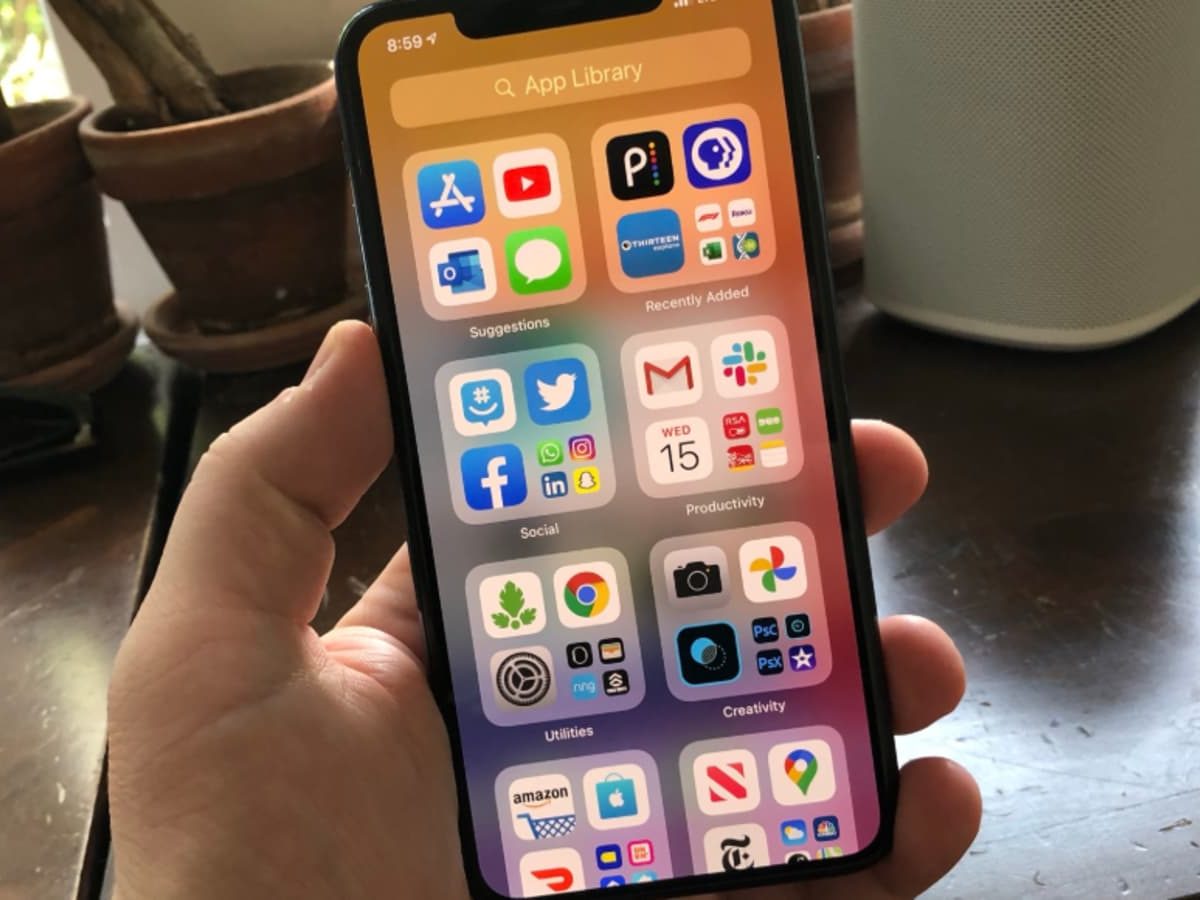
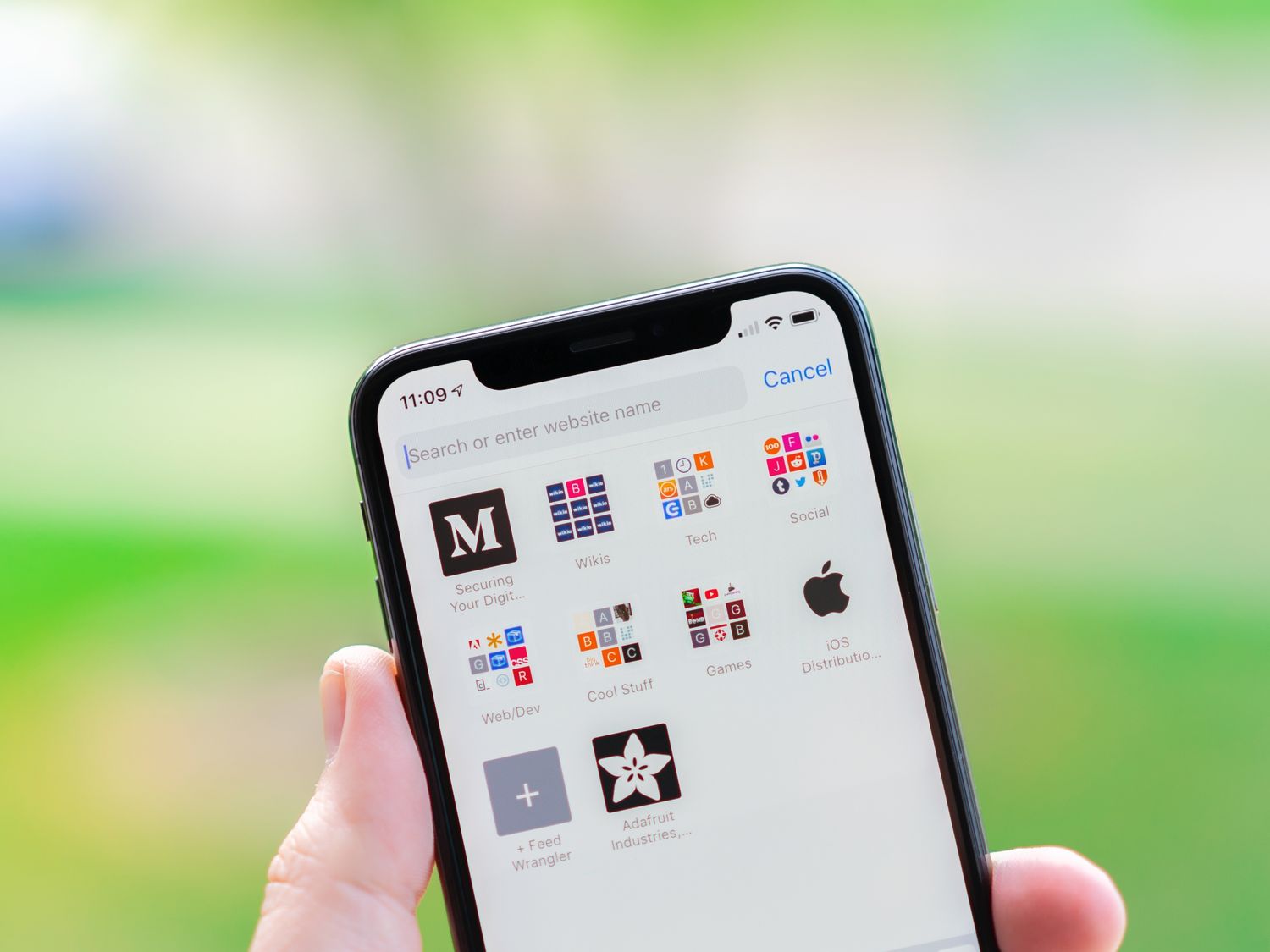
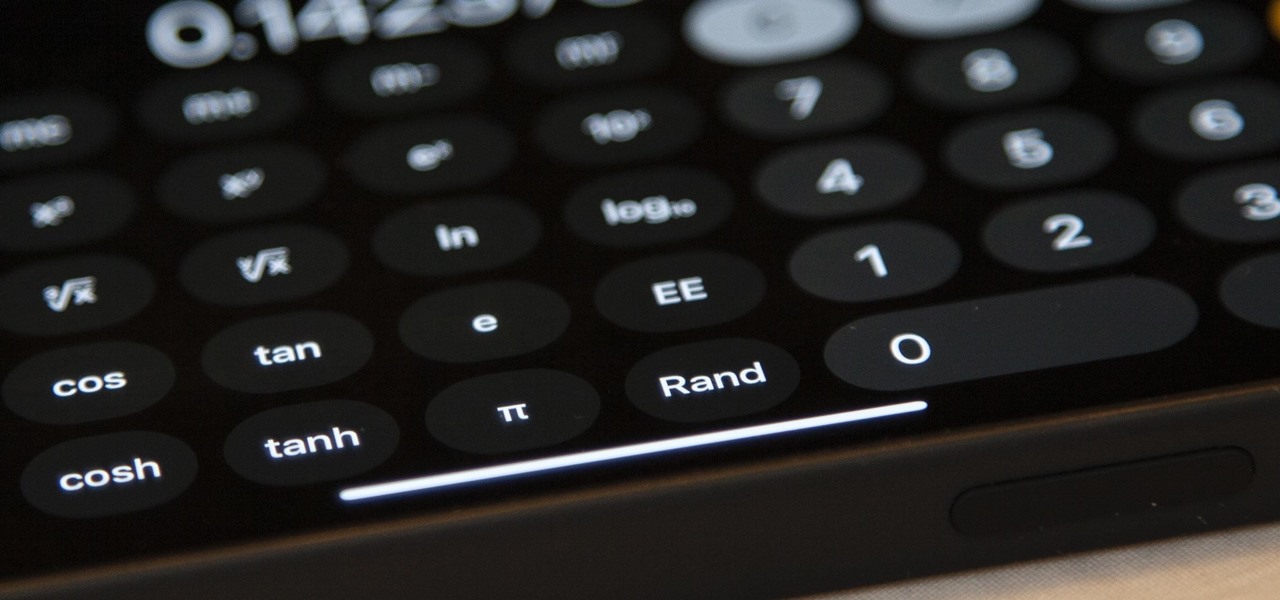
The articles here solve two main kinds of everyday frustrations. First, they help you recover apps that have vanished from your Home Screen, such as how to add the Phone app back or where to find Safari on an iPhone 11. Second, they clarify the location and function of system tools like the App Library on iPhone 12 and the Calculator on iPhone 13, as well as explaining the meaning behind the Phone icon symbols and indicators you see on your iPad or iPhone.
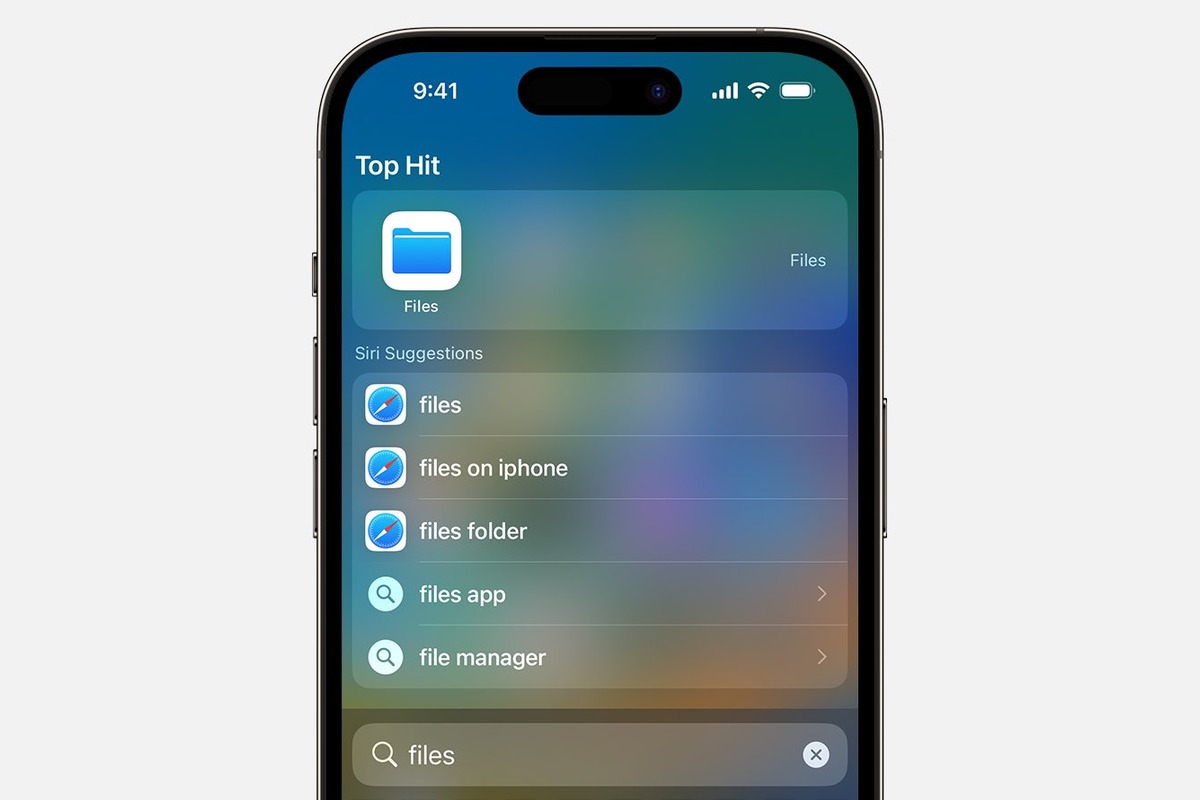
Whether you need to track down a missing downloaded app in iOS 16 or simply want to understand the small icons next to your signal bars, these practical walkthroughs show you exactly what to tap and where to look. Each article focuses on a single, specific problem so you can get your device back to normal without any extra steps.