The AT&T tag on CellularNews collects guides, comparisons, and how-to tutorials focused specifically on AT&T services and devices, as well as broader topics relevant to anyone managing a mobile phone plan. This page is for current AT&T customers, people considering switching to the carrier, and anyone troubleshooting common phone or account issues.

The articles here solve practical problems grouped around three clear themes. First, there are plan and carrier selection guides, such as comparing T-Mobile vs. AT&T vs. Verizon, finding the best unlimited data plan, and understanding Cricket Wireless options. Second, a large group of articles focus on managing hotspot data, including how to check usage, add more data, and set up an AT&T mobile hotspot. Third, many tutorials address device and account settings, like how to turn on the ringer on an AT&T flip phone, set up voicemail on a wireless home phone, or cancel an AT&T mobile line.

Specific topics you will find include how to unblock a number on an AT&T landline, how to transfer landline calls to a cell phone, and how to improve AT&T cell phone reception at home. Other articles explain how to check data usage via text, change your wireless password, and return a phone to AT&T. Whether you need to make international calls or look up phone records, these guides walk you through the exact steps to get things done.
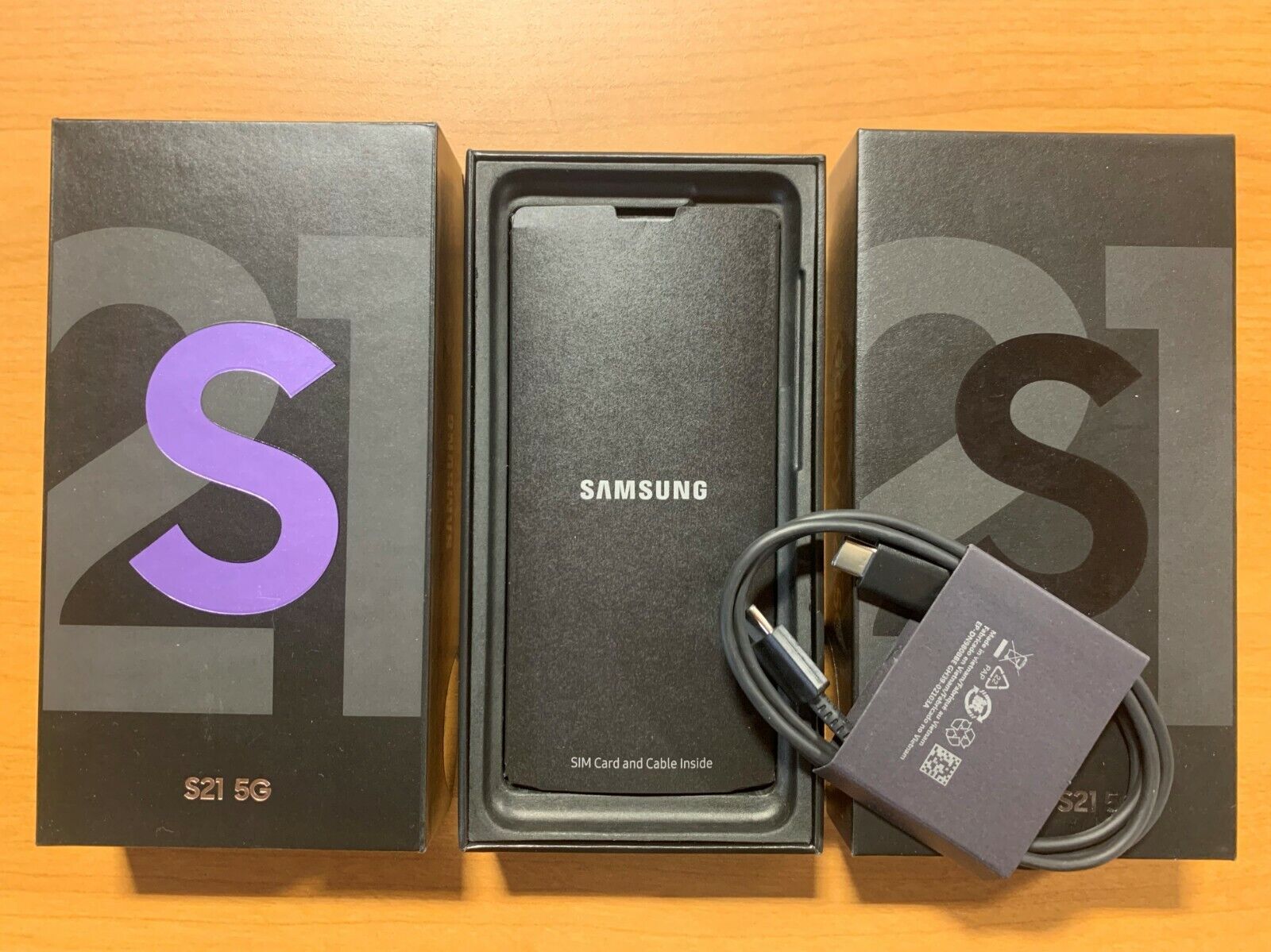
How To Open Galaxy S21

To turn on Galaxy S21, press and hold the Side key until the Samsung logo appears on the screen. This is the primary meaning of "opening" your device, powering it...

How To See If You Have Unlimited Data

The most reliable way to see if you have unlimited data is to check your carrier's official website, mobile app, or monthly bill. 1. Check your mobile plan details online...

How To Check Data Usage On AT&T

To check data usage on AT&T, you have four verified methods: using the AT&T website, the myAT&T mobile app, dialing a star code, or contacting customer support. Start with the...

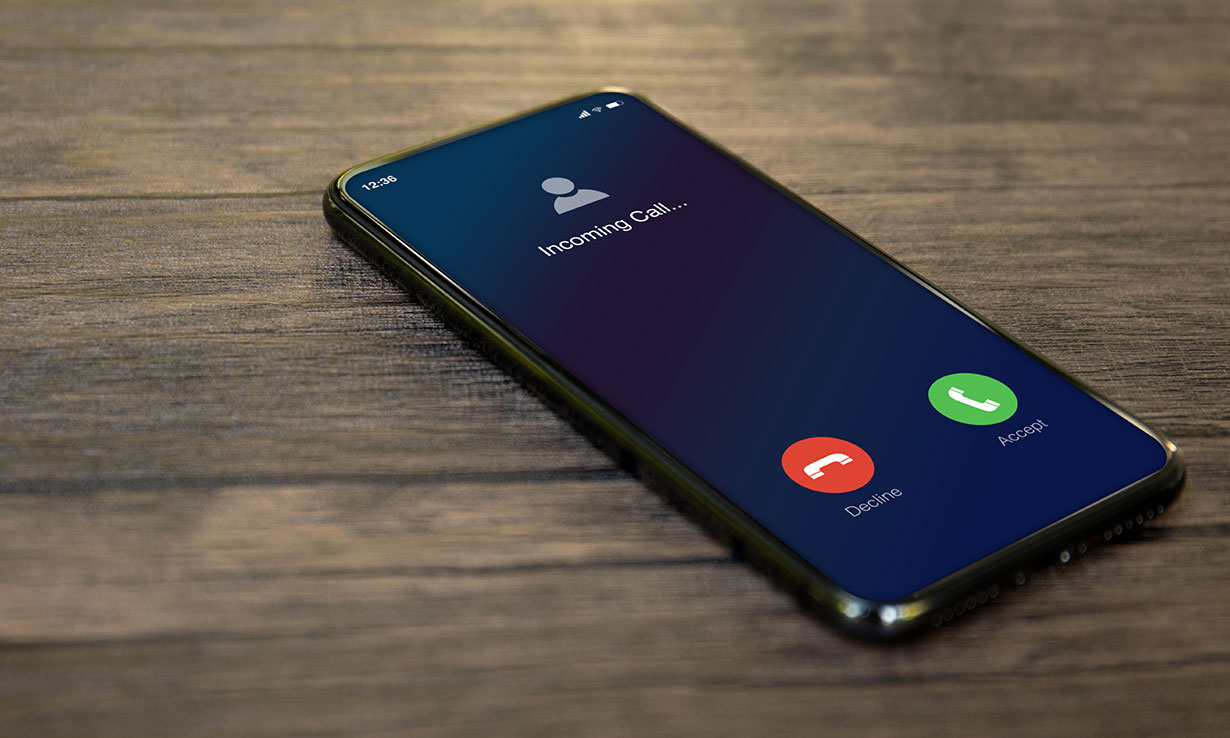
How Long Does A Phone Ring?

A phone usually rings for about 20-30 seconds before voicemail answers, but the exact duration is set by the carrier, not by iPhone or Android itself. This means the answer...

How To Unlock Your AT&T SIM Card

To unlock your AT&T SIM card, you submit an unlock request on AT&T’s official unlock page and then finish the process by inserting a non-AT&T SIM card or entering a...

How To Set Up AT&T-Mobile Hotspot

Turning on your AT&T mobile hotspot lets you share your phone’s cellular data with a laptop, tablet, or another device. To get personal hotspot working, you need an eligible data...

How Fast Is AT&T Hotspot

AT&T hotspot speed is plan-dependent, not a fixed network number, so the real-world att hotspot speed you get depends entirely on your data plan. On current AT&T unlimited consumer plans,...

What Is AT&T Mobile Hotspot

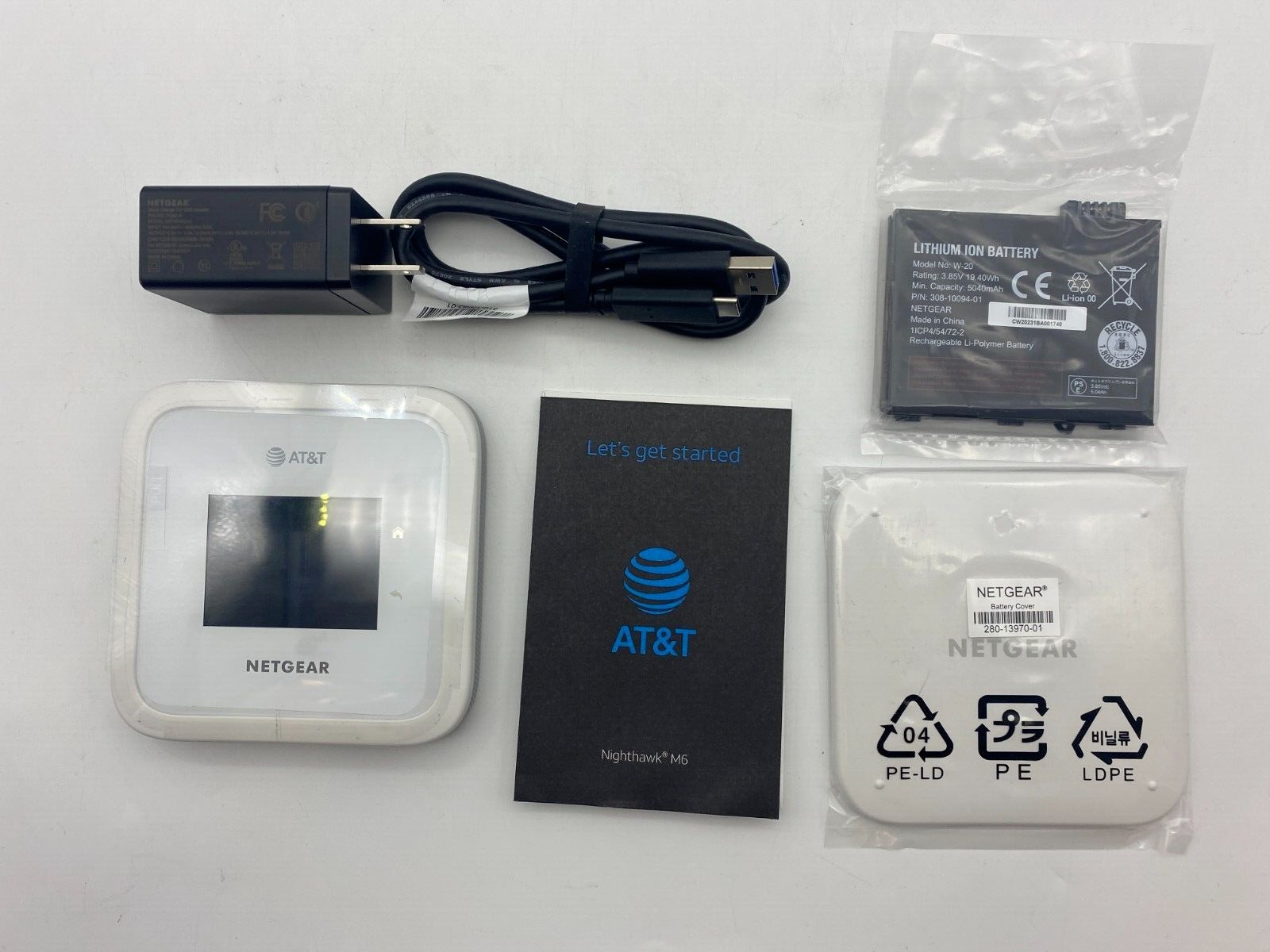
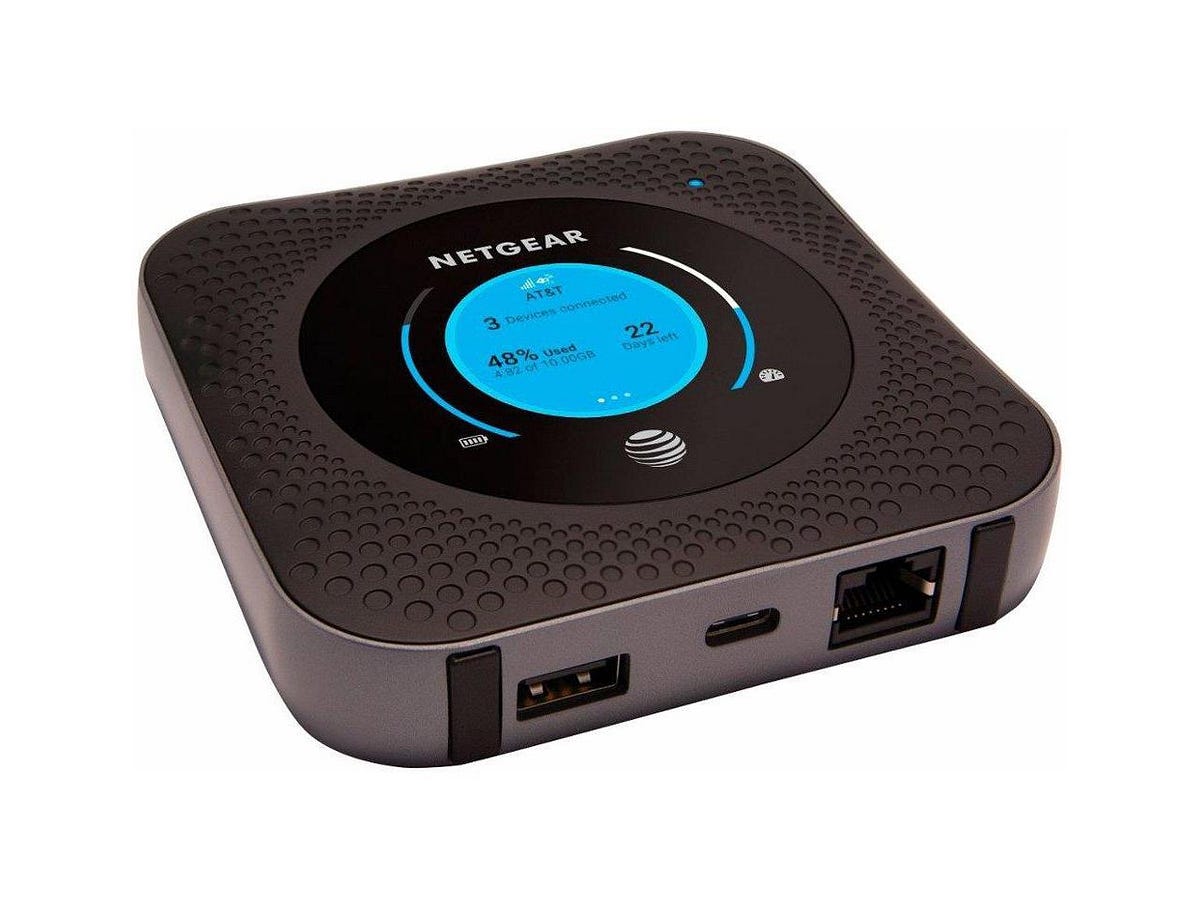
An AT&T mobile hotspot turns your phone or a dedicated device into a portable Wi‑Fi network by sharing its cellular data connection with other devices like laptops, tablets, and gaming...