This tag page collects all of CellularNews’s guides and troubleshooting articles for Call of Duty Mobile, aimed at anyone who plays the game on their phone and needs practical, step-by-step help. Whether you are a new recruit trying to figure out the basics or a seasoned player tweaking your setup, these articles are written to solve real, everyday problems you encounter in the mobile version of the game.
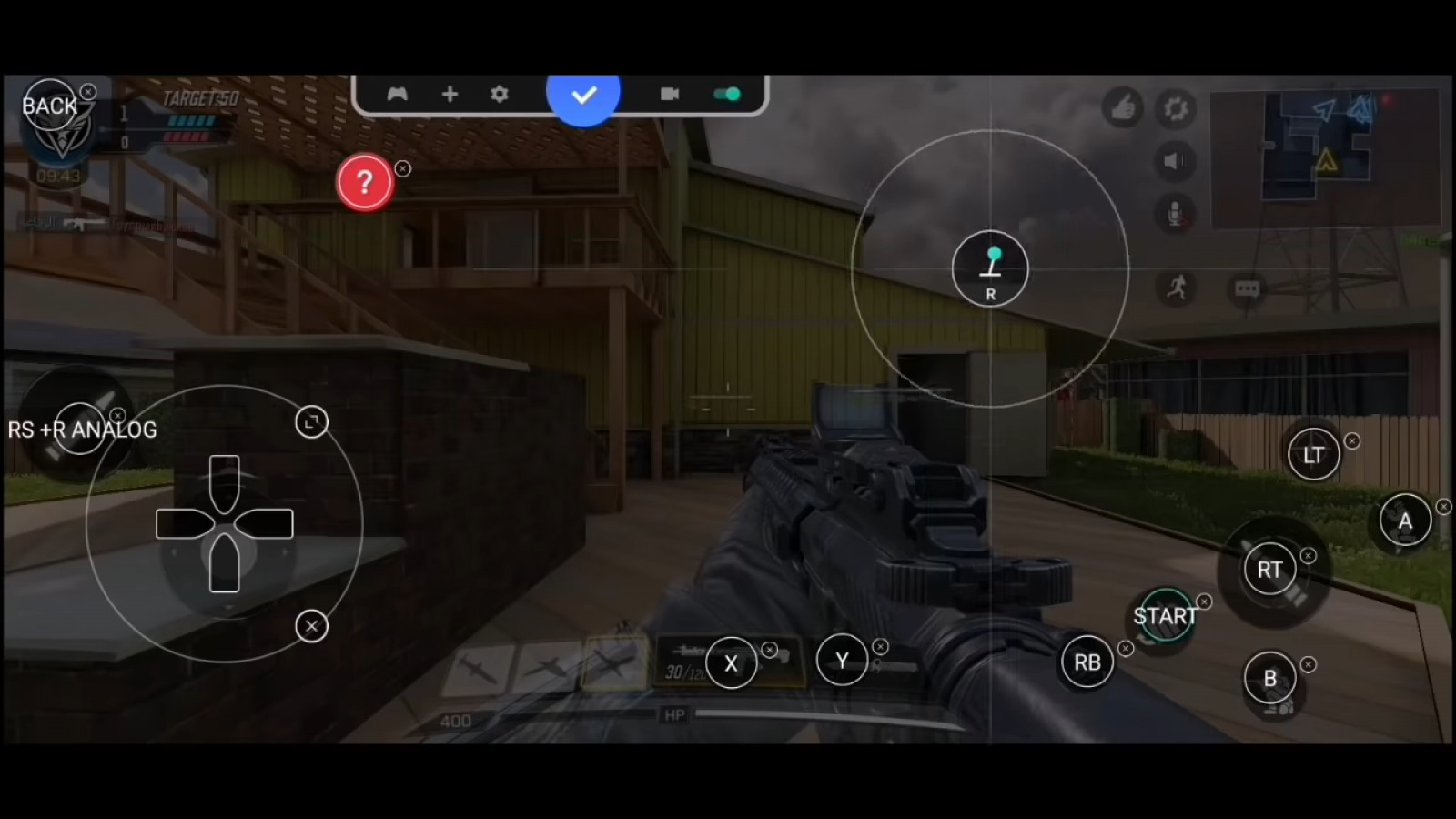
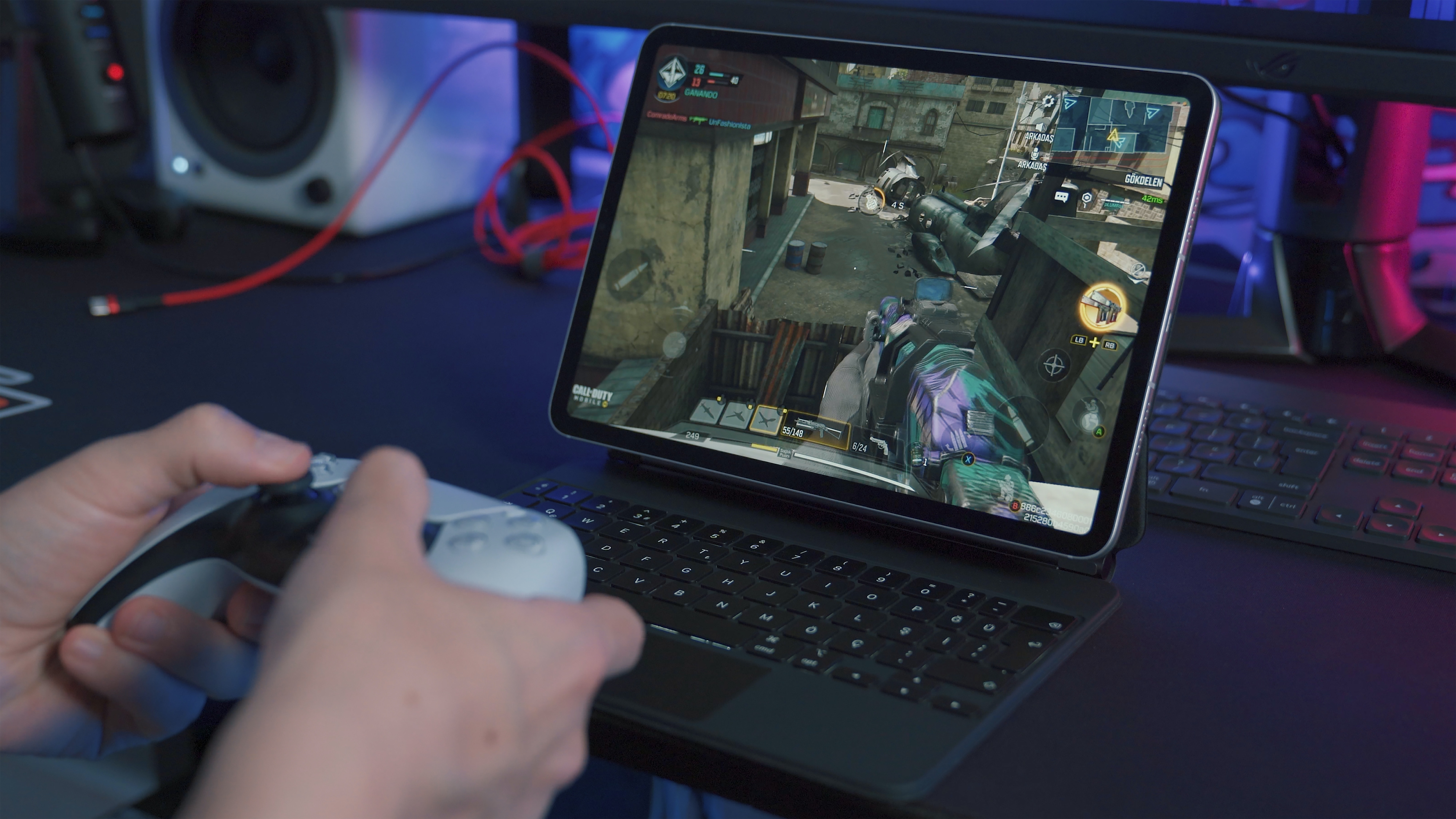
The articles here fall into two main groups: gameplay mechanics and account or settings management. For gameplay, you can learn how to do a 1v1 match, check your KD ratio, move faster, or dual wield weapons. There are also guides on how to use a controller, play on PC, or use a keyboard and mouse, helping you choose the best way to control the action. For your account and settings, the articles walk you through changing your username, region, or FOV, linking or unlinking your account from Facebook or Apple ID, recovering a lost account, and even unblocking another player. Specific topics you will find include how to get CP, how to use Aether Shards, and how to get the Ghost character.
In short, these articles help you do specific things inside Call of Duty Mobile, from shooting and aiming to managing your friends list and updating the game. If you need a fix for a login problem, a tip for a better loadout, or a clear answer on how to change a setting, this is the place to look.