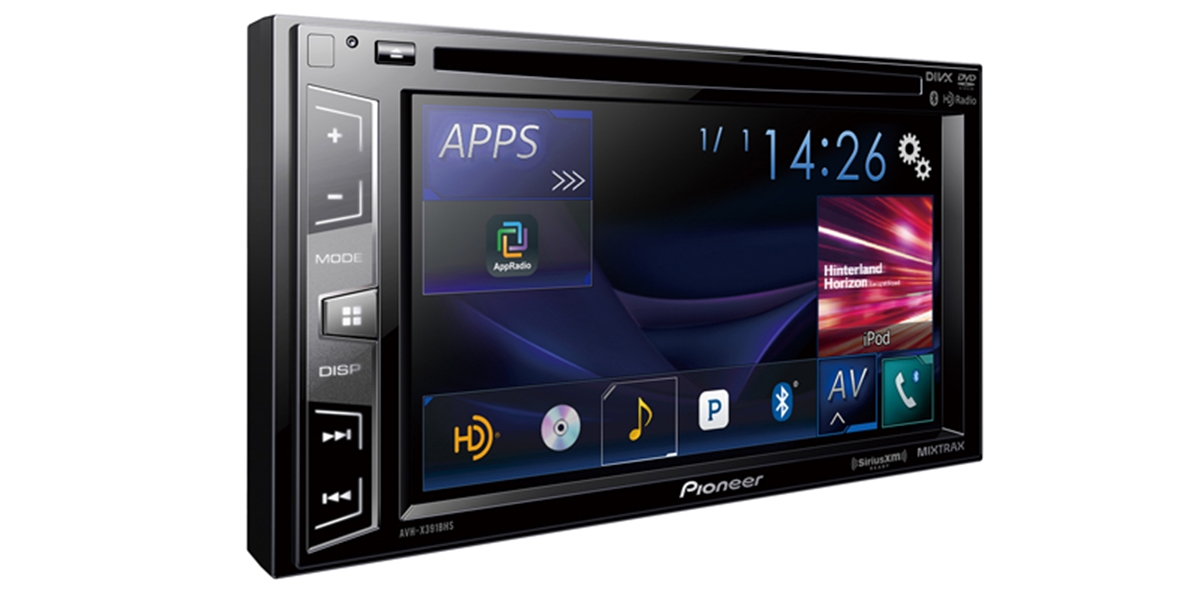
Practical guides focused on connecting and troubleshooting phones with in-car audio systems. This content is specifically for anyone who uses their smartphone while driving, whether you rely on Bluetooth, a wired Aux connection, or an FM transmitter to get music and calls through your car’s speakers.
The articles here solve three main kinds of problems. First, they address direct connection issues, such as how to connect your phone to a Pioneer Mixtrax or touchscreen radio, how to sync a Samsung phone to your car, and how to use Aux in your car with a phone. Second, they cover wireless and transmitter setups, including guides on how to connect wireless Android Auto, how to connect an FM transmitter, and how to change the station on a Scosche FM transmitter. Third, they help with maintenance and fixes, like how to reset a Pioneer Mixtrax touchscreen, how to remove a phone from car Bluetooth, and how to delete phones from a Pioneer Bluetooth radio.
These articles help you do specific tasks: pair your device for the first time, switch between audio sources, clear old connections, and get a Bluetooth or FM signal working when your car lacks modern features. Whether you are troubleshooting a stubborn connection or setting up a new transmitter, the tag provides straightforward, actionable steps for common car stereo and phone integration scenarios.