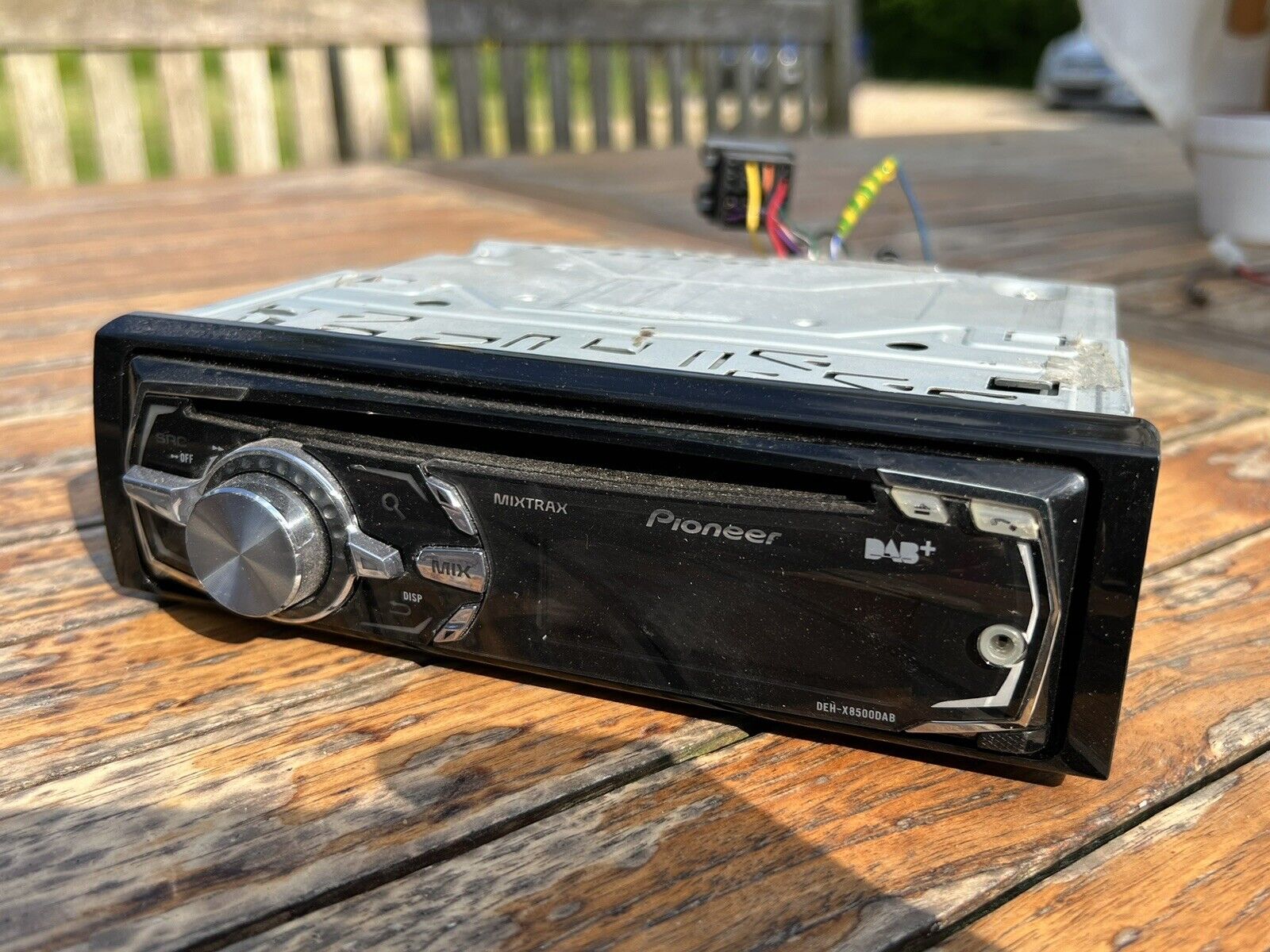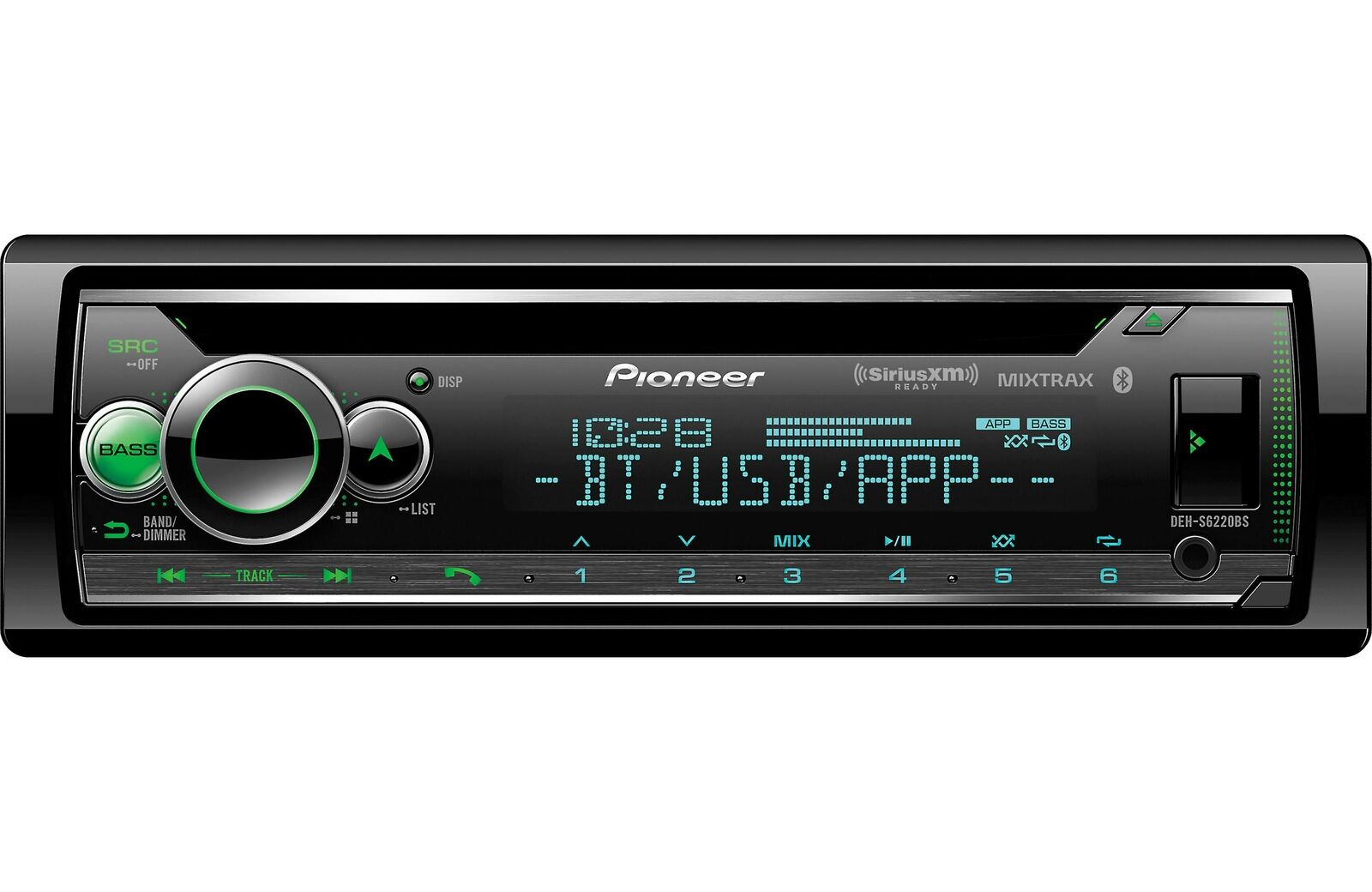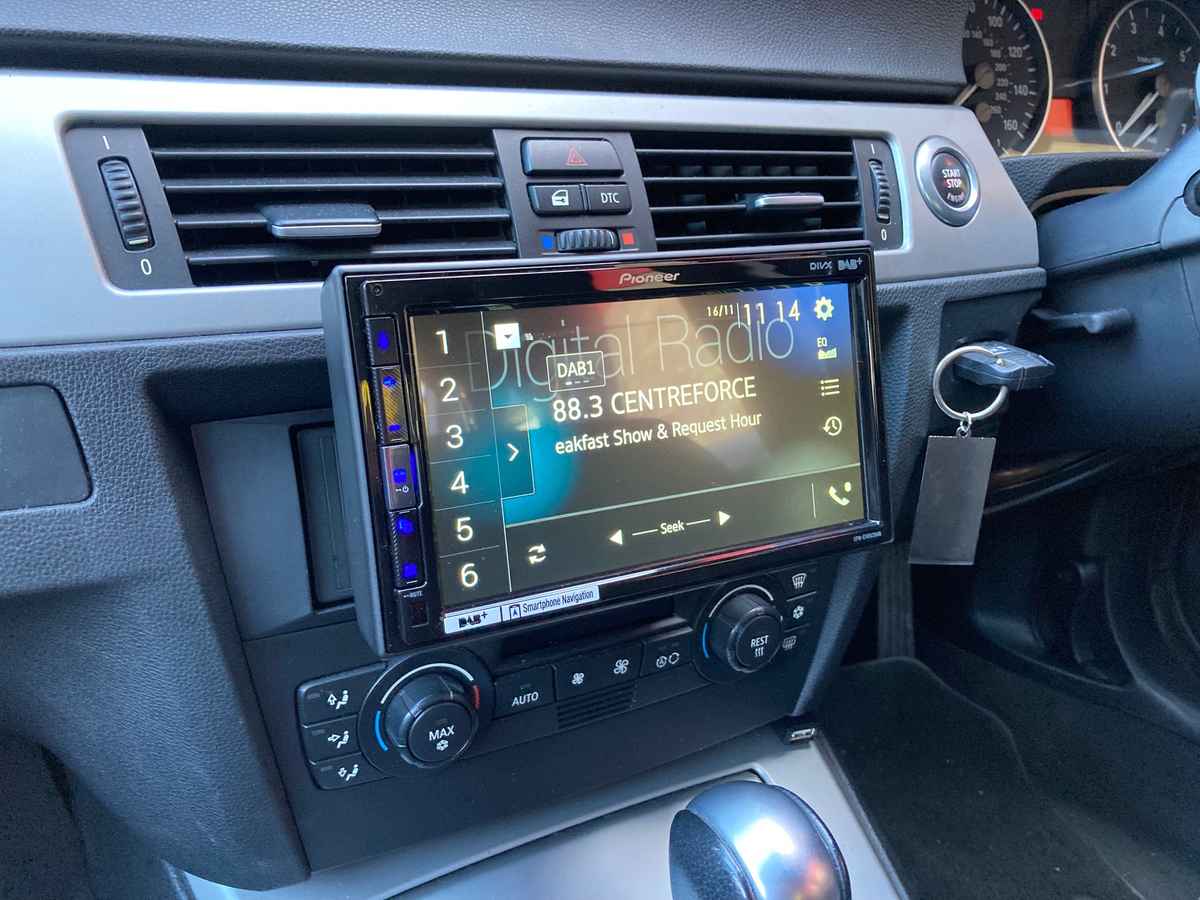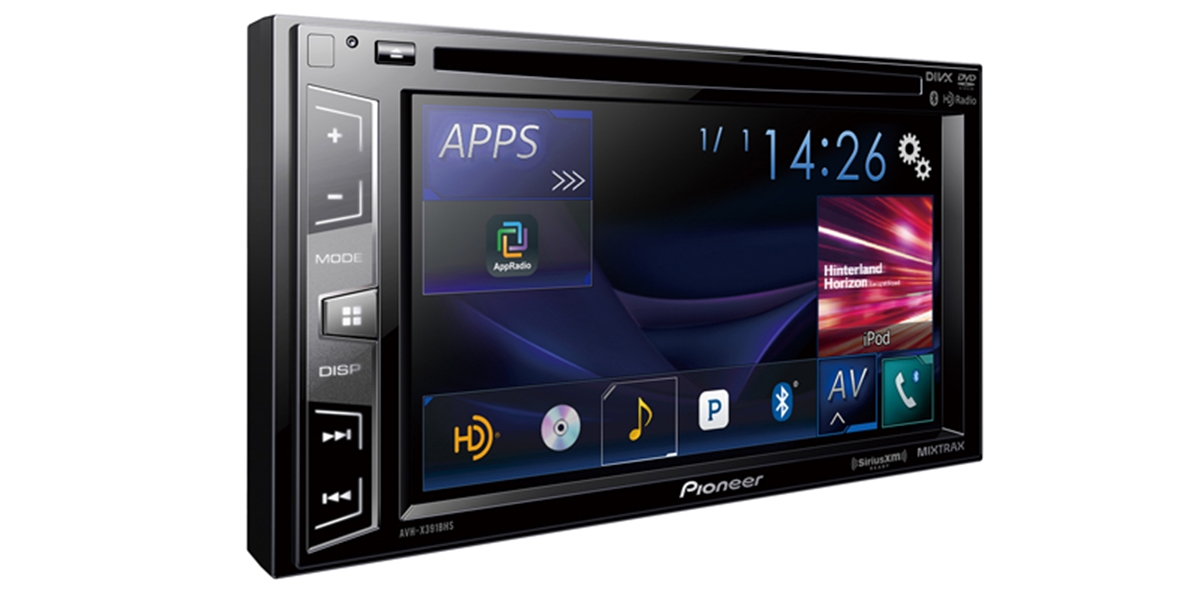
To reset a Pioneer Mixtrax touchscreen, you have two primary methods: a quick soft reset using the physical RESET button, or a full factory reset through the system menu. Use the soft reset first for minor glitches like a frozen screen, and only attempt the factory reset if the soft reset fails or you need to clear all custom settings.
How to reset a Pioneer Mixtrax touchscreen: two methods
The soft reset (microprocessor reset) is the fastest way to fix a temporarily unresponsive touchscreen, while the factory reset restores the unit to its original out-of-box state. Before performing either, check your specific model's manual, Pioneer documents reset steps by exact unit number, not by the Mixtrax branding alone. The exact menu path for a factory reset varies by model, so your manual is the only reliable source for your unit.
Before you start: what a reset does and doesn't do
Pressing the RESET button resets settings and recorded contents to factory defaults, but one Pioneer manual notes that some settings and recorded contents may not be reset. A factory reset will clear most personalized data, but not all units wipe every stored item. Do not perform a reset when any device is connected to the product, as this can interfere with the process. Also, the exact menu labels and navigation steps differ between model numbers, what works on an AVH-xxxx may look different on a DMH-xxxx.
Method 1: Soft reset with the RESET button
This is the recommended first step whenever your Pioneer Mixtrax touchscreen fails to operate properly, shows strange or incorrect messages, or behaves oddly. The Pioneer manual says soft reset should be done before first use after installation. Pioneer specifically advises this method before first use after installation and whenever the unit needs a quick recovery.
- Turn the ignition switch OFF.
- Locate the physical RESET button on the front panel or chassis. It is a small recessed button, not a hole.
- Press the RESET button with a pen tip or other pointed instrument.
- Release the button. The unit restarts automatically. Pressing RESET resets microprocessor to initial settings.
This soft reset is similar to restarting and rebooting phones, it clears temporary glitches without wiping your saved stations or audio adjustments. If the screen remains frozen or the unit still misbehaves, move to the factory reset.
Method 2: Factory reset from the system menu
Only use this method if the soft reset did not solve the problem. The factory reset path depends on your exact model. For units that include a system reset menu, follow this sequence:
- Display the system menu on the touchscreen.
- Select Audio Reset.
- Touch Reset.
- When the confirmation prompt appears, "Ready to reset. Are you sure?", touch Reset again to confirm, or Cancel to stop.
- The unit restarts and returns to factory settings.
On models with a system reset menu, the path is system menu > Audio Reset > Reset. For other Pioneer models, the path uses a different menu structure:
- Open the initial setting menu.
- Select SYSTEM RESET.
- Choose YES. On another model, the path is initial setting menu > SYSTEM RESET > YES, and the rotary commander is pressed to confirm.
- The unit restarts.
If neither path matches your screen, your model may not have a settings-based factory reset at all, only the physical RESET button.
Still having trouble? Find your model's manual
If the reset procedures above do not match your unit, or if the problem persists after a reset, locate your exact model number. Pioneer labels its car stereo units with codes like AVH-xxxx, MVH-xxxx, or DMH-xxxx. Go to the Pioneer support website and search for your model number to download the correct manual. The manual will show the precise reset procedure for your unit, as Pioneer documents reset steps by specific unit manual rather than by Mixtrax branding alone. If the unit still misbehaves after following the manual's reset instructions, contact Pioneer customer support for further assistance. If the unit still misbehaves after a reset, the manuals document the issue only as a case for further support, but they do not provide a separate published escalation workflow. The manuals direct users to model-specific support pages rather than a single universal path.
Frequently Asked Questions
Will a reset delete my Bluetooth pairings?
Yes, a factory reset typically removes all paired Bluetooth devices and saved contacts. A soft reset using the RESET button may preserve some pairings, but Pioneer manuals warn that some settings and recorded contents may still be cleared. Re-pair your phone after any reset.
Can I reset the Mixtrax without losing my radio presets?
Only a soft reset (pressing the RESET button) has a chance of keeping radio presets, though it is not guaranteed. A factory reset will erase all presets. If you want to preserve presets, try the soft reset first and only proceed to factory reset if the problem persists.
Why is there no reset button on my Pioneer Mixtrax unit?
Not all Pioneer Mixtrax models have a visible RESET button. Some units hide it behind the faceplate or require a different method. Search your manual for "RESET" or "microprocessor reset" to find its exact location. If no physical button exists, the unit may only support a factory reset through the menu.
How do I know if my model supports the Audio Reset menu?
Check your model's manual. Pioneer lists the system menu and Audio Reset option only for certain models. If your unit does not have an Audio Reset option in the system menu, it likely uses the initial setting menu > SYSTEM RESET path instead, or relies solely on the physical RESET button.
What should I do if the touchscreen is completely unresponsive and I cannot access the menu?
Use the soft reset with the physical RESET button. Turn the ignition OFF, press the RESET button with a pen tip, and wait for the unit to restart. This does not require any touchscreen interaction. If the screen remains dead after the soft reset, the issue may be hardware-related, and you should contact Pioneer support.
Does Pioneer offer an app or iPhone reset for Mixtrax units?
No. Pioneer’s documented reset methods for touchscreen car units are limited to the physical RESET button and the settings-based factory reset. Do not rely on third-party apps claiming to reset your stereo.
Related reading: How To Reset A Cricket Android Phone.