Welcome to the charging issues tag on CellularNews. This page collects articles for anyone who owns a phone, smartwatch, or any rechargeable device and has run into a problem getting it to power up. Whether you are dealing with a loose connection, a stubborn accessory, or a device that simply refuses to charge, these guides are written for the everyday user looking for clear, practical fixes.
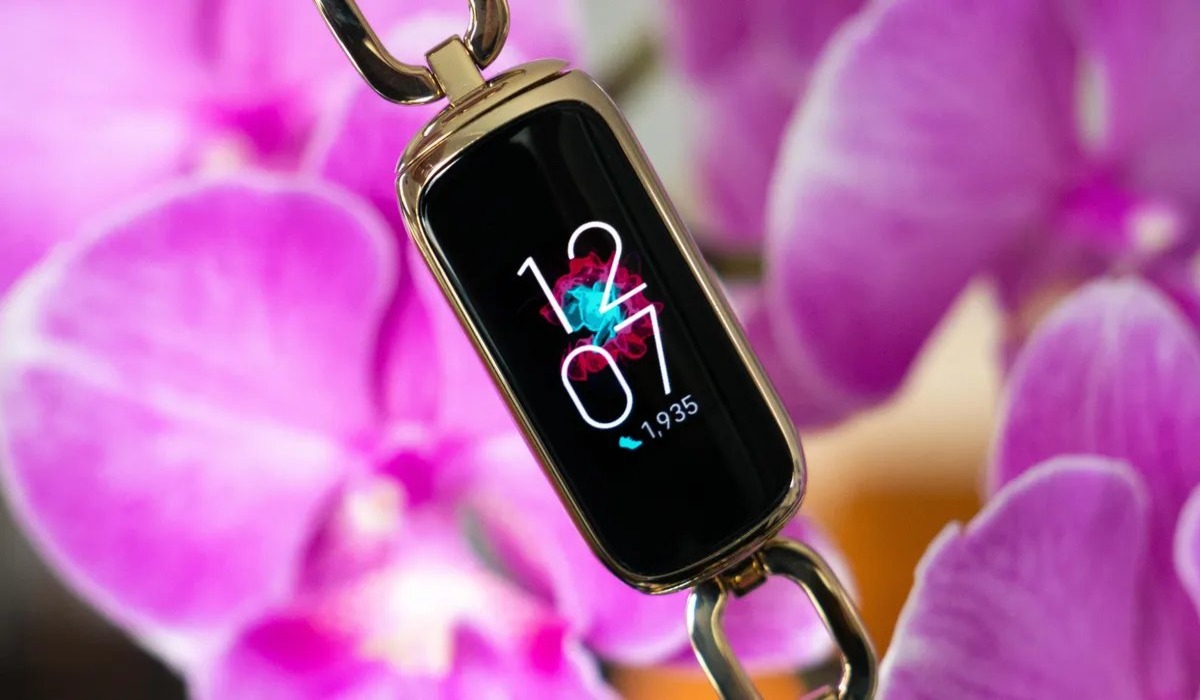
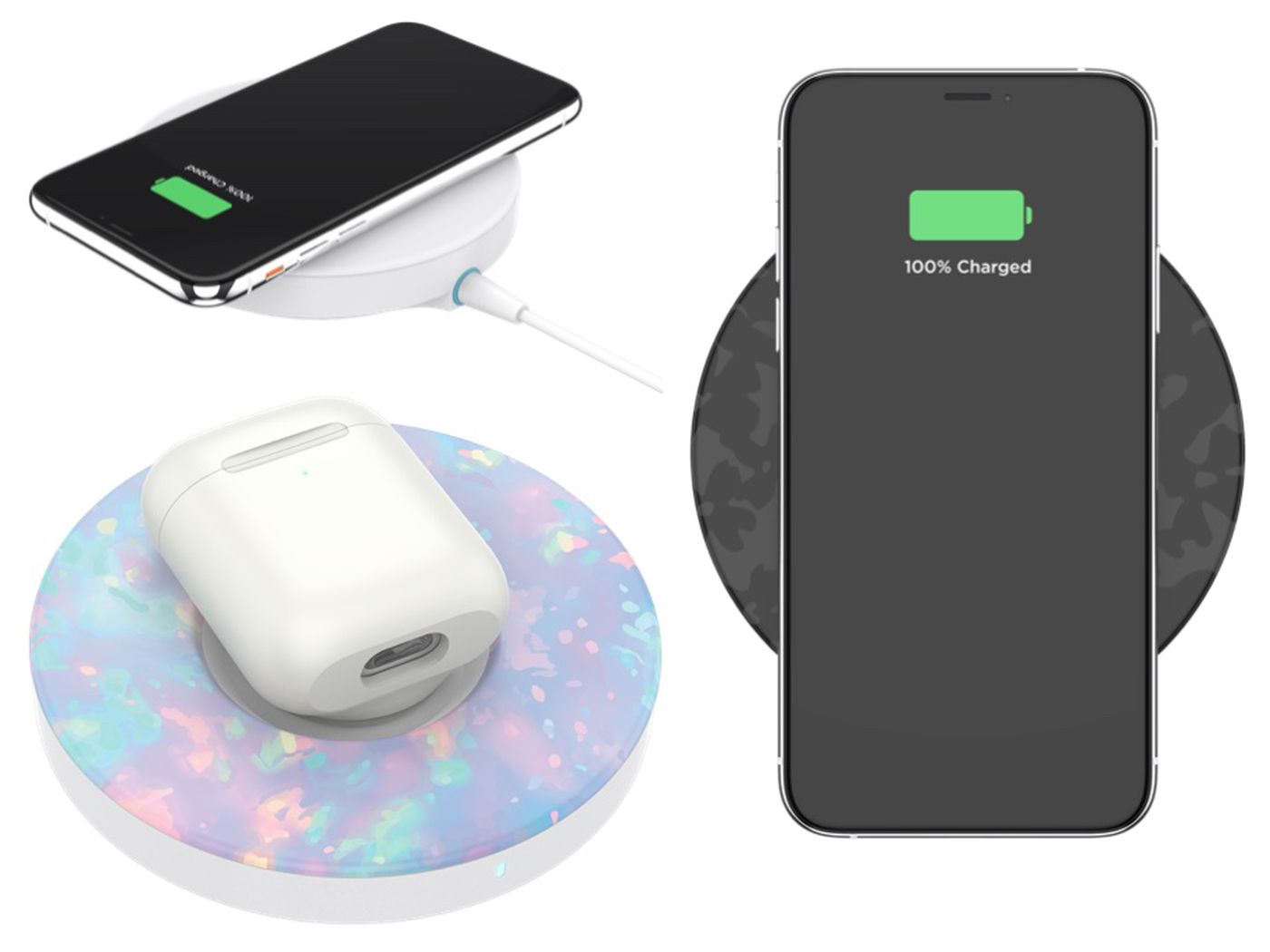
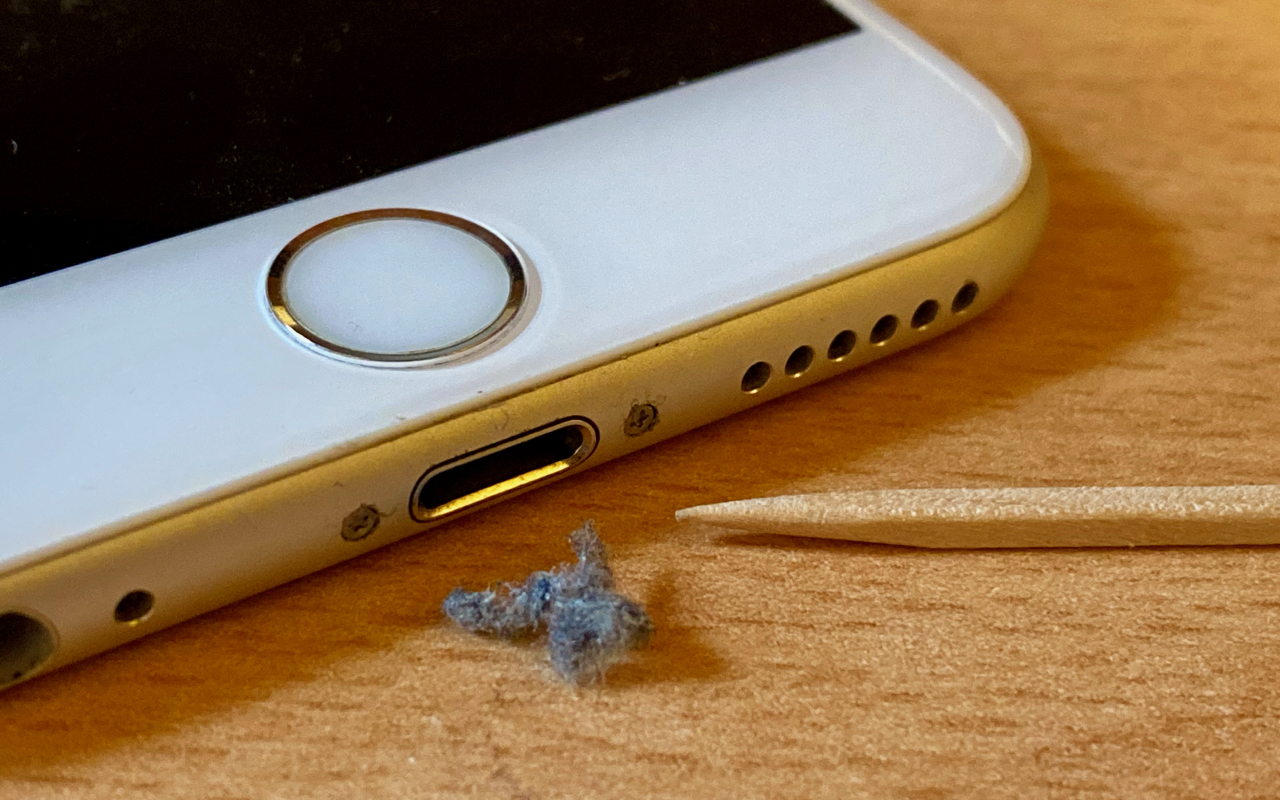
The articles here address three common themes. First, several guides focus on physical cleaning and maintenance, helping you solve problems caused by dirt or debris. For example, you will learn how to clean out a phone charger port and how to clean connector pins, both of which can restore a solid connection. Second, some articles tackle troubleshooting specific error signals, such as explaining why the light on your battery charger is blinking. Finally, a third theme covers compatibility and setup, including how to use a wireless charger with a Popsocket and how to diagnose why your Fitbit Luxe is not charging.
Each article gives you step-by-step instructions to diagnose and resolve the issue yourself, saving you a trip to the repair shop. From clearing lint out of a port to pairing your phone case with a charging pad, these resources help you get your devices back to full power quickly and safely.