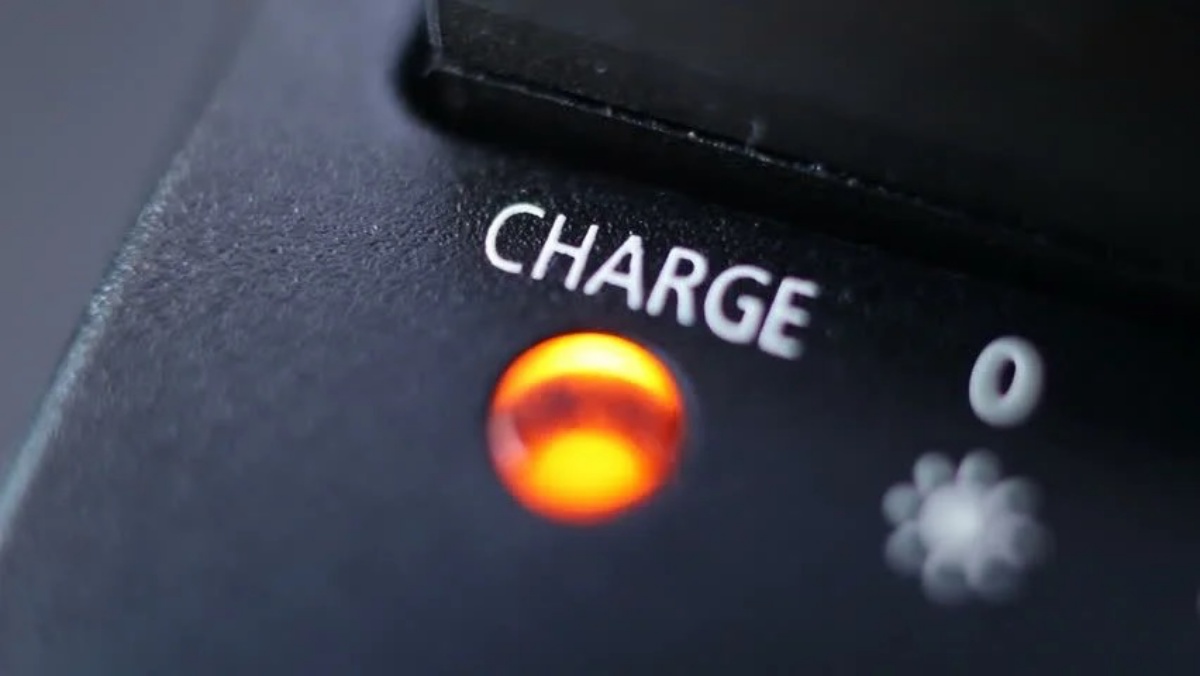
Why is the light on my battery charger blinking? The direct answer is that a blinking light often means the battery is charging normally, but it can also signal a temperature issue, a bad connection, or a defective battery. Understanding the specific pattern and your charger's brand is the first step to telling a routine charge from a real problem.
Blinking light meanings by brand and charger type
Many chargers use a blinking light (often red or green) to signal that the battery is actively charging. This is a common misconception, not all blinking lights indicate an error; many simply show that the charging process is underway. On DeWalt chargers, a blinking red light typically means the battery is actively charging, while a solid yellow light (sometimes with flashing red) indicates a temperature delay. For Ryobi chargers, a flashing red light can mean the battery is deeply discharged or experiencing a temperature issue, and a fading red light signals a battery or charger error. On Samsung wireless chargers, a flashing red light indicates charging interruption due to misalignment, a flashing orange light suggests an unauthorized or incompatible charger, and a blinking yellow light often means "abort mode" due to an underpowered adapter, damaged components, obstruction, or a damaged or incompatible device battery.
Common causes that trigger a blinking charger light
Several specific conditions can cause your charger's light to blink. A common reason is that the battery's temperature is outside the safe charging range (too hot or too cold), causing the charger to pause until it normalizes. A blinking light can also signal a poor or loose connection between the battery and the charger, or dirty contacts. A deeply discharged battery (below a minimum voltage) may cause the charger to blink as it attempts to pre-charge or recognize the battery before initiating a full charge. Rapidly blinking lights or alternating red and green lights often indicate a defective, damaged, or faulty battery pack.
Wireless charger blinking? Check for these issues
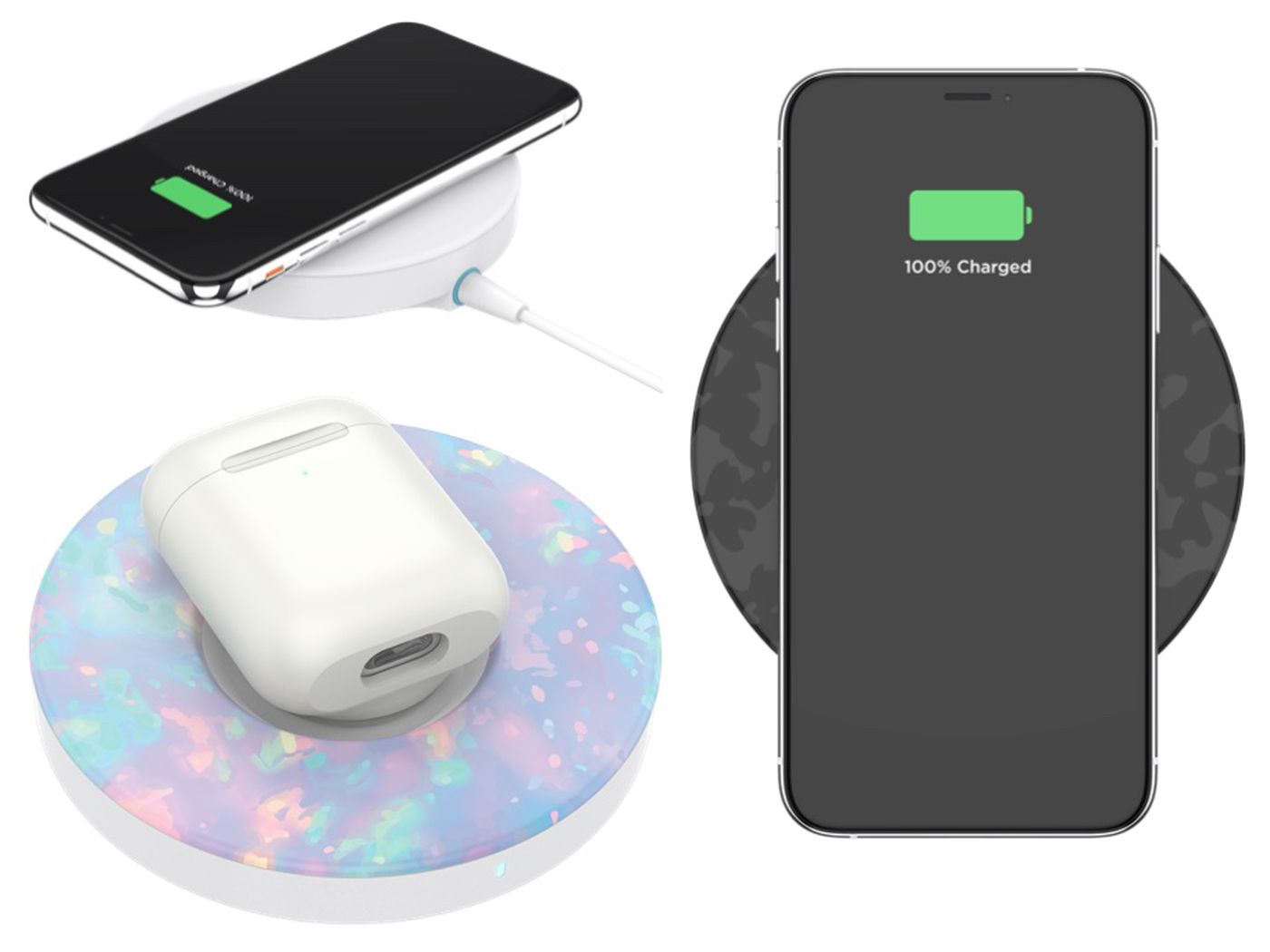
For wireless chargers, blinking lights frequently indicate foreign object detection (e.g., metal between the device and pad), improper device alignment, or an incompatible or underpowered power adapter. To resolve these, remove any metal objects from the charging surface, reposition your device to center it on the pad, and verify that the power adapter meets the charger's required specifications.
How to troubleshoot a blinking battery charger light
- Check the power source and cable integrity. Ensure the charger is plugged into a working outlet and that the charging cable shows no signs of damage or fraying.
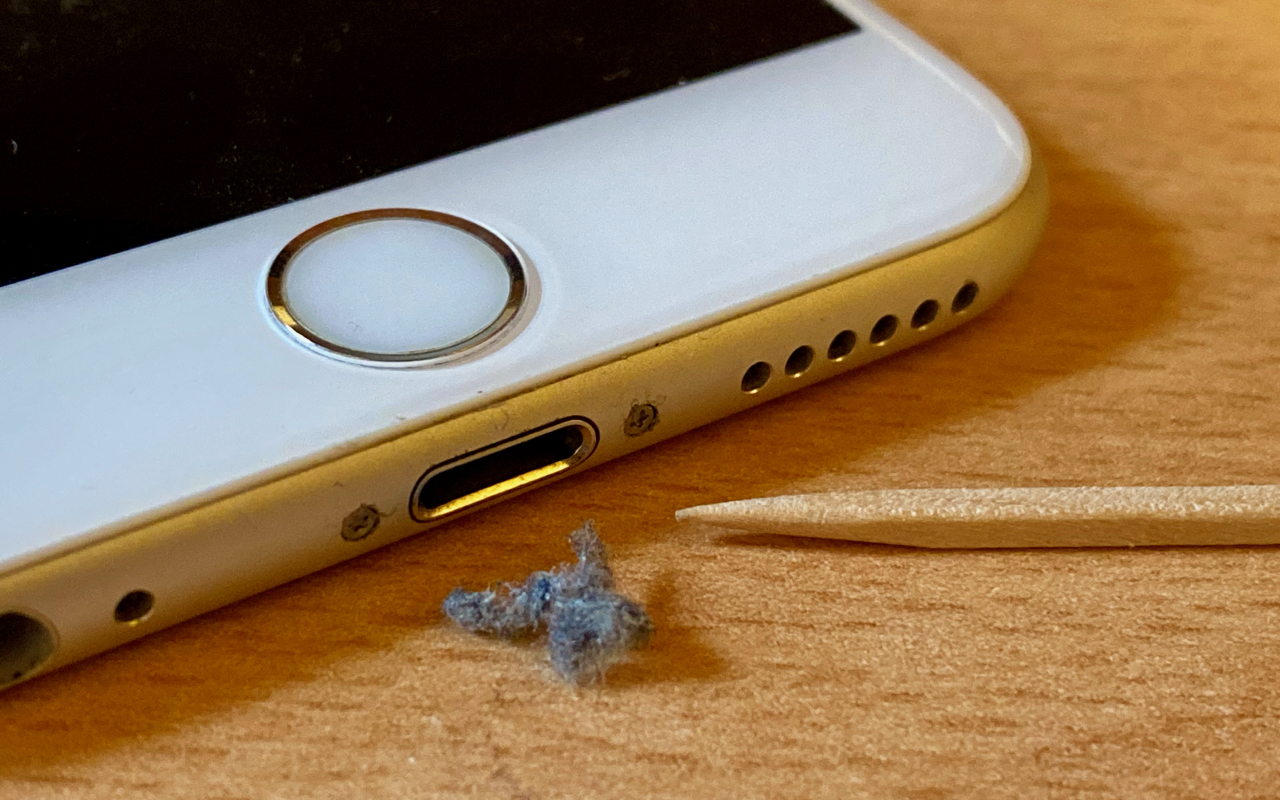
- Clean battery and charger contacts with rubbing alcohol. Dirt, dust, and oxidation can accumulate on the terminals. Use a cotton swab or soft cloth dipped in rubbing alcohol to clean the contacts on both the battery and charger.
- Let an overheated or cold battery normalize to room temperature. If the battery is too hot or too cold, the charger will pause charging. Allow it to sit at room temperature for a while before trying again.
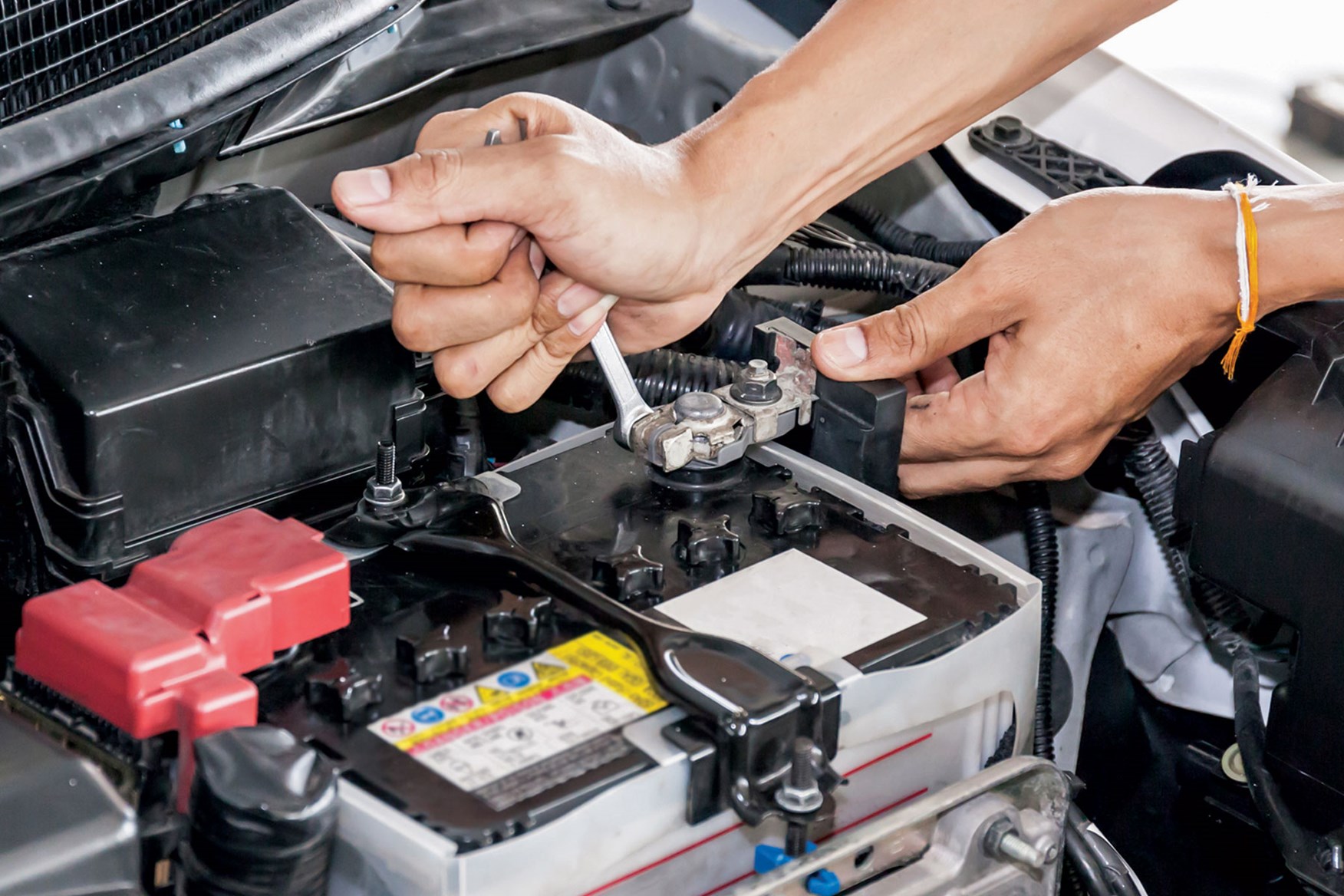
- Inspect the battery for physical damage or corrosion. Look for cracks, swelling, leaks, or corroded terminals. A damaged battery should be replaced immediately.
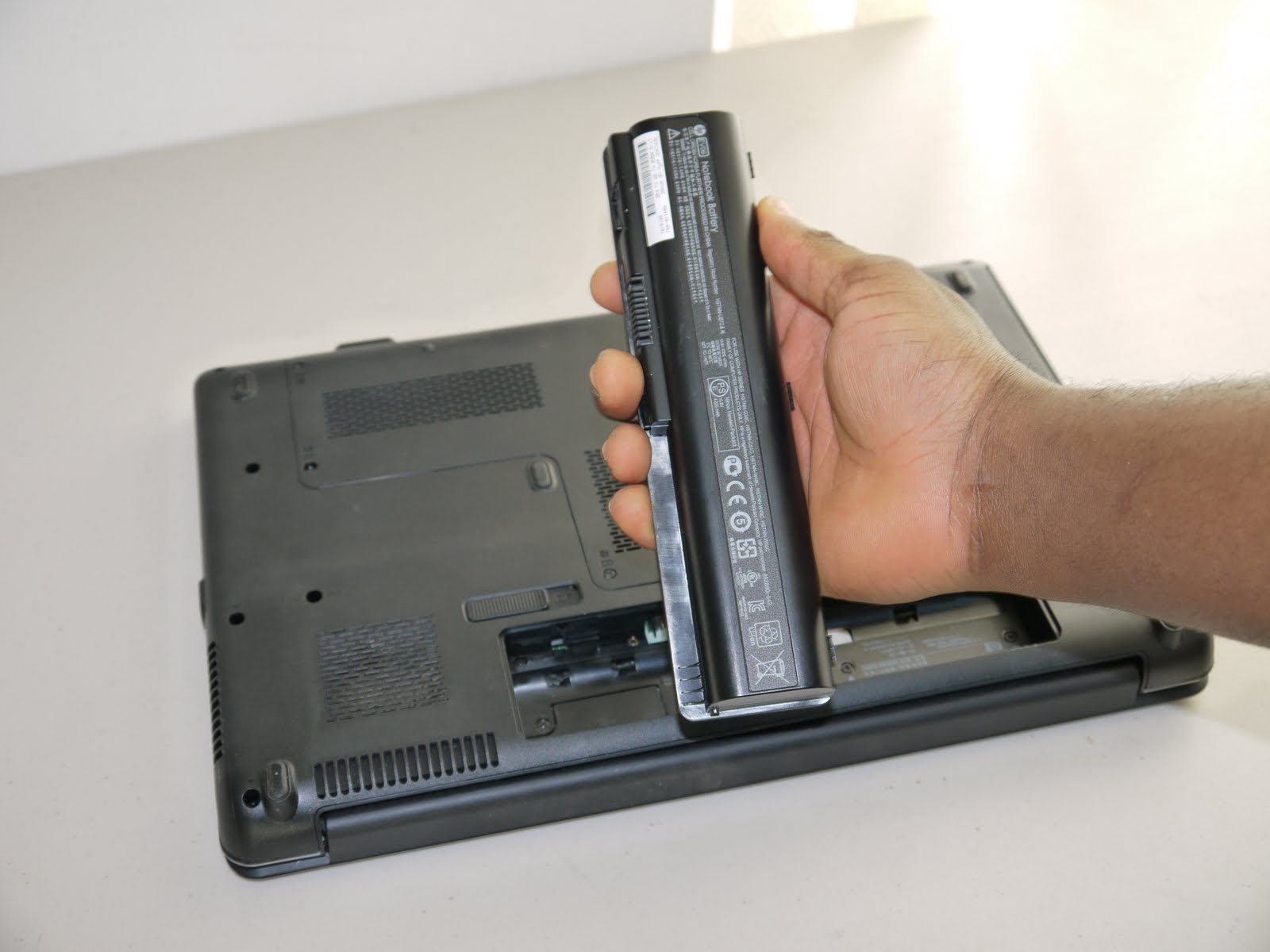
- Test with a different battery or charger to isolate the fault. If a known-good battery also causes blinking, the charger is likely faulty. If a different charger charges the original battery normally, the battery is the issue.
- Consult the charger's manual for a reset button or power cycle feature. Some battery chargers have a reset button or a power cycle feature; consult the charger's manual to determine if it has one and try resetting the charger.
When no lights appear at all
If inserting a battery produces no indicator lights, it could indicate a faulty charger, a deeply discharged battery, or a lack of power to the charger. First, verify the power outlet works with another device. Then, check that the charger is properly connected. If the charger still shows no lights, try a different battery. If no battery triggers lights, the charger may be defective. If only one battery shows no lights, that battery may be too deeply discharged to be recognized or may be faulty.
How to prevent future blinking light problems
Practical prevention tips include using the correct charger for your specific battery model, keeping contacts clean and free of oxidation, avoiding charging in extreme temperatures, disconnecting batteries once fully charged, and replacing aging or damaged batteries before they fail. Check the manufacturer's website or user manual for any available firmware updates for the charger. Understanding batteries and charging basics helps you recognize normal behavior and avoid unnecessary worry.
Frequently Asked Questions
How long does it take for a battery to fully charge?
Charging time varies by battery type, capacity, and charger specifications. It can take anywhere from a couple of hours to several hours. Always follow the manufacturer's guidelines for your specific battery and charger for the most accurate estimate.
Can I use a different charger for my mobile device?
It is generally recommended to use the charger that came with your device or one specifically designed for its make and model. Using a different charger may not provide the correct voltage or current, which could damage the battery or device components.
Can I overcharge my mobile device's battery?
Most modern mobile devices have built-in mechanisms to prevent overcharging. Once the battery reaches full charge, the charging process stops automatically or switches to a trickle charge. However, unplugging your device once fully charged can help prolong overall battery lifespan.
How do I know if my phone's battery needs to be replaced?
Signs include rapidly draining battery life, the battery swelling or expanding, or the phone randomly shutting down even when the battery level is not critically low. If you experience these issues, have the battery checked or replaced by a professional technician.
For the wider topic, see batteries and charging.
Related reading: How To Clean Out Phone Charger Port, How To Clean Connector Pins, and Why Is My Fitbit Luxe Not Charging.