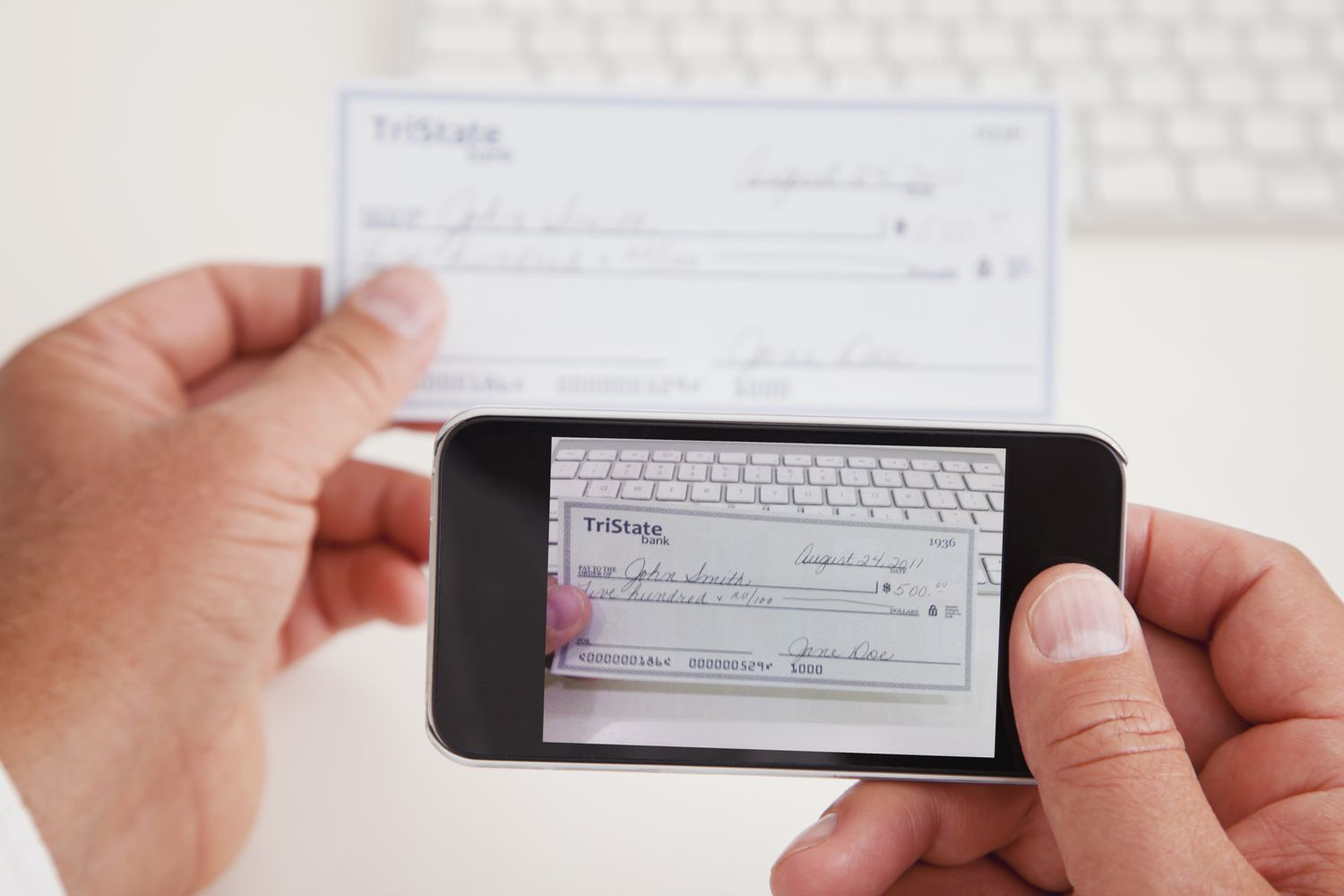
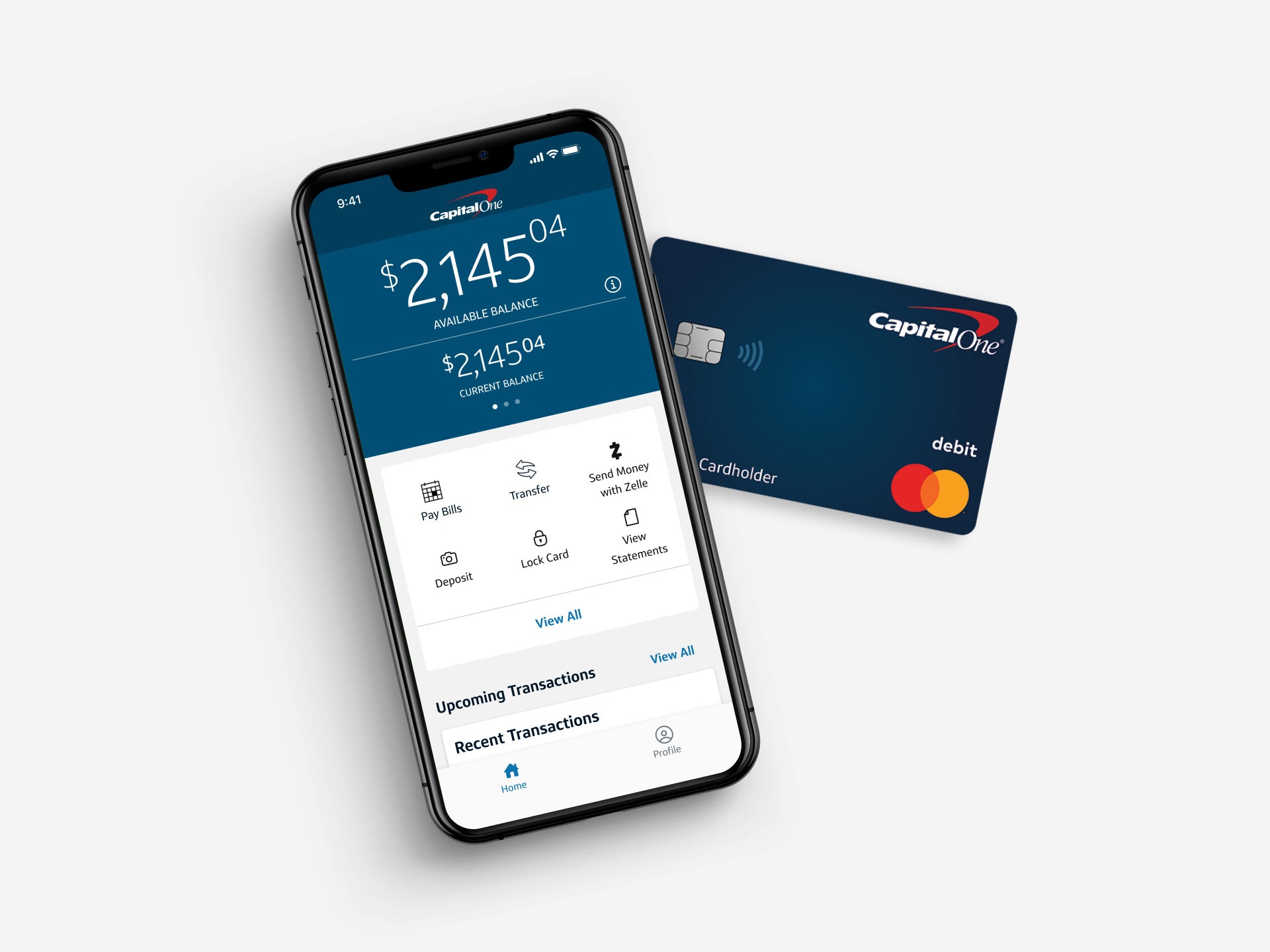
This tag collects guides about endorsing checks for mobile deposit, specifically for readers who need to deposit checks using their phone and a banking app. The articles are written for anyone who uses a mobile banking service, whether through a major carrier like Chase or Capital One, a credit union like Navy Federal, or even when depositing a check made out to someone else. The focus is on the practical steps of signing the back of a check correctly so the deposit goes through without a rejection.
The problems these articles solve fall into two clear themes. First, they address the specific endorsement requirements of different banks and credit unions, such as how to sign for a Chase mobile deposit versus a Capital One mobile deposit. Second, they cover situations where the deposit is not for your own account, like how to make a mobile deposit to someone else. Each article walks the reader through the exact wording or signature placement needed for that particular institution or scenario.
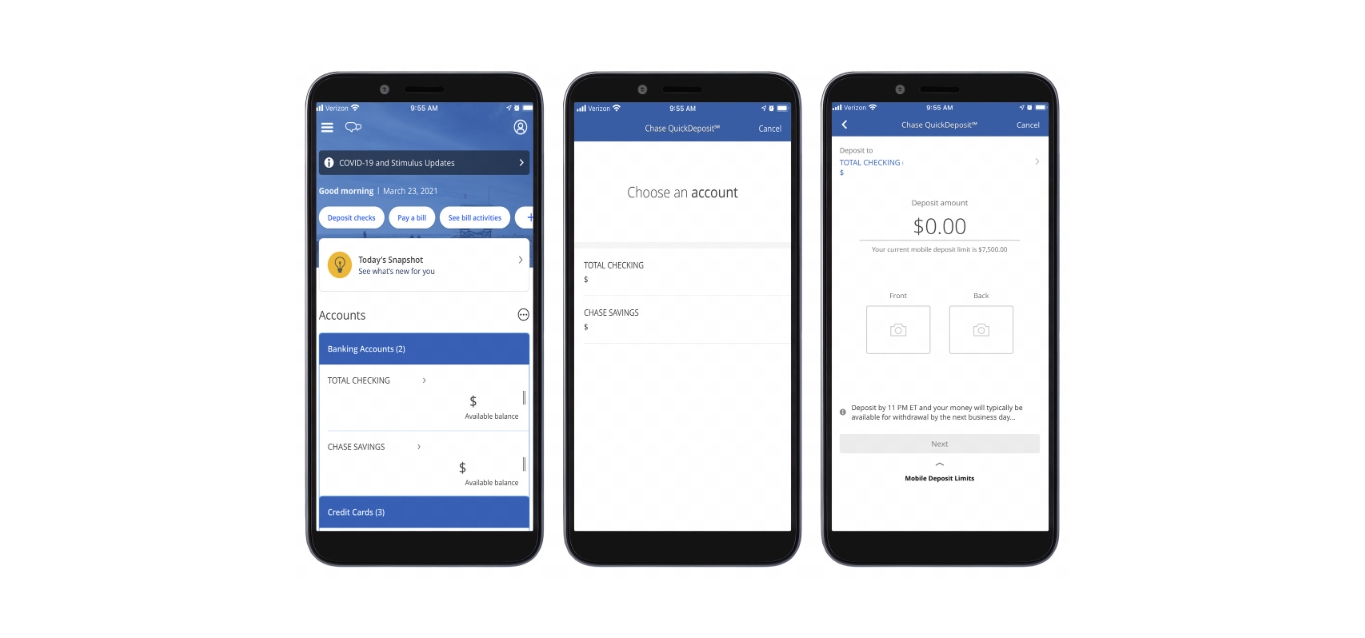
For example, the article on how to endorse a check for Chase mobile deposit explains where to write “For Mobile Deposit Only” and your signature. The guide for Navy Federal mobile deposit covers similar steps tailored to that credit union’s rules. And the piece on how to sign the back of a check for mobile deposit in general gives a straightforward method that works across many apps. Together, these articles help the reader avoid a common headache: having a deposit rejected because the back of the check was filled out wrong.