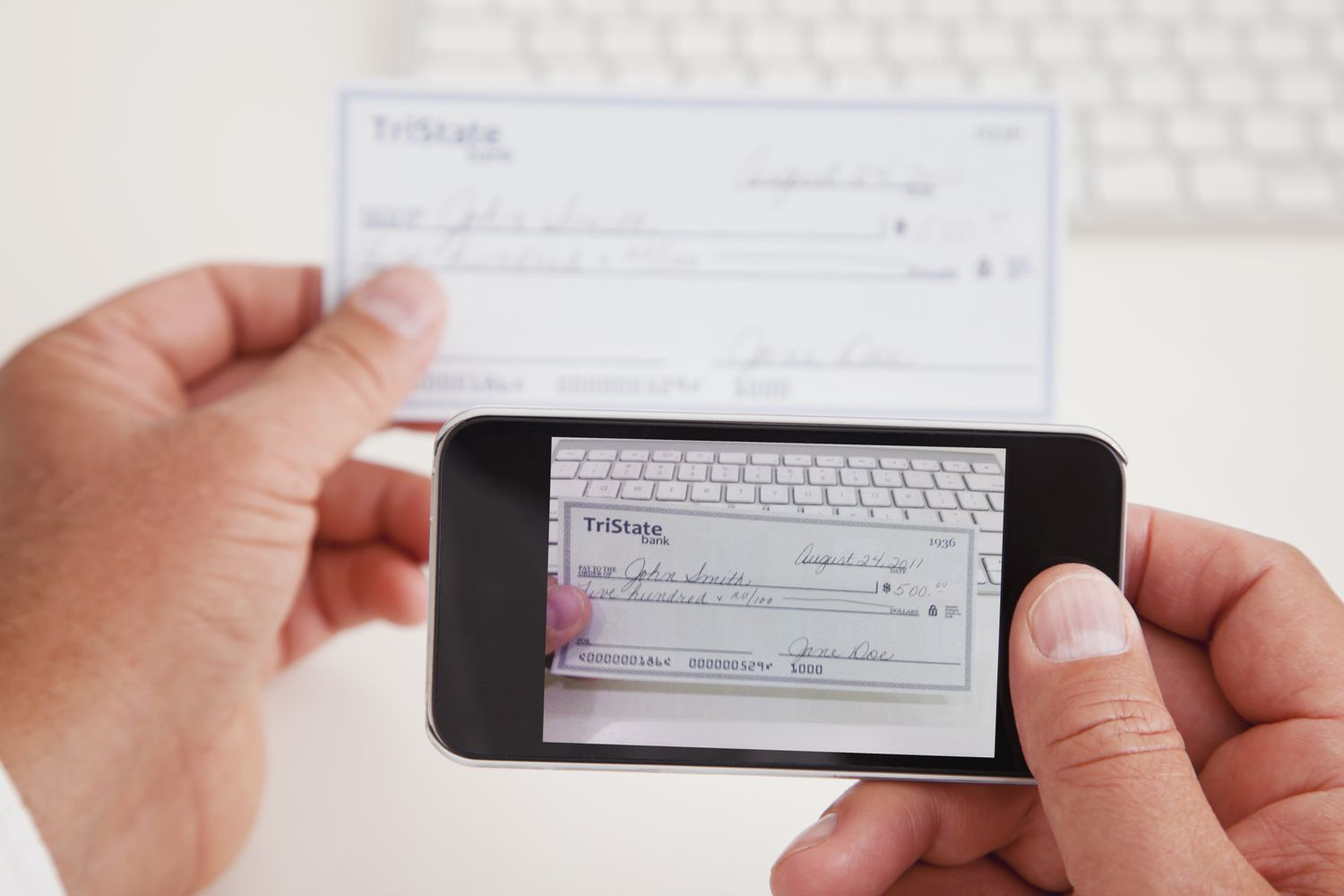
To endorse a check to Chase mobile deposit, sign the back of the check and write “For electronic deposit only at Chase” in the endorsement area. This exact phrase is required by Chase and must be written in addition to your signature to avoid a rejected deposit.
How to endorse a check to Chase mobile deposit
The endorsement area is the dedicated box on the back of the check. Use a pen with dark ink and sign your name exactly as it appears on the front. Directly below or above your signature, write “For electronic deposit only at Chase.” Do not fold, staple, or damage the check, and do not cover the MICR line or any printed information on the back.
Some institutions may recommend “For Mobile Deposit Only” under the signature, but Chase’s own instruction is the phrase above. Use that phrase to ensure the deposit is accepted. Write "For Mobile Deposit Only" above the endorsement line.
Step-by-step Chase mobile app deposit flow
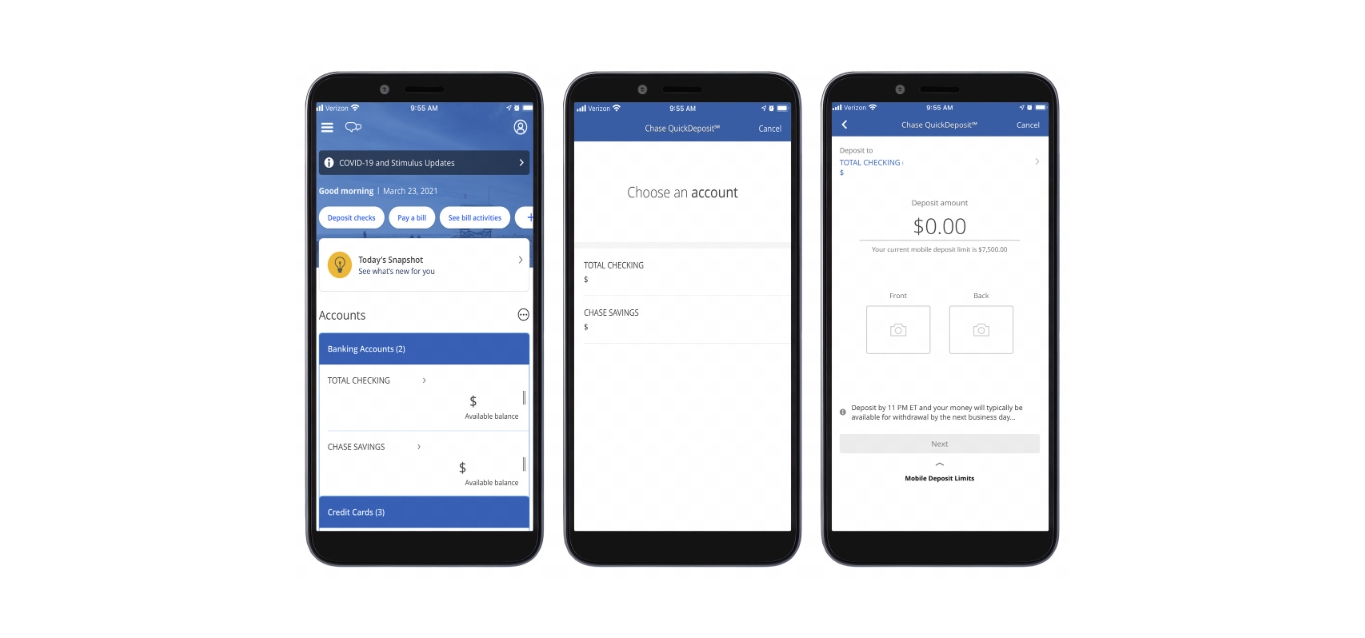
Chase documents two paths in its mobile app. Both require the same endorsement and photo steps. The first path uses the Pay & Transfer menu.
- Sign in to the Chase Mobile app.
- Open “Pay & Transfer.”
- Tap “Deposit checks.”
- Choose the deposit account.
- Enter the amount.
- Tap “Front” and take a photo of the front of the check.
- Endorse the back of the check with your signature and “For electronic deposit only at Chase.”
- Tap “Next” before taking the back photo.
- Take a photo of the back of the endorsed check.
- Review the details and tap “Deposit” to confirm.
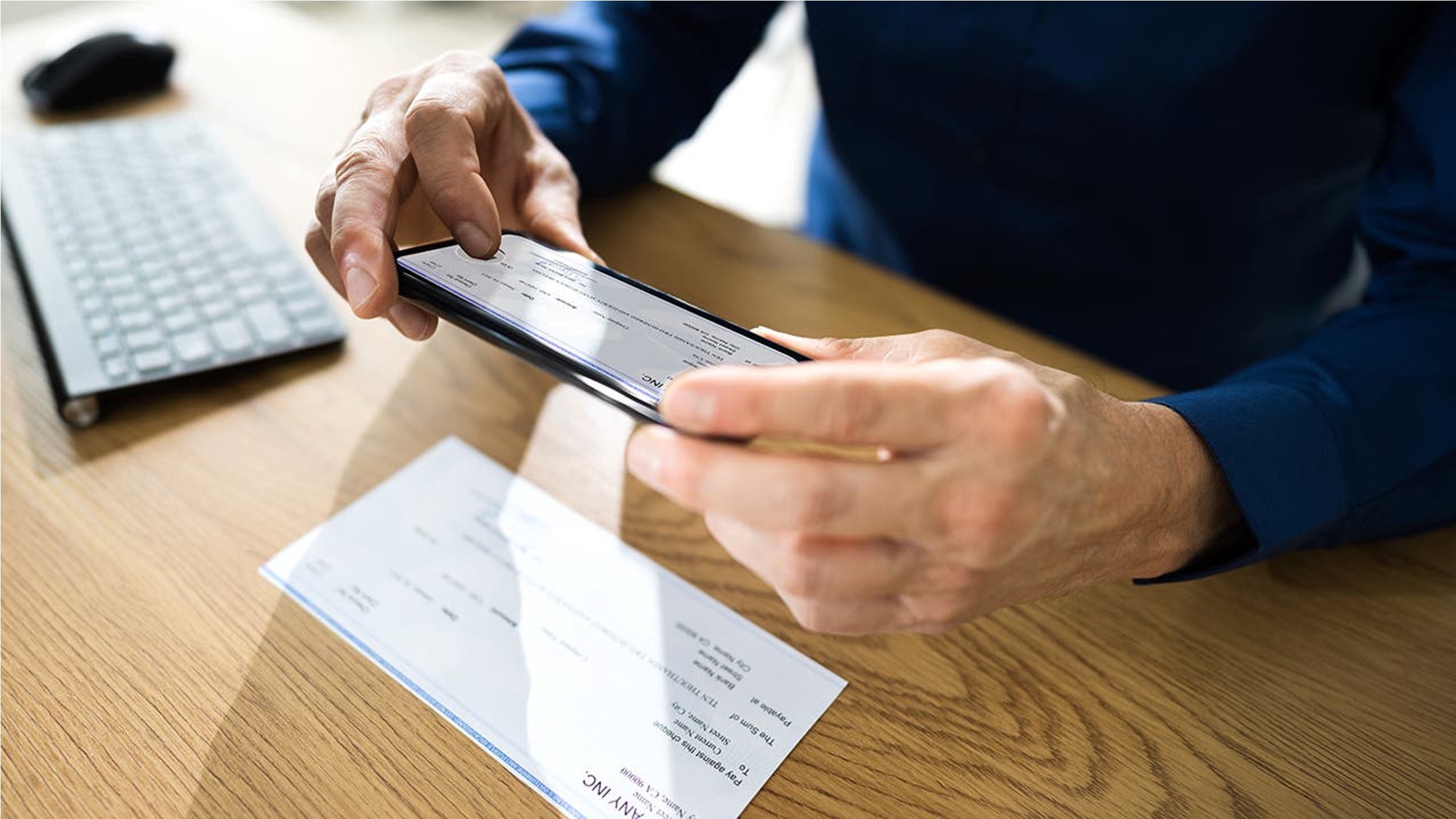
The second path is shorter: open the app, choose “Deposit checks” in the top navigation menu, select the account, enter the amount, and take pictures of the front and back of the endorsed check. The app’s “Auto Capture” option can automatically capture both photos, or you can take them manually. Chase’s business support page uses the same “Deposit Checks” menu wording and repeats the endorsement instruction.
The steps above apply regardless of your phone’s operating system.
Tips to avoid a rejected mobile deposit
Most rejections come from poor image quality or an incorrect endorsement. Ensure the check is properly endorsed with the exact phrase before you start the deposit. Place the check on a flat, stable surface in a well-lit area so all four corners and all printed text are visible in the photo. Clean your smartphone camera lens before taking the images.
Double-check that the amount you enter matches the amount written on the front of the check. If the app rejects the image, retake the photo rather than submitting a blurry one. After the deposit is accepted, keep the original check in a secure location for a few weeks before disposing of it.
If you need mobile check deposit help, Chase’s Mobile Check Deposit Guides and Timelines pages cover the process and any availability details. The app’s Auto Capture feature reduces the chance of a blurry image by automatically snapping the photo when the check is in frame. If the check is not being accepted, verify nothing is obstructing crucial information such as the account number or MICR line.
Frequently Asked Questions
What is mobile deposit?
Mobile deposit is a feature that allows you to deposit a check into your bank account using a smartphone or tablet camera, without visiting a branch or ATM.
Does Chase Bank offer mobile deposit?
Yes, Chase Bank offers mobile deposit through the Chase Mobile app for eligible accounts.
Is it safe to endorse a check for mobile deposit?
Yes, endorsing a check for mobile deposit is safe when you follow the required steps and keep the original check secure until the deposit clears.
Can I use any pen to endorse a check for Chase mobile deposit?
Chase does not specify a pen type, but a pen with dark ink that does not smudge is recommended so the endorsement is legible in the photo. Avoid pencils or light-colored inks that may not show up clearly.
What happens if I write the wrong endorsement phrase on the check?
Is there a limit on how many checks I can deposit this way?
The pages only state that most checks should be endorsed in the dedicated endorsement box. Check your account terms or contact Chase for any dollar or frequency limits.
Do I need to keep the check after the mobile deposit is accepted?
Yes, keep the original check in a secure place for a few weeks after the deposit. Chase does not specify an exact number of days on these pages, but retaining the check protects you if a question arises about the deposit.
Does Chase charge a fee for mobile deposit?
The pages cover the endorsement and app steps only, so any applicable fees would be listed in your account agreement or deposit account terms.
Related reading: How To Endorse Capital One Mobile Deposit and How To Sign Back Of Check For Mobile Deposit.