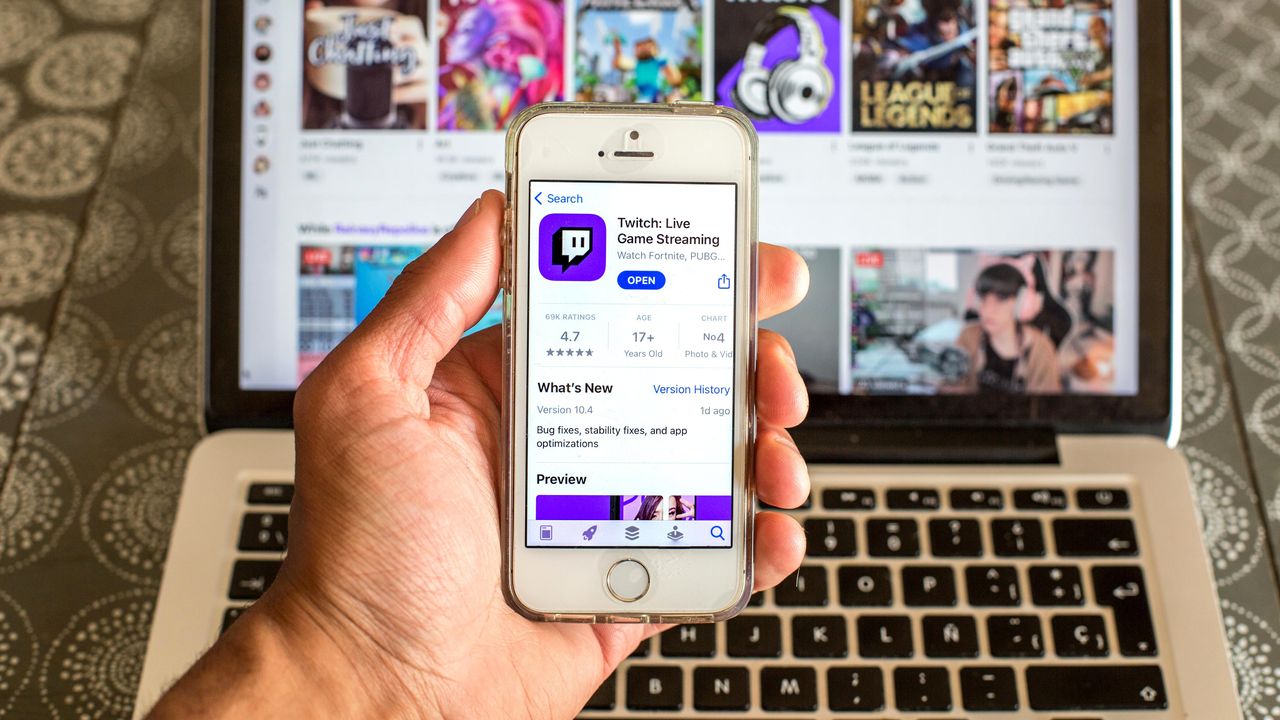
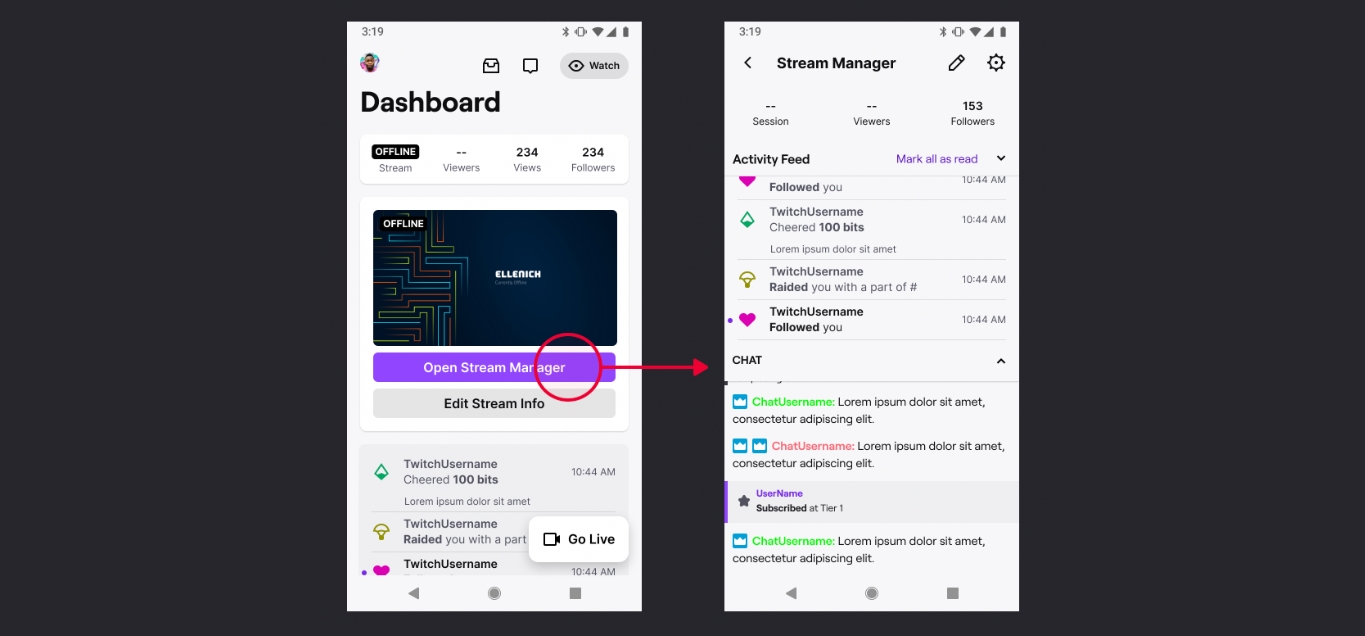
Articles specifically for mobile-first content creators and streamers. Whether you are a Twitch affiliate building an audience or a Roblox avatar designer, these guides focus on the practical, behind-the-scenes tasks you handle on your phone. This is not about making content itself, but about managing the business and technical side of your channel or storefront from a mobile device.
The articles here solve two clear kinds of problems. First, they help you track your performance and earnings. You can learn how to check your Twitch analytics to see who is watching and when, and how to check your Twitch payout to confirm your revenue, all without opening a laptop. Second, they help you manage your published content. Guides on how to save streams on Twitch mobile and how to delete videos on Twitch mobile give you direct control over your video library from your phone. For Roblox creators, the tag also covers how to upload clothes on Roblox mobile, solving the specific problem of getting your designs into the marketplace while on the go.
Each article is a straightforward walkthrough. They describe exactly what buttons to tap and where to find the settings, turning your phone into a capable tool for creator account management.