Practical, hands-on guides for anyone who owns a smartphone or wearable and wants to keep their gear running smoothly. This section is built for everyday users who run into common hardware or software hiccups and need clear, no-nonsense steps to fix them without a trip to the repair shop.
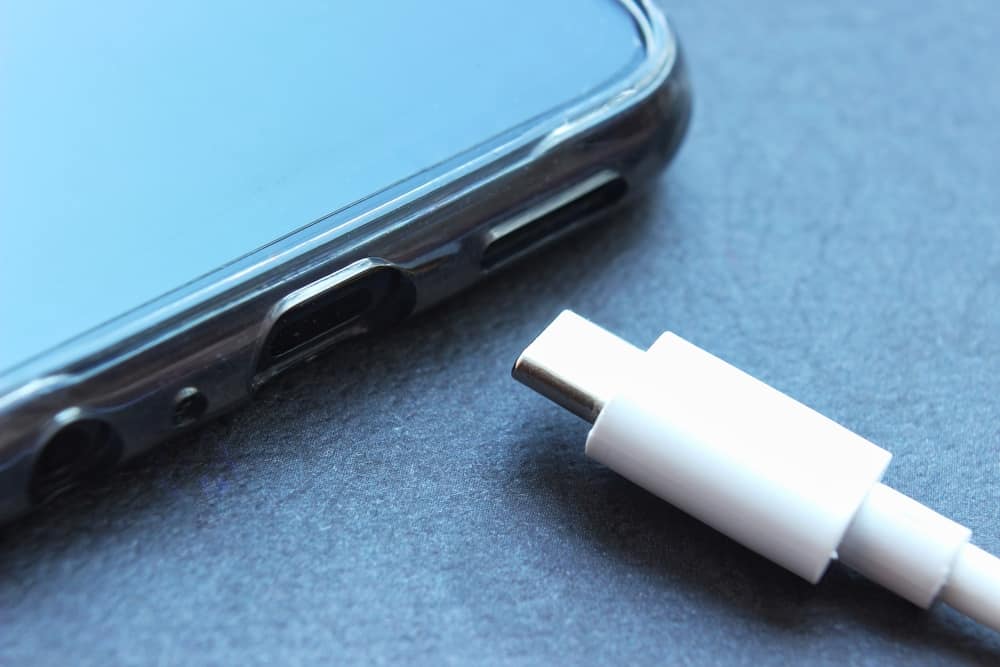
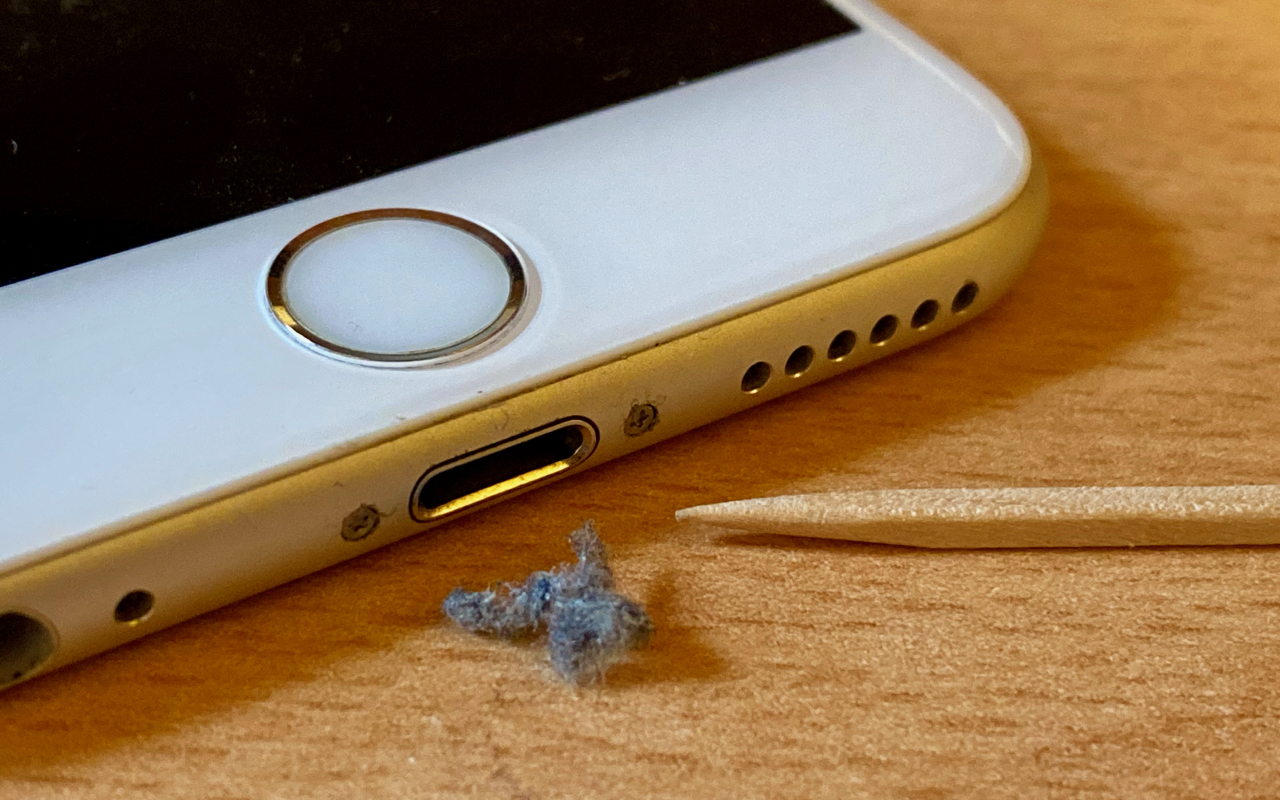
The articles here address two main kinds of problems: keeping your phone’s physical ports and connectors clean and dry, and managing its internal storage and performance. For example, you’ll find straightforward instructions on how to clean out a phone charger port and how to dry a charging connector, both essential for avoiding charging failures. On the software side, guides like “How To Check Phone Memory In Samsung” and “How To Clear Phone Cache Samsung” help you free up space and speed up your device. There’s also a deep dive into performance issues with the Galaxy S7 and S7 Edge’s Exynos 8890 chip, which explains why your phone might be lagging and what you can do about it.
Each article helps you perform a specific maintenance or troubleshooting task, whether that’s checking your available storage, clearing out cached data, or safely drying out a wet charging port. Even wearables get attention, with a guide on how to waterproof your Fitbit Flex. These are focused, actionable solutions for real problems you might face with your phone or accessory.