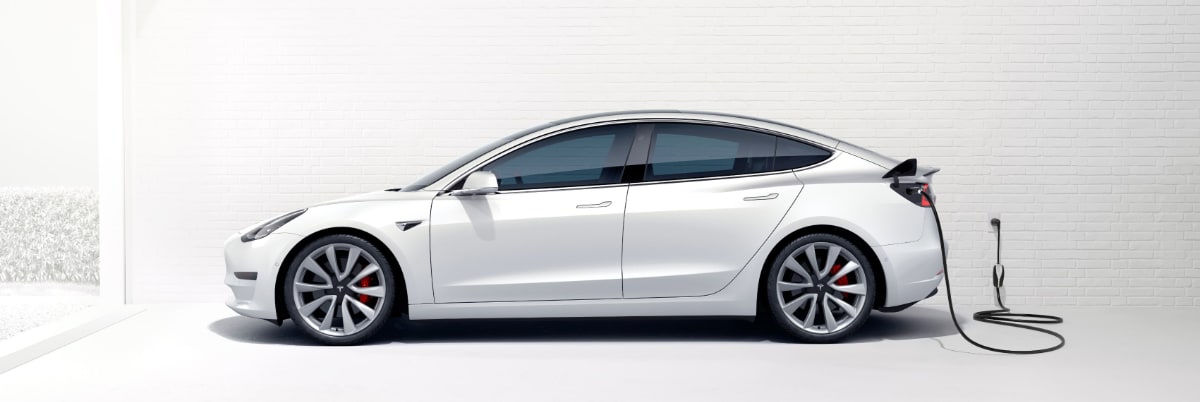
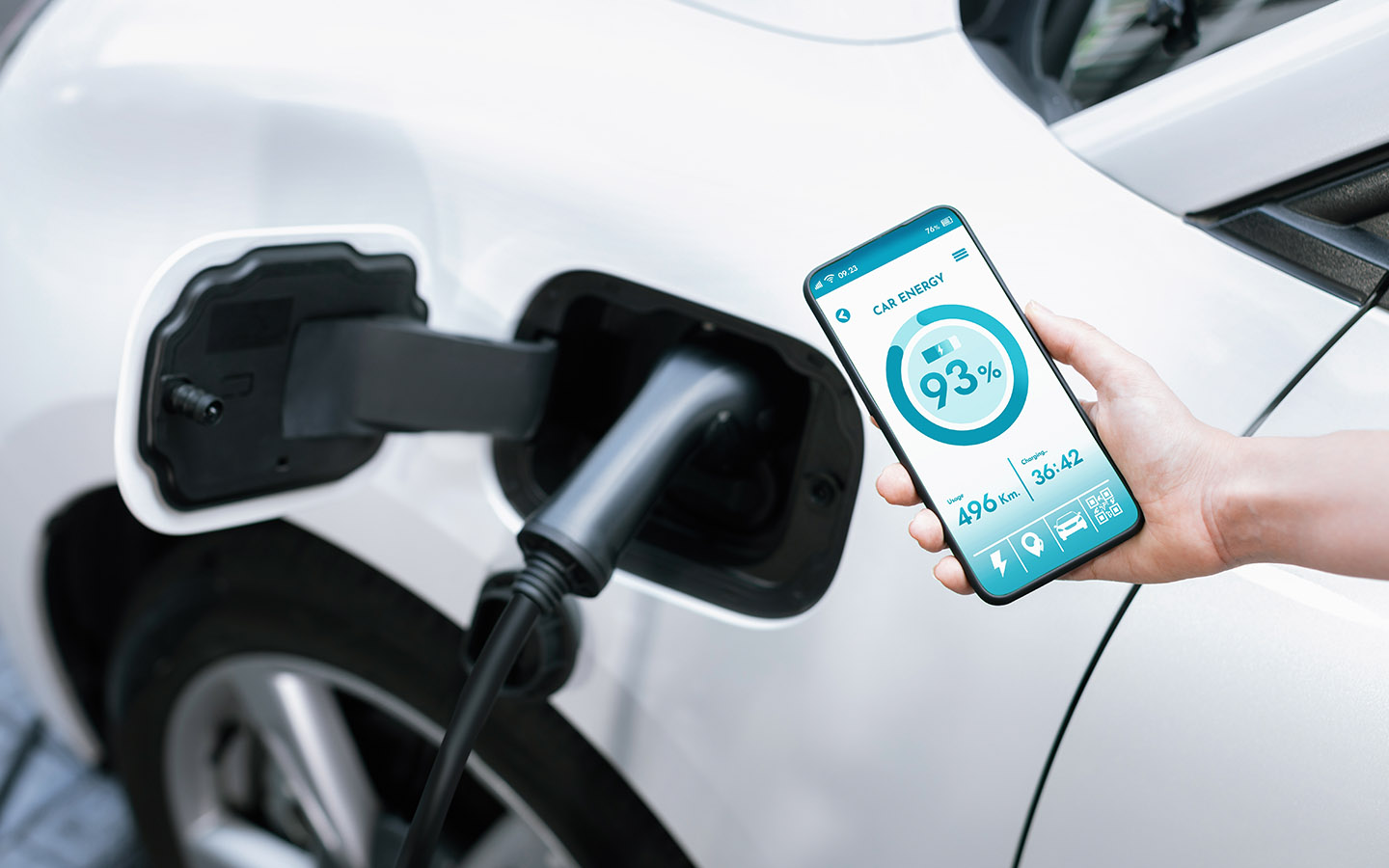
This tag collects articles for Tesla owners and prospective buyers who are focused on the practical, everyday aspects of integrating their electric vehicle with their mobile device and home charging setup. The content is specifically tailored for readers of CellularNews who want straightforward, actionable guidance on the hardware and software connections between their phone and their car.
The articles address two main themes: understanding and installing Tesla’s charging equipment, and using your smartphone as a vehicle key. For charging, you can learn the exact cost and process for installing a Tesla Wall Connector, find out which connector type the car uses, and get details on the length and proper usage of the Tesla Mobile Connector. These pieces help you plan your home charging setup and know what physical gear you are working with.
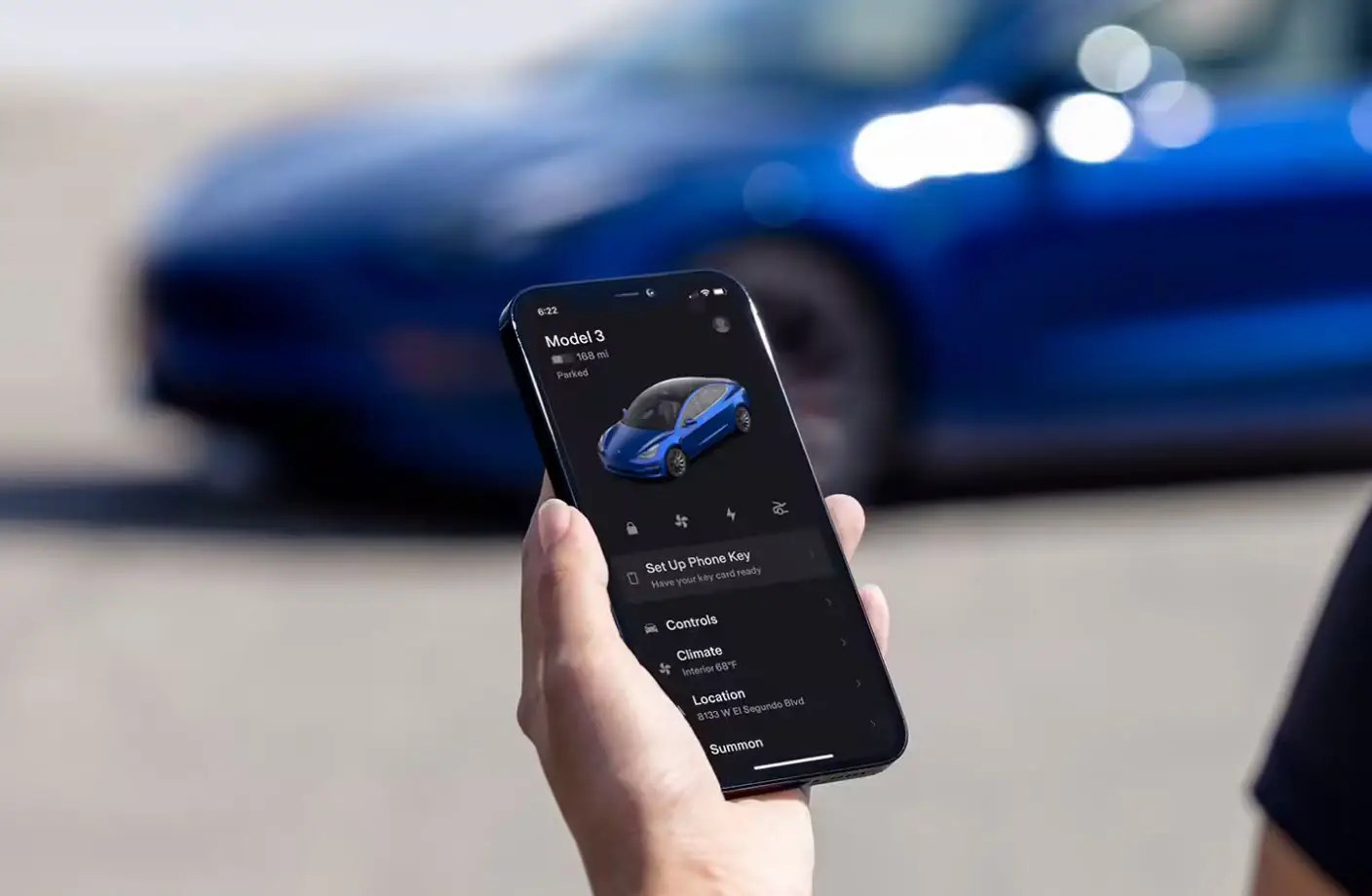
On the phone-integration side, the guide on how to add a phone key walks you through setting up your device as a digital key for locking, unlocking, and starting the car. Whether you are troubleshooting a connection or setting up a new phone for the first time, these articles help you complete a specific task without unnecessary theory or speculation.