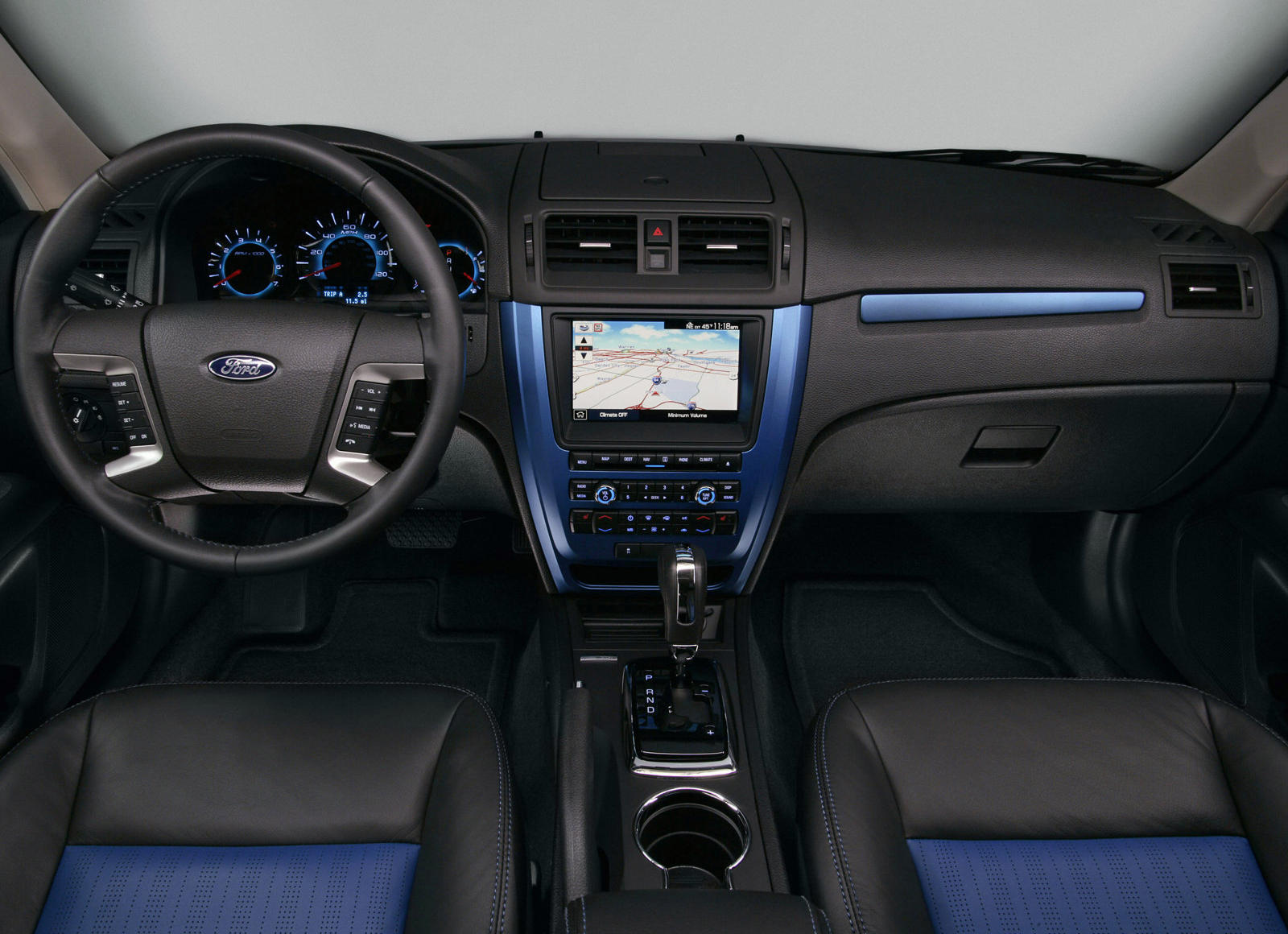
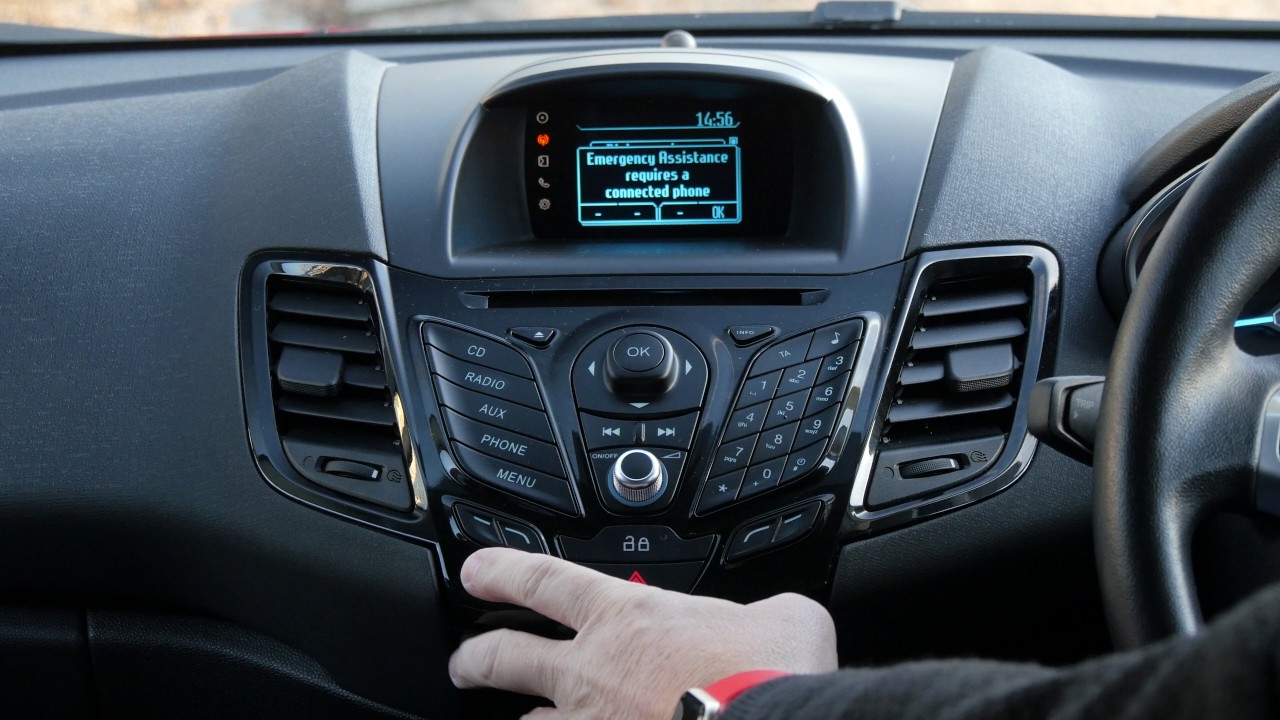
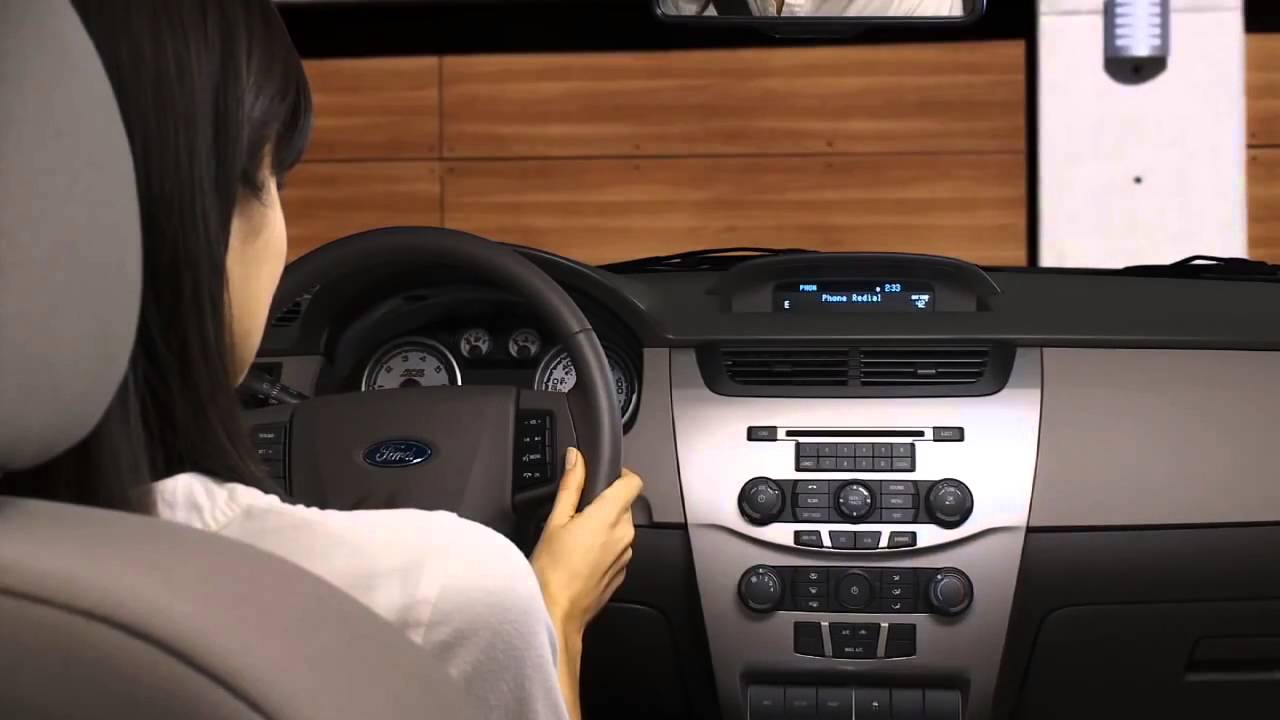
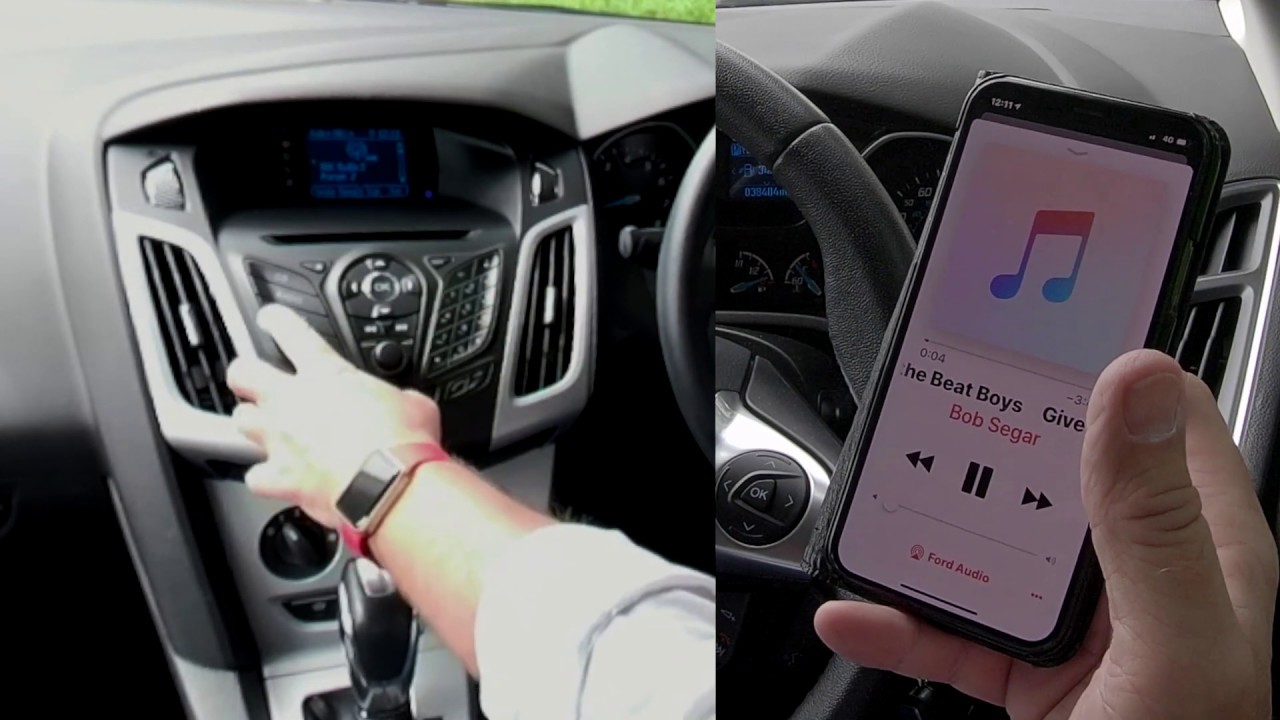
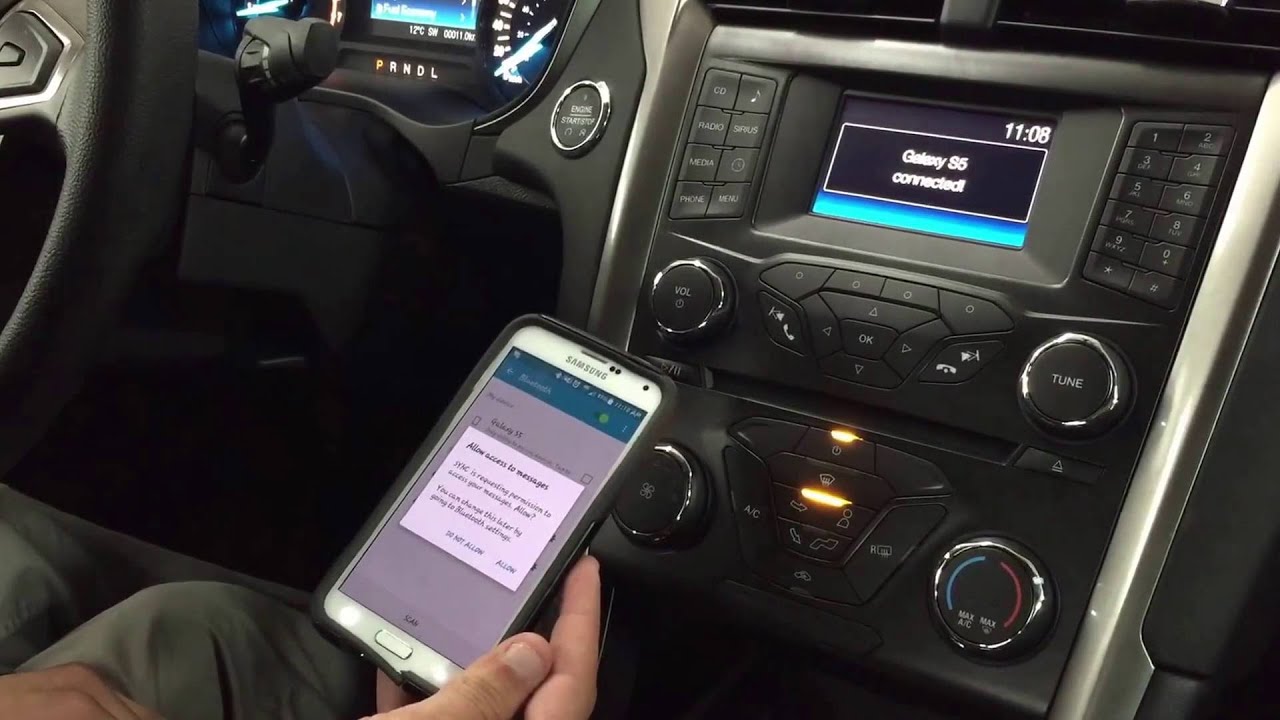
This tag collects all of CellularNews’s articles about Ford SYNC, the in-car infotainment system that pairs with your phone. It is written for Ford owners who want to manage their phone’s connection to their vehicle, whether they drive a Fusion, Focus, or Escape. The guides here focus on real, everyday tasks that come up when using SYNC, from the initial setup to removing an old device.
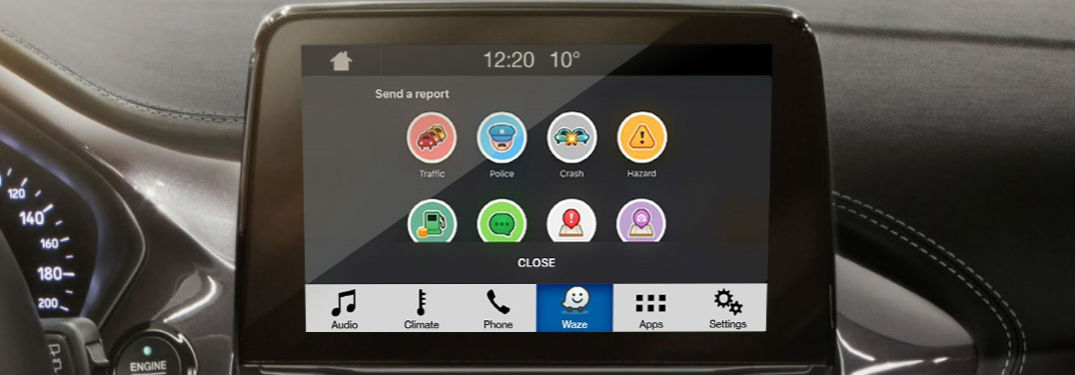
The articles solve two main kinds of problems. First, they help with pairing and connecting a phone to specific model years, such as the 2010 and 2011 Ford Fusion, the 2012 Fusion and Focus, and the 2014 Escape. These guides walk you through the steps to get hands-free calling and audio streaming working. Second, they address housekeeping tasks like how to delete a phone from Ford SYNC when you sell the car or switch devices. You will also find a guide on how to get mobile apps onto the SYNC system, which expands what your car can do from the driver’s seat.
Each article gives you a clear, step-by-step process to complete a specific action. Whether you need to connect your phone to a 2012 Ford Focus or remove an old device from the system, the instructions are right here. These are the practical fixes and settings changes that keep your SYNC system working smoothly with your phone.