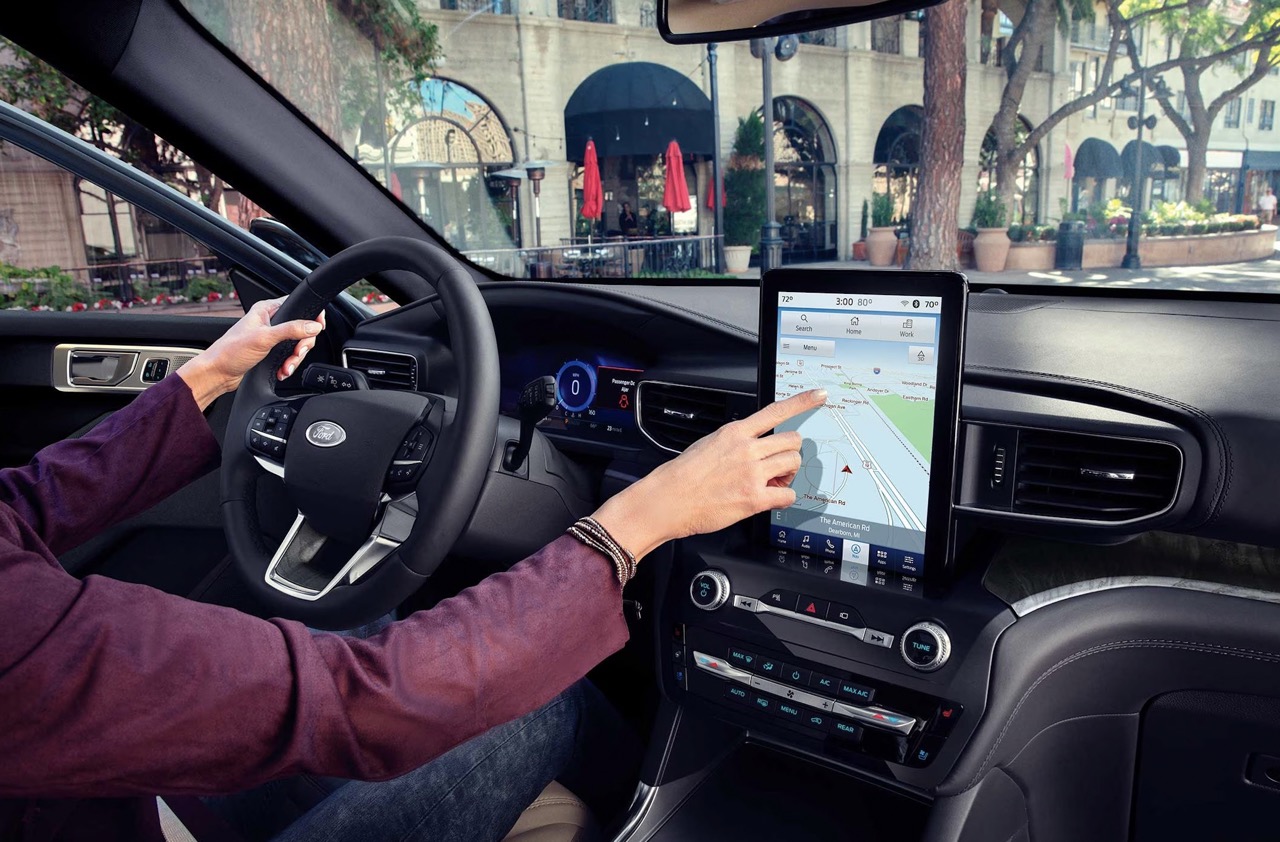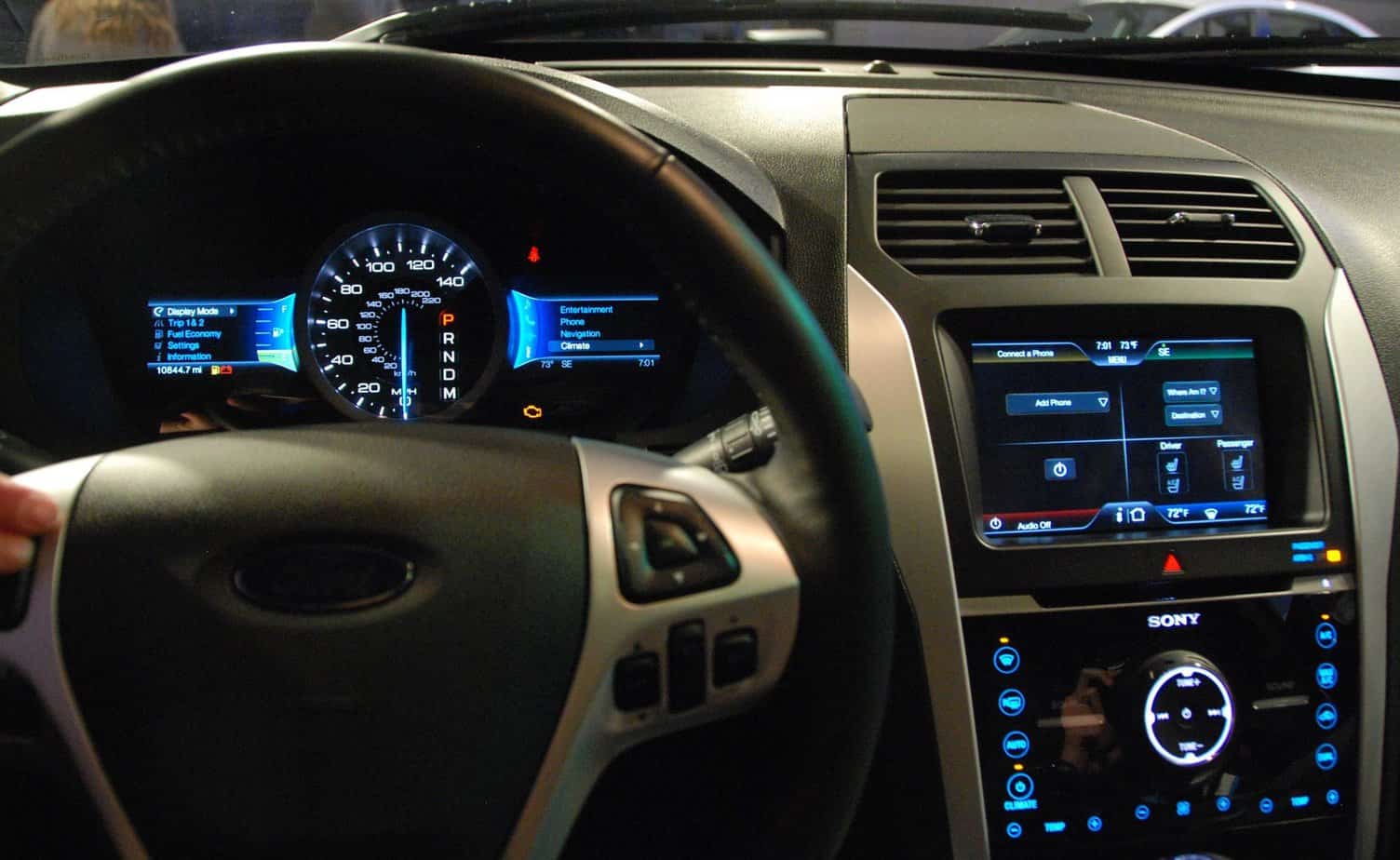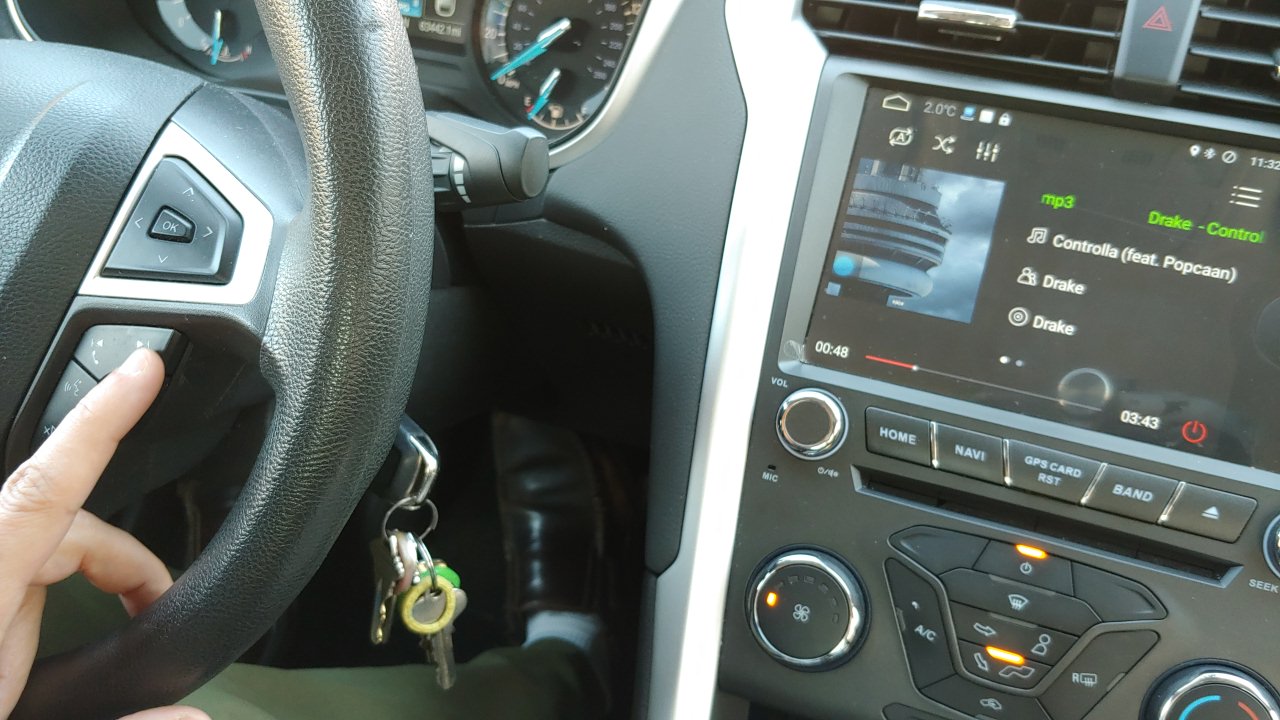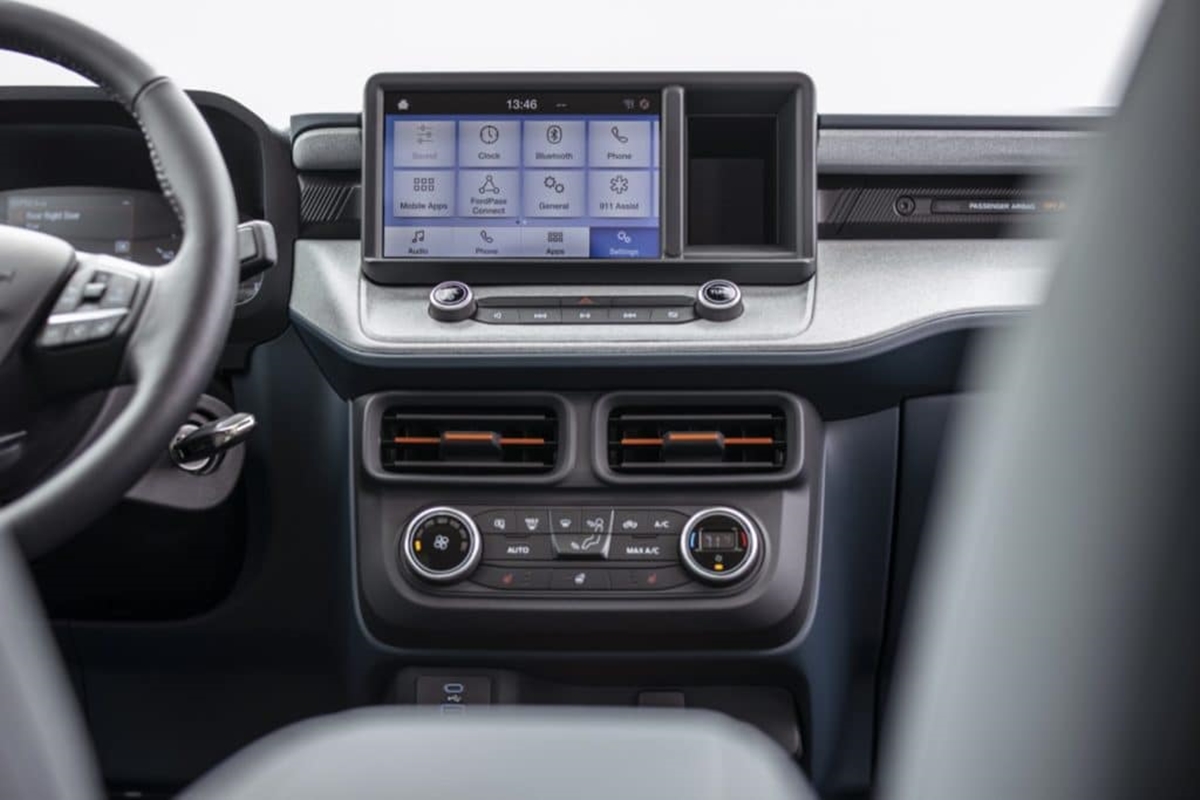
This tag collects articles focused on connecting and managing phones within Ford vehicles, specifically for owners and drivers who need practical, step-by-step guidance. Whether you drive a new 2022 Maverick or an older 2014 Fusion, these posts address the real-world challenges of pairing devices, deleting old connections, and understanding the screen sizes involved in your car’s infotainment system.
The articles here solve two main kinds of problems: first, basic Bluetooth and Sync pairing for models like the Ford Explorer and Fusion, where the goal is to get your phone connected for calls and music. Second, they cover device management and hardware specifics, such as removing a phone from a 2022 Ford Edge or learning the exact size of the standard center-stack touchscreen in the all-new Maverick. You will also find a dedicated guide on Ford Sync and general Car Bluetooth pairing, which helps when your car’s system refuses to cooperate.
These posts help you complete specific tasks: you can learn how to connect your phone to a Ford Explorer or a 2014 Fusion, delete a phone from a 2022 Edge, and verify the screen dimensions in the Maverick. Each article is written to get you from a problem to a working connection without guesswork.